I’d love to have that kind of budget for my NAS! 
@NA9D, thanks for the input. That’s unfortunate to hear, but the cache isn’t critical to us and the hardware for it isn’t too expensive, so we wouldn’t be too concerned without it. It makes me wonder why the TS-h1090FU is set up the way it is then. I’d much prefer to see a 16-bay HDD NAS with up to 1TB of RAM, if you’re listening, QNAP! How would the bays in the TS-h1090FU typically be used along with JBODs then?
@dolbyman, thanks for the input as well, but I’m not sure what’s seeming to be confused. I think the build I outlined in my previous message is relatively straightforward. If you can let me know what’s confusing I’m happy to clarify. At this point it’s really just figuring out a good use of the capacity in the TS-h1090FU. Maybe it could just be set up as a separate SSD NAS then?
@dolbyman, QTier looks interesting, thank you for bringing that to my attention. It almost sounds like what I’d expect and want the caching to be doing, really. I’ll invest some more time learning about QTier.
I think that’s probably a better idea as instead of just caching, it (as I understand) migrates the most commonly used data to the SSD drives.
Before Hero 6, it was not available in Hero.
Just because the info is fractured across a couple of posts.
Are you planning to fill the expansions with HDD or SSD ?
If you want the main NAS filled with NVMe SSD’s and expansions with regular HDD’s then using the NAS as Ultra performance tier, would work.
Here is an overview of QTS Qtier
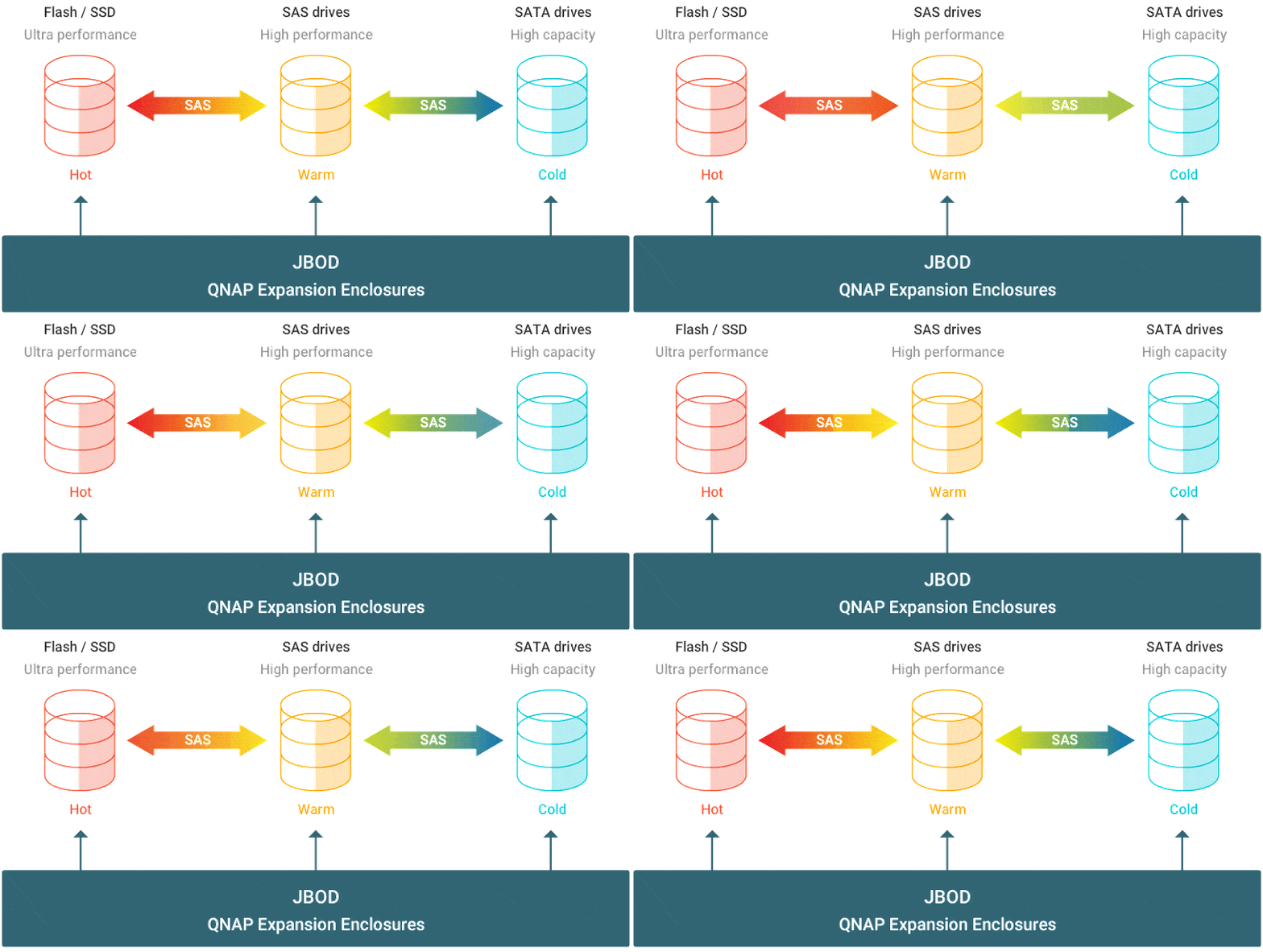
Yes, that’s true since our planning has been getting refined. The main NAS would be a TS-h1090FU which is an all-flash NAS that supports either U.2 NVMe PCIe Gen 4 or SATA 6Gbps SSDs. That would initially have six TL-R1620Sep-RP expansions attached to it each filled with 32TB NAS HDDs.
My remaining concern was what to usefully do with the bay capacity in the TS-h1090FU, since it’s otherwise just there to host the expansions. I really appreciate you suggesting Qtier. I feel like what you’re saying probably makes the most sense and will be learning more about it.
I misspoke in an earlier message and said we’d like to use Gen5 NVMe, but I meant Gen4 NVMe since that’s what the TS-h1090FU supports. We’re exploring using them in an adapter like this one: Amazon.com: StarTech.com M.2. PCI-e NVMe to U.2 (SFF-8639) Adapter - Not Compatible with SATA Drives or SAS Controllers - For M.2 PCIe NVMe SSDs - PCIe M.2 Drive to U.2 Host Adapter - M2 SSD Converter, TAA : Electronics