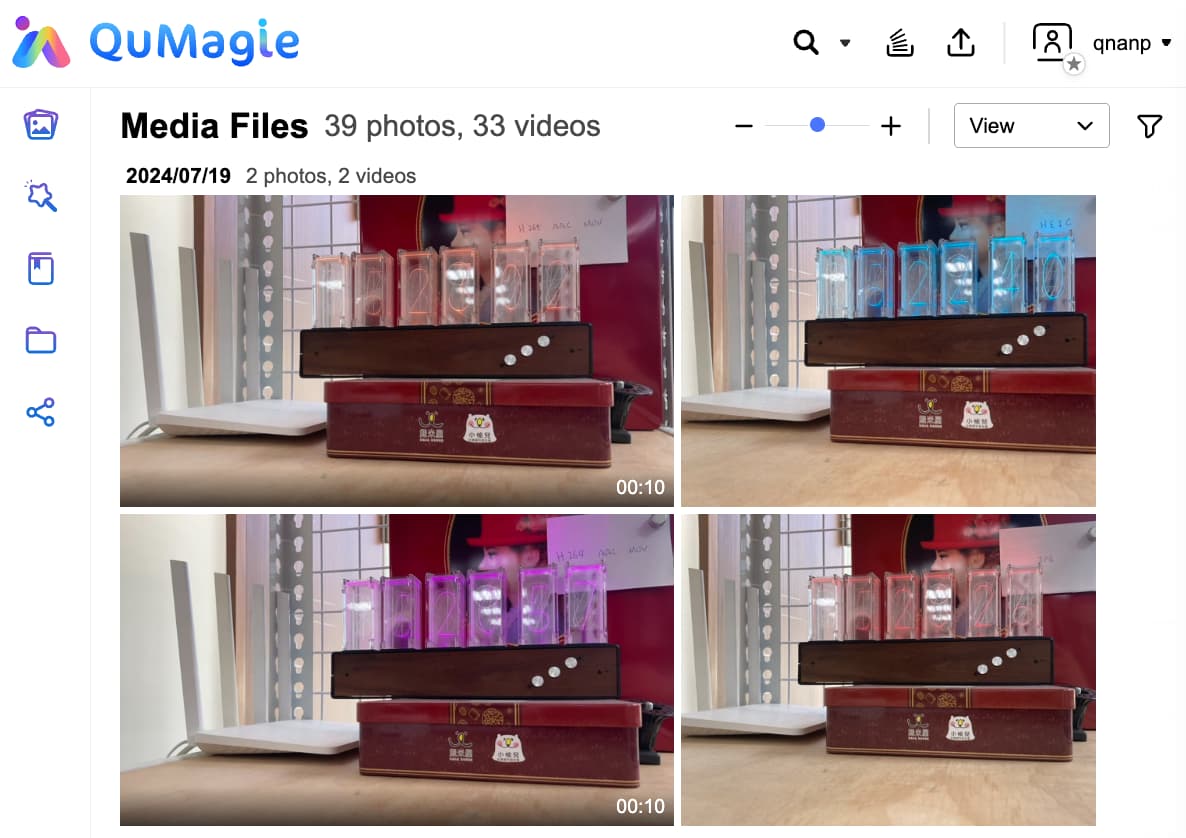
HEIC is a high-efficiency image format that has become increasingly popular on smartphones in recent years. At the same image quality, it requires only about half the storage space of JPEG, helping to significantly reduce storage usage on your phone and save both upload time and cloud storage space when backing up.
However, while the advantages of HEIC are clear, older devices or applications that do not support the format may still encounter compatibility issues. In the past, many NAS users have experienced frustrations such as:
“You have to buy a license just to view files—can’t even see the thumbnails.”
“I just want to view my phone’s photos and videos, but neither HEIC nor HEVC will open!”
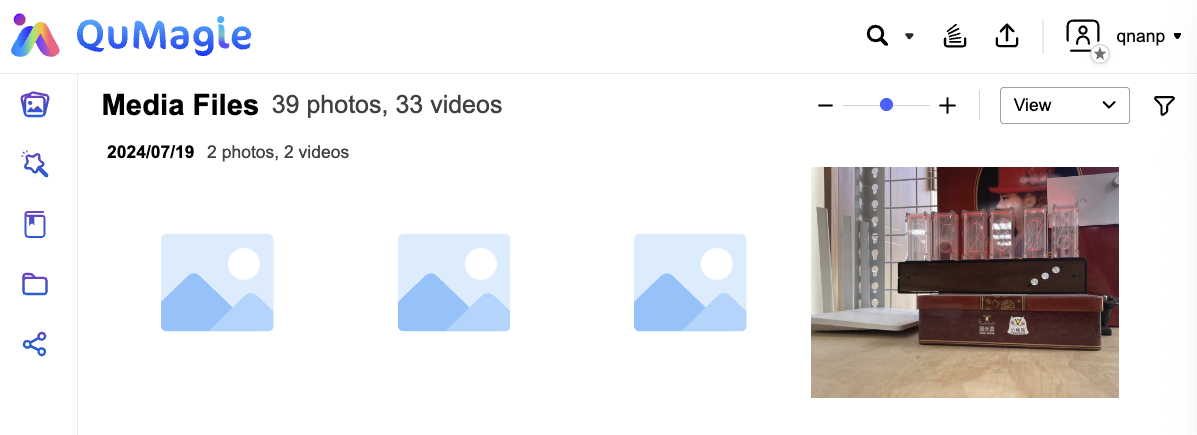
On a QNAP NAS, if you wanted to view HEIC photos in File Station or QuMagie, you previously needed to use the third-party application CAYIN Media Sign Player and purchase the Plus license to process them. Now, with the release of CAYIN Media Viewer, the free basic version is enough to meet most users’ core needs.
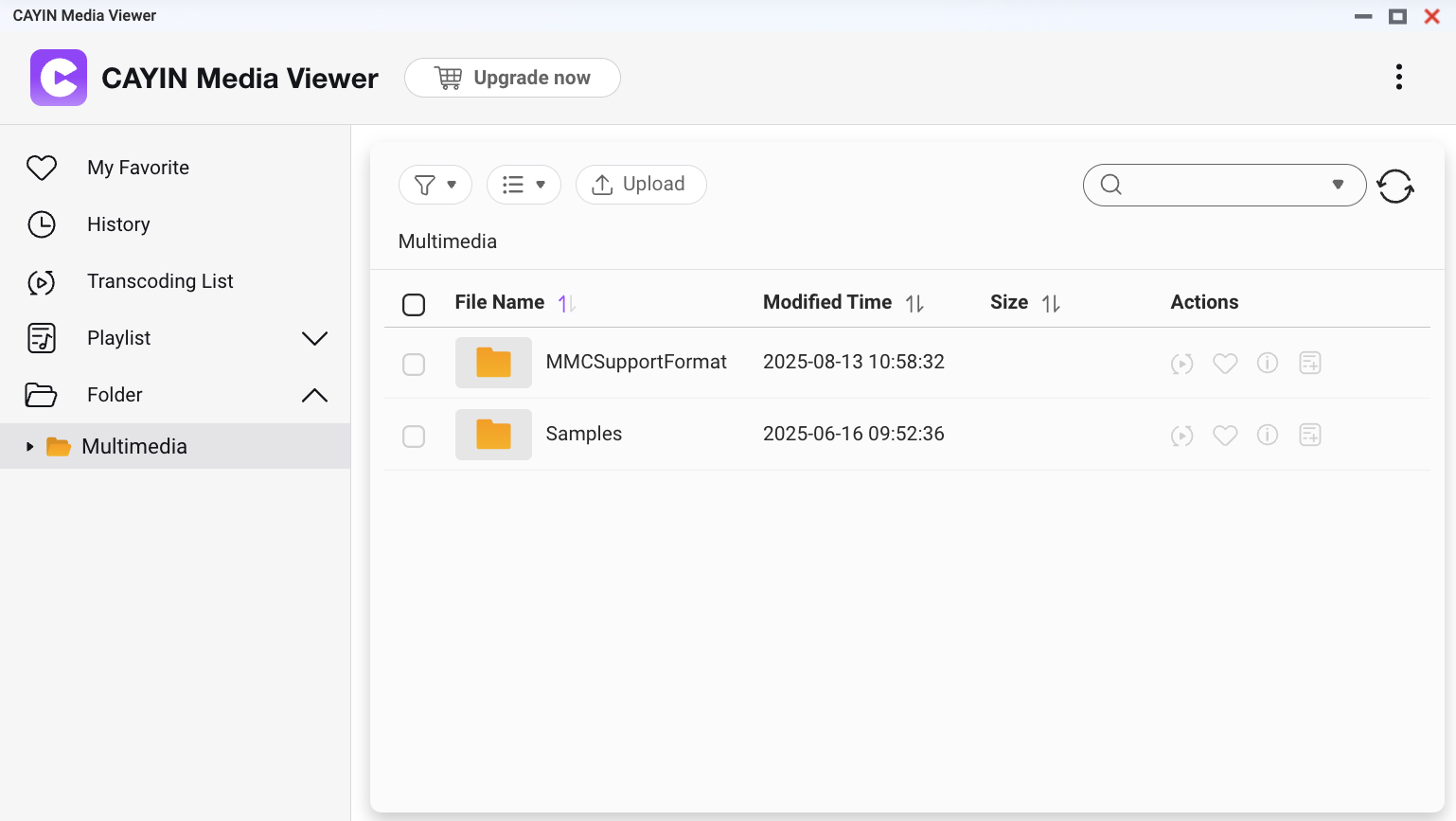
The new CAYIN Media Viewer can directly replace the older CAYIN Media Sign Player. It supports QTS 5.2.0 or QuTS hero h5.2.0 and later, and can be downloaded from the App Center. It also requires Multimedia Console 2.8.0 or later.
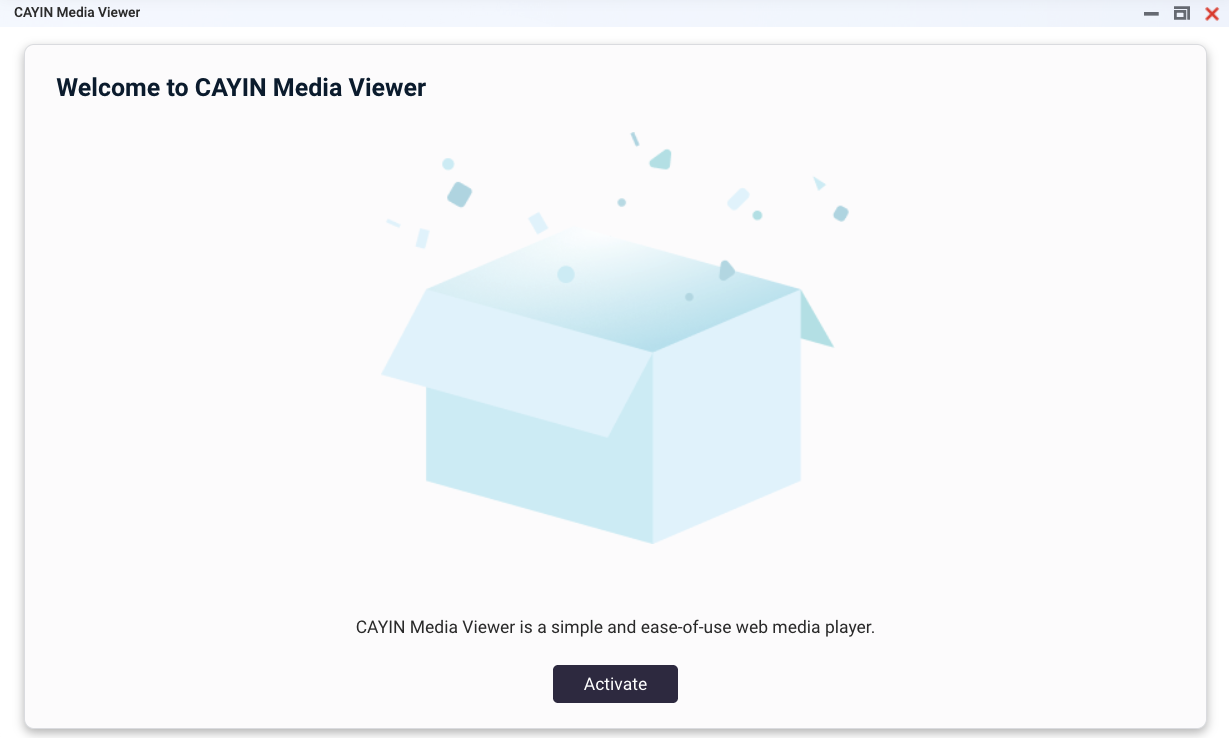
Getting started is simple—just open CAYIN Media Viewer and activate it online.
Once set up, you’ll be able to browse HEIC photos taken on your phone and play HEVC videos directly in File Station and QuMagie. Thumbnails will be generated automatically, making file management and viewing more seamless and convenient.