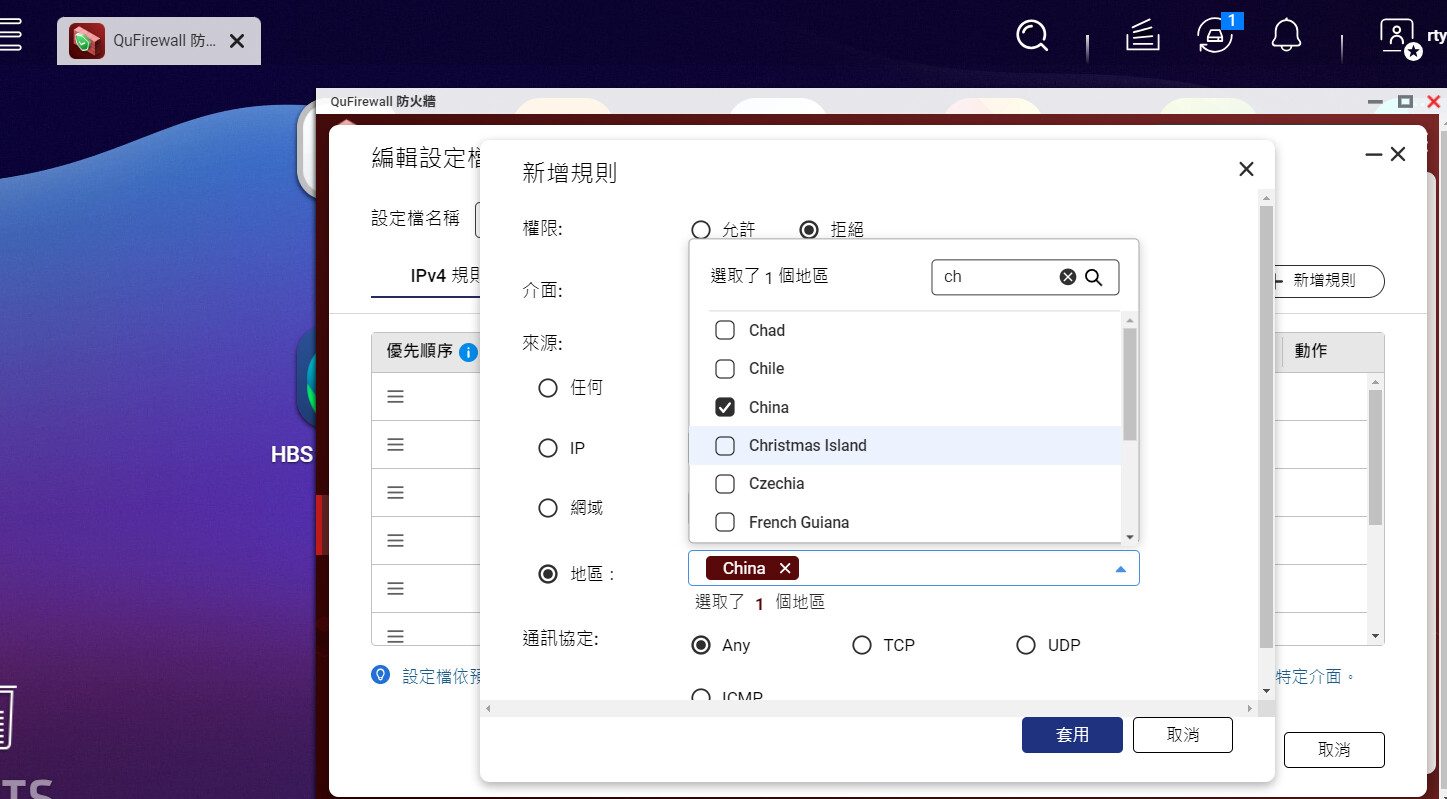
Thanks to technological advancements, backup and archiving of electronic files have become quite sophisticated. However, when files are centrally stored on a NAS, certain security issues inevitably arise, such as accidental deletion or the need to track which user modified a file. Fortunately, these actions are logged for review. For remote offices or sales personnel connecting to the NAS from outside its designated area, it’s important to utilize the VPN server function to allow colleagues to access internal files. Of course, since external devices can read internal files, this also raises some security concerns, as malicious individuals may attempt to use external network connections to access files or encrypt electronic files (ransomware). QNAP has added the QuFirewall firewall feature to its NAS, allowing you to whitelist devices that can connect to the NAS and block all others, or even block access based on geographic location—for example, completely blocking china, which frequently attacks Taiwan’s network devices. After enabling this feature, warning messages in the LOG are significantly reduced. It’s truly a thoughtful design.