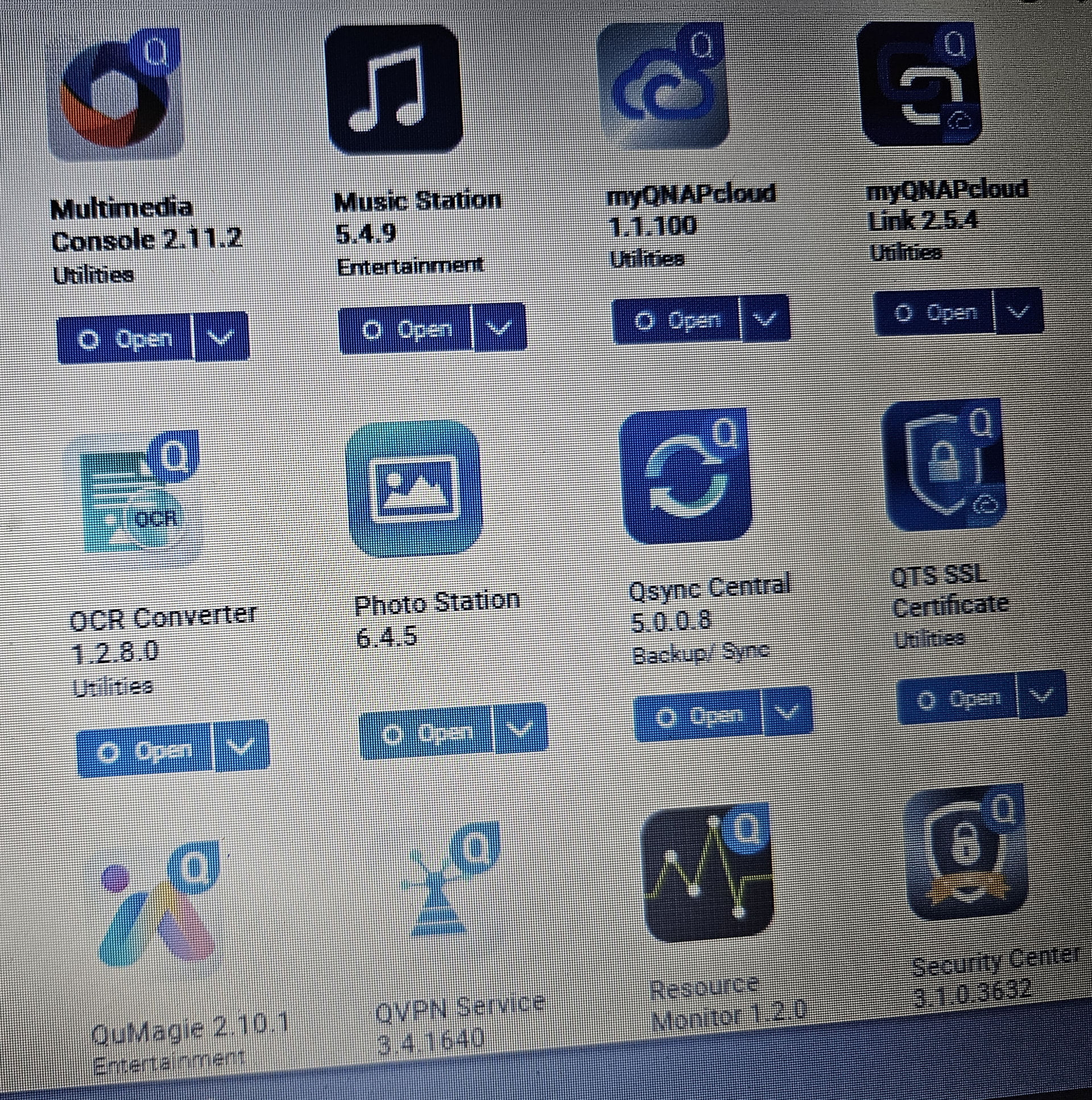
Thank you for your patience. myQNAPcloud Link 2.5.4, which addresses this share link issue, is now available in App Center. Please update myQNAPcloud Link to version 2.5.4 from App Center on your NAS, and then check whether your QuMagie share link works as expected.
Thank you for testing and for the detailed update. We’re glad to hear that re-sharing the album link works.
Regarding the Chrome shortcut (“Install and Create Shortcut”) that stops working after a while, even though the original shared link keeps working: we have passed this on to the relevant team to check. To help them, could you please let us know:
The device and system you are using (for example, phone model and Android version), and your Chrome version.
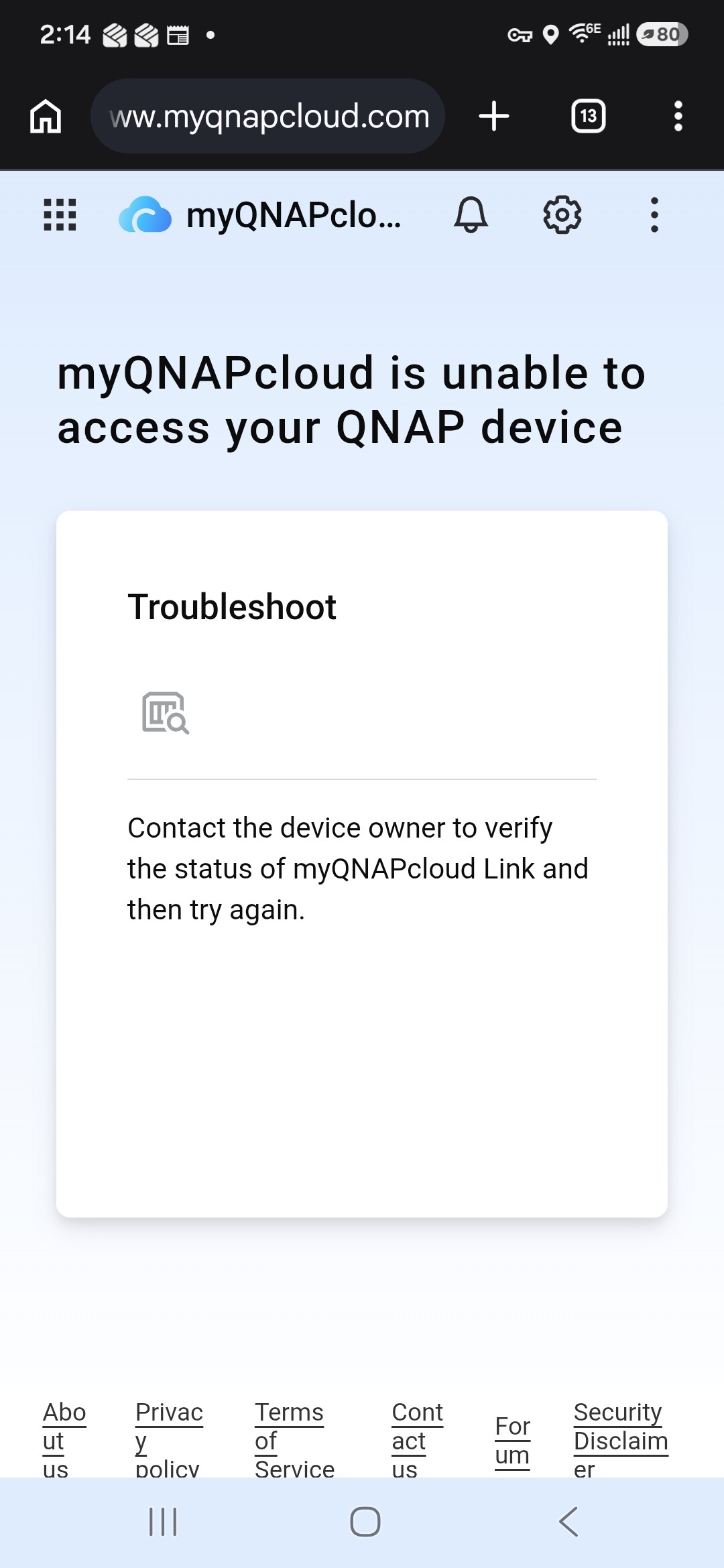
Whether the shortcut shows the same “myQNAPcloud is unable to access your QNAP device” message as before.
Hi Lucas, if I click on the shared link, the browser brings up the album, then I go back to the shortcut, click it, and it works.
After this it will continue to work, it works even on another shared album shortcut, but once I leave it for awhile, click the shortcuts again, it gets the error message.
My thought is the shared link establishes the connection successfully and then the shortcut can connect. But I believe if left for a short time, the connection timesout or disconnects and loses the connection. Clicking the shortcut cannot establish the connection to the device (device not found and cloudlink service not found).