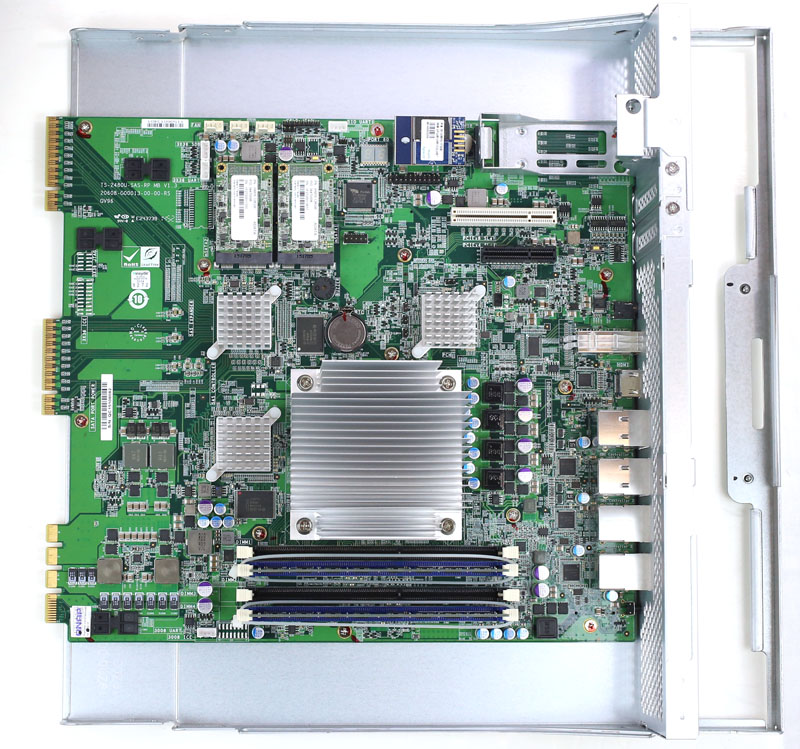
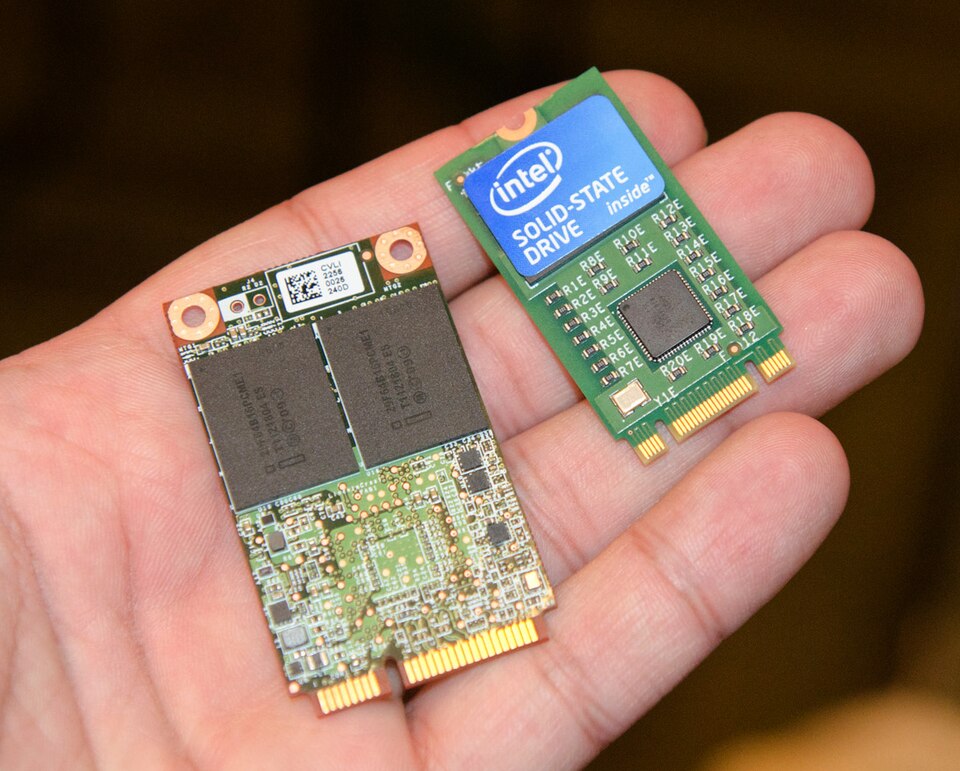
This was quite the surprise to me, and I thought I would relate this story for anyone that has this issue. Without Paul’s help at QNAP support, I could never have gotten this working. Customer had a TVS-EC1280U 2017 QTS QNAP system. The chassis failed (we pulled everything out, and I still could not get an IP on any port - including a self assigned IP) - so I said “lets get a new QNAP”. We purchased a new TVS-h1677AX. I back revved the firmware from QuTS to QTS 5.2.10, and installed the 12 drives from the old QNAP. I fired back up, but the volume would not mount, and would not let me recover it in Storage & Snapshots. I called QNAP support, and Paul said “were you using READ/WRITE Cache on the old QNAP, because if you were, I won’t be able to get back your data”. WHAT ? !!! And the old mSATA drives can’t be put into a modern enclosure (to my knowledge). But Paul determined that the volume was set to a default READ only cache, and was able to get my volume back without losing any of the data.
I had no idea. So be careful with Read/Write cache on older QNAP systems (and have backups of your data - my client had no backups, so Paul saved the day).
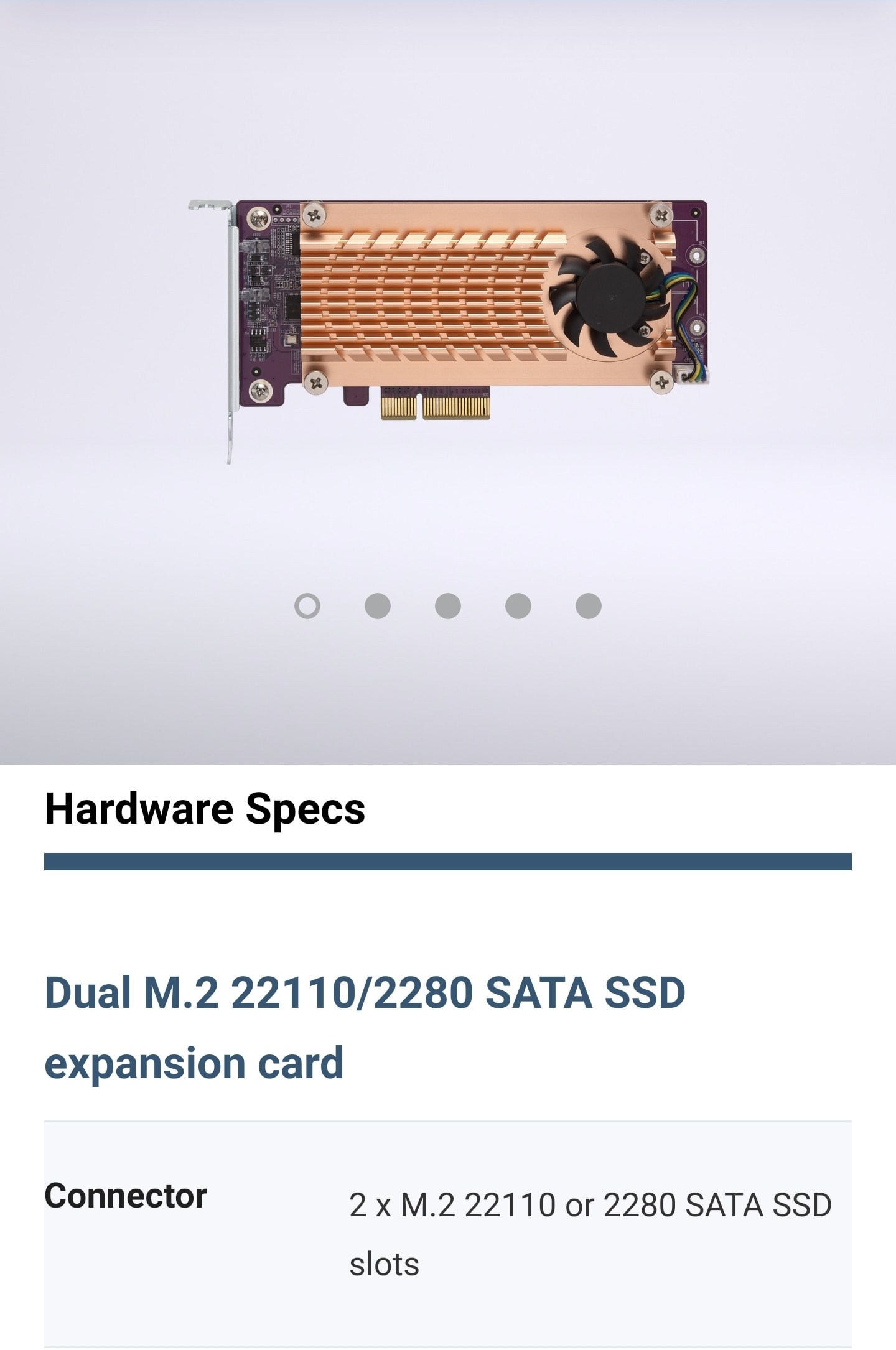
I believe that you are wrong. The old QNAP’s did not use M.2 SATA drives, and the QM2-2S-220A uses M.2 NVMe drives (so does the modern QM2-2P-384A, which I use all the time).
But QNAP would probably have to intervene in any case because I doubt the M2 SATA would be automatically recognized upon migration into a new enclosure (as cache drives most of all)
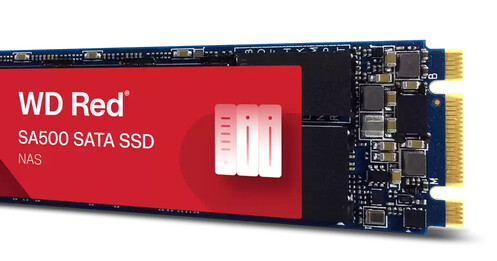
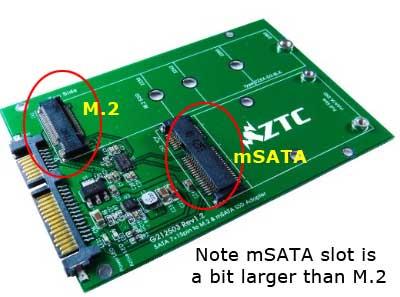
but the old TVS-EC1280U-SAS-RP does NOT use M.2 NVMe !!! The shape of the M SATA drives is the 22110. It is very unclear to me (and I am probably wrong) that this shape/style would fit into a card that is designed to take M.2 drives. Perhaps I have the lack of experience in putting 22110 style M SATA drives onto a PCIe card.
I appreciate all the feedback - BUT - the whole point of my post, is that at this moment, I would NEVER use Read/Write Cache for any reason, because if you have a failure, and have to move your drives into a new enclosure - (unless it’s the same model) - you can really get screwed, and lose your data. And lets face it - almost no one is moving their drives into a new QNAP enclosure, unless their system is old, and had a catastrophic failure.
Yes Bob, that has been my mantra as well, but people hear cache and think it will do some amazing magic for them. Cache works only for limited scenarios and has a lot of downsides, the mentioned migration issue here or simple cache disk failure.
And there was a topic a few months ago were cached ZFS pool would slow down to a crawl after a rebuild. (disabling cache made it fast again)
Thanks for sharing your experience! I’ll pass this along to our internal team so we can look into improving the system prompts around Read/Write Cache when migrating drives to a new NAS.
please urge them to add a warning about this, whenever the cache is active and the user wants to do something that must be done by first turning off cache - a warning must be flashed, and without the ability to supress future warnings!
because these things happen not often, and when they do happen its critical, but by then we forget about it!
such a case that happened to me almost got me fired ;-(
nah - that is not going to happen. Lots of things are critical, and people are just unaware (that’s how you learn !!!). Some people want to use caching. I first tried caching with the old TVS-1282T, using the 4 SSD’s. For my applications (video editing) - I did not realize that when I had eight 16 TB drives in a single RAID group, and setup the 4 SSD’s as a cache, it would dramatically reduce the speed and performance of the RAID group (the SATA drives). You learn this from experience. Now that I am experienced, and people call me to say “I have a 16 drive enterprise QNAP, and the performance is terrible” - the first thing I do today, is to go to Storage & Snapshots, click on the Cache menu, and turn off the cache, and the speeds are instantly boosted. But some applications may be using the cache - just not my applications for my clients.
And the REASON I am giving you a hard time, and responding to you now - is the NUMBER 1 thing that EVERYONE is warned about - and almost NO ONE DOES (and probably you are guilty as well) - Everyone should have a BACKUP OF THEIR DATA somewhere else. I don’t care if it’s another QNAP, or a cloud site, or individual drives, or an LTO tape. RAID is NOT a backup - and almost no one does this. Why ? Because they don’t want to spend the money for a backup system - and then they get into trouble - and now they have potentially lost all their data. My client in this example had a 2017 QNAP TVS-EC1280U-SAS-RP, with old HGST drives, and NO BACKUP. When we finally got the new QNAP, and got the data recovered (thanks to Paul at QNAP support) - I told my client YOU NEED A BACKUP OF YOUR DATA - and his reply to me was - “I can’t afford another set of 12 drives”. So no - a warning doesn’t have to be flashed. Backup your damn data somewhere - and if you lose it - well - ITS YOUR FAULT.
welcome to my world. I was on a client system just yesterday, and they are now totally out of drive space. They want to keep adding more and more remote users. I said “you can’t keep doing this - you are out of storage space - you need to buy another QNAP” - and their response “we can’t afford the drives”. That is like saying you are an Uber driver, and you have to feed your family, but you can’t afford to buy gas any longer, - so off you go on the road to pick up more passengers.
I just updated the drives in my h1288X, cost me a smooth 5 grand. Disks are VERY expensive these days. The old disks get relegated to my local backups units.
As I tell my customers:
But you either pay with money (backups) or data (gone when sh*t hits the fan).. you always pay