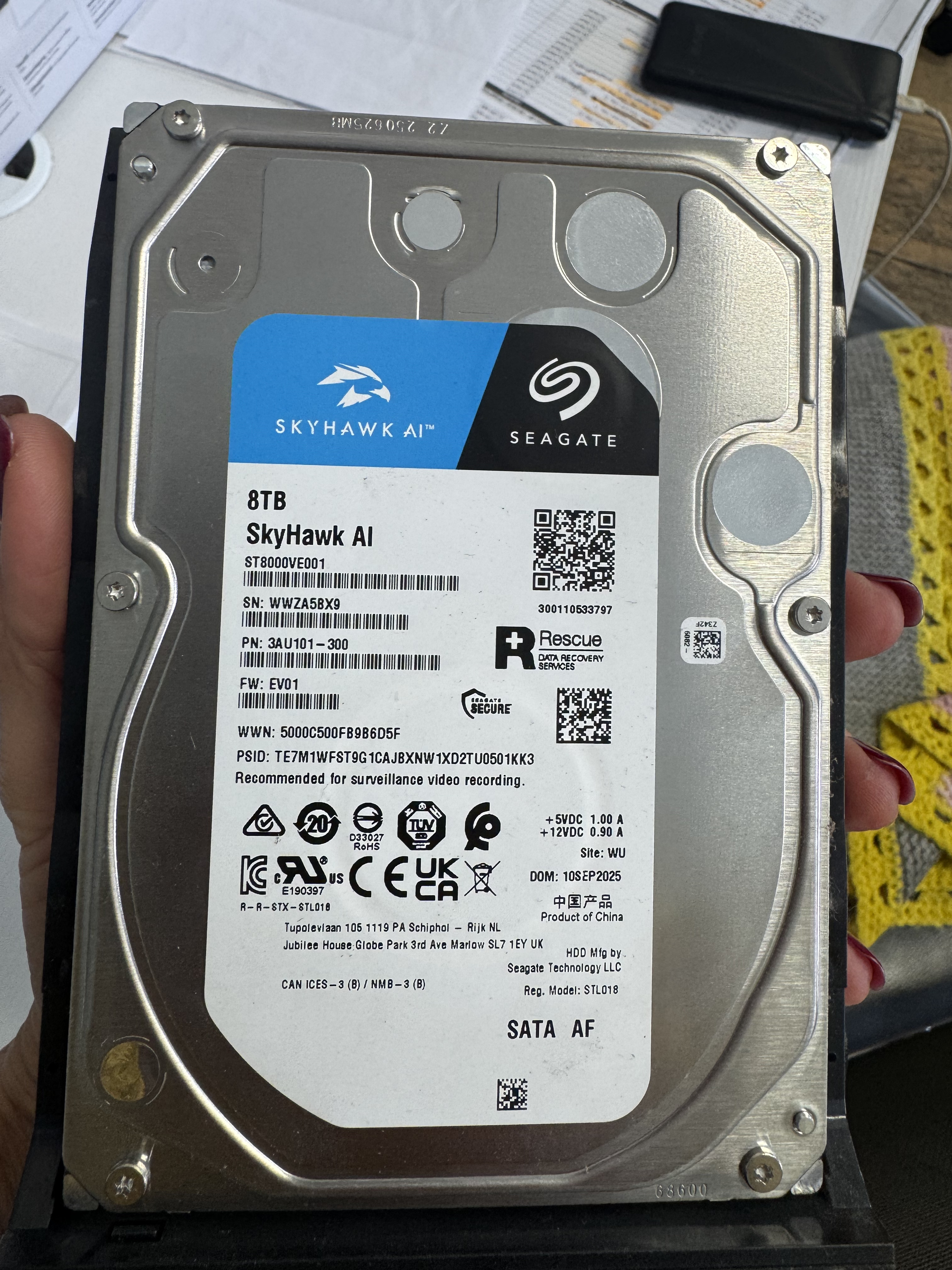
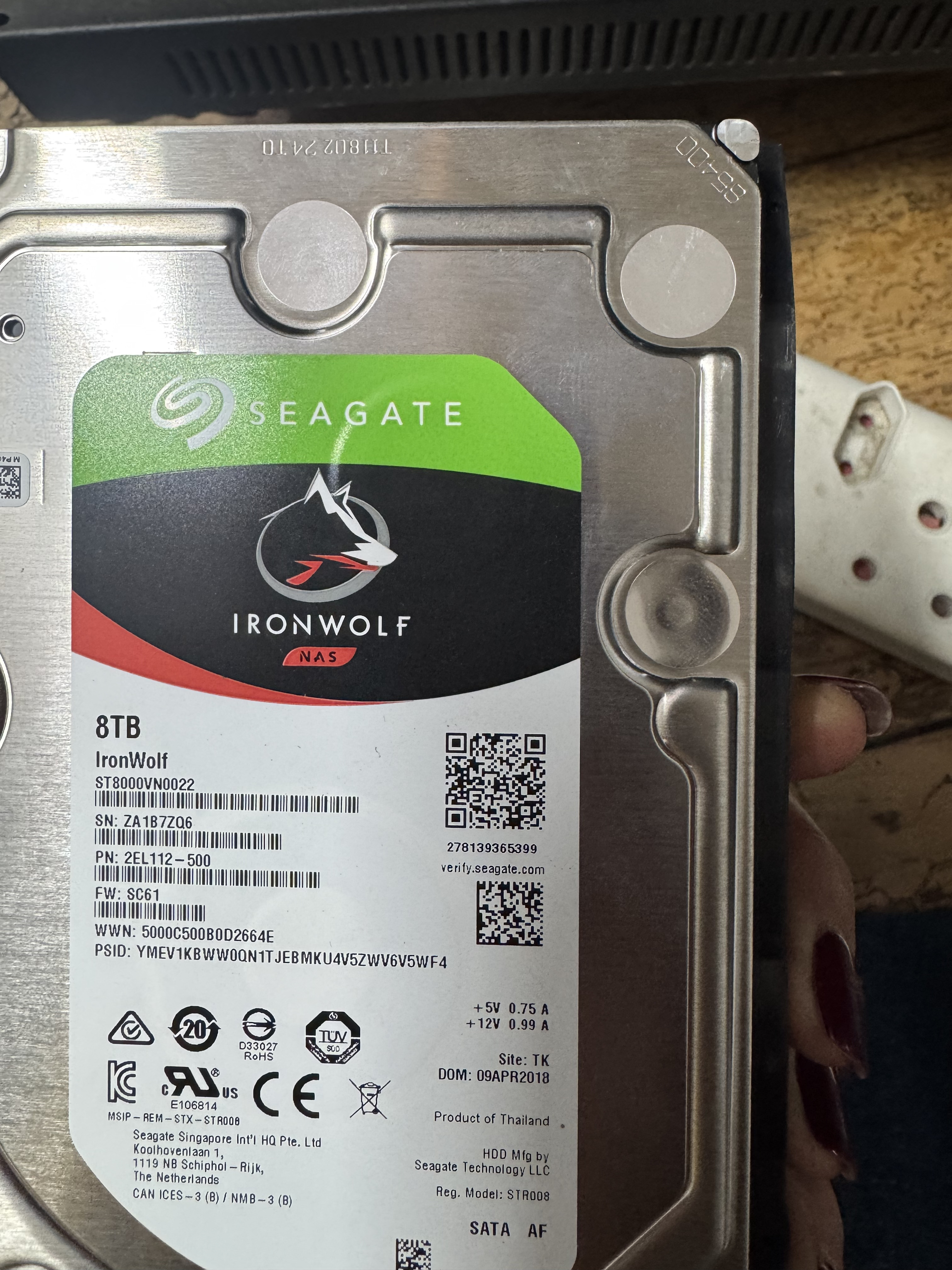
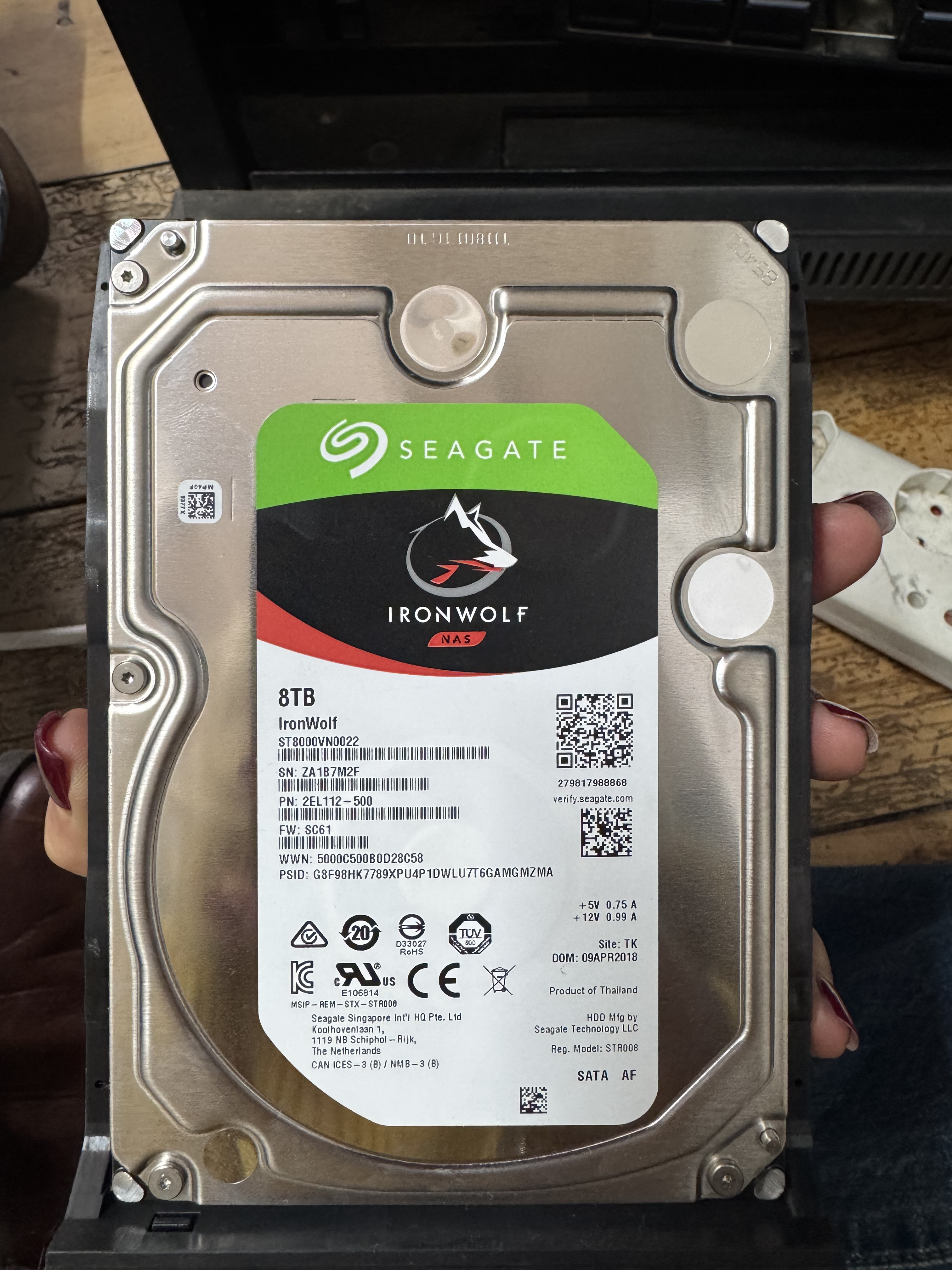
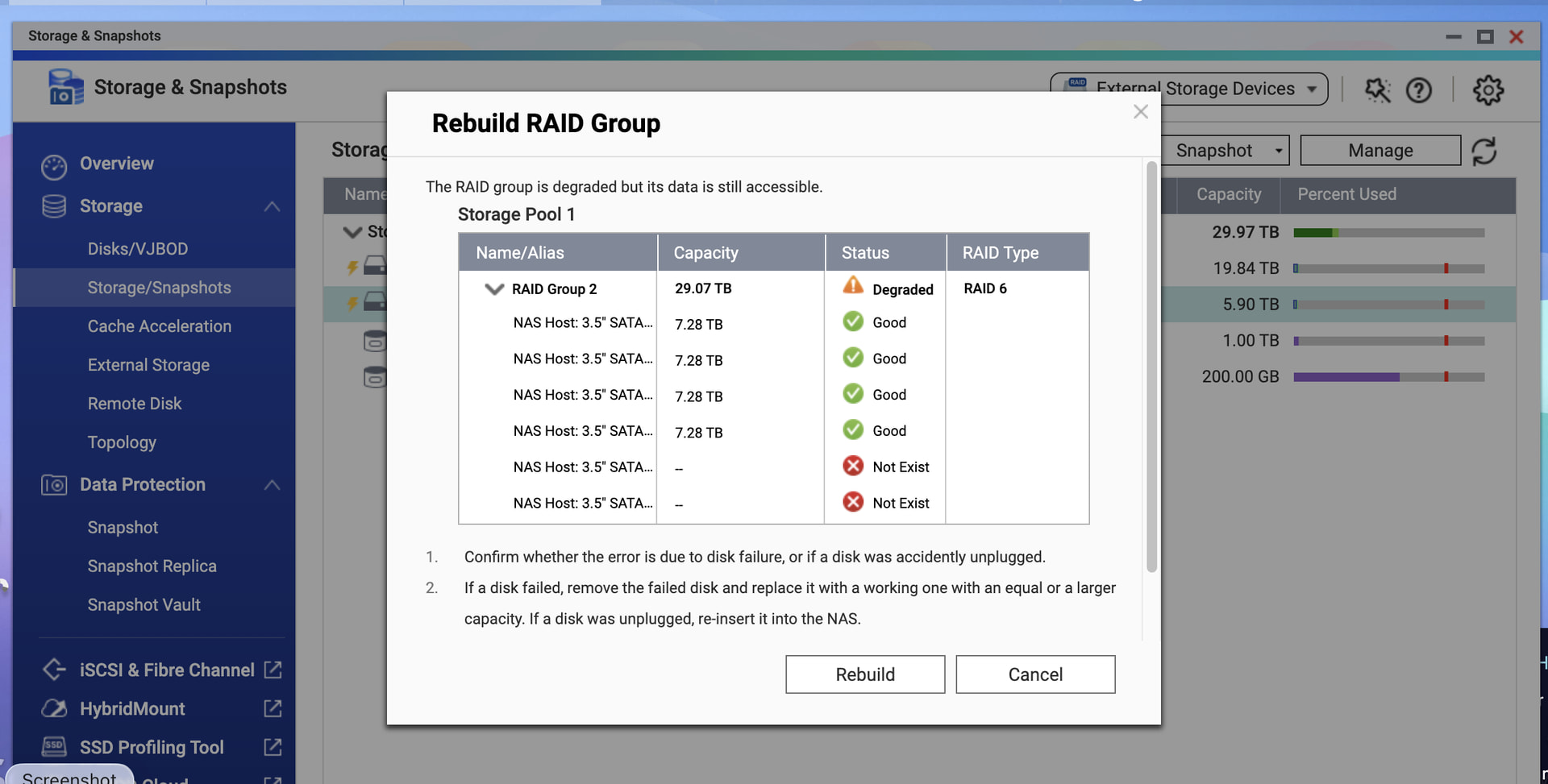
I have a 6 slot NAS. Recently the 5th drive had to be replaced and then the 6th drive had to be replaced. They were replaced with the following drives - kindly review the attached photos.
My network provider says that they SKYHAWKE is not a problem and should work although I’ve been told it runs too slow for a NAS. They want me replace the who box which is 8 years old.
My question is: Could the SKYHAWKE drive be causing the problem?
These are the error messages;
Message: [Bad Block Log]: Invalid data found on Host: 3.5" SATA HDD 5 at sector
App Name: Storage & Snapshots
Category: RAID Group
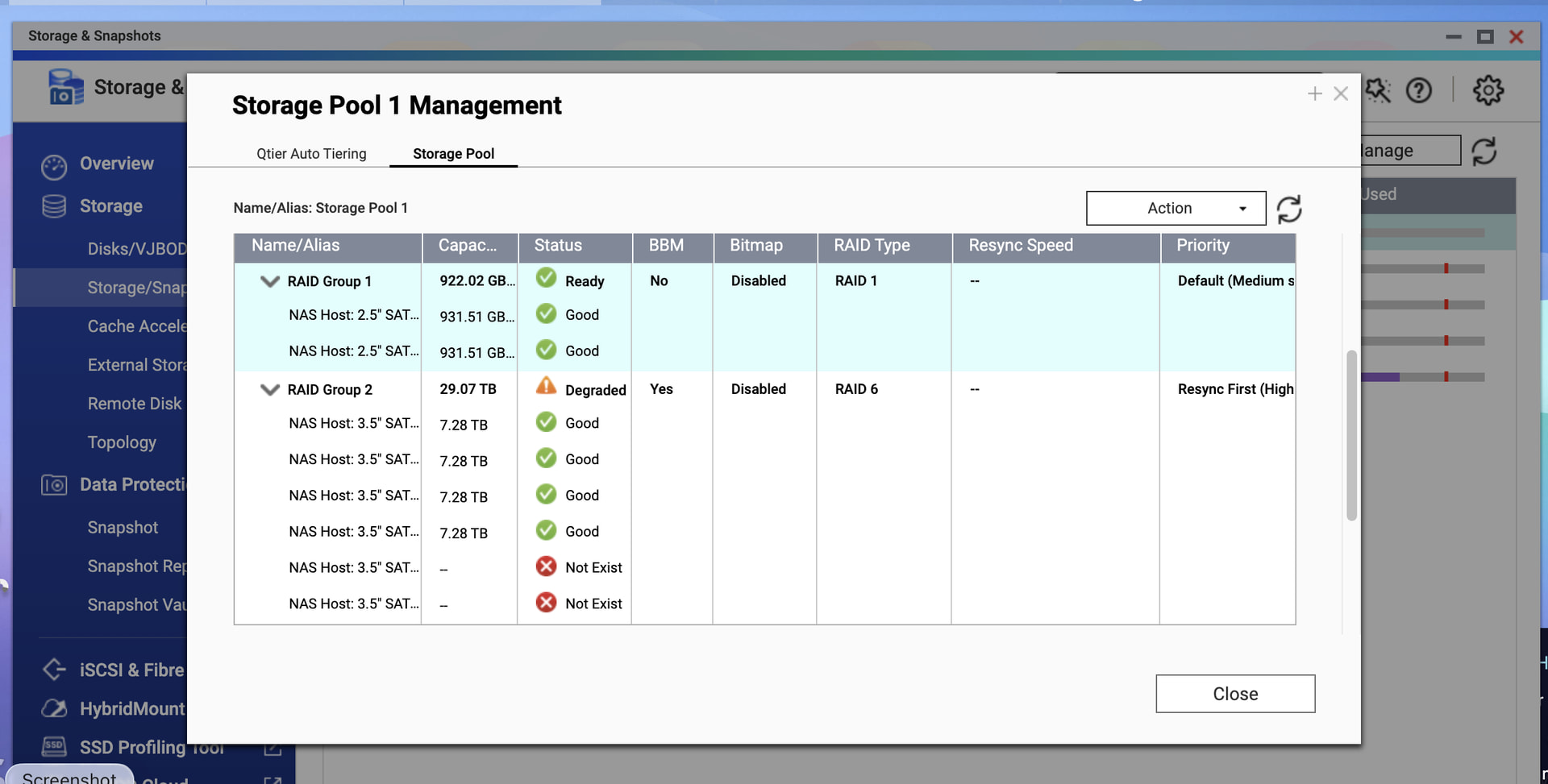
Message: [Storage & Snapshots] RAID group “2” is degraded. Storage pool: 1.
App Name: Hardware Status
Category: Drives
Message: [Hardware Status] “Host: 3.5” SATA HDD 5": Disconnected.
App Name: Storage & Snapshots
Category: RAID Group
Message: [Storage & Snapshots] Skipped rebuilding RAID group “2”. Storage pool: 1.
App Name: Hardware Status
Category: Drives
Message: [Hardware Status] “Host: 3.5” SATA HDD 6": Disconnected.
Anyone with a similar problem or advice - it would be appreciated.
Slot 6: Only flashes red when you switch the NAS on
But if all your old HDDs are from 2018, that’s a problem. Because of their age, if one drive fails, the others will be put under more strain and will also fail. Please make sure to gradually replace all your other HDDs as well.
Or contact support.
No need to consult AI slop (link was discourse detected as spam so I removed it), no matter what disk technology you would be using, a rebuild would start and then (potentially) fail, not adding the disk at all would not be a thing.
Hi yes the rebuild starts then fails with the above warnings that I posted. Today when I took the drives out to cheack their seating they all seemed fine. When I started the system up all the lights came drives 1-5 except the 6th with the Skyhawk drive. Just kept blinking red and the system wouldnt come up.
Still not sure what that is supposed to mean, why would your ISP care about your NAS hardddrives? Unless there is a language barrier here that has a different association with that
Making a full backup of your important data before swapping drives is a good call. After that, we’d also recommend gradually replacing the remaining older drives. Thanks!