I’m a little confused by your request. You first asked how to prevent a folder being used to store backup data from being accessed by all users.
Now you are asking how to exclude folders from the backup?
Let’s do this. Please explain more what you are doing and want to do.
- Are you backing up from one NAS to another using rsync?
- Are you backing up from a PC to a NAS using rsync?
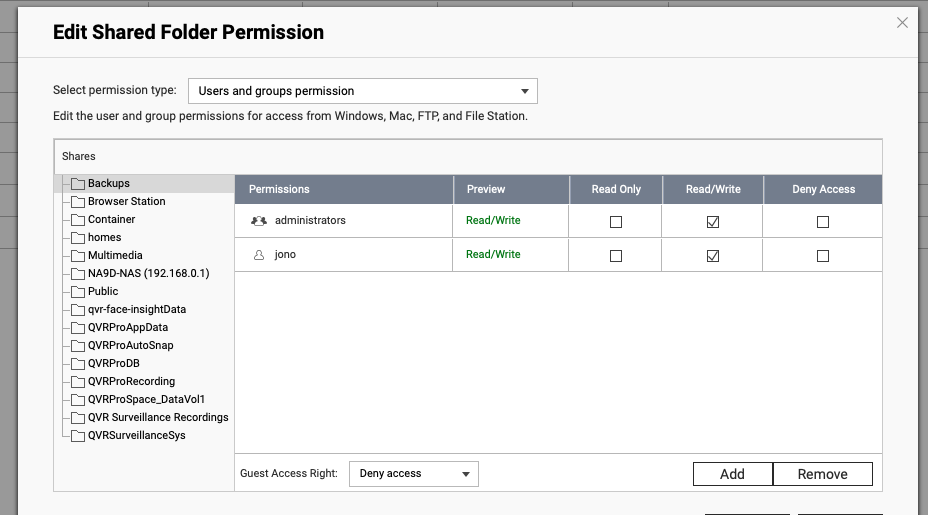
You set up access to shared folders in the control panel and select to edit shared folder properties. Click the permissions button for the folder you want and you see a window like below. You can choose what groups or users get access to that folder.
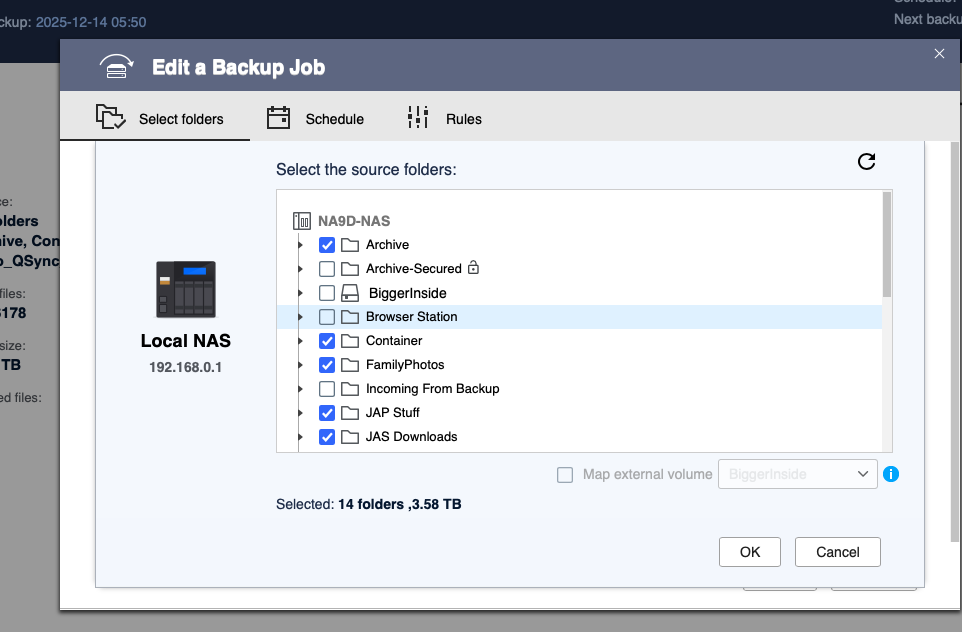
Now, to exclude a folder from a backup set, that’s done in HBS or whatever backup client you are using. You select what folders you want in your backup set.