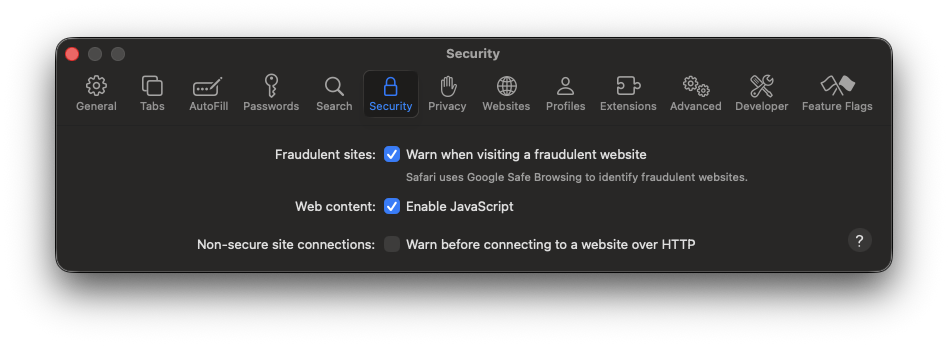
Please send a screenshot of the window in the NAS that @dolbyman showed.
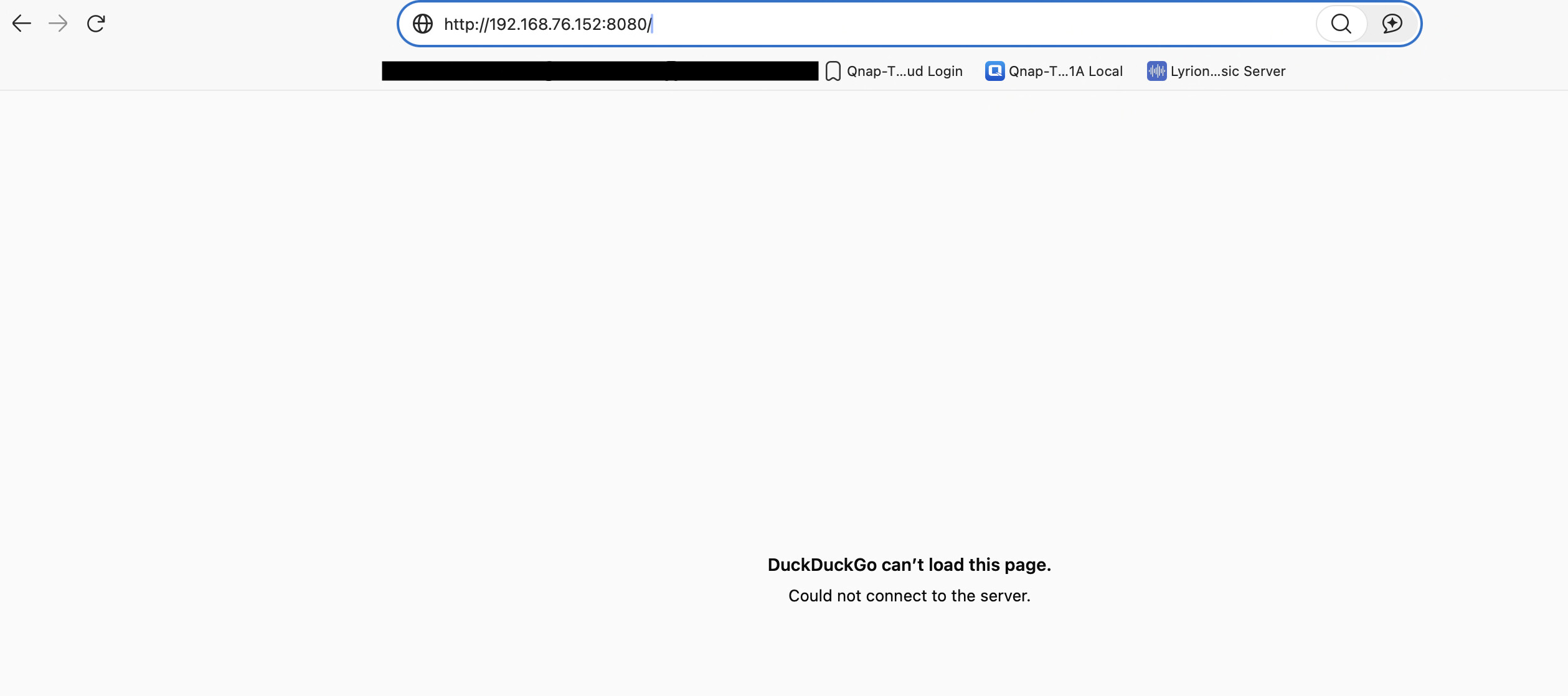
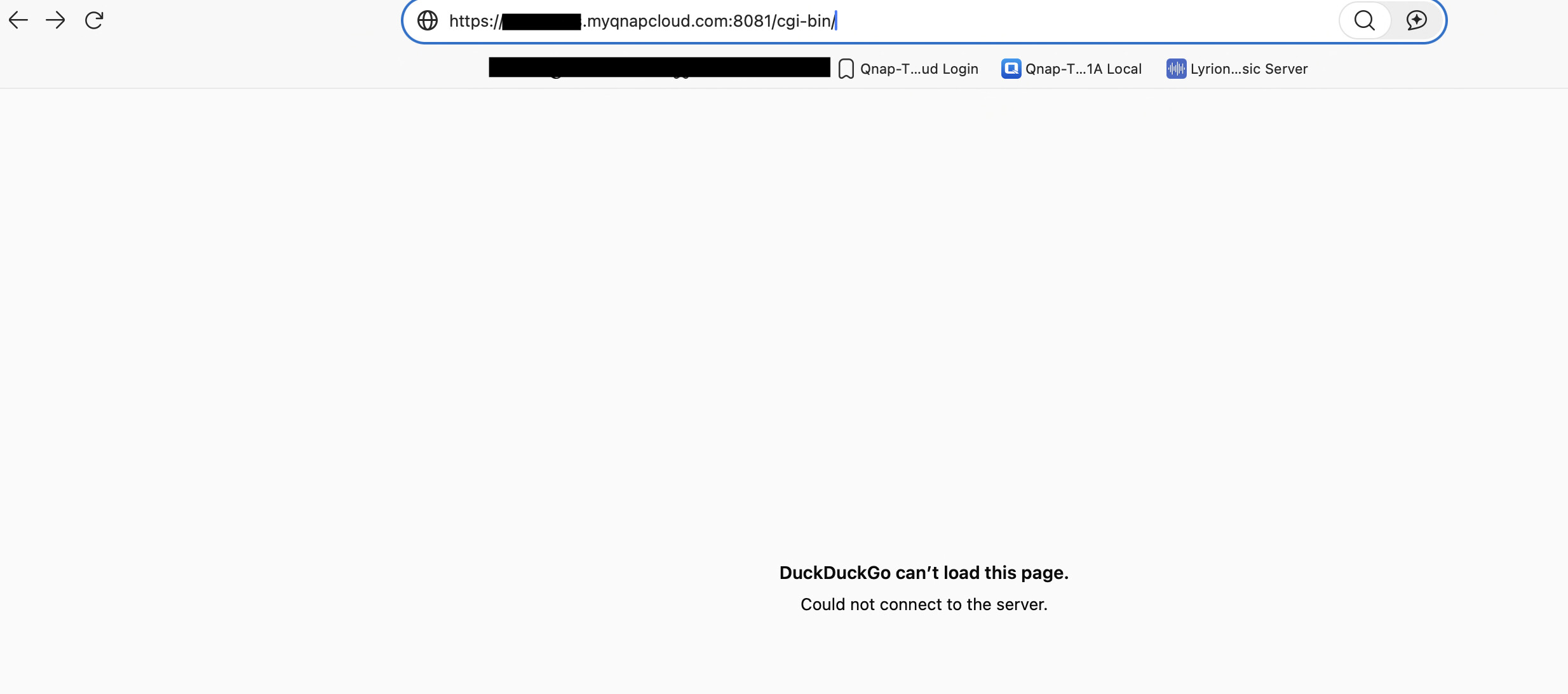
Not what I requested. 
First of all, it doesn’t hurt to show your LAN IP addresses as we all use the same range. So no need to blacken those.
I asked you to send a screenshot of the NAS settings that @dolbyman showed. Are you redirecting http to https?
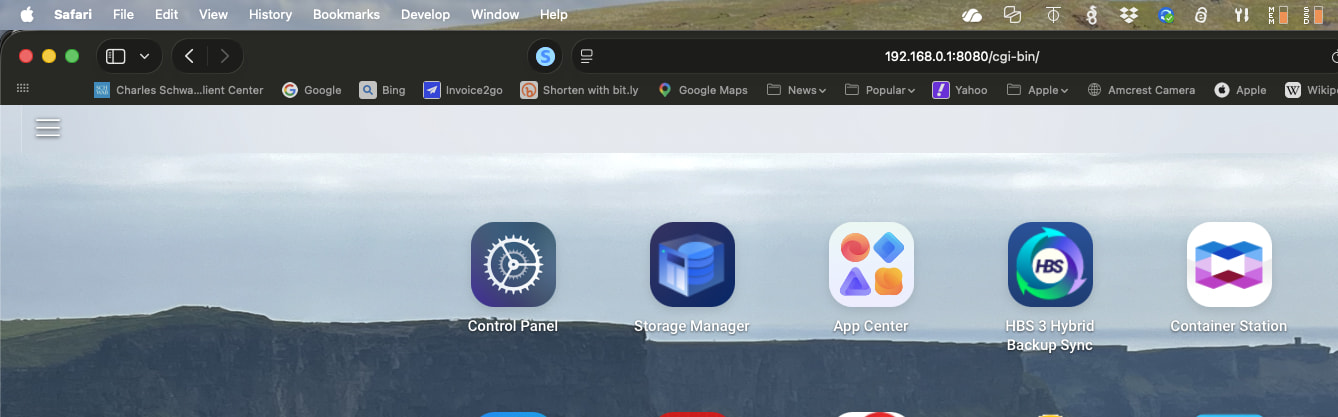
Just so you know I’m not lying about my setup. Here is a screenshot of me connecting via http to my NAS…I’m on an Apple Mac Laptop using Safari…
Looks like OP has only obscured their myQNAPcloud name, and a toolbar link. Their private IP address is shown. 
DUH! Shame on me for not expanding the images.
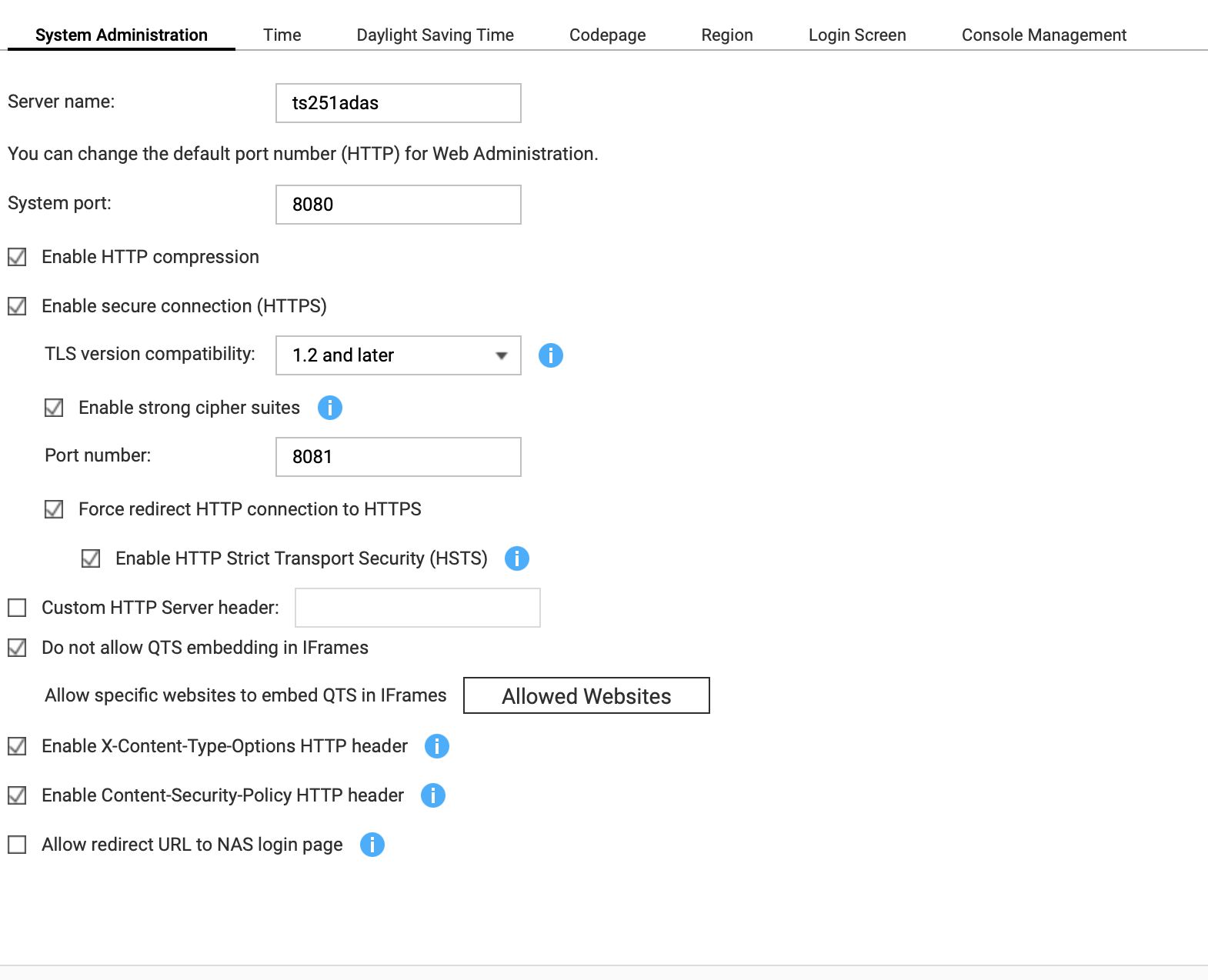
So did turning off HTTPS help?
If you insist on running HTTPS, I would disable the strict security.
Unless Apple has done something incredibly stupid in Golden Gate by forcing all browser connections to HTTPS, you should have no issues running http…
It didn’t work with HTTPS OFF. Will use Safari for now.
From a quick search online, Golden Gate does not block or restrict http connections. There are reported problems with connectivity including browsers like Firefox and apps like Dropbox.
So I don’t know why you can’t use either Safari or DDG over http. It would be much easier for you (no messing with certificates) if you can figure that out. A ticket with QNAP support might help.
Safari connection with HTTP works after I select OK on the insecure warning.