This, as @dolbyman suggests, is often due to credential manager.
First, I would go back to the post that talks about the Samba levels, and post the output showing what levels are eneabled.
Second, go through credential manager and simply remove all associated entries, then start over mapping (by IP). If that doesn’t work, I would suggest changing the IP of the NAS and see if you can then map (indicating a cached credential). Test it out, and change it back if you need to later.
Thanks for all the replies. I read somewhere that I may need to restart the NAS. Had a chance this morning and restarted. Before it asked for User and Password then the above message came up and now it asks for User and Password but it keeps going back to the user login window. Search is going on.
dolbyman; I am not trying multiple user accounts yet but for this problem I tried with a test account and still the same.
dosborne; if I get a chance I’ll try this.
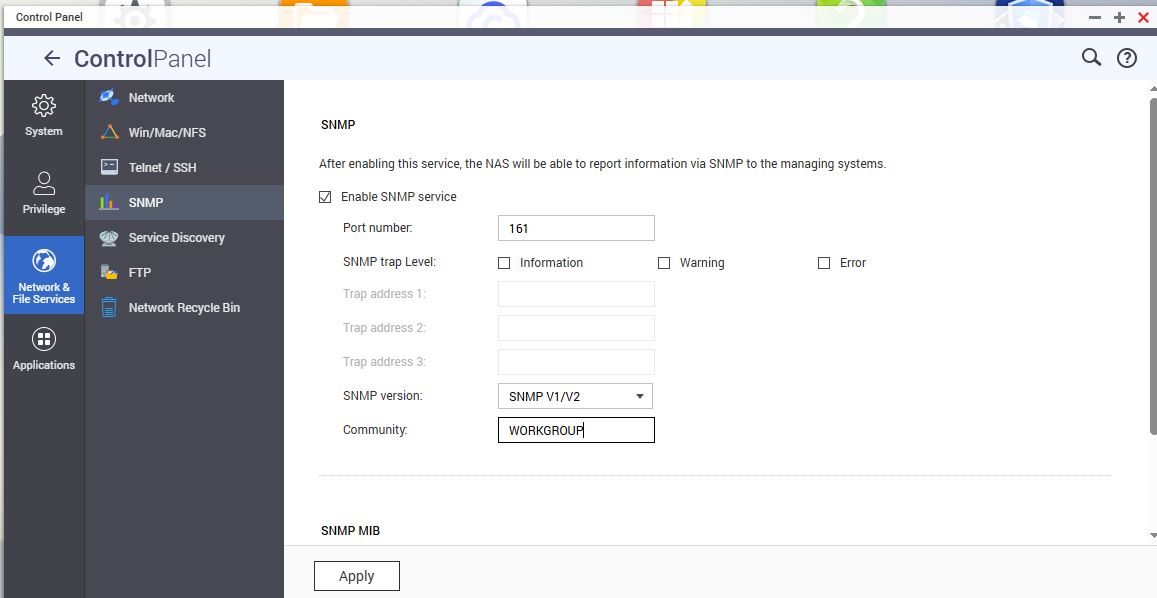
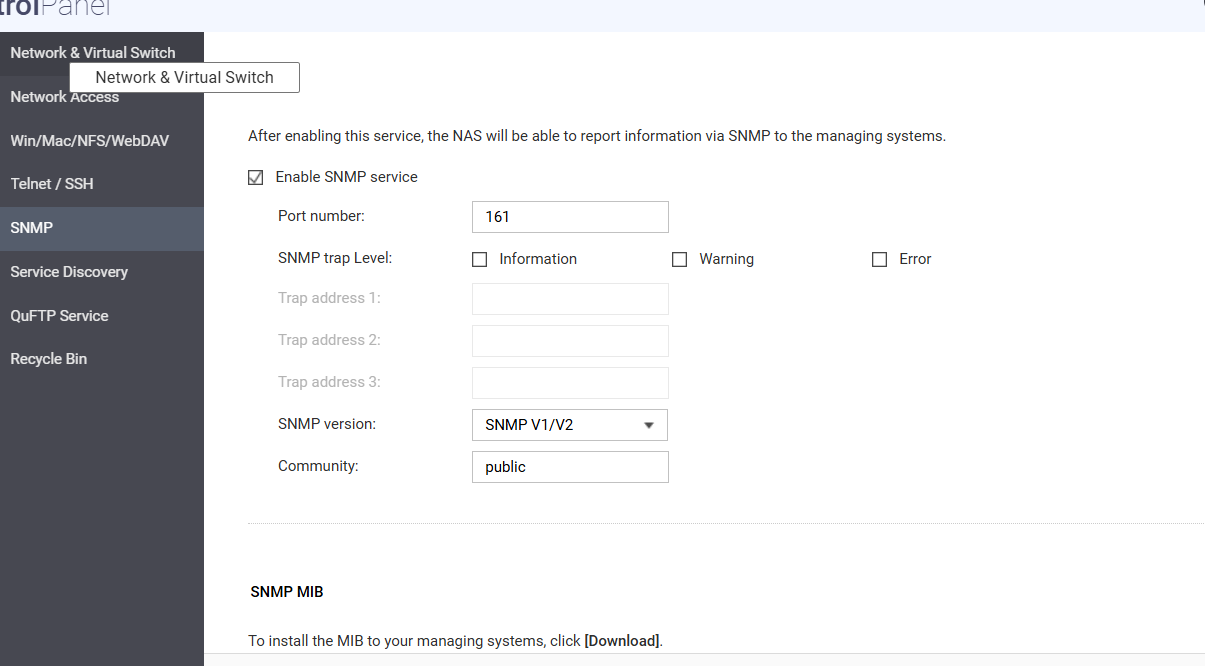
I have done all above and traced my steps back. There is a Community Box in the SNMP which I now changed to WORKGROUP which was not before (see attached) and still get the above message. Does
I know and that was a mistype. It is strange that I can even access the portal of the Qnap on internet explorer in the XP (the graphice is not good) but cannot map a drive to it.
The admin portal uses http to access the QNAP web browser (when you say “internet explorer”)
Mapping a drive uses SMB (Samba) which is completely different and runs a different server, so it makes perfect sense.
It is most likely your samba level. What samba level do you have configured now on the NAS, and what samba level does your XP client support? Did you clear all the setting in credential manager?
I did throw the SMB level change into the ring a while ago, but OP said he “Checked that as well”, not sure if the level was changed or was already SMB2.1… unclear
Thanks for all the inputs and I have tried almost all the suggestion, some are not possible. I have now given up for a bit and we have gone back to how we did few years ago, copy somewhere else first then archive. I will revisit this later and if any new ideas I shall try. Thanks again.
I successfully mapped a network drive on a dusty old XP home notebook from a TS-112P this morning. XP only supports SMB v1, so the NAS has to be set appropriately. Couple of useful links to (maybe) try: