Thank you! That worked. I’ve been able to recheck the box I had unchecked.
How do I resolve this message in Firefox now that I’ve checked the box:
Secure Connection Failed
An error occurred during a connection to 192.168.1.25. PR_CONNECT_RESET_ERROR
Error code: PR_CONNECT_RESET_ERROR
- The page you are trying to view cannot be shown because the authenticity of the received data could not be verified.
- Please contact the website owners to inform them of this problem.
In Safari, I now have to go through this message:
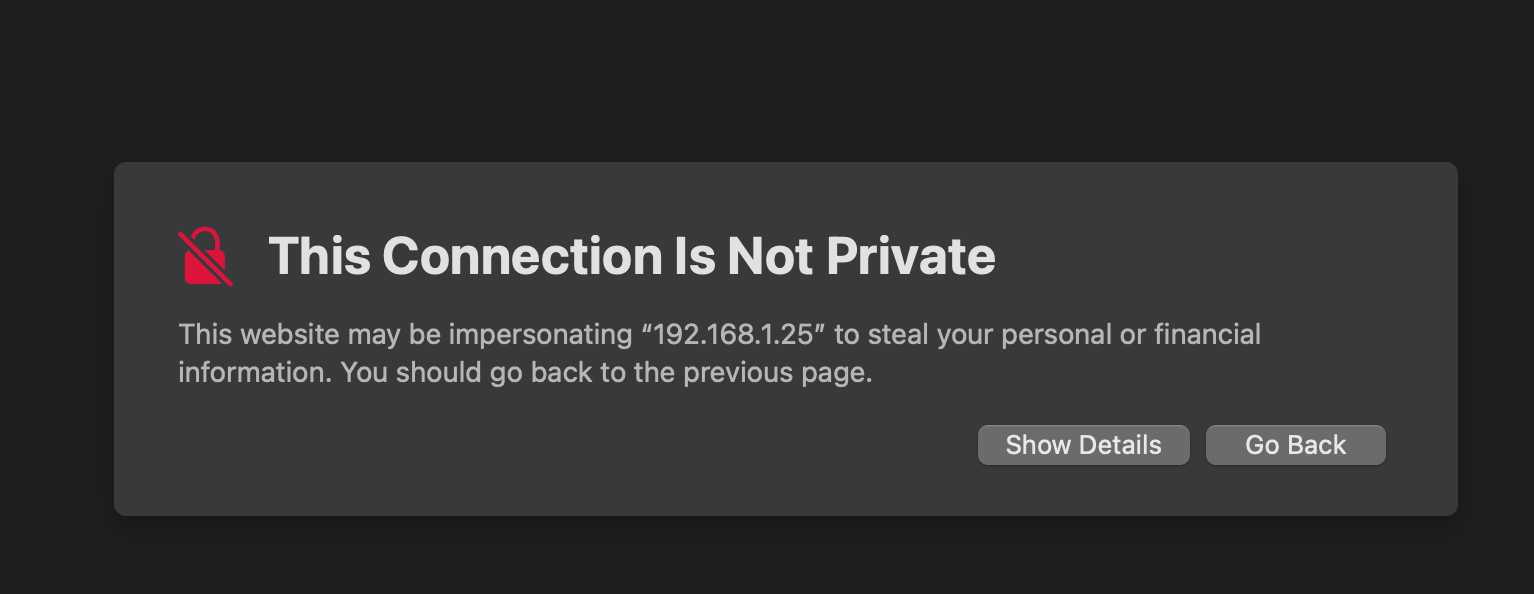
Any help to avoid having to jump through hoops in Safari (and to use Firefox) to access the interface would be appreciated. Thx.