MikeD1
May 13, 2026, 11:56am
1
I have just upgraded from a 2 Bay Synology unit to a QNAP TS-453 Pro (8gb RAM) 4TB, so I am a newbie.
I am trying to connect via my Iphone.
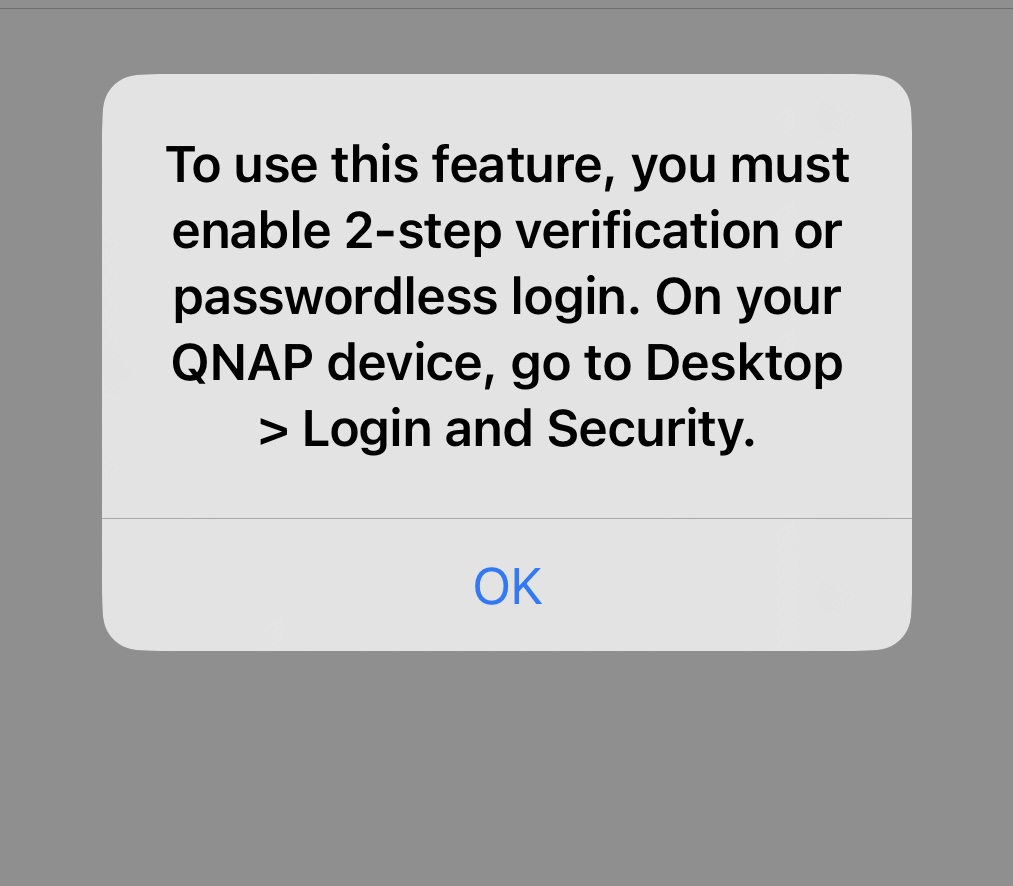
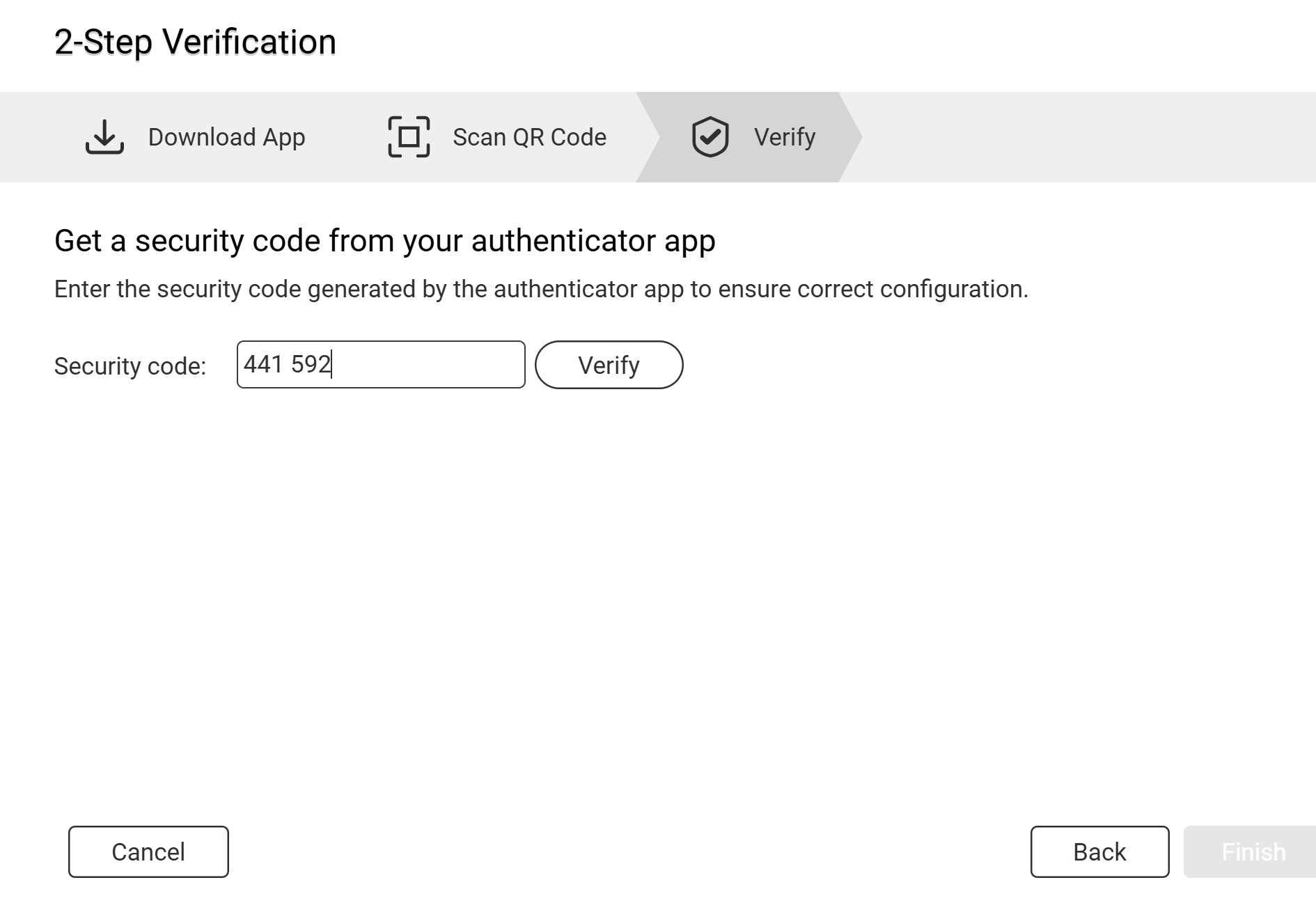
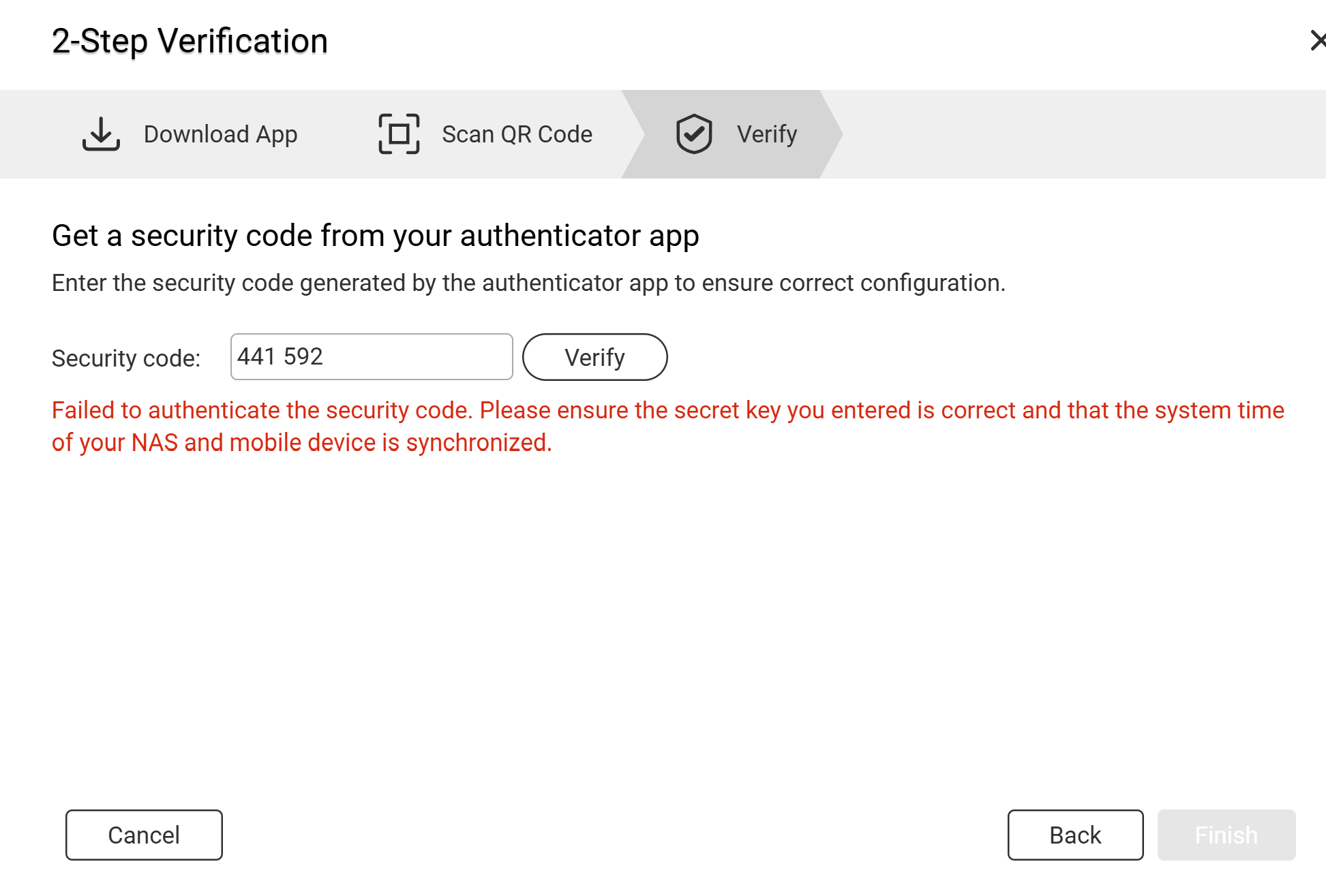
and entering my username and password the following message pop up
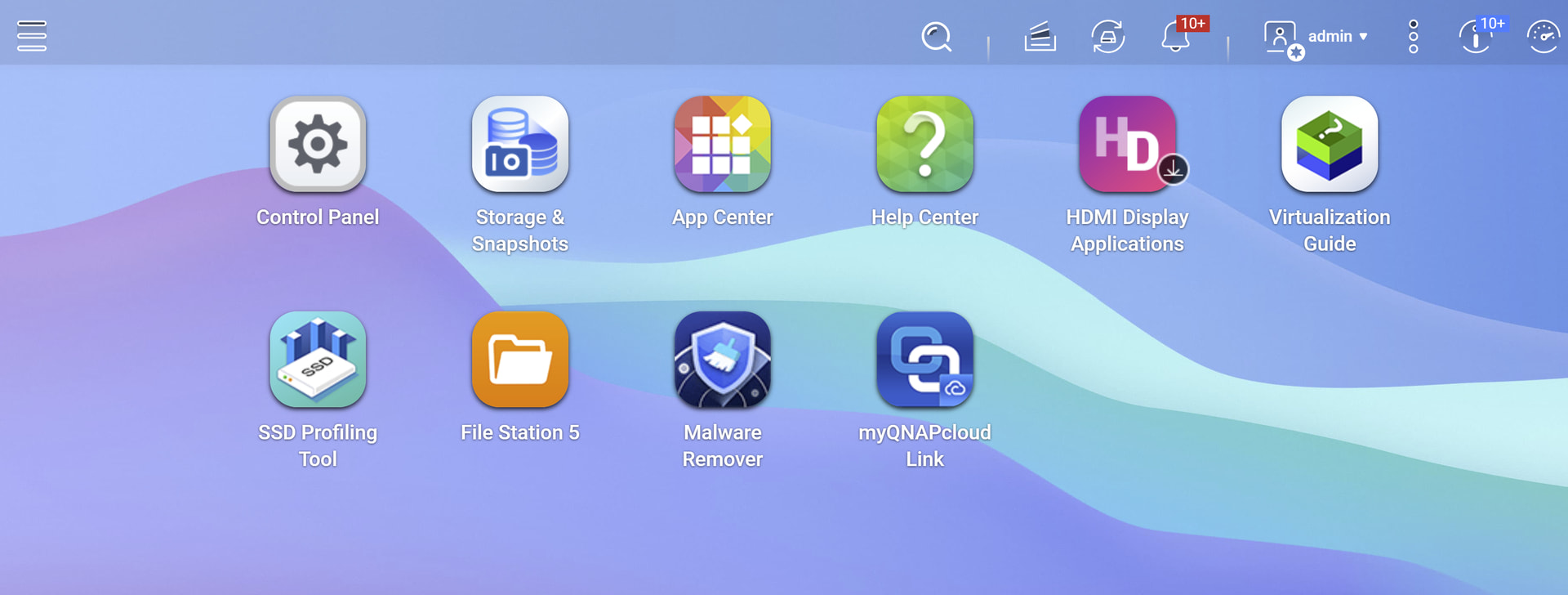
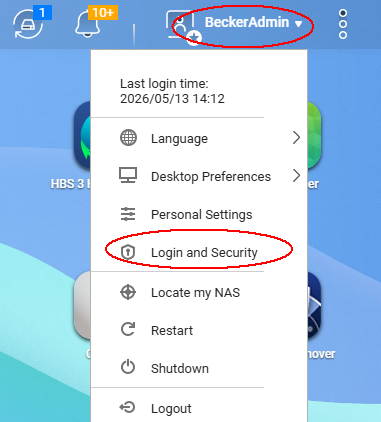
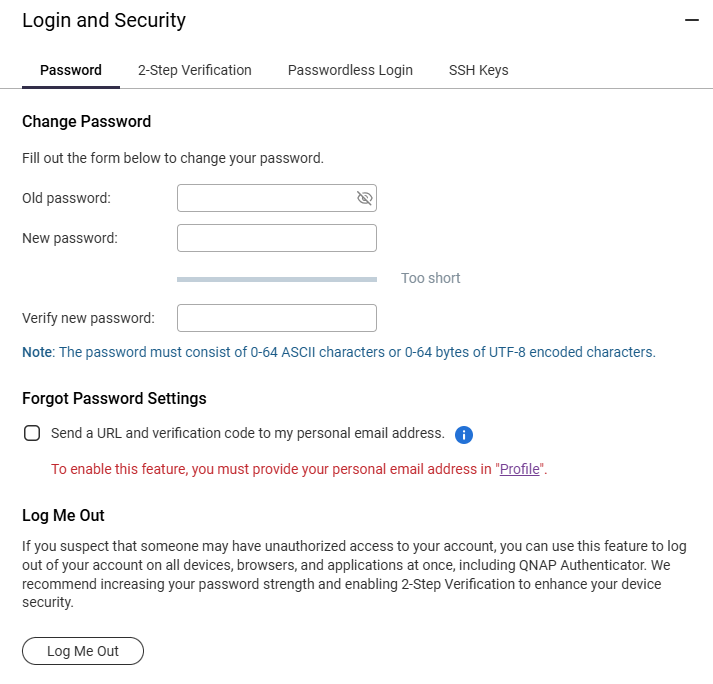
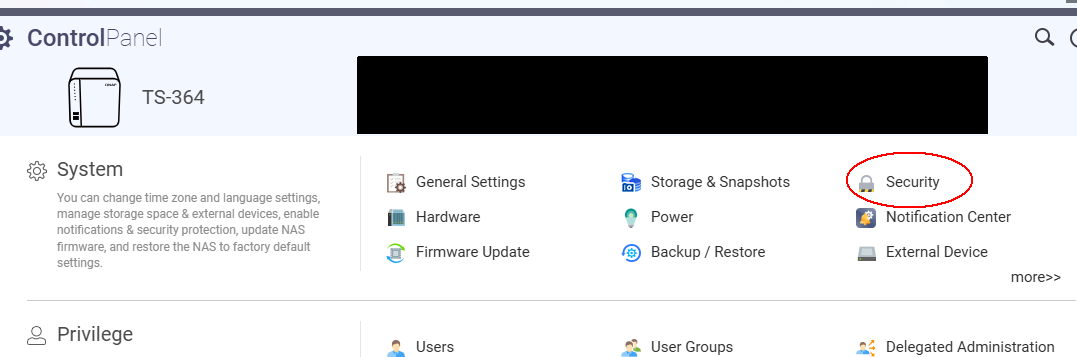
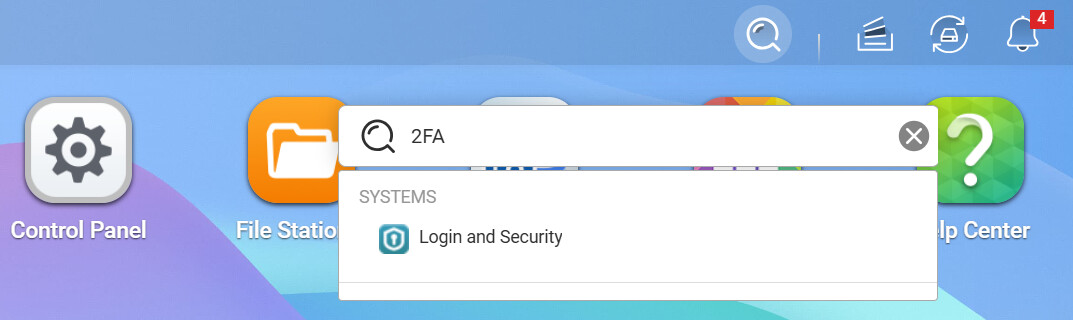
I cant locate Desktop - Login - and security. Where do I find these options?
MikeD1:
I have just upgraded from a 2 Bay Synology unit to a QNAP TS-453 Pro (8gb RAM) 4TB, so I am a newbie.
I am trying to connect via my Iphone.
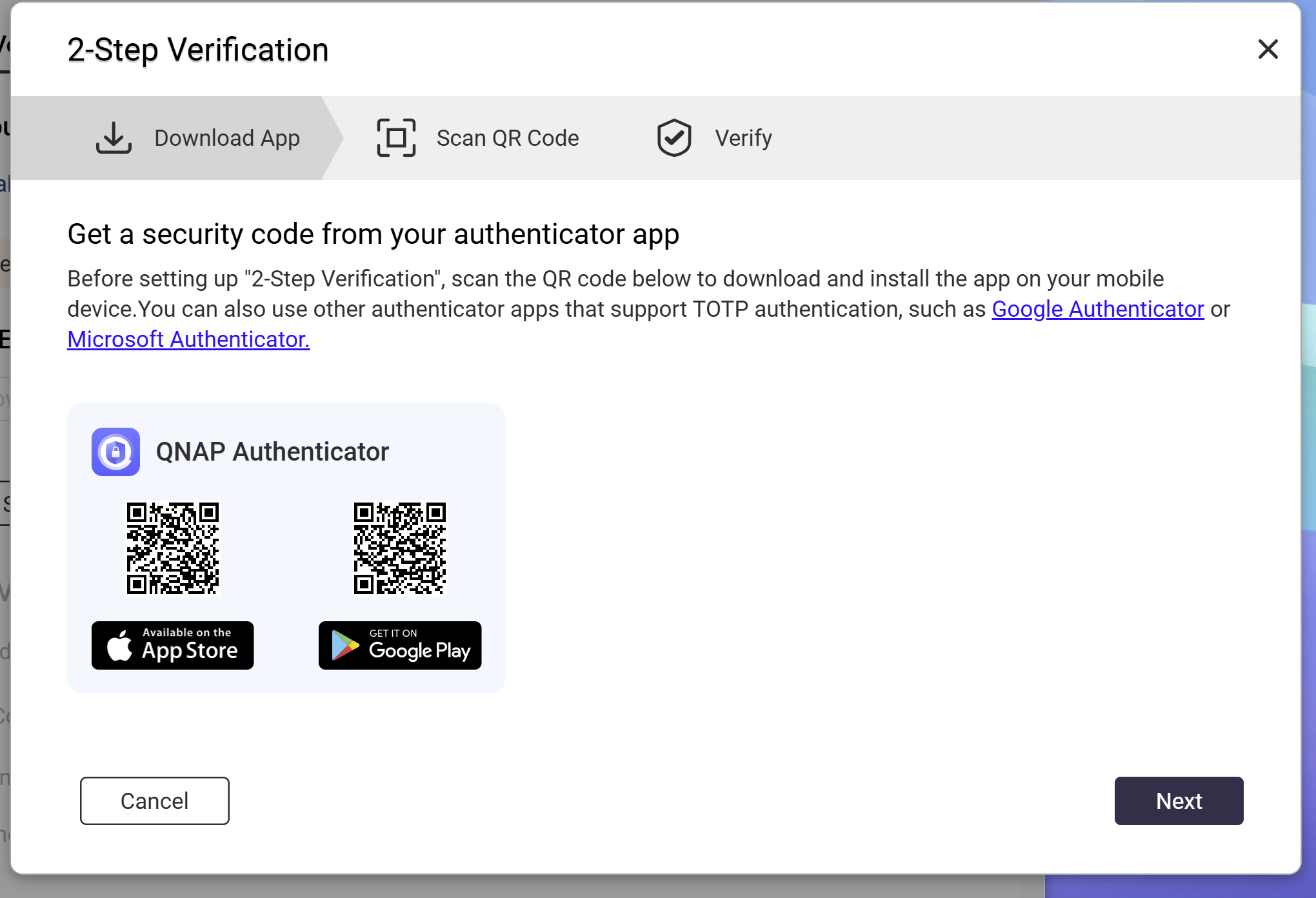
This App is only an Authenticator, only used to confirm the login.
If you want to log-in the NAS on the phone, use apps like Qmanager (for settings) or Qfile (for file browser)
Next time, you may also try clicking the magnifying glass icon to search for the feature you need. If you have any further questions, feel free to reach out to us. Thanks for your support!
MikeD1
May 14, 2026, 11:25am
5
Hi diwiwi.
Thanks for your reply.
I’m in way over my head with this operting system.
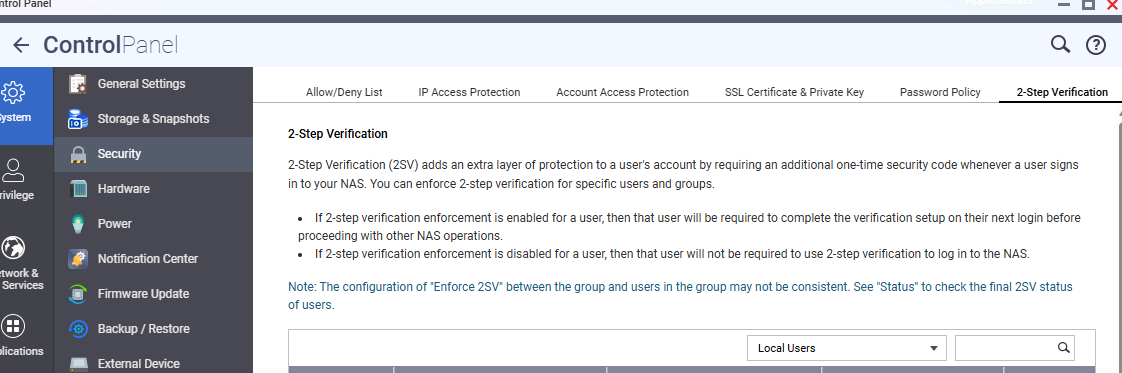
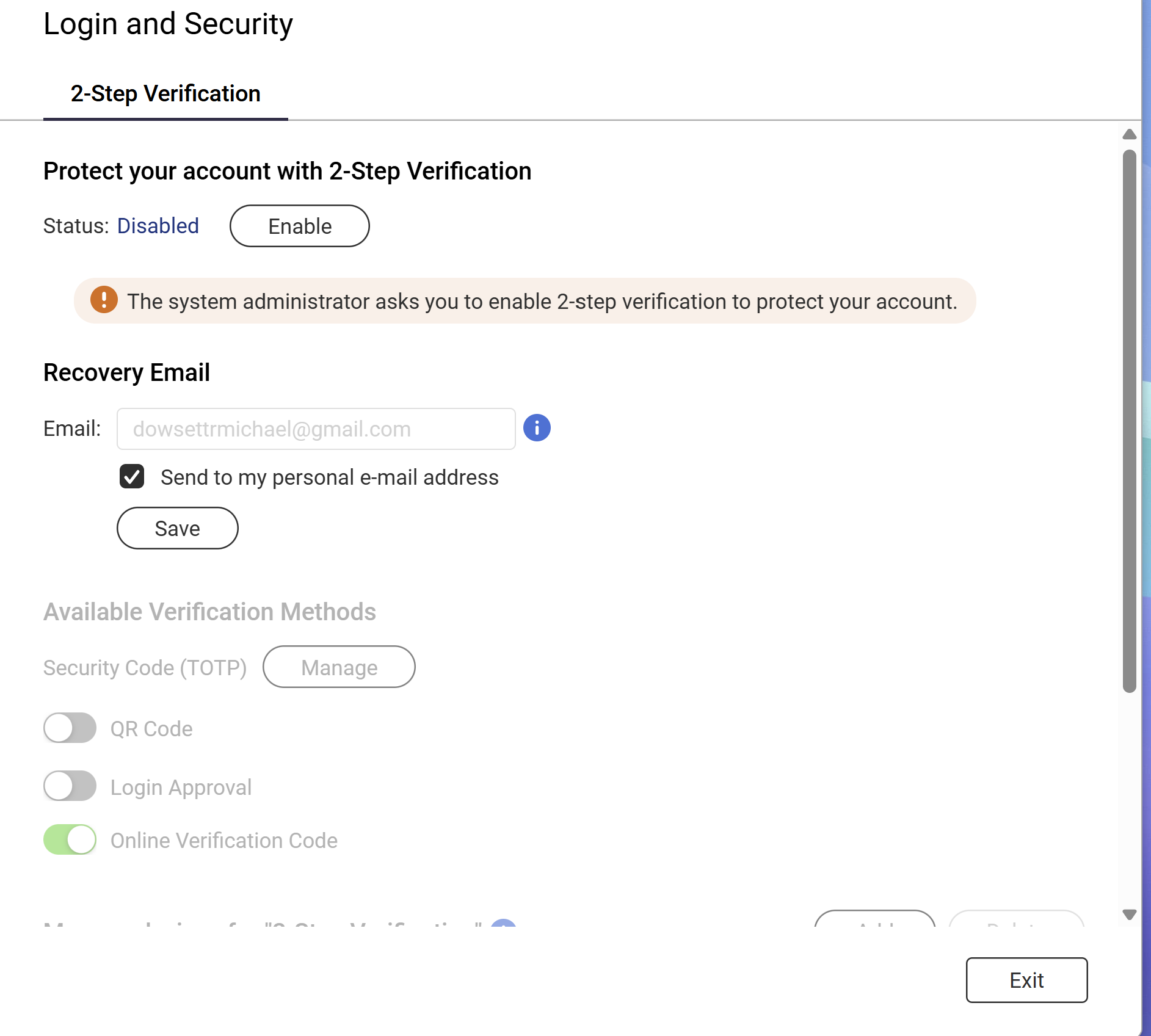
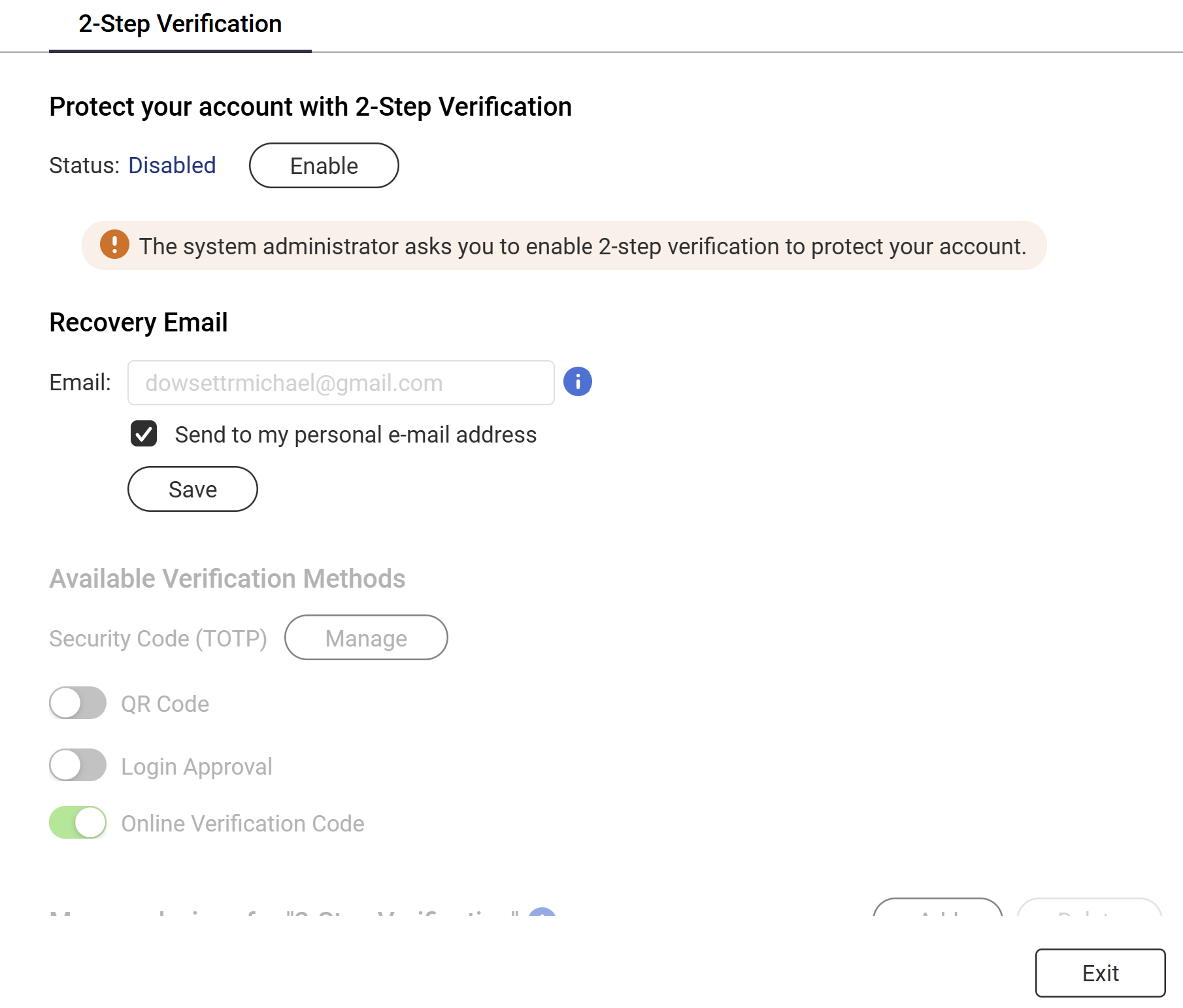
I am now stuck on this page. i am trying to get back to the ‘control panel’ the program shuts down. when I log in again it keeps taking me to the same page???
Is there away to get back to the control panel?
I would be grateful for any help given.
Thanks
Mike
MikeD1
May 14, 2026, 11:25am
6
Thanks for the reply and helpRegards
Mike
MikeD1
May 14, 2026, 11:26am
7
Thanks for the reply and help
Regards
Mike
haru0
May 15, 2026, 12:32am
8
Hi @MikeD1 do you mean that window still opens automatically after you refresh the browser using F5?
BTW, I’am not sure if you need to blur the email field ?
First, do you want to enable 2-Step verification ?
What happens when you click “Exit”? Are you forced to enable the 2-Step verification?
Are you logged-in with an administrator account?
MikeD1
May 15, 2026, 9:49am
10
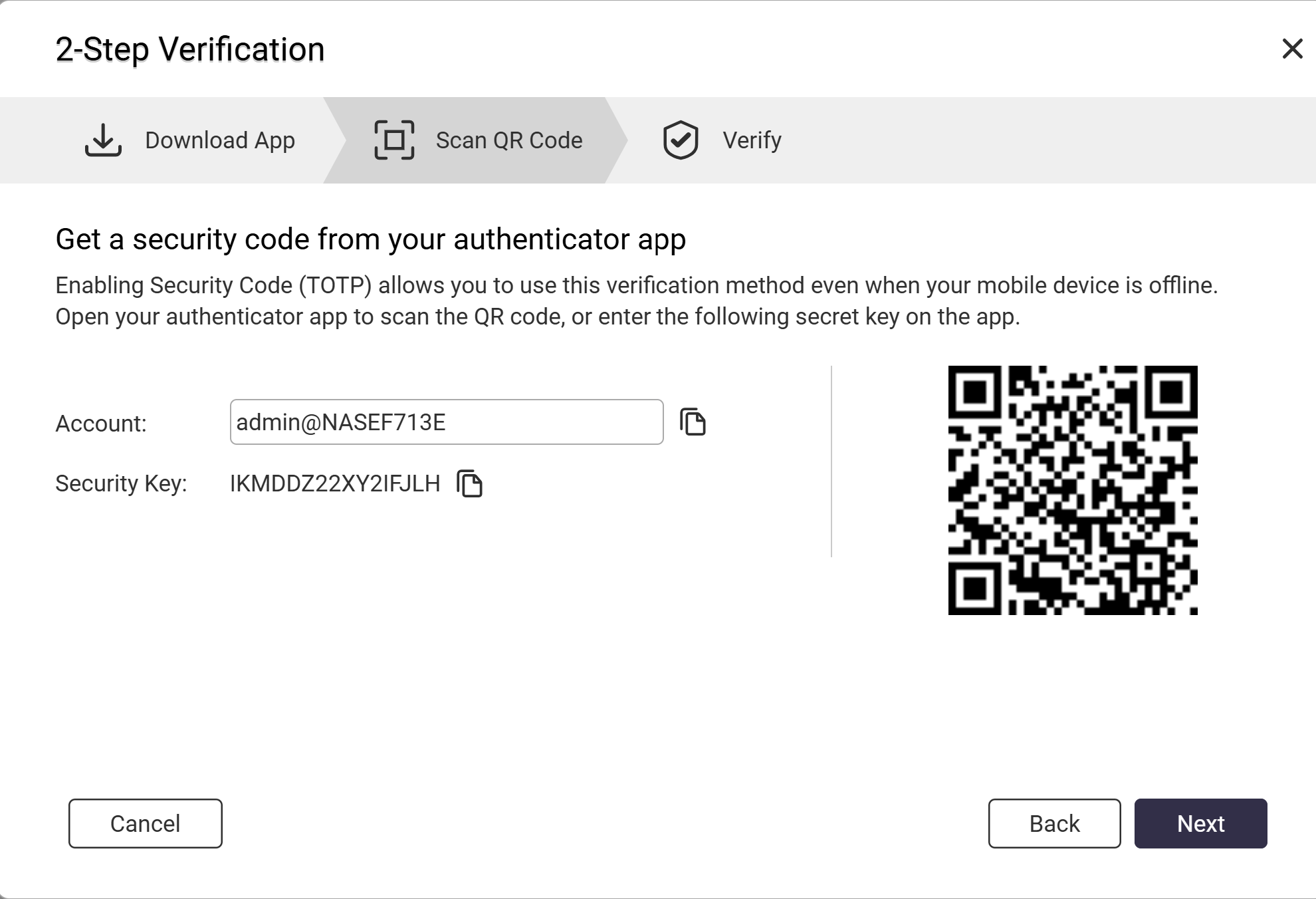
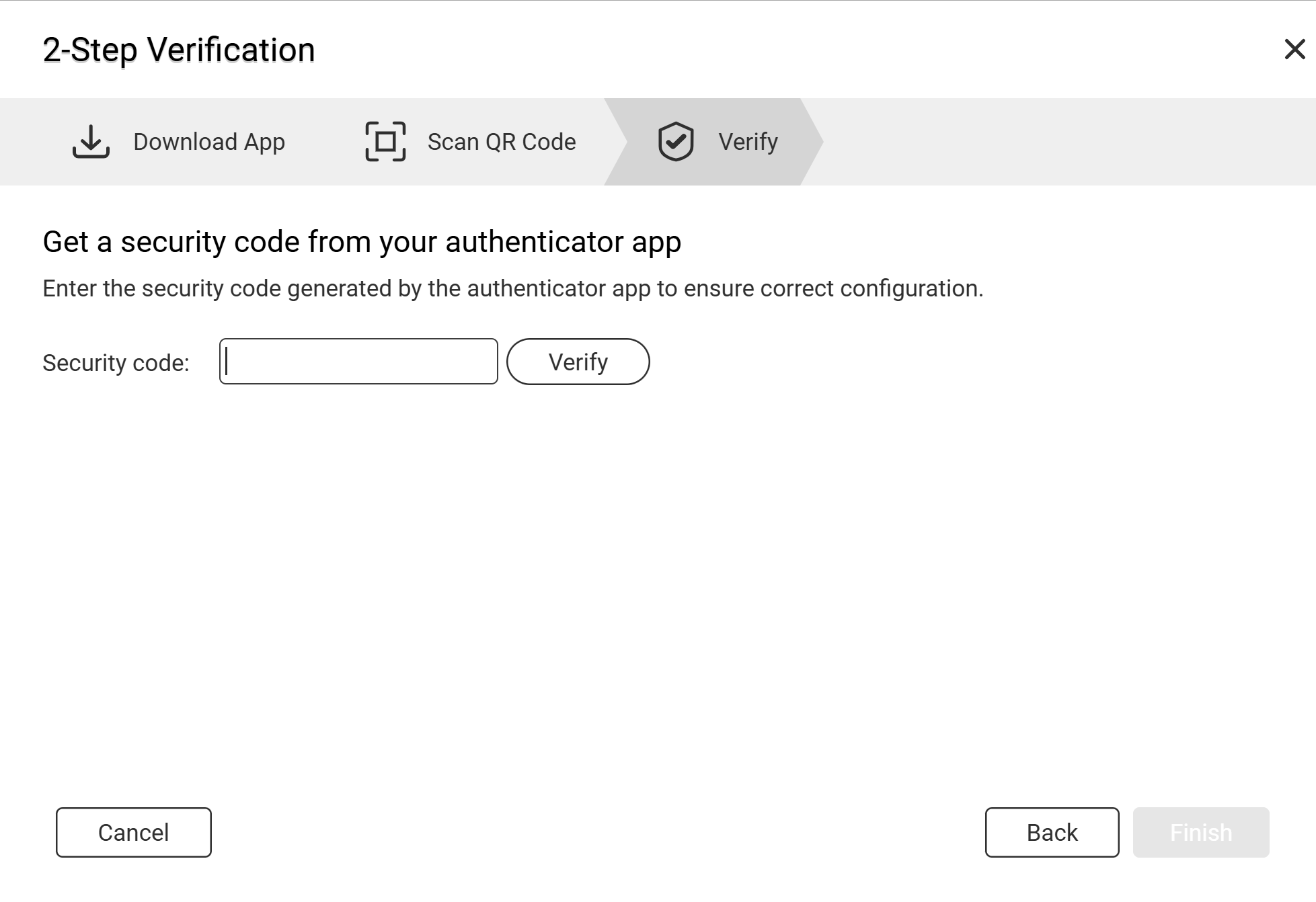
Im forced to enable 2 step verification but I cant successfully do that. Unfortunately.
diwiwi
May 17, 2026, 8:31am
12
Why? My question remains: do you want to enable 2-Step verification?
If you don’t need it, log-in with your admin user and disable the 2-Step verification for users.
About the security code, I am not using, but what about without the white space in the middle?
OneCD
May 17, 2026, 8:37am
13
Time sync is also a factor with authenticator apps. Client device time and NAS time must be in-sync.
MikeD1
May 17, 2026, 10:44am
14
I’ve tried not using the space but get the same result. Thanks for your help.
I’ll keep persevering. If I cant get anywhere I’ll factory re-set and start again.
MikeD1
May 17, 2026, 10:45am
15
Thanks for your input. I’ll try that.