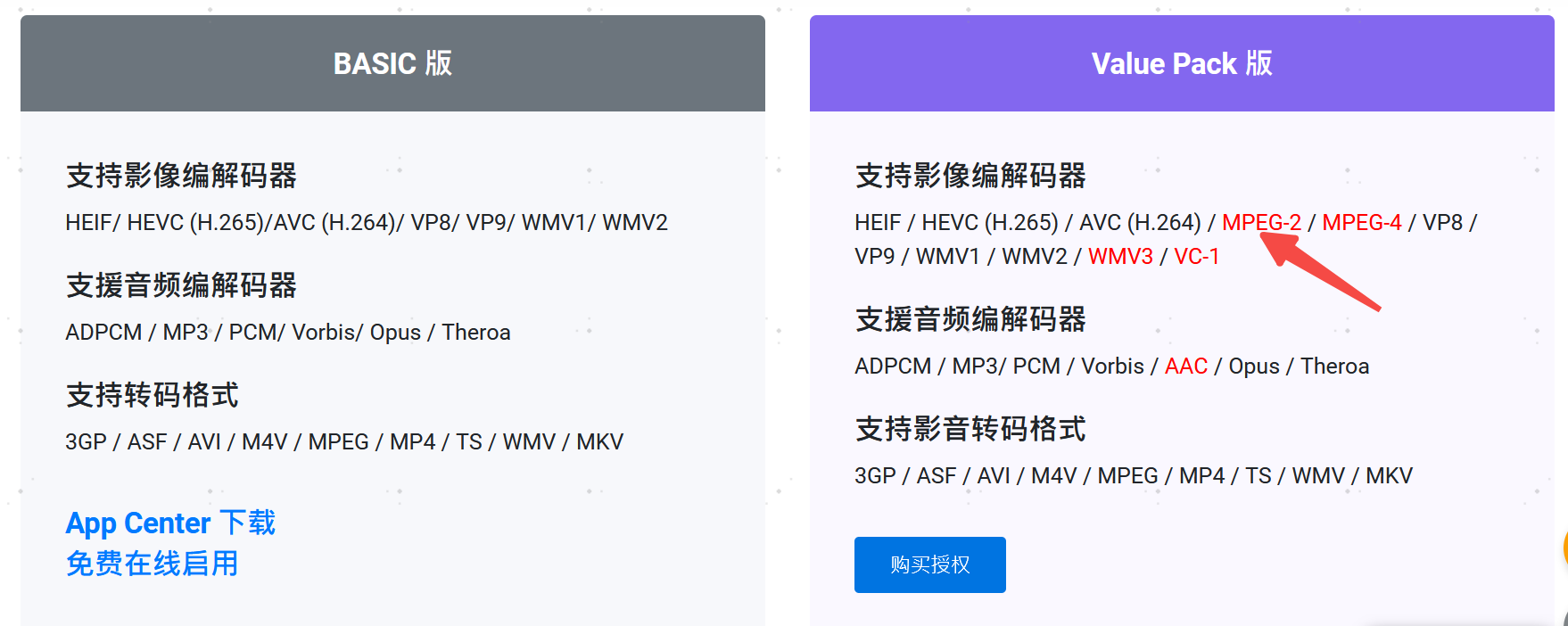
The new CAYIN Media Viewer seems to be a good replacement for the old CAYIN MediaSign Viewer: it seems to support every feature of the old MediaSign Player, and additionally supports HEVC (H265) without a paid license. However, it actually needs a paid license to process MPEG-2, WMV3, VC-1 and AAC codecs (while they’re free of charge with the old MediaSign Player.
When I first installed the new Media Viewer, I was happy to see my HEVC videos being supported. Recently when I tried to re-generate my thumbnails, all my old videos with MPEG-2 codec just lost their thumbnail in QuMagie.
Now I have to disable the new Media Viewer and re-install MediaSign Player to let QuMagie be able to get thumbnail for MPEG-2 video. And sadly seems QTS does not auto-select one of them to generate thumbnail so I have to disable one to force it use the other.
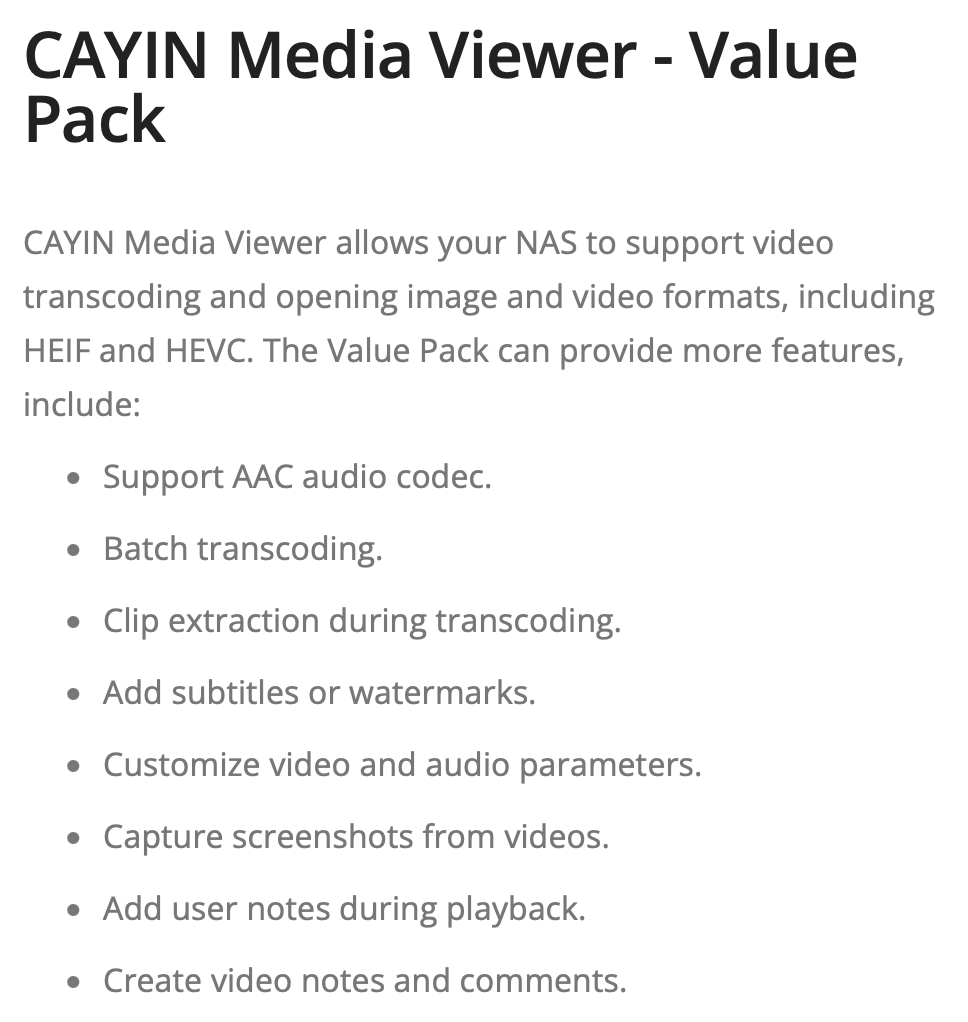
Are you sure that is accurate? I can’t find anything on the QNAP license store where you buy a licenses for CAYIN Media Viewer to enable other formats. There is a value pack but that adds editing features:
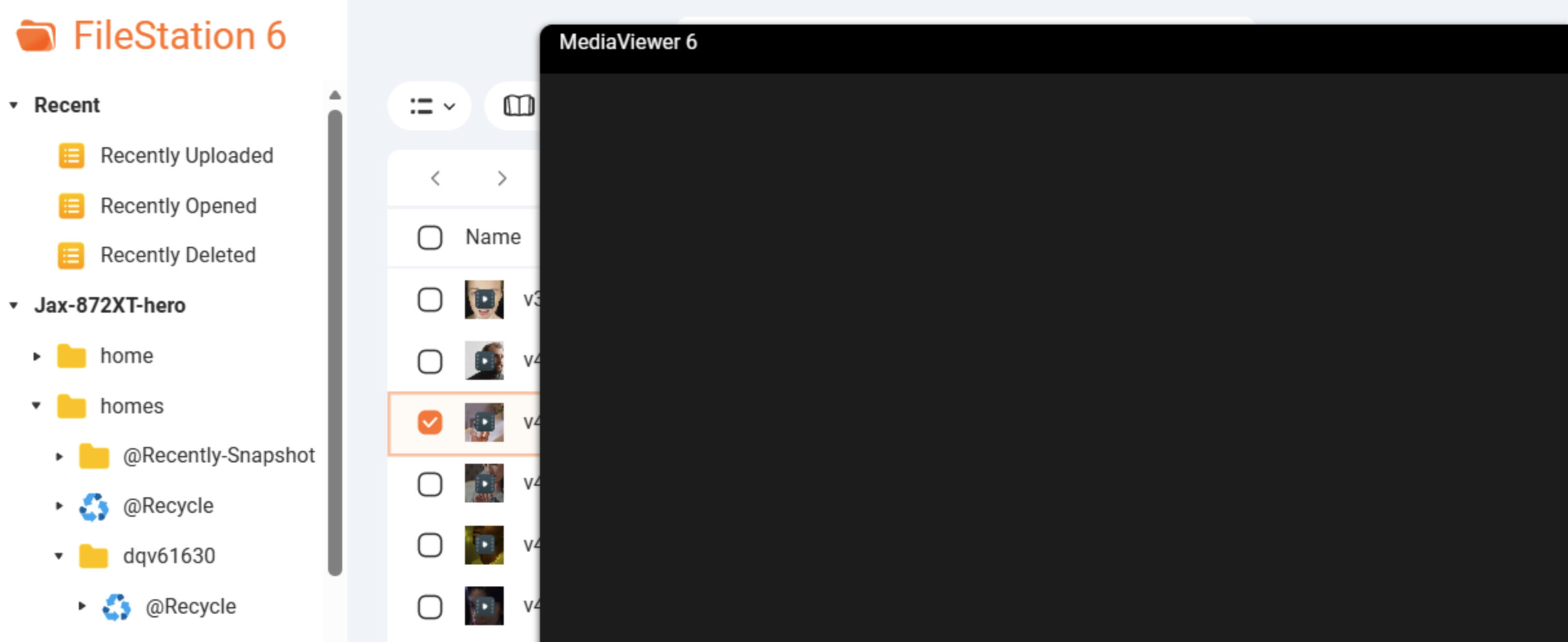
And I can confirm that MPEG-2 files will fail to generate thumbnail if I only enable CAYIN Media Viewer, while they succeeds when I disable CAYIN Media Viewer but enable CAYIN MediaSign Player. In CAYIN Media Viewer I also see a “requires license” notification when I try to open an MPEG-2 video.
Interesting. Maybe I’ve not seen it as I still have both apps installed. Maybe someone from QNAP can comment? It’s like Media Viewer is the opposite of Media Sign Player.
I think the best solution is: if the customer have paid for new or the old one, give us the right to select the one we select to use. paid one time, use one software we select.
ps. maybe the new one is better, but let the customers pay twice for the same function isn’t a good idea!
I can confirm the same - as soon as I installed the new CAYIN Media Viewer, most of the thumbnails disappeared from QuMagie.And you can only have one CAYIN Media app enabled. If both are enabled nothing really works, as the apps get confused and cannot prioritise which Media app to use.
Hi @warmsun yes, the current version CAYIN Media Viewer 1.7 on QTS 6 or QuTS hero 6 will identifies the CAYIN Media Sign Player Plus license and provide the complete Value Pack content.
Please let us know if you observe any issue in the future using.