Accessing folders within application subdirectories (e.g. .qpkg application subdirectories)

Hello,

This is my first post, so I apologise in advance if I have missed any community etiquette rules.

I have been using my TS453B for many years - In fact I think it was set up in 2017. I use it to host shared CIFS/SMB directories with my Windows and Linux computers and when away from home I access it via a VPN running on my router.

I have also set up the TS453B as an email archive server so that I can reduce the number of my important emails sitting in the cloud. It took a couple of attempts to get this to work.

Initially I tried to set up Dovecot in a Docker container but could not get it to access the shared folders where the configuration and user files are located. It would crash upon startup as it tried to build the user directory structure.

Eventually I gave up and installed the Xeams email server app from the Qnap store and this seems to work well with a major compromise – the configuration and user files sit within the .qpkg application folder and are inaccessible to both File Station 5 and the backup application I use, Qnap’s “HBS3 Hybrid Backup Sync”. I can only access the configuration and configuration files via SSH. To try to get around this I created new shared directories and symlinks:

ln -s /share/CACHEDEV1_DATA/.qpkg/Xeams/UserRepository/share/CACHEDEV1_DATA/XeamsData/UserRepository

ln -s /share/CACHEDEV1_DATA/.qpkg/Xeams/config/share/CACHEDEV1_DATA/XeamsData/config

I can see these in File Station (I’m using File Station 5), but when I click on the directories I get a dialog box:

X System Message
Unable to perform this action. You do not have enough permissions, or the file is read-only.

This is odd, because I’m logged in via an administrator account. If I query the permissions of these directories via SSH I get:

[adminuser@myservername Xeams]$ stat -c "%a" config
755

{the permission 755 gives the owner of a file or directory read, write, and execute permissions, while allowing the group and others to only read and execute}

[adminuser@myservername Xeams]$ stat -c "%a" UserRepository
777

{permission 777 means all users (owner, group, and others) have read, write, and execute permissions on a file or directory}

I assume there is some sort of conflict as Advanced Folder Permissions is turned on? I also understand that the Adanced Folder Permissions works differently to the standard Linux permissions systems and this is likely the root cause of the problem.

Any ideas on what I’m doing wrong?

NAS details as per instructions:

NAS model: TS 453B

Firmware Version: Have never had this working for many versions of the firmware. Currently QTS 5.2.6.3229

Advanced folder permissions is on.

Network Setup: Single Port
If your looking to access any root folders login via ssh (main device admin account not a created user admin account) and use WinSCP. I have also used file browser which allowed you to do the same but in a browser window, however I don’t you can edit permissions of directories via this app but you can do everything else.

https://www.myqnap.org/product/filebrowser/

Thank you very much Kris. I happen to have Filezilla installed which seems to do something similar to WinSCP. Yes, I can log in using Filezilla via SSH and see the ‘root’ folders as you say. The symlinks work too. Technically I could back up the contents of the configuration and user directories with Filezilla.

Of course, this means that I cannot use Qnap’s “HBS3 Hybrid Backup Sync” for backups and I’m not really addressing the authorisation problem, I’m simply bypassing it by means of using SSH.

Is my authorisation problem normal intended operation for QTS? How do people get access to Docker shared folders? I have followed tutorials for accessing shared Docker folders without success.

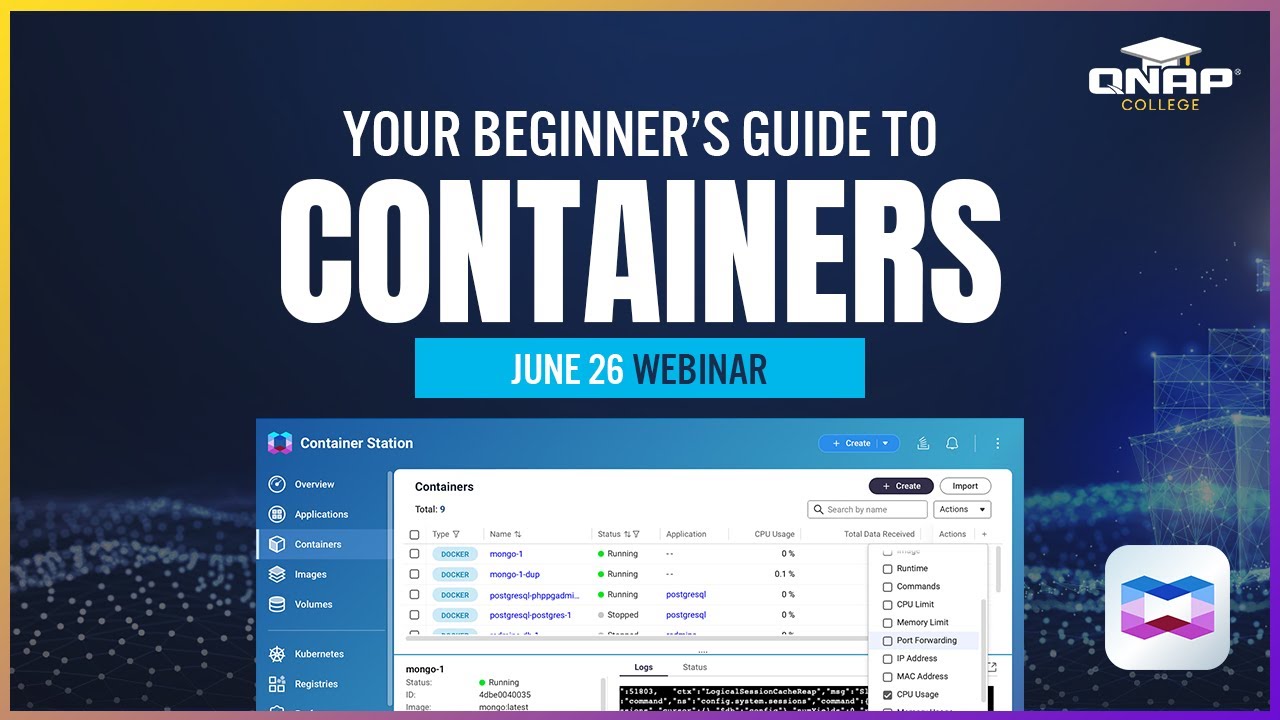
Have you watched this video?

Apparently, it talks about how to set up docker containers with YAML Compose so that you can access the docker folders from the NAS. By default you cannot access them. You just have to backup the entire container folder.

I just want to open with a very big thank you to both of the people who have responded. While you haven’t solved my query directly, your help has been invaluable in helping me to think about this laterally. Two thoughts come to mind:

  1. Because of the issue I have with accessing any ‘root’ folders from the QTS webpage or File Station 5 (either in a .qpkg or docker container) one solution is to give up! Don’t try to access the files from the QTS webpage/File Station 5 or back them up with QNAP Hybrid Backup Sync. Simply access them and back them up via SSH. I will have a go at building a Dovecot docker container with no ‘shared’ directories.

  2. The second thought is related to a .qpkg I have installed called QmailAgent, and surprise surprise, it does have a ‘shared’ folder from within the .qpkg that is visible in QTS/File Station 5. I will investigate further to see if it is a symlink, and if so, perhaps whether there is something special about this symlink.

Hello, if you just need to access a file inside a .qpkg one time, you could try mounting it like a regular shared folder.
Just a heads-up, this trick works on QTS, but not on QuTS hero.
Once you do that, you’ll be able to see all the original files in the .qpkg right from your File Station.
I’m kinda curious why you need to do this, though.

*Warning: this isn’t an official method, so I can’t promise it won’t cause issues.

How do you do that?