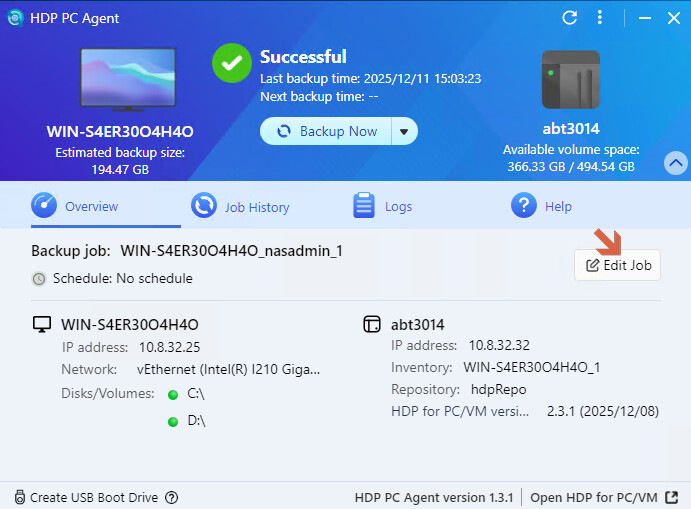
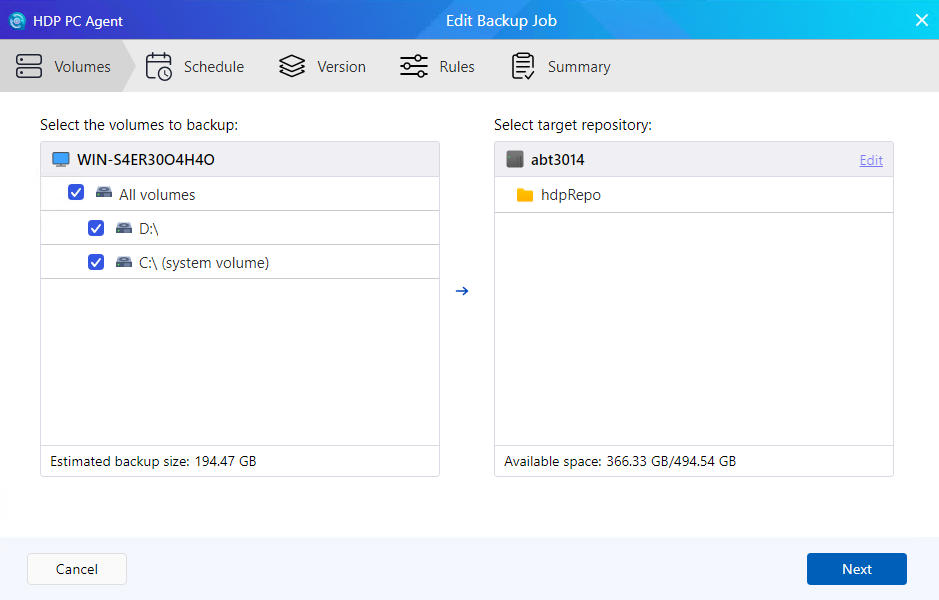
Using HDP 2.3.2 (2025/12/30) to back up a couple of disks on a Windows 10 PC. Now I have a third disk and want to add that to the job but can’t see any way to do that either on HDP PC Agent or on HDP on the NAS. Am I missing something simple?
I did try asking my usual AI friends, they didn’t seem to know and the closest suggestion was to delete everything and start again. So losing my history including revisions etc.
Thanks for taking the time to reply.
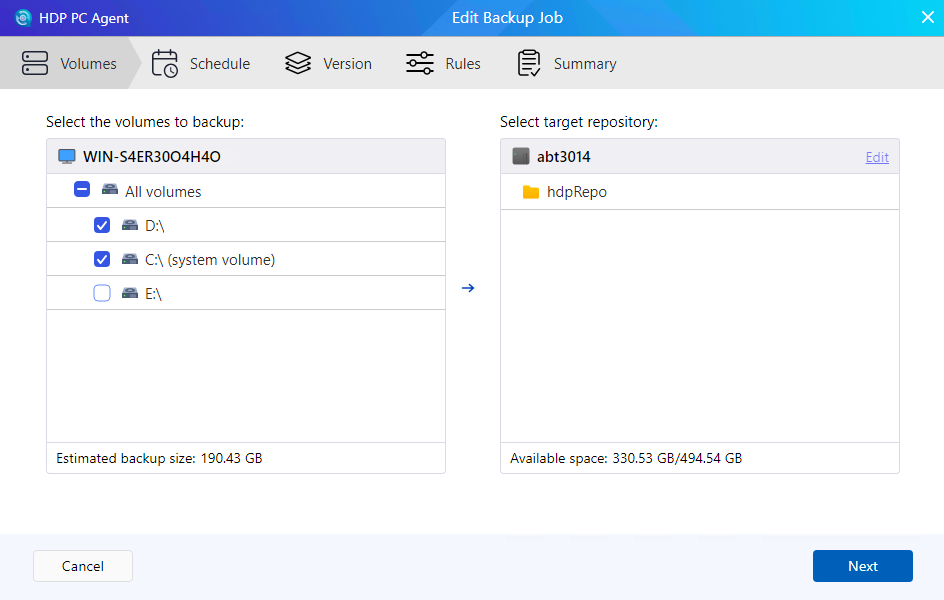
Your third screenshot is exactly where I went. And since I have another disk “E” , I expected to see an E:\ in the list of volumes, with checkbox unchecked. Or a button to “add”, or “refresh” or something. But I see no options other than to delete one of/both the two disks I am currently backing up.
This sems such an obvious function to have, I thought I must be missing something obvious. Surely I can’t be the only person to need to add a disk?
When was your “new” disk added? How is it connected? (Internal or external) Your issue would appear to be something related to your environment, and not with the agent.
I wouldn’t delete and start over. Instead, I would open a ticket and work with support to resolve.