How could I add multiple Qnaps (NAS) in Qcenter using the Add Server option - Add single/multiple NAS under a Subnet ?
This option just provides on option of 10.0.0.0/22. I would like to add 10.0.0.0/8. This subnet should be searchable by Qcenter to locate all the NAS’s on that network.
Thanks
Thanks for the suggestion! May we also ask how many NAS units you have, and would you mind sharing how you manage them and which Qcenter features you use most often? We’d love to use it as a reference!
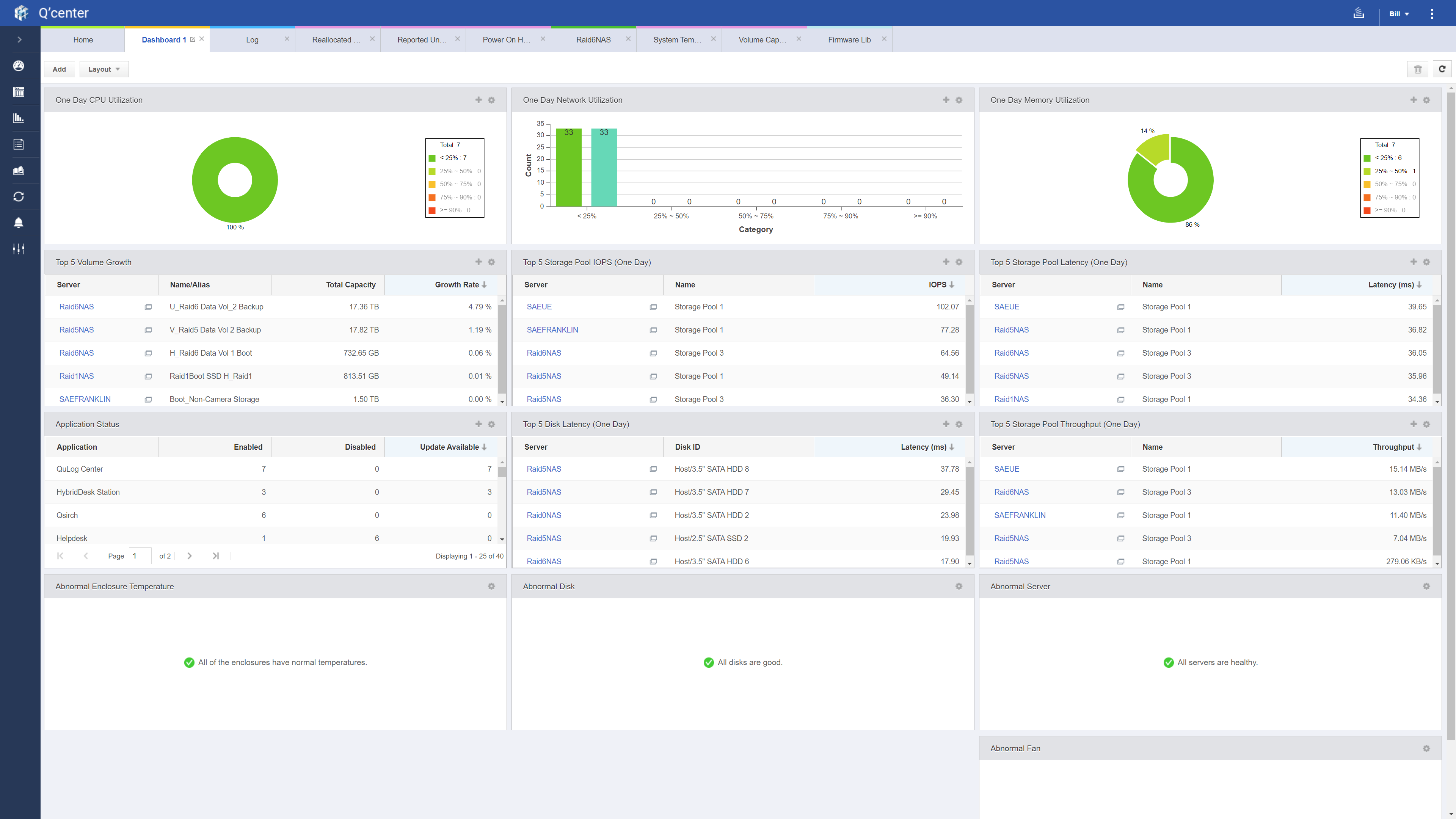
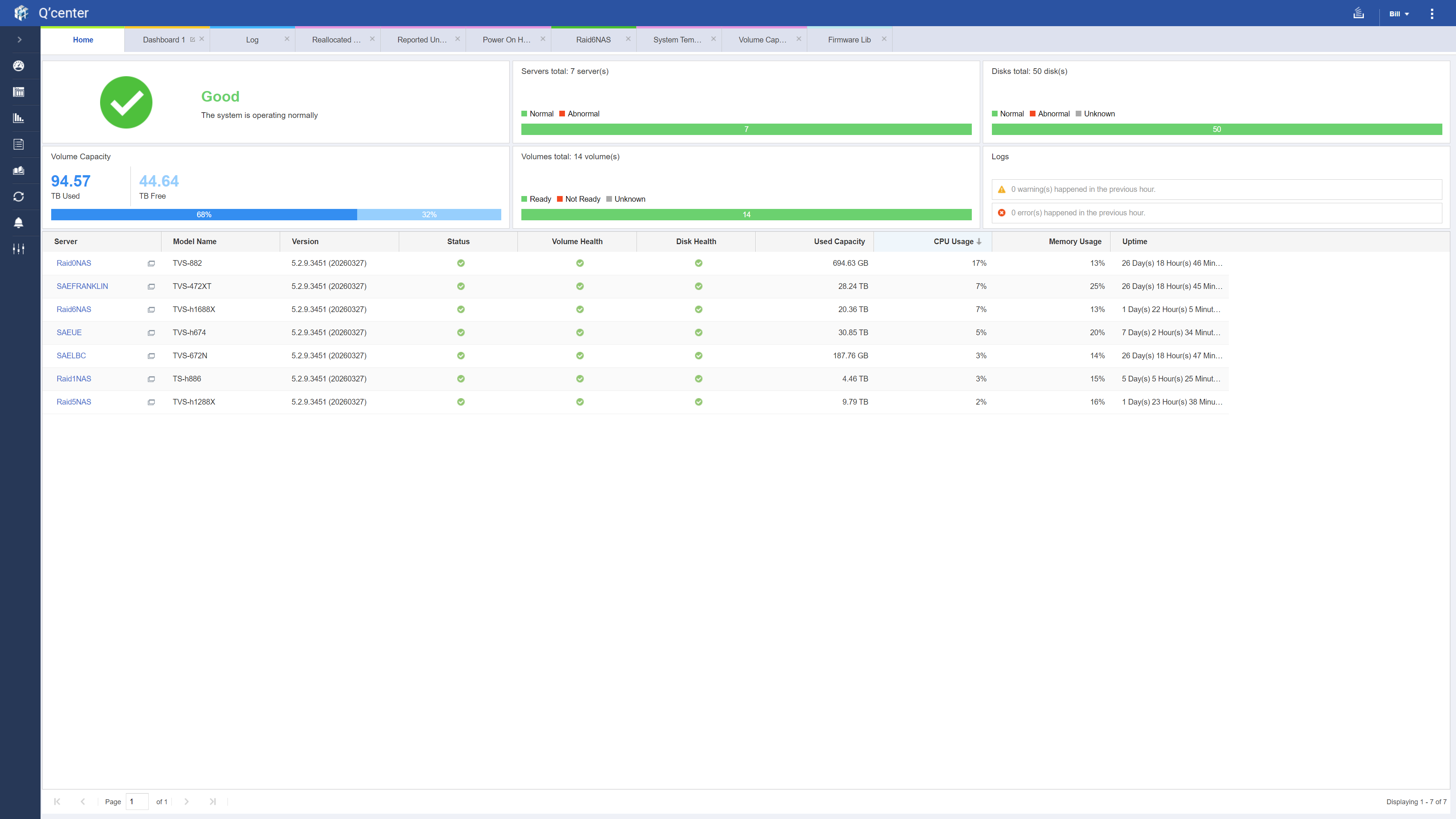
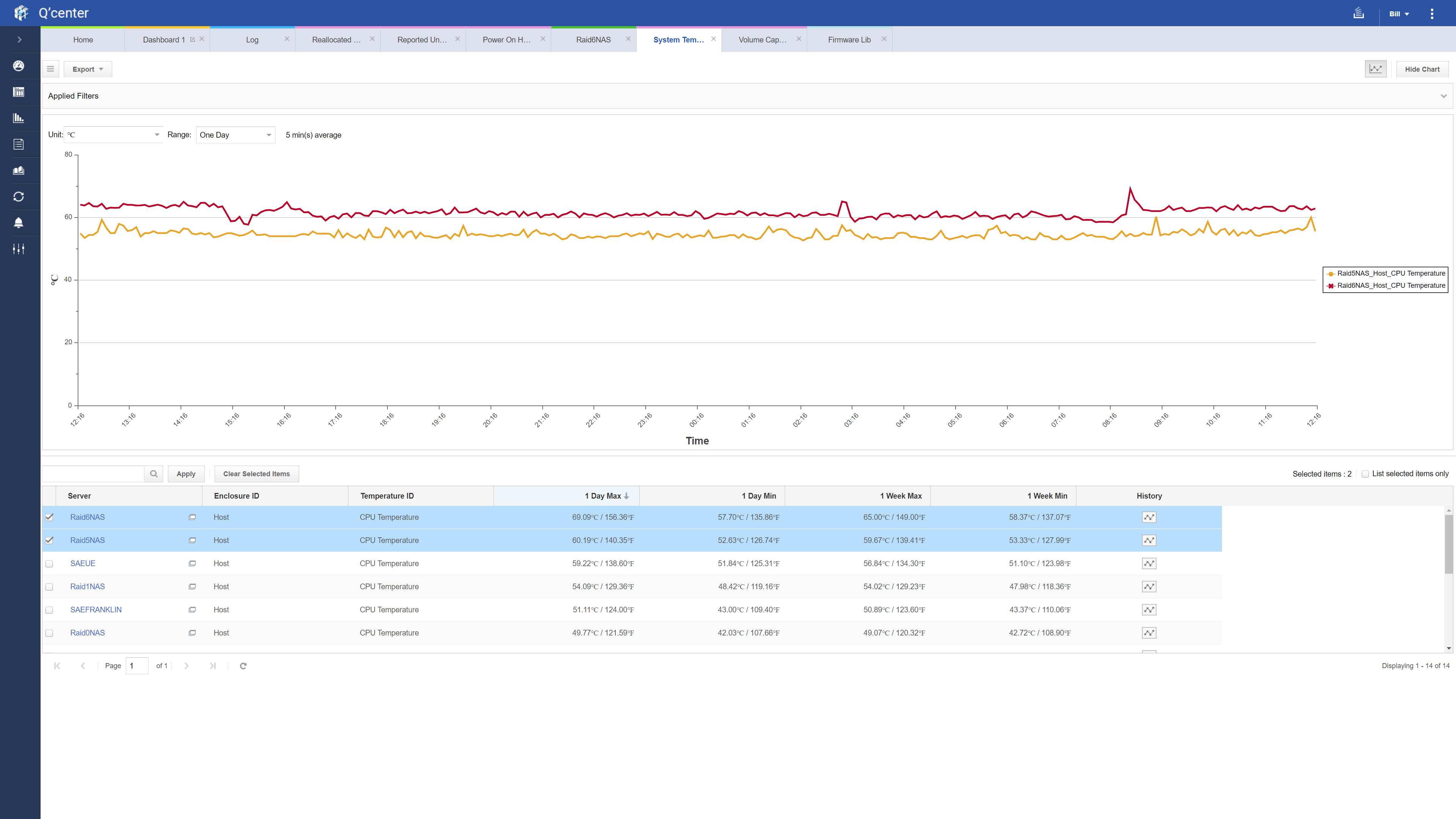
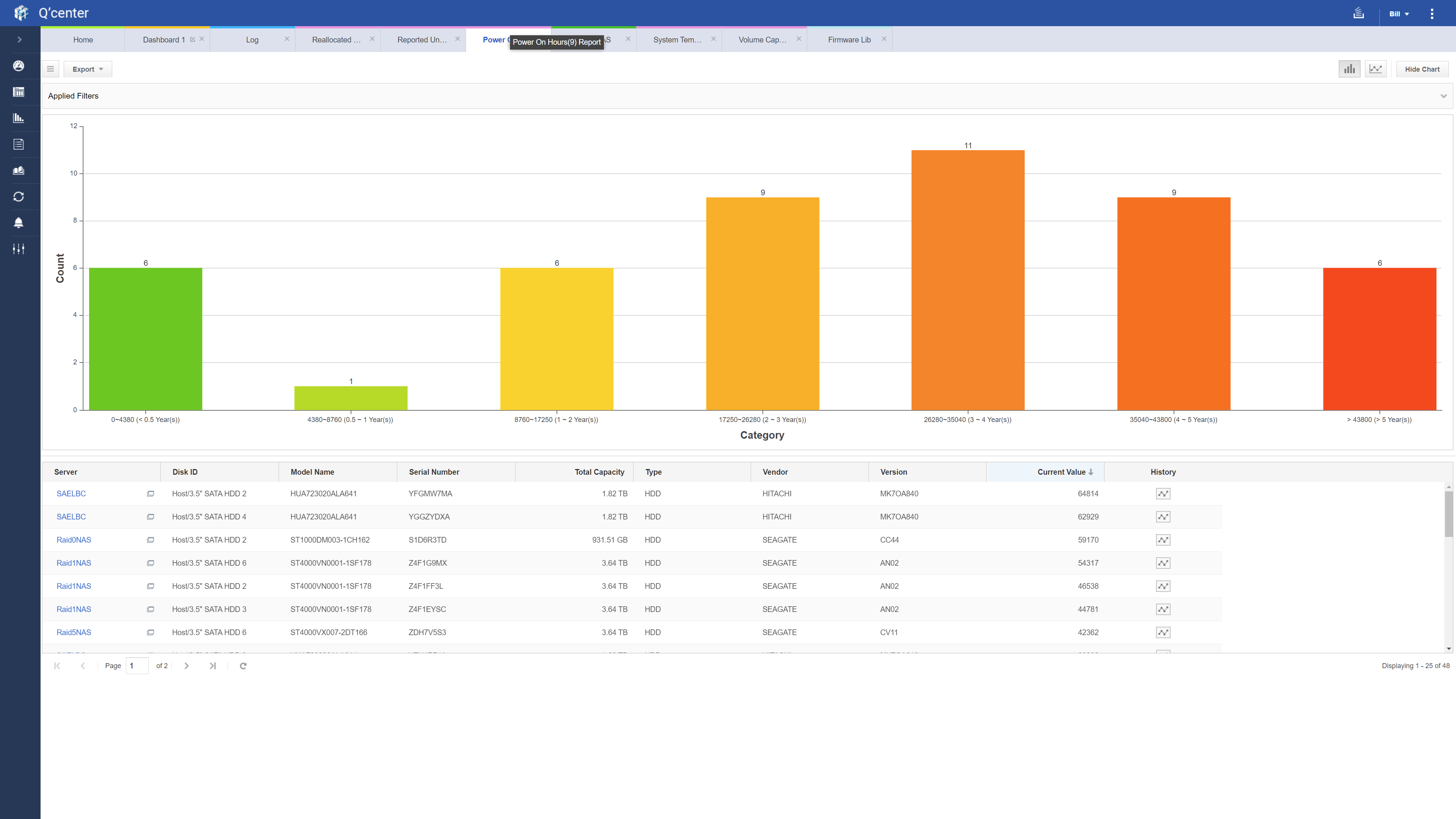
FYI I have 7 NAS’s and love QCenter. In my dashboard , i Application status in descending order so I can immediately see when updates are available. Other tabs are logs, Reallocated, Reported uncorrectables, System temp. Also a big fan of Hybrid Backup Center. I use NAS, and especially useful is Backup & Sync set to Next Run in descending order. This is very useful when I want to reboot a NAS for an update, etc. I can see what jobs are coming p and reboot when there are no jobs coming up.
Hi @Franklin
Thanks for your feedback and kind words!
Hi @Wolfpack
We’d also love to learn more about your setup — could you share a screenshot of your configuration? Thanks!