After Reset my TS-431P , the folders are gone .

After Reset my TS-431P , the folders all gone .

My config , TS-431P , 3 hardrives , 1st 1T system drive and for all apps , 2nd 8T drive , 3rd 3T ,

When I first installed it several years ago I decided not to connect it to the internet for better security. Only the downloader is connected to the internet when It download those TV series since the files are big and it can work 7x24 . The main purpose of this NAS is external storage drive . No RAID pair HD is arranged .

Recently the weather is very hot in my city so I tried to turn it off when I go to work at day time . When I turned it on at night , the system then keep saying the apps are starting (as below screen ) ….
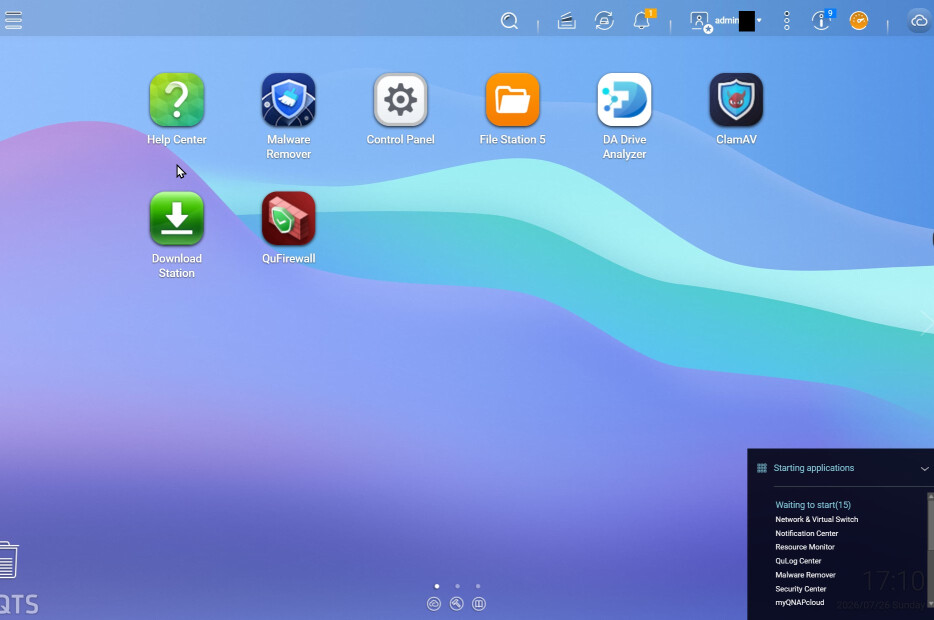
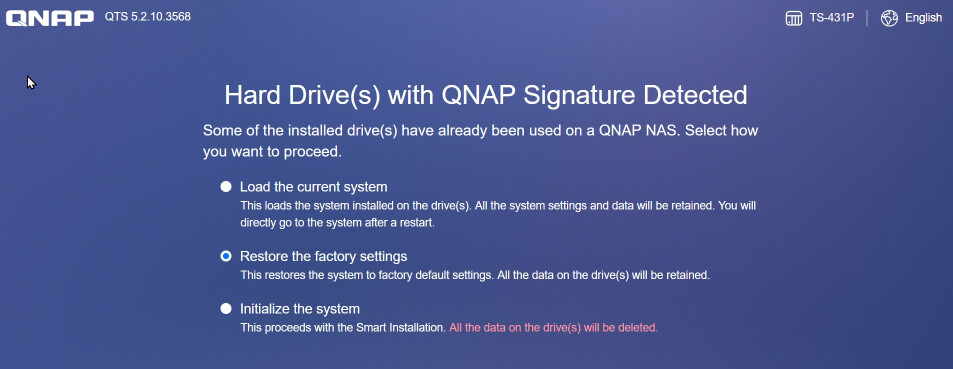
I don’t know that was a loop or something I cannot fix it for days . Then after reading some instructions on net . I reset the system . I choosed the option 2 – Restore the factory setting . It said the all the files will be retained . However , after I reset the system , login , I cannot see the old folders which are storing a lots of video files , mp3 , ebook , etc. When I reset the system , I used all the SAME admin names and password, including the new adminxxx , users (phones , tablet , TV and ereaders )
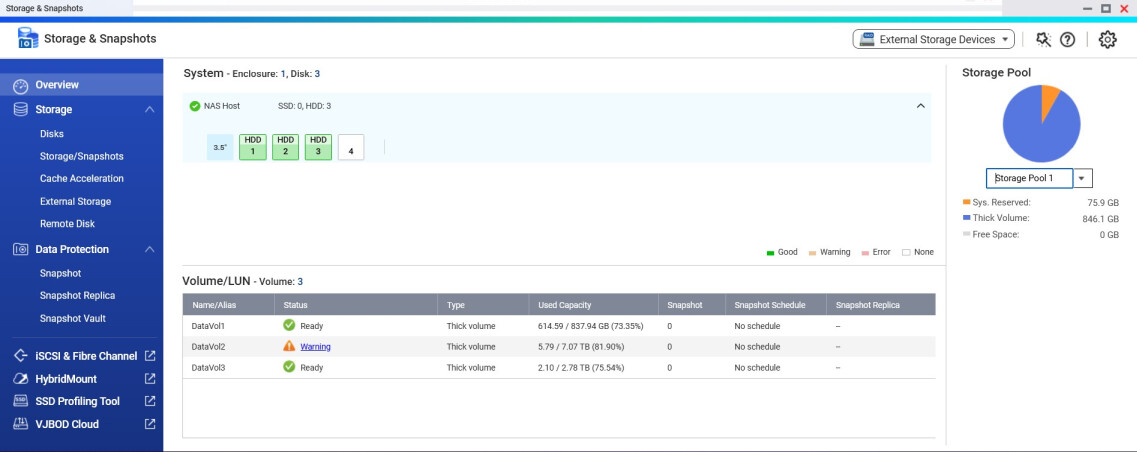
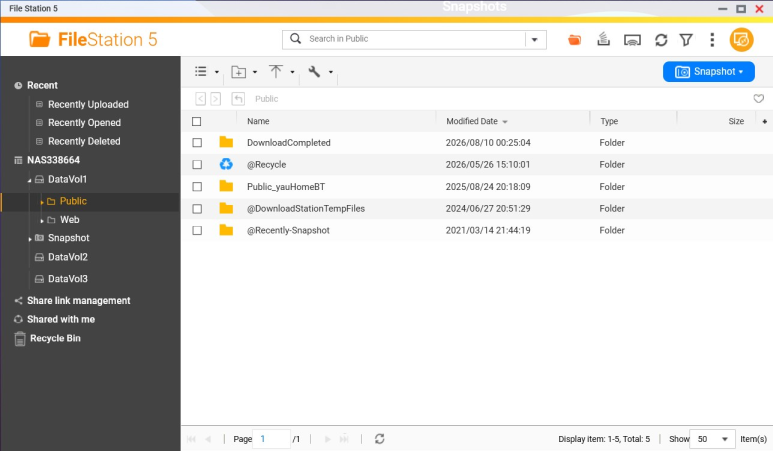
I only installed again the downloader and the new file station 6 , then I started file station 5 tonight and I can see DataVol1 , DataVol2 , DataVol3 , I attached the screen here , and also the storage snapshot screen .
How can I see the files back ? Can someone teach me step by step ? Or the terrible true is all the files are gone that I cannot read them forever again ? Thank you in advance for teaching to fix it .

If you use file station, look to see if your files are still there. If so, just create a new share that points to your existing directories.

Thank you but sorry . I still cannot see the files I still cannot see the files and folders in my hardrives . However , as the screen capture I pasted here show the drives are full of files . Can someone teach me how to fix it ?

So what part of the guide have you tried, you need to feed us some more info

Plus if you ever get your files back, revamp or create a backup strategy

I have only successfully reboot the NAS only . Now it can use the download station to download files. Other old folders . I cannot see. The download station only use Disk 1 , the 1T HD to work . The more important folders are in Disk 2 & 3 . I do have backup the most important files , but in my desktop window 10 PC and with some USB drives . I also backup those be-loved movies/TV series. In fact , the NAS is the storage drive I use to backup the files in my PC . No extremely important files in it but still hope that I don’t need to format them and copy as new HD again . I am rather layman in this NAS stuff . Would you mind to tell what information you need to help me ?

Thank you .

The above screen of file station screen is all the folder I see in my NAS already . However in the storage snapshot they are show percentage of usage , just can’t see the files :pensive_face:

You were given a link with instructions on how to restore your user shares, but you say all you did was reboot the NAS.
So read the instructions and follow the steps

The steps I found out from google search only . That is all in the above screen . The reset page. I choosed the 2nd option only .

Sorry, this makes no sense, recreate the shares like shown in the linked guide and report back.

I just read the link the other guy provided above . Thanks . I can read some of my old folder now . Is that mean I have to do all the other folders one by one ?

If you did a factory setting reset, all shares must be recreated, yes

You may refer to this FAQ. If you run into any issues or difficulties while reconfiguring, feel free to open a support ticket and our Support Team will be happy to assist you. Thanks!

How to restore shared folders after resetting a QNAP NAS to default settings? | QNAP

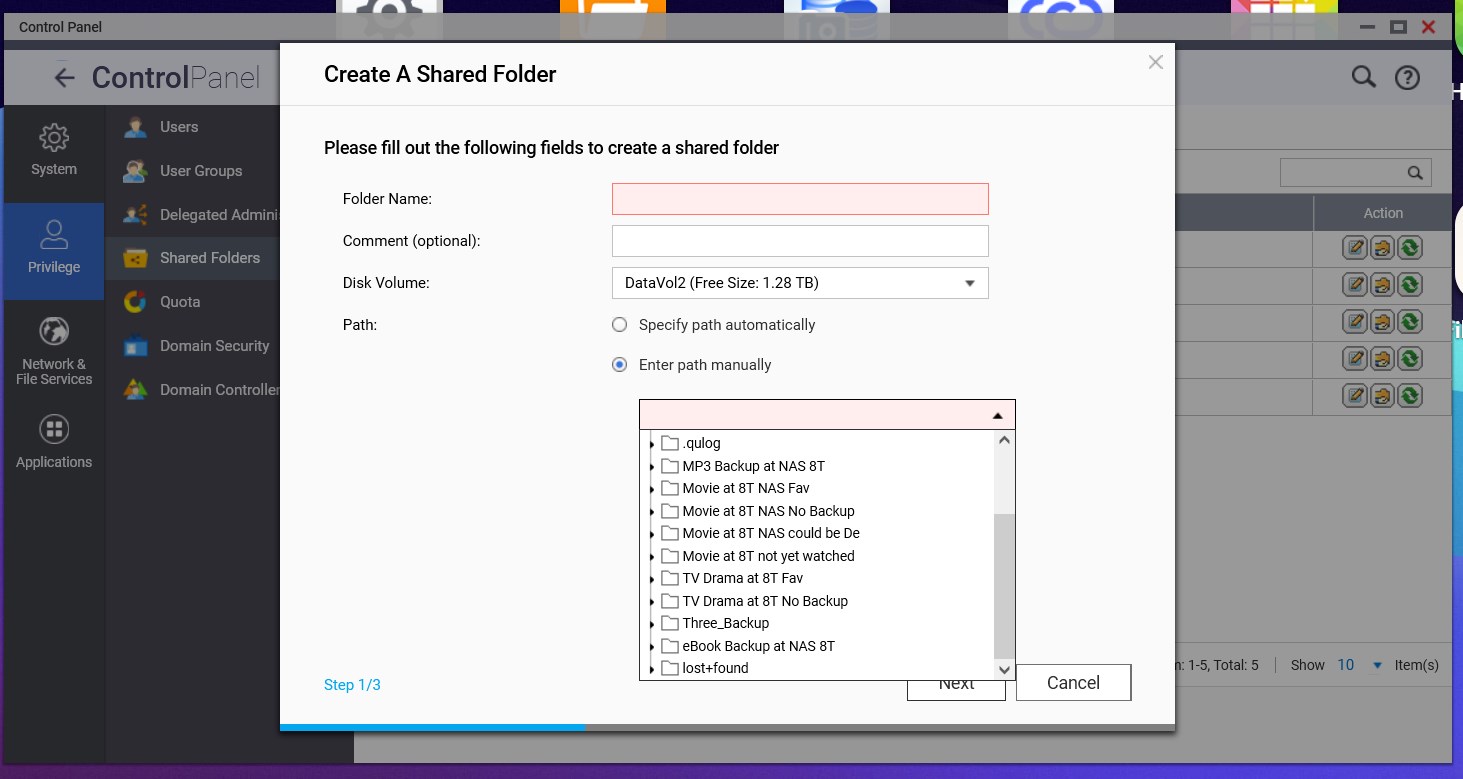
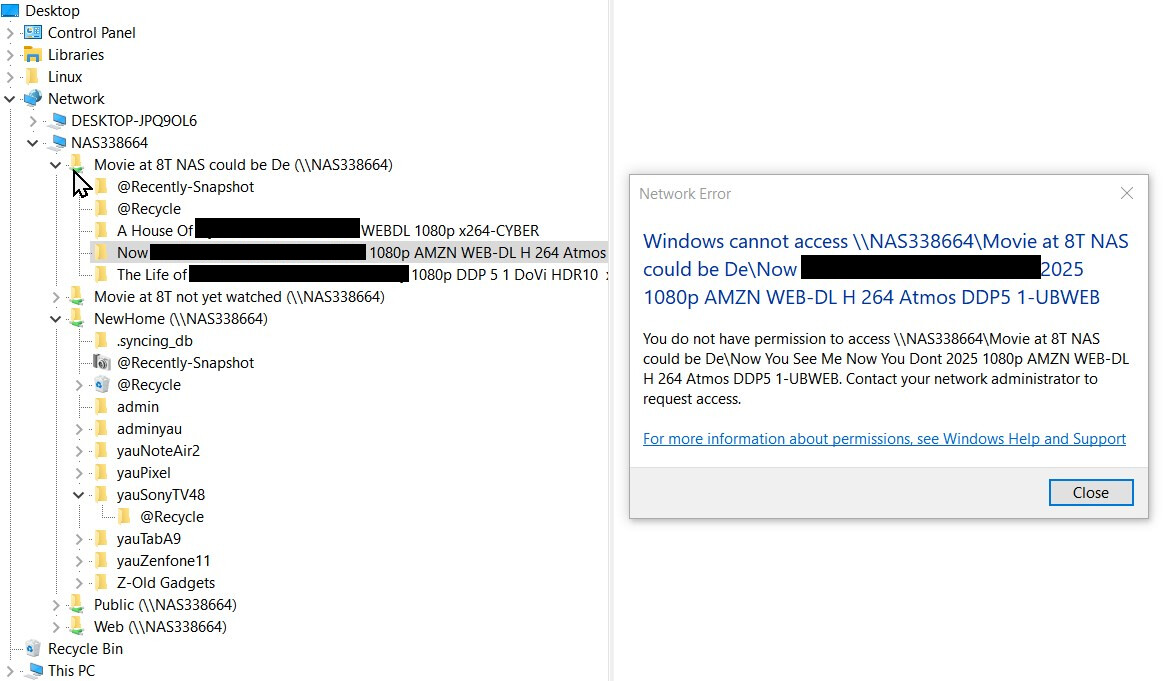
I tried to create some folders which the content inside it is not very important and I don’t mind if the files inside cannot be restored , just to test the method . However , the result is a bit scary to me . As attached screen . There should be several tens of video folder in that “Movie at 8T NAS could be De” folder . Only 3 are seen after I created the new share folder . I used the same name as used before . Their old folder name is shown when I manually point to the folder as the instructions above . I cannot access it by my window10 desktop and it said windows cannot access . Is that mean they are all dead ? There are some other favorite folders which I really want to save as in the 2nd screen capture below . :sob: I really need someone’s kind help .

Why did you create a new share for every subfolder ?

You would create a share for, lets say “media” and then create multiple folders (and sub sub sub folders). Then you only have to create that single “media” share again and all the files in there would be instantly available.

Now you need to create every single deleted share and restore the permissions for whatever user is accessing these shares (this regards your error message, as permissions are missing)

Regarding your issue, we recommend opening a support ticket so our Support Team can assist you. Thanks!