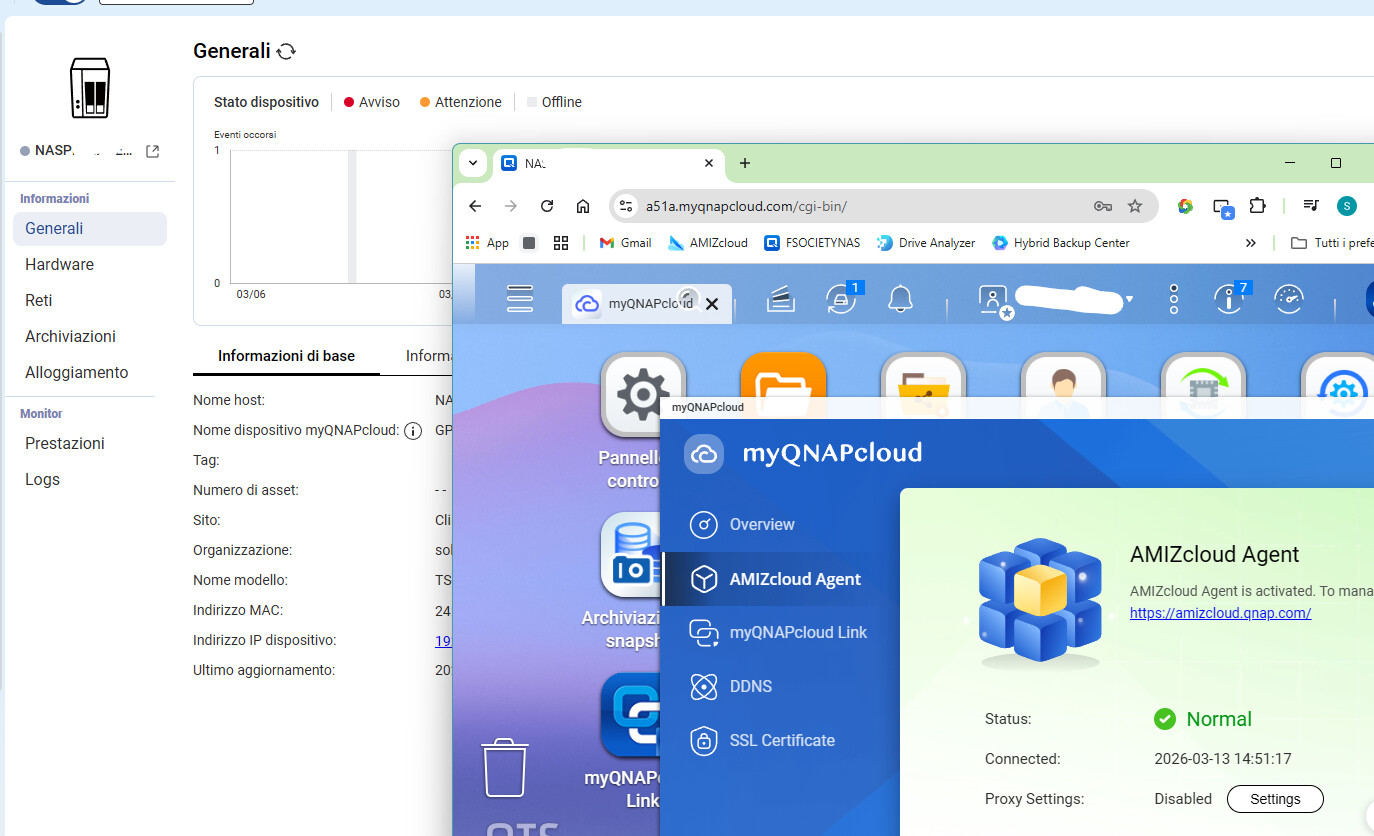
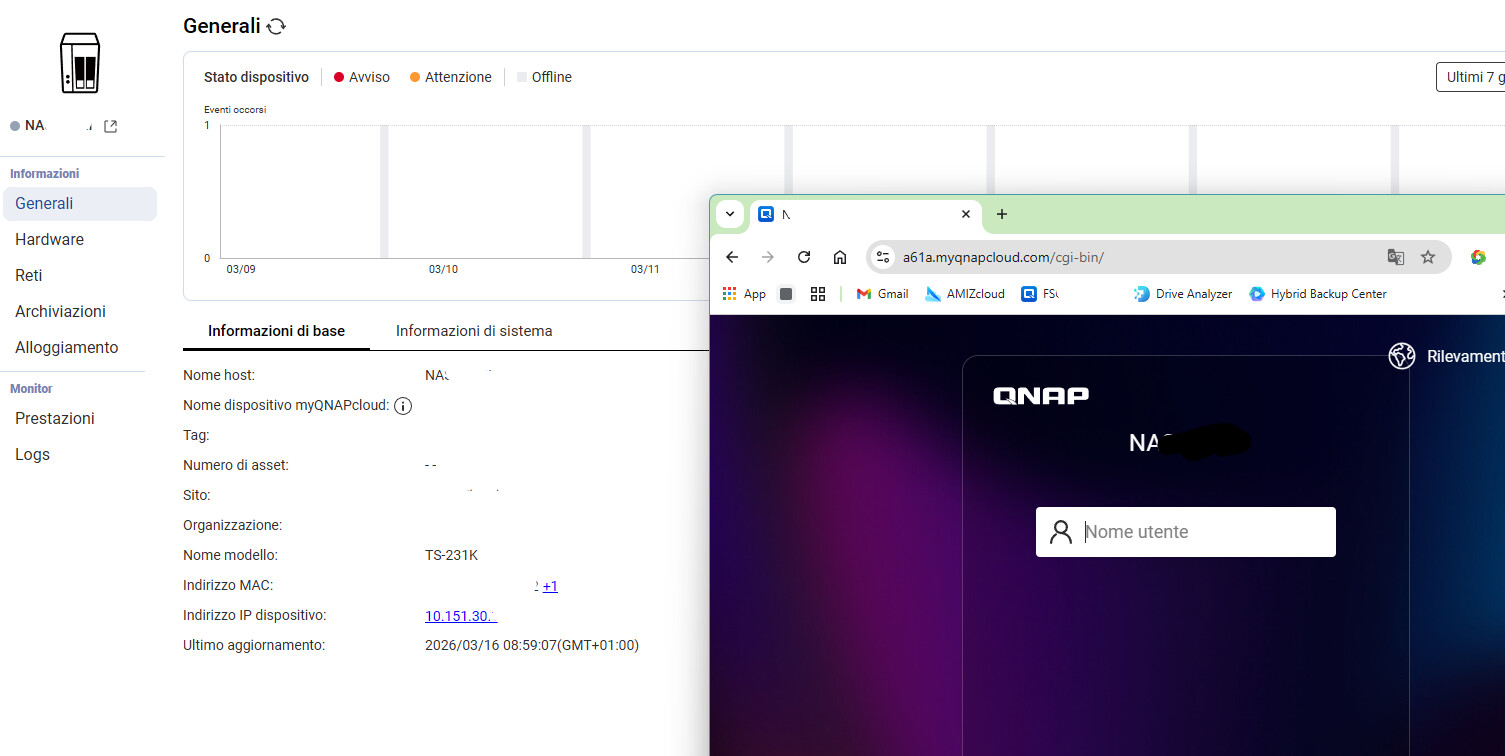
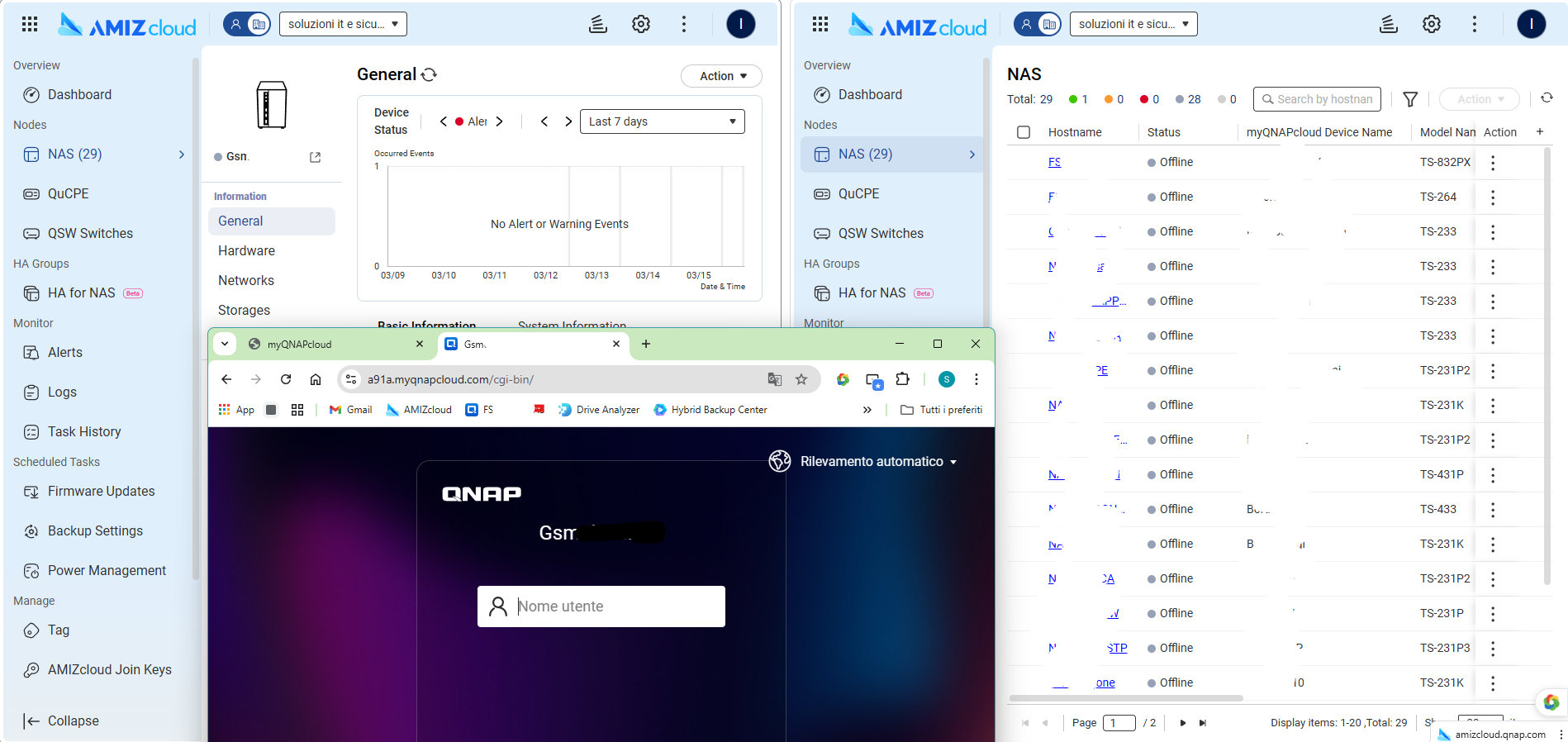
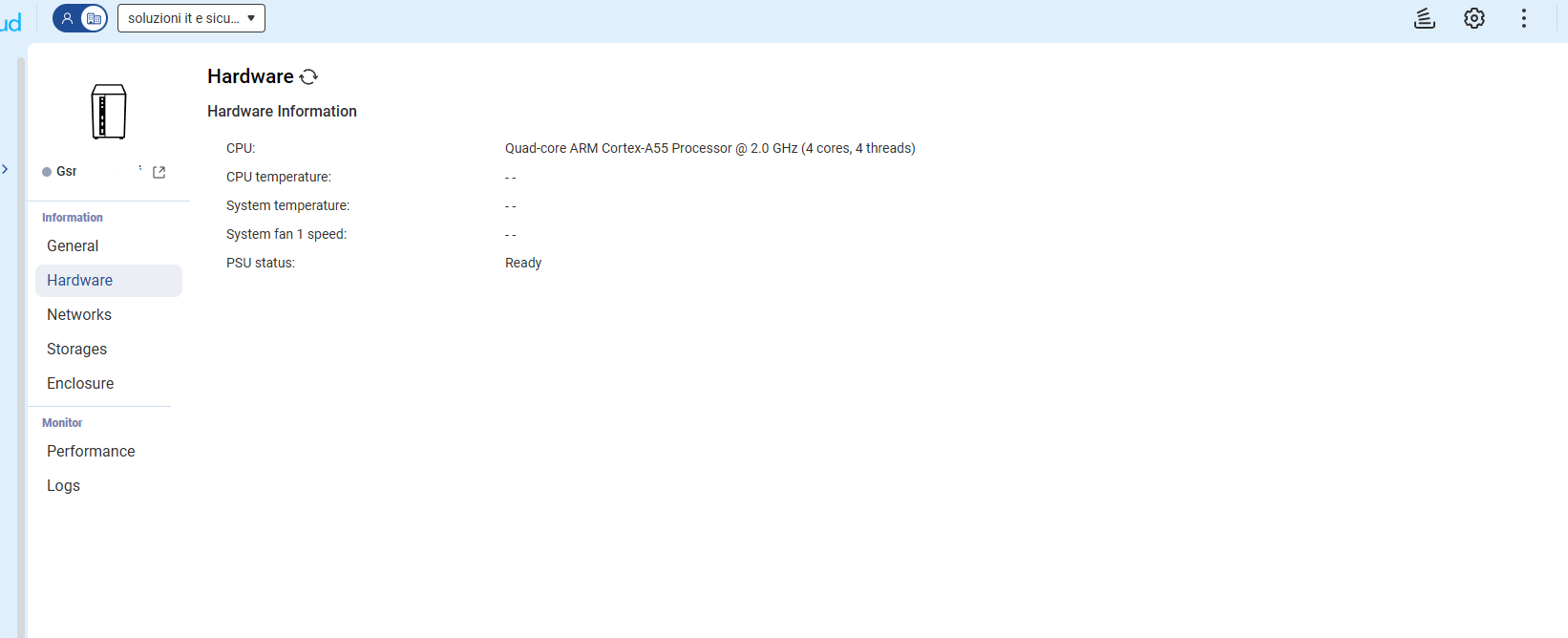
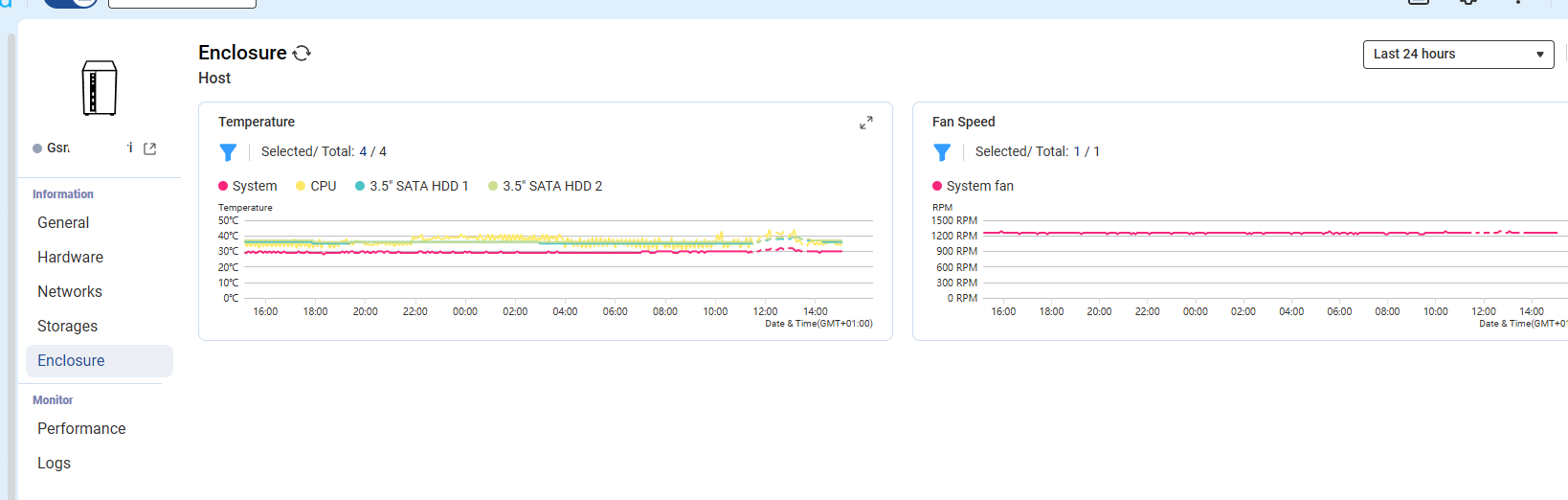
why the nas go to offline in the console, when is online
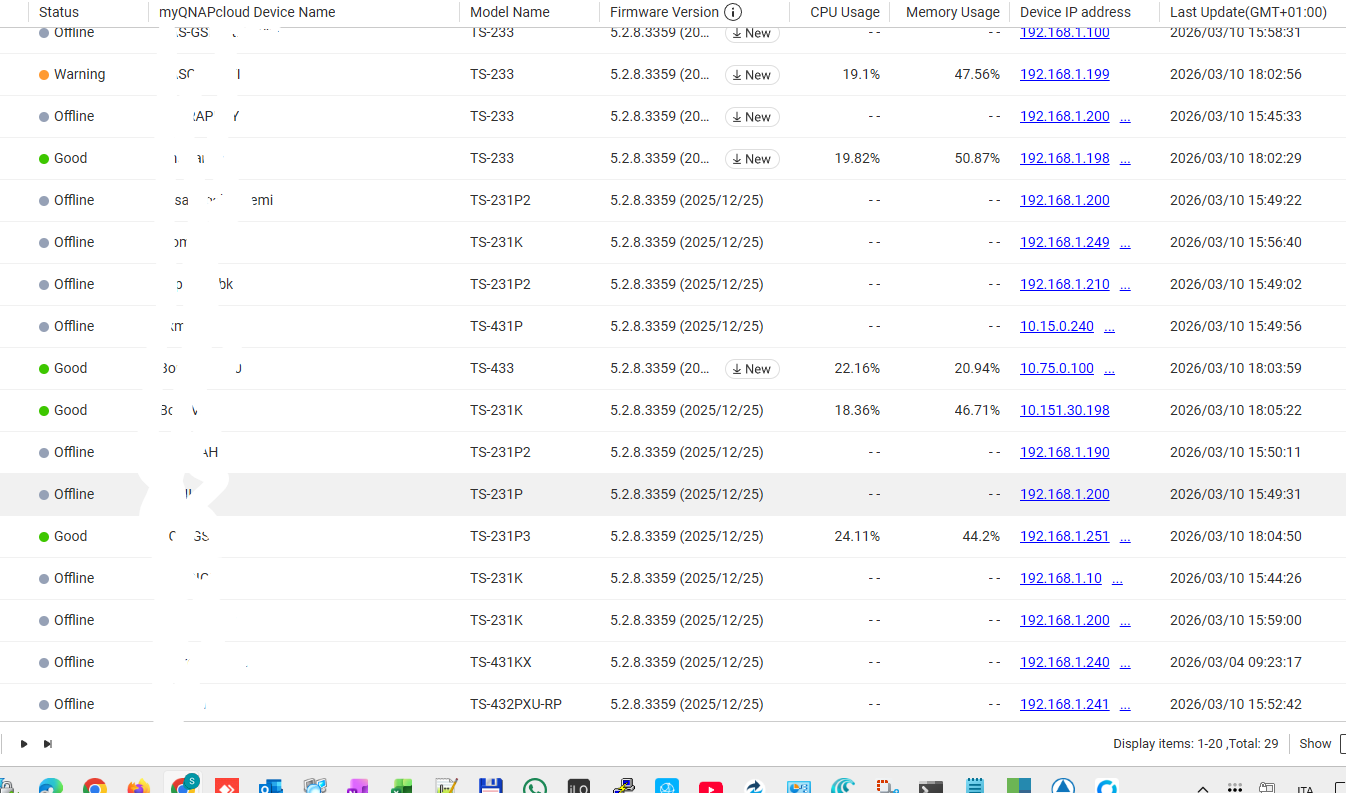
i go to page server status and all it’s ok
Best to open a ticket, with that little info given, you need to talk to QNAP for a more ‘hand-holding’ type of session.
To help us better understand the issue, could you please provide more detailed information for our reference? Additionally, if you are comfortable, please feel free to send me your IP address via private message so we can conduct a further investigation. Thank you for your cooperation!
Same issue for ours. It is a known issue for QNAP right now. If you check the status of the AMIZcloud agent it will show as “Abnormal” you can select reconnect and then restart the NAS. It will come back online, but is likely to occur again. In fact now after performing that regiment 100% of our QNAPs show as offline and we have far too many to unenroll and re-enroll.
yeah man, i manage 30 qnap, space, error, backup … i have a crm email based, but amiz console is perfectly and reduce time of the managment.
for me is not normal go to 30/30 nas for reconnect the agent, thursday i reboot a tree nas for test and a problem is renew, for me this is a problem from server qnap, maybe token or heartbeat
I’ve been happy with QNAP, but if the console continues to work, I’ll consider migrating to something else. I need to provide valid guarantees to my customers.
For me the fault lies in its agent which does not send all the information such as CPU/RAM. If you provide a connection with qlink it works. 
four month ago i have allart a staff from this error, today i return
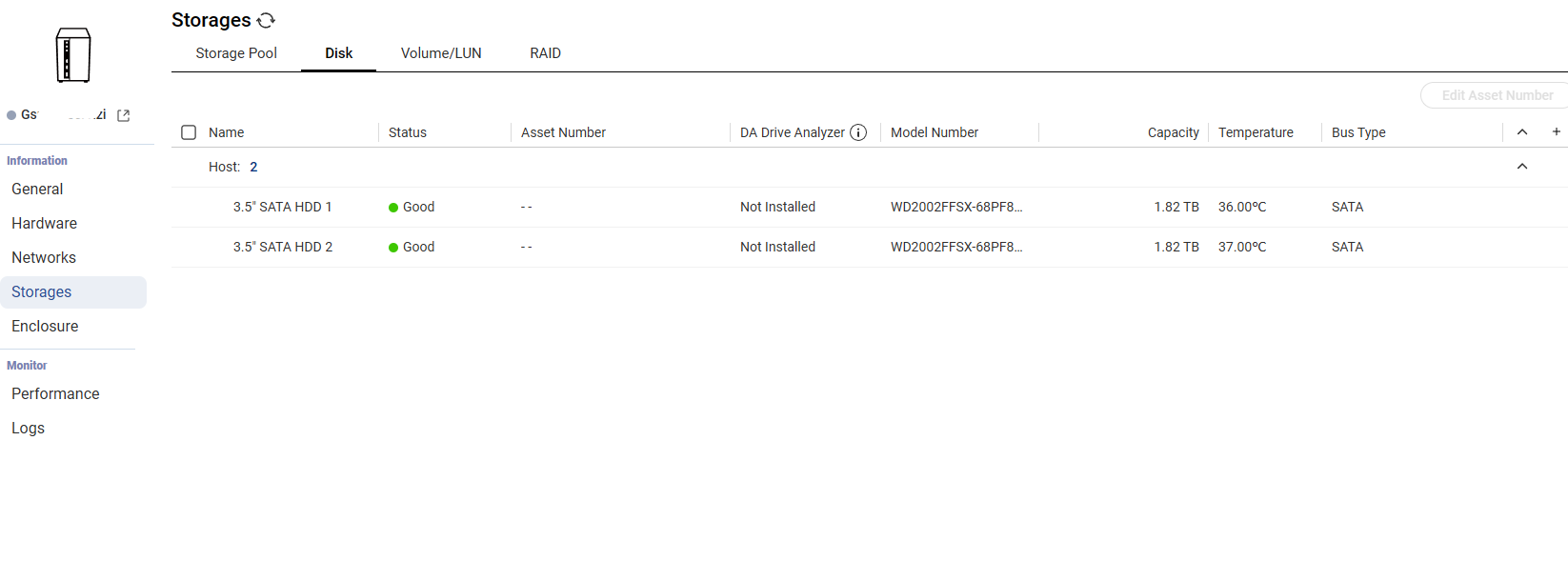
Please make sure to switch your UI to English before taking and posting screenshots
Thanks