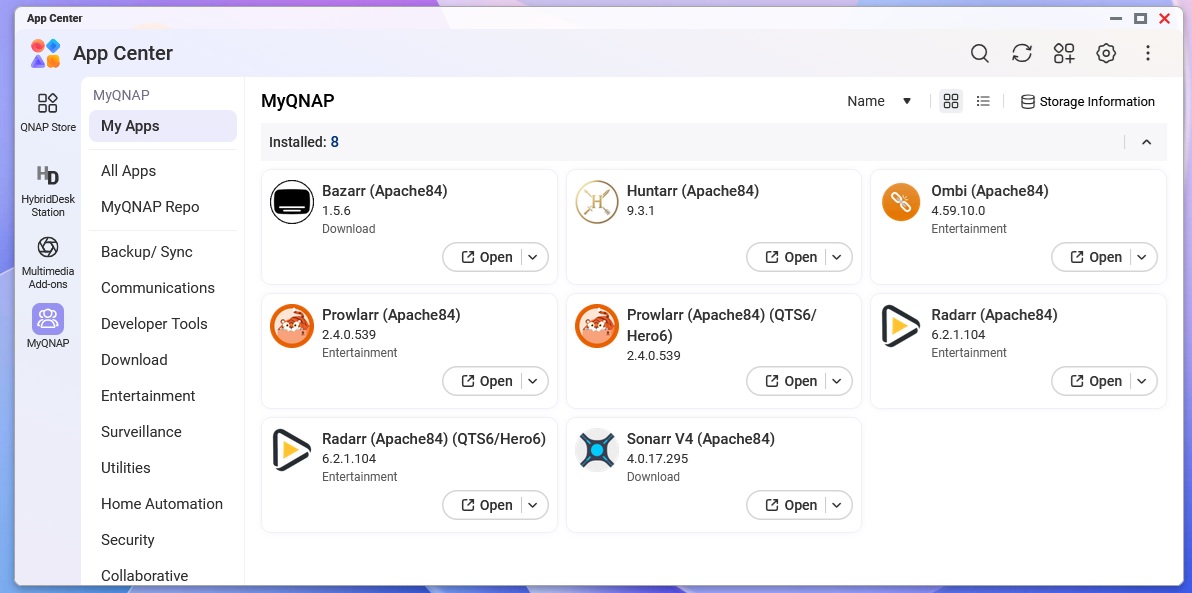
I just updated to Quts 6 and it broke Apache and all my apps that run on it.
Can I just install the last version of Quts 5 and will it roll back? If not what are my options?
I just updated to Quts 6 and it broke Apache and all my apps that run on it.
Can I just install the last version of Quts 5 and will it roll back? If not what are my options?
Container would be an easy option
Yeah, run Apache in a container or reach out to the developer on Apache on MyQnap.Org. I believe they are reachable on Discord. I am sure these 3rd party apps will get released shortly.
Please open a support ticket and share the ticket number with me, so I can have our internal team look into this further. Thanks!
It looks like MyQNAP.org may have released a new version — perhaps you could give it a try? Thanks!
Ok, I updated to the latest version of Apache, with the same results. The offending app is Radarr.net create by QoolBox, also known as QNAP_Stephane, who apparently works for QNAP. Perhaps they could update the app…
Did you try to use sherpa to install radarr?
Stephane does not work for QNAP. He’s an independent developer.
Hi @dm. Sorry, sherpa doesn’t yet support Radarr. 
He does: https://rocketreach.co/stephane-guerithault-email_67246134
But his QPKGs are kind-of a side deal. Not “officially” endorsed by QNAP, and he maintains them in his own time from what I hear.

Mixed up Readarr and Radarr
Well, I had no idea! At least now I have an email address!
I had the same issue, at least I think. I updated Radarr via the MyQnap QPKG and it appeared to stop working. When delving in via console review it looks like it couldn’t access a core library:
libc.so.6: version `GLIBC_2.38’ not found
Diving deeper I found that the LD_LIBRARY_PATH was missing /lib. It had been overwritten, in my case, by the NVIDIA driver to only look in its folders. I first tested adding /lib back with
export LD_LIBRARY_PATH=/lib:$LD_LIBRARY_PATH
and then started Radarr via the SSH command line. It came up in my browser shortly thereafter. I then tried adding it to the Autorun.sh (which I enabled via Control Panel > Hardware > General) and rebooted. Nothing I did could get it to start automatically. I had to come in via SSH run the above command and manually start it after that from command line.
Fortunately, I was able to pull a backup so I could finally convert to running Radarr properly in a Docker container. That would be my recommendation in the long run.