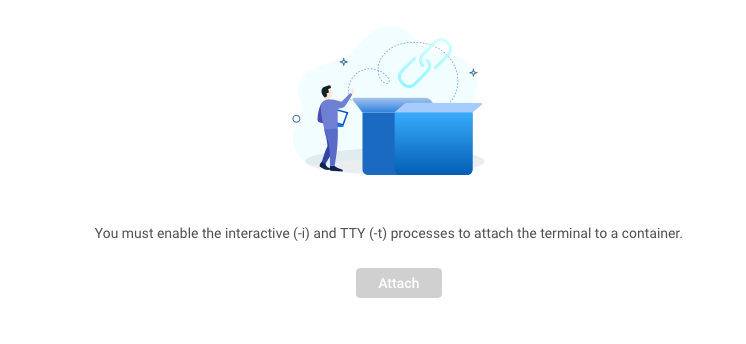
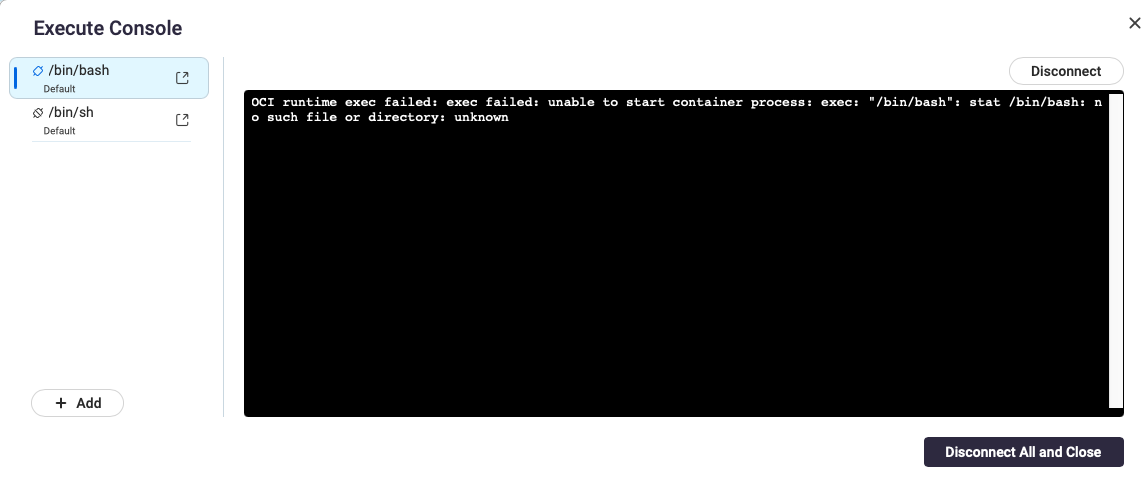
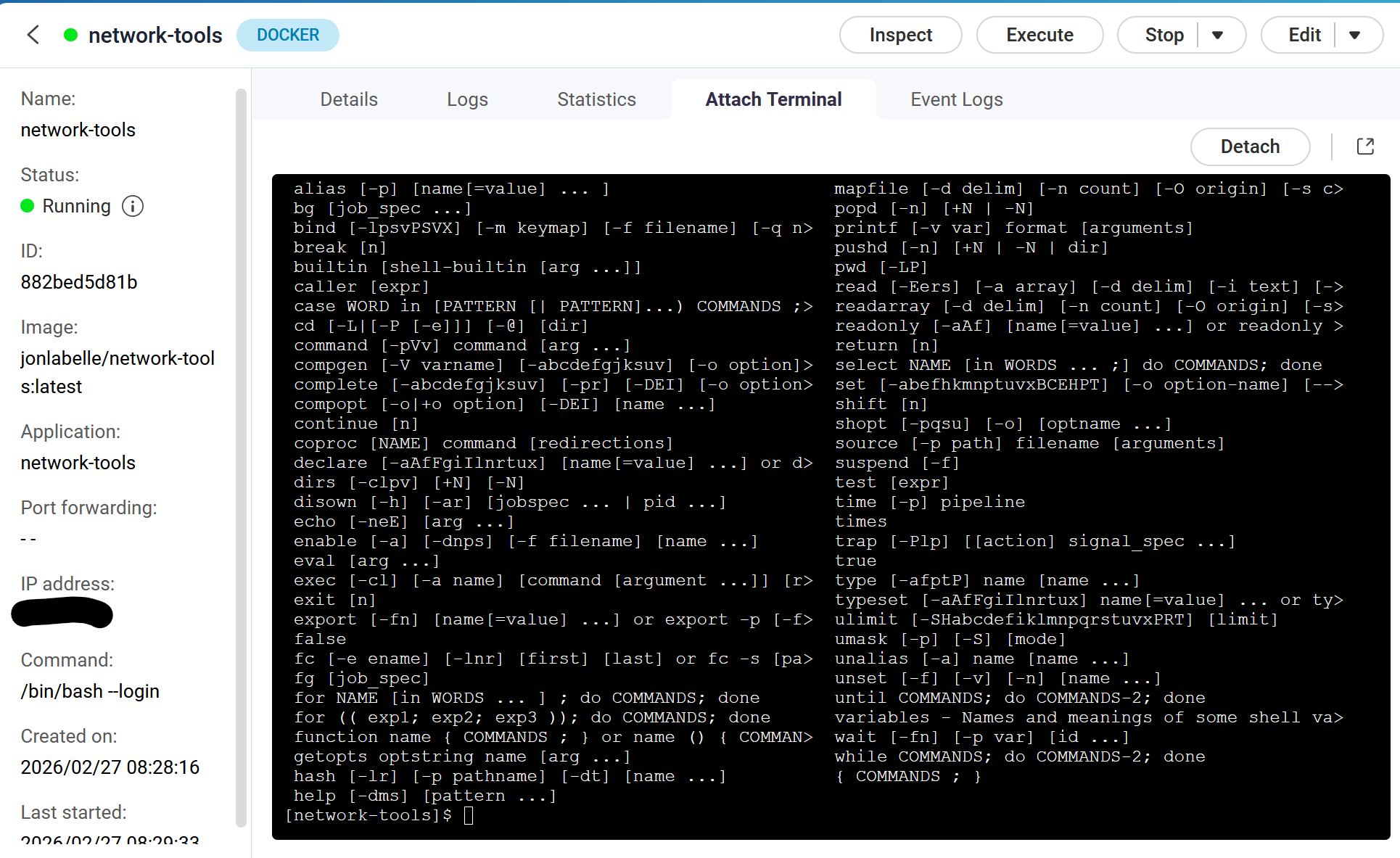
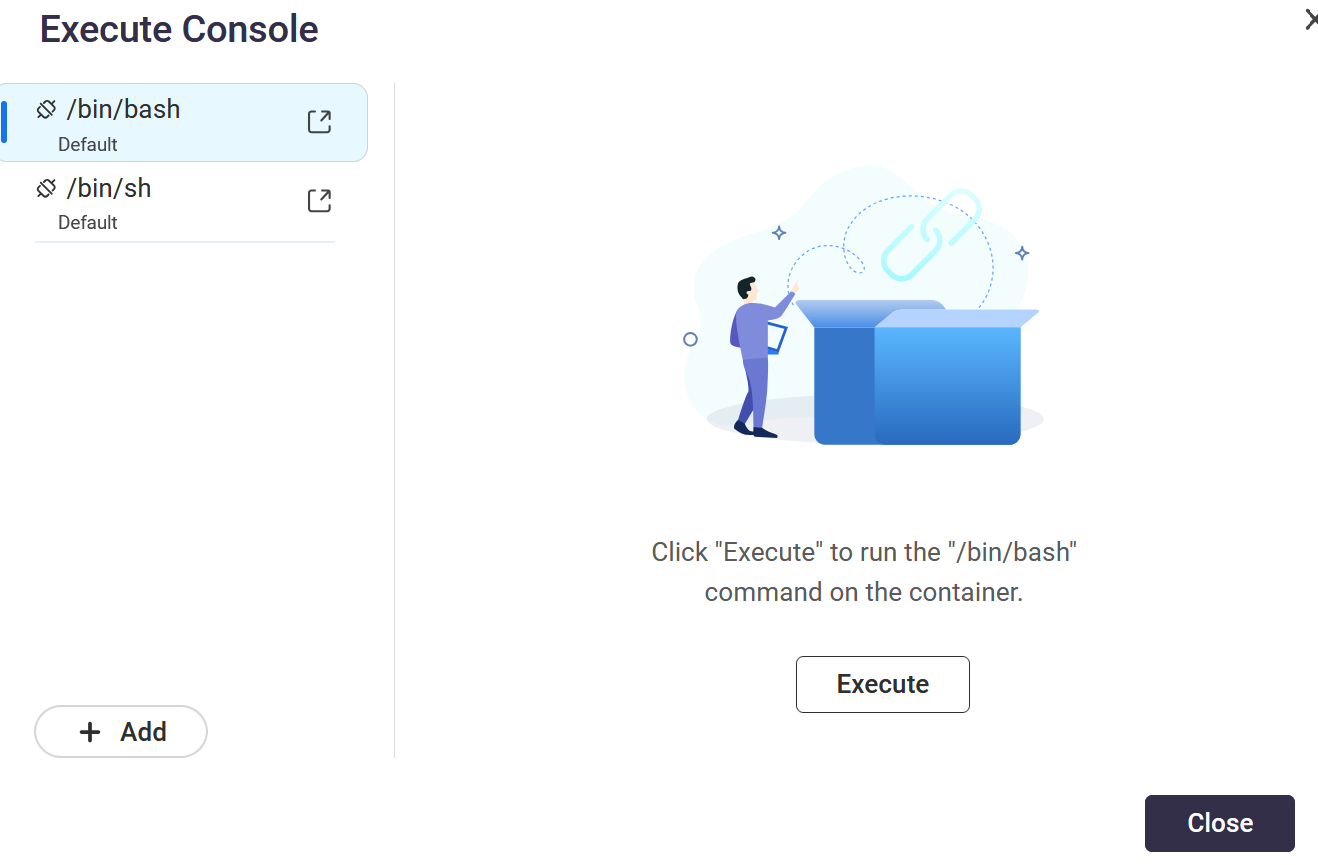
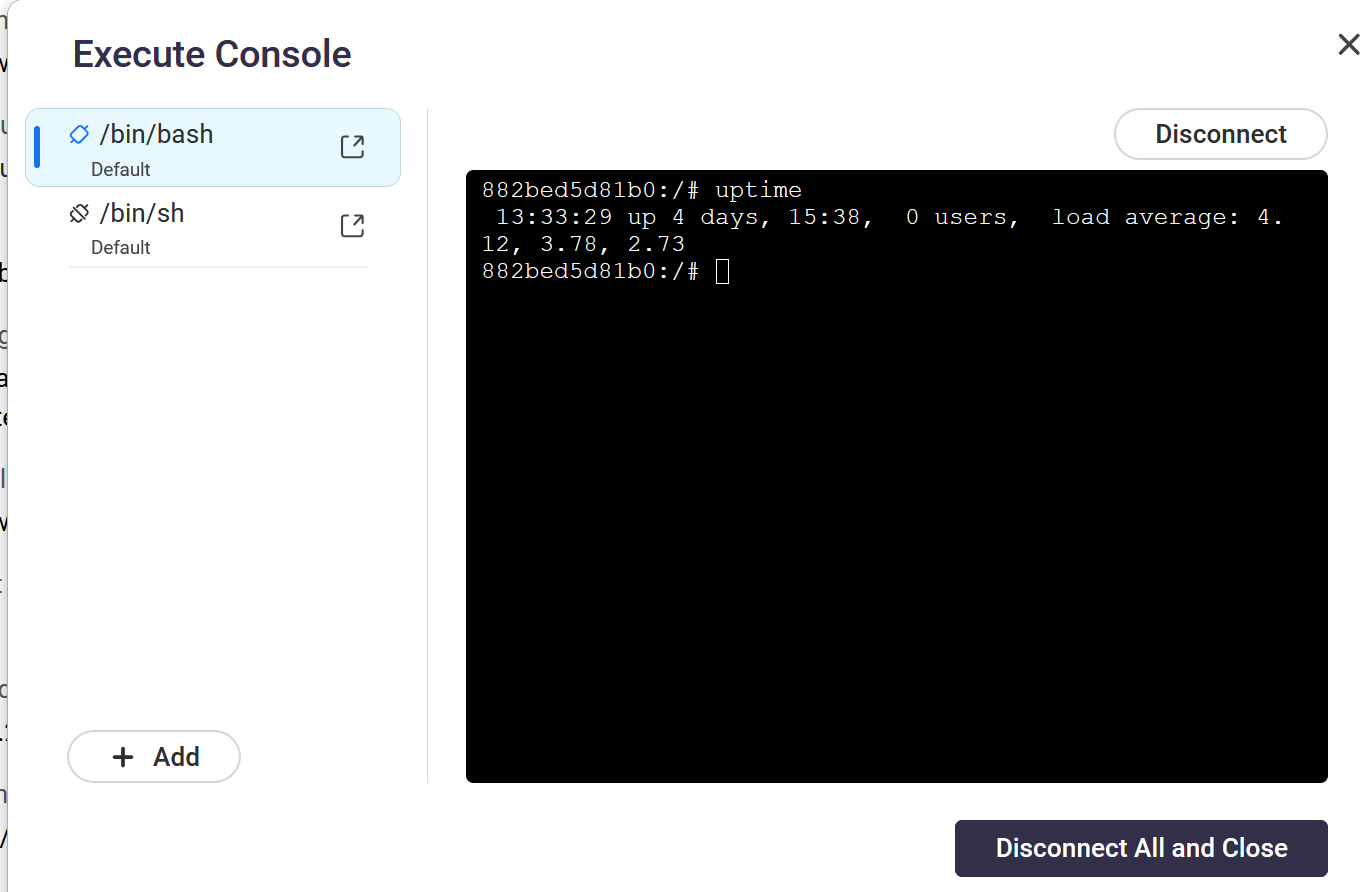
What do I need to do to enable these? I have tty: true in my compose file… It doesn’t help. Other containers I run have the shell attached. This one does not. If I try “execute” - I get this error:
Here’s the issue: to execute a command inside the container, the command must EXIST inside the container image. If your image doesn’t HAVE a shell, there’s nothing for you to exec.
Now, you might be able to ADD a shell, but that requires knowing HOW the image was built. Luckily, this is an open source build. Here’s the Dockerfile:
From this, I can see it was built on Alpine Linux. SO, create a Dockerfile that uses your image as the base, and add bash to it.
FROM vikunja/vikunja
RUN apk add --no-cache bash
The build the new image:
docker build newimage
If you’re using a docker-compose file to bring your container up, you’ll need to change the image to “newimage” (or whatever you want to call it.) Then you can exec bash inside the container.
OK. Thanks. I’ll have to look into that. Makes things a little bit of a pain with updating and all. Might just ask on the Vikunja forum why no shell. Trying to run a diagnostic command.
Realistically, if all you’re trying to do is debug something, then adding a shell to do that could be considered part of the debugging process. It doesn’t have to be permanent…once you have your information, revert to the provided image and move on.
…of course, you’re likely to encounter something I run into more often than I’d like to admit: enabling debug fixes the problem.