How can I back up the QNAP QTS NAS settings or the whole OS to another external drive or Cloud Storage?
This is for disaster recovery purposes in case the OS is corrupted or having an issue that requires me to roll back.
Thank you.
How can I back up the QNAP QTS NAS settings or the whole OS to another external drive or Cloud Storage?
This is for disaster recovery purposes in case the OS is corrupted or having an issue that requires me to roll back.
Thank you.
QNAP does not have bare metal backups, there is a settings backup but apps need to be redone from scratch
Thank you, @dolbyman ,
How can I export that settings to the Cloud Storage or external storage attached to the QNAP NAS ?
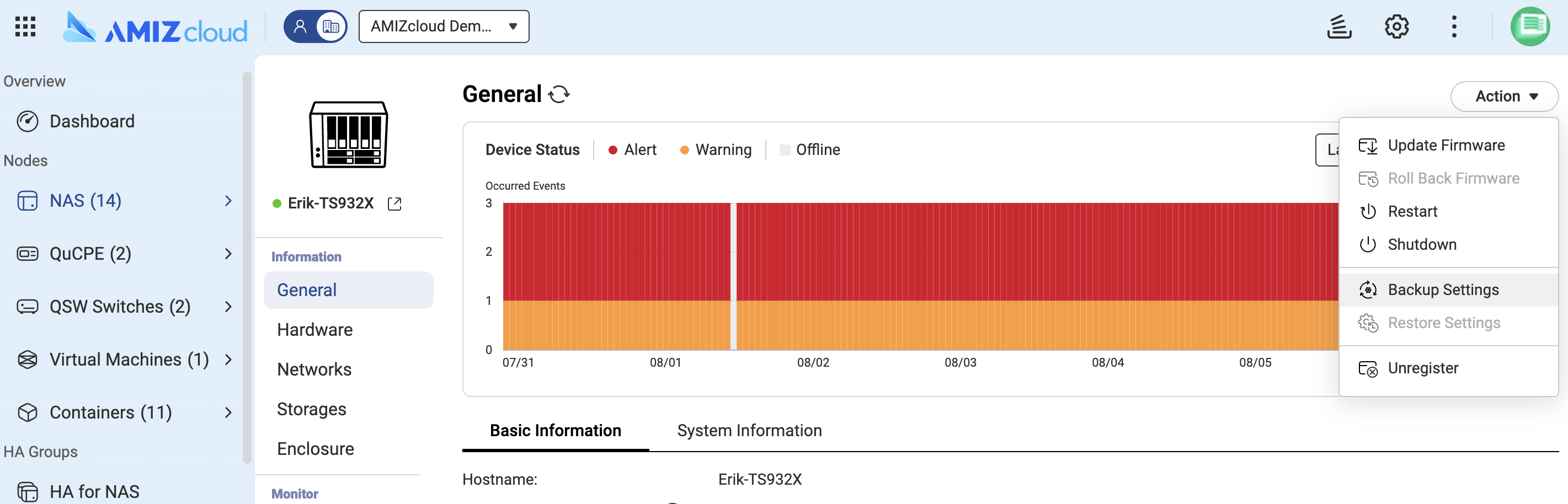
Try “AMIZcloud”, it has this feature now.
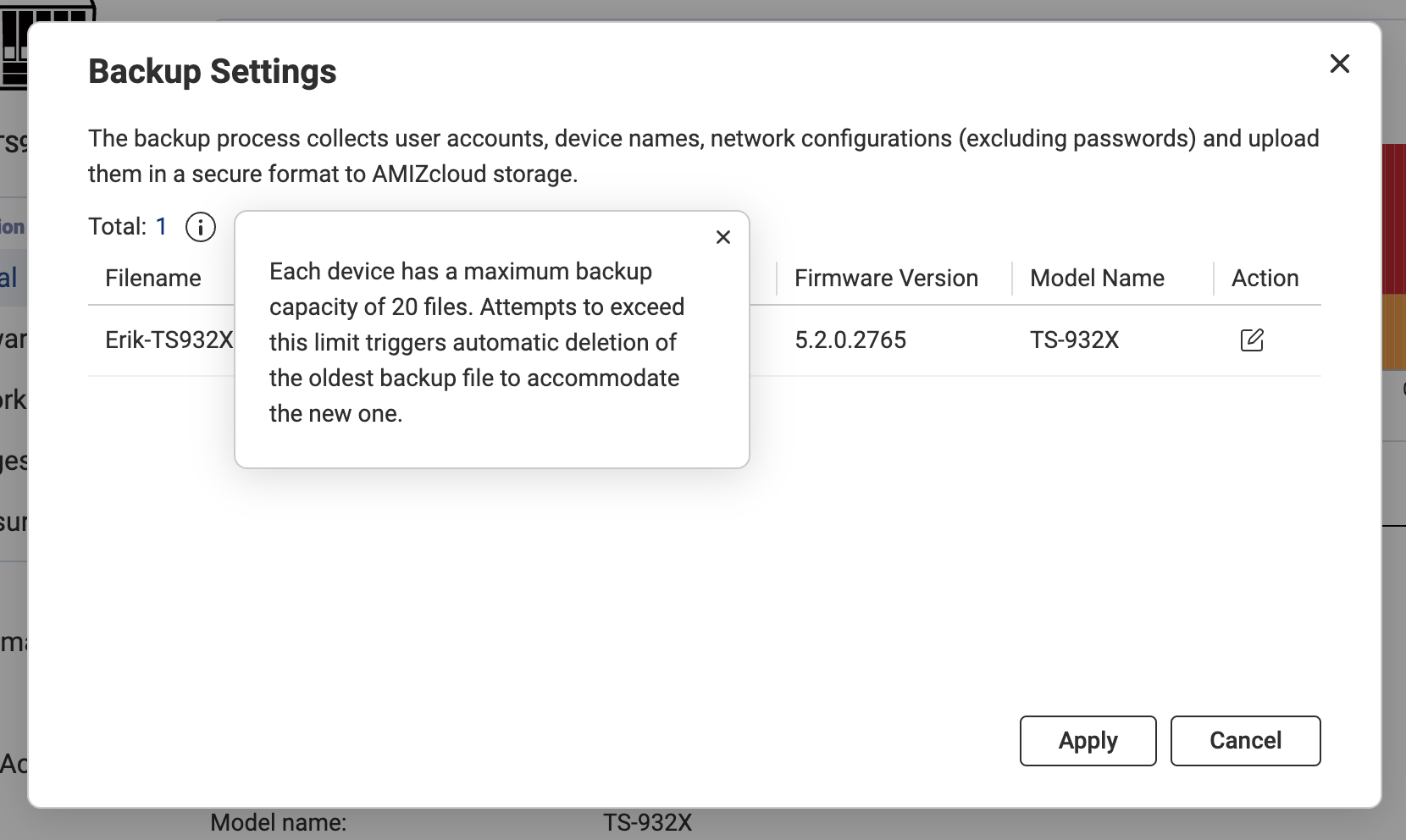
Bingo! AMIZcloud provides up to 20 versions of system configuration backups. You can choose to restore from any of these versions.
If you would like to back up the entire NAS, including data, creating a snapshot and periodically backing it up to myQNAPcloud One using HBS will provide the best protection.
Thank you @NA9D ,
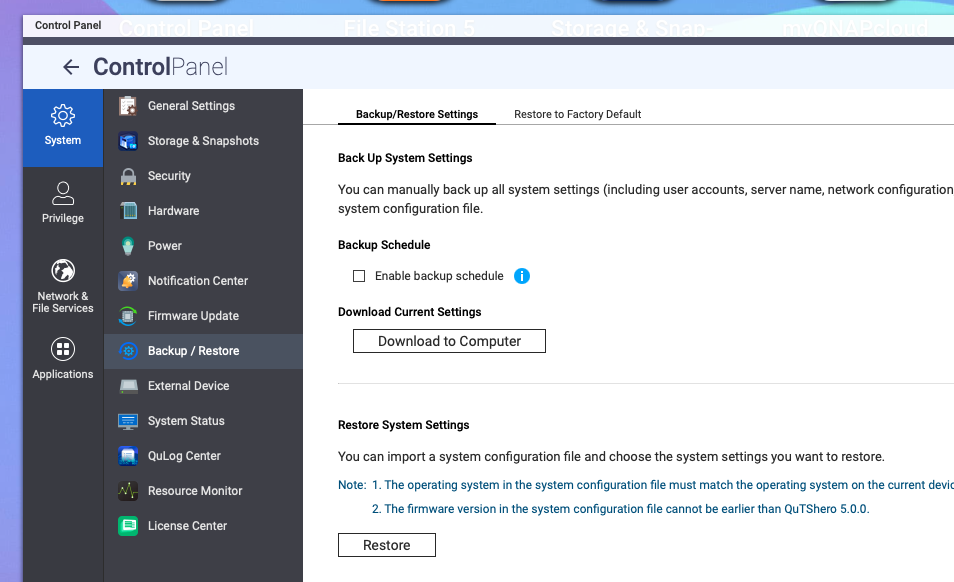
There is no option to save it to an external location or any cloud service when using the built-in backup settings.
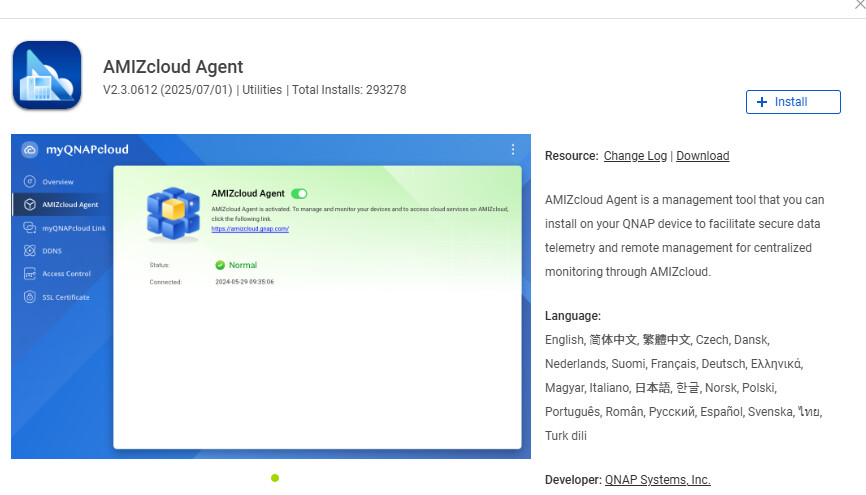
Yes, the Agent must be installed on the NAS. For example, I solved this directly on the amizcloud.qnap.com website, where after logging in I clicked that I wanted to activate the Agent and the process automatically installed the Agent remotely on my NAS and set up the connection. Easy peasy