Hi @mingmanhk
Thanks for your question — this is a great use case to think through.
First, the most important point: this is about cooling, not just compatibility.
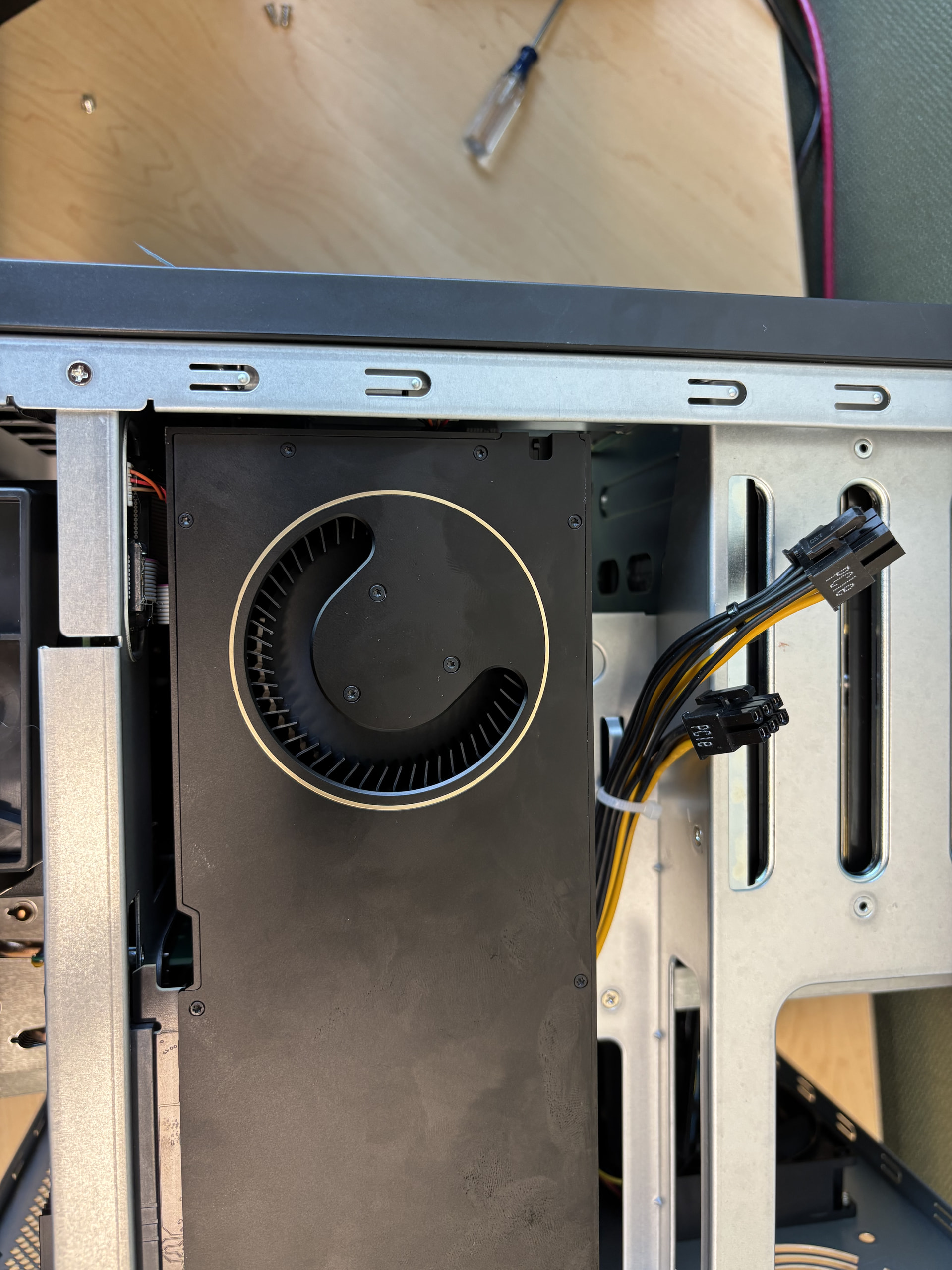
The L4, A2, and A30 are all passive data-center GPUs, designed back in 2021–2023 for previous-generation GPU servers. They have no fans of their own and rely entirely on the strong, directed front-to-back airflow of a purpose-built GPU server to stay within thermal limits. Without that engineered airflow they overheat very easily — in fact, even outside a NAS, simply dropping one of these into an ordinary open PC workstation is risky. The TS-h2490FU is an all-flash storage platform, and its airflow is tuned for general cooling, so these cards are not a good physical fit for that chassis.
Second, on the driver side, there’s another blocker.
Data-center cards and workstation cards behave very differently in terms of GPU detection, driver support, and passthrough. Our NAS platforms do not include drivers for those data-center cards — which is exactly why you won’t find them on the compatibility list. So even setting thermals aside, the L4/A2/A30 would not come up cleanly.
Third, a quick note on availability, for your planning.
The A2 already has an end-of-life notice (clearing stock only), the A30 is an older Ampere-generation card that’s gradually being phased out (may still be orderable through SIs/distributors, but harder to source), and the L4 is the only one of the three that remains a current, widely available product.
Fourth, on the model-sizing question for your LLaMA workload.
VRAM is the deciding factor. All three of those cards have 24 GB VRAM, which is plenty for Llama 3 8B only — it runs comfortably even in FP16. However, the bigger 70B-class models (Llama 3 70B, or Llama 4 Scout) need roughly 40~70 GB+ even at 4-bit and simply won’t fit in 24 GB; those need a 96 GB-class card or multi-GPU. So it still depends on your development direction and application.
So what we’d actually recommend:
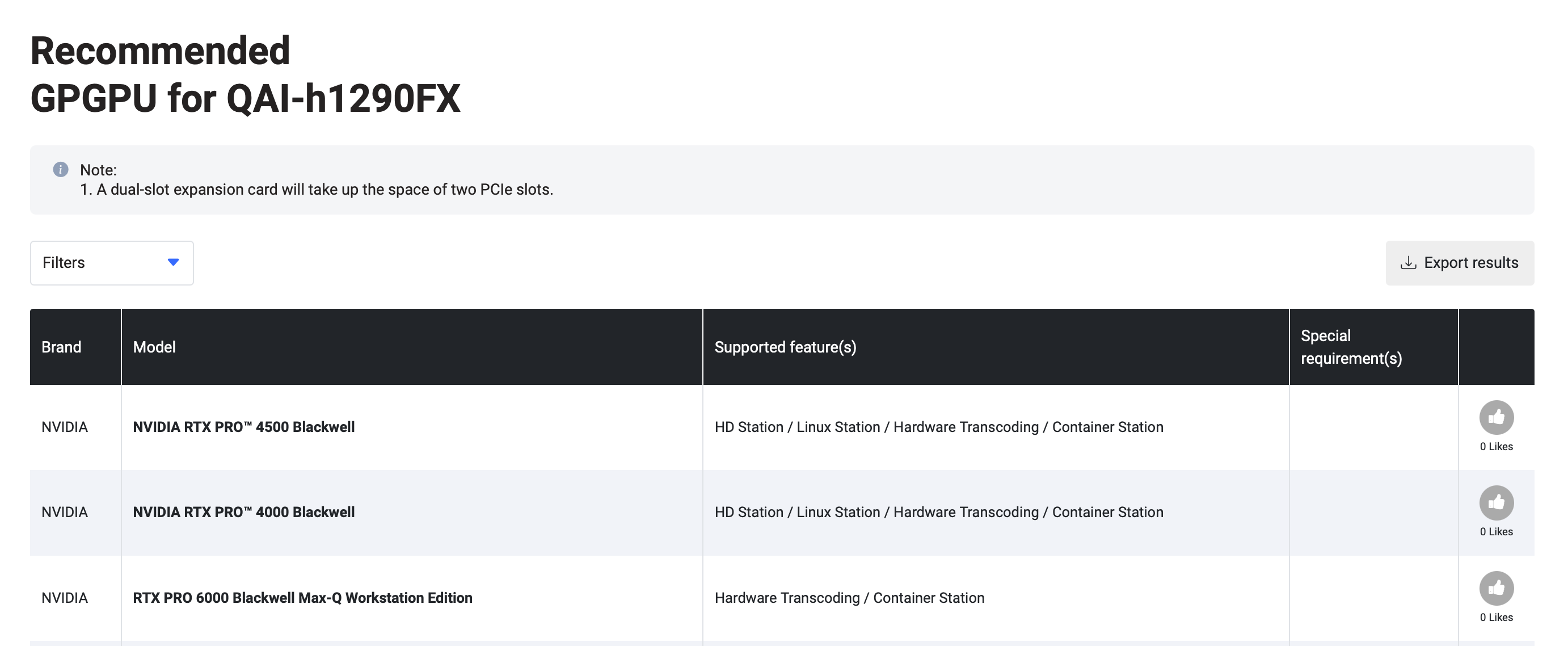
Rather than forcing a passive data-center card into a storage NAS, the cleaner path is a system designed for GPU compute paired with an actively-cooled professional card. For your two workloads — surveillance analytics plus a local 8B-class LLM — a great entry point is the NVIDIA RTX PRO 4000 Blackwell SFF. It’s also 24 GB, but it’s a newer Blackwell-generation card with GDDR7 and FP4 support, draws only 70 W, has its own fan, and is slot-powered. It’s newer, faster, and notably more affordable than an L4.
If you later want to scale up to Llama 3 70B or Llama 4, that’s a different tier: you’d want the RTX PRO 6000 Blackwell (96 GB), which requires a special design like the QAI-h1290FX — purpose-built for this kind of GPU and not something the standard TS-h1290FX can accommodate.