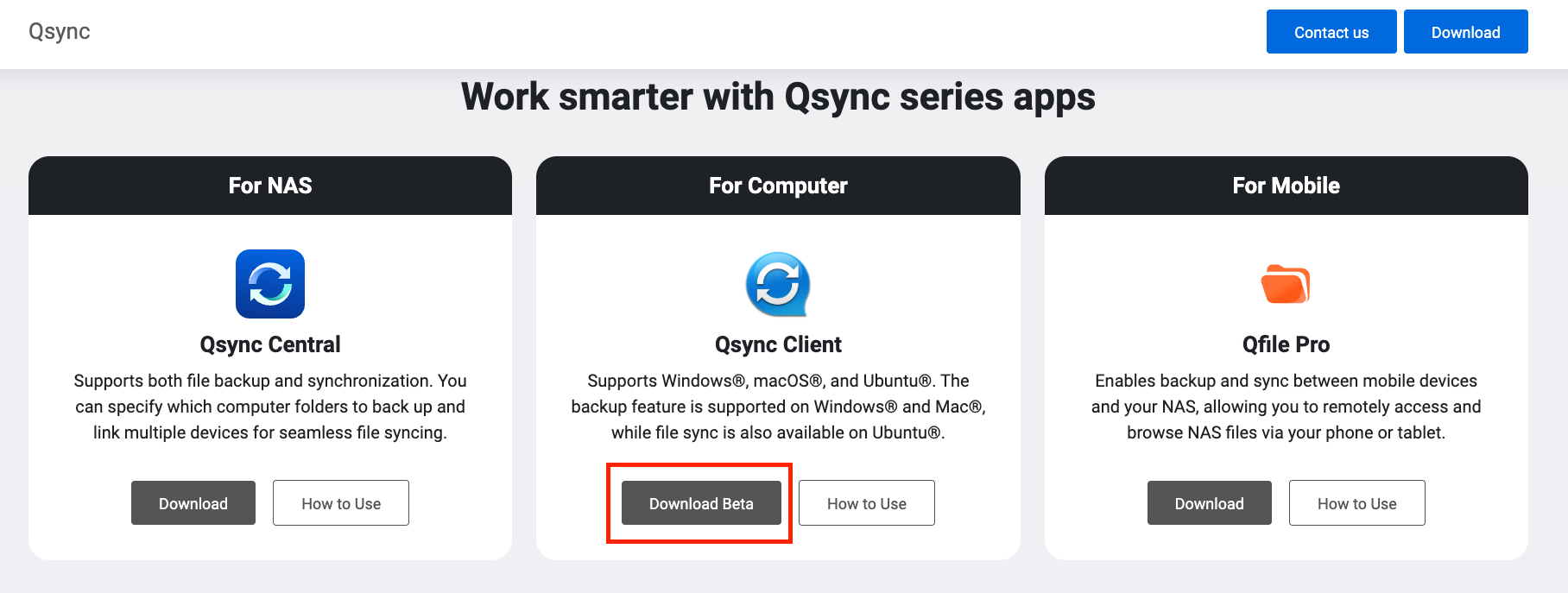
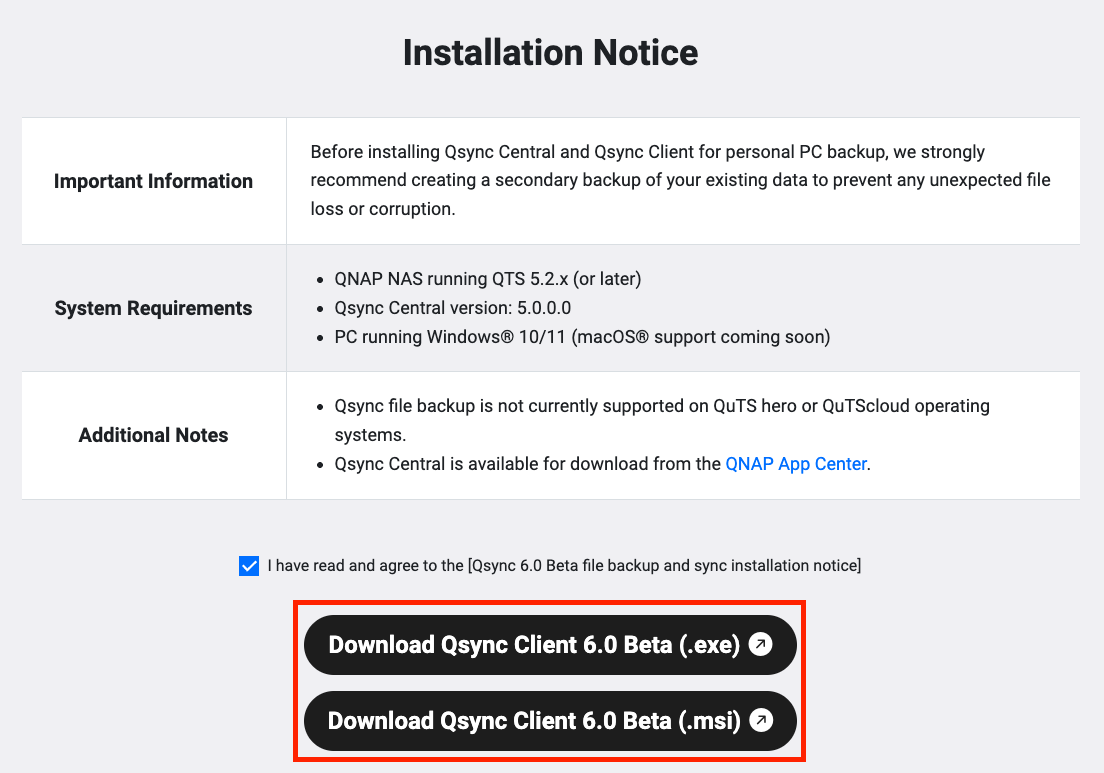
We’re excited to announce that Qsync 6.0 Beta is now available for testing!
Qsync is no longer just about file synchronization, the new 6.0 Beta version introduces PC file backup to your NAS, giving users a simple yet powerful way to protect their data.
New Features at a Glance:
Scheduled backups to NAS to prevent data loss
Flexible backup frequency: real-time, scheduled, or manual
Version control: keep up to 64 versions, easily restore to any point in time
Use Cases:
For businesses: Employees can regularly back up PC files to the company NAS to avoid data loss or accidental deletion.
For home users: Safeguard precious memories, photos, videos, and documents, by backing them up beyond just a single location.
I am testing Qsync 6.0 Beta on Windows and I noticed one important thing that is missing compared to the older version.
In the current beta version, the transfer speed and progress percentage of the currently downloading file are not displayed. I can only see a general status such as “Synchronizing…” or “Backing up…”, but there is no way to check how fast a file is being transferred or how long it will take to complete.
In the previous versions of Qsync, this information was available and it was very useful, especially for larger files, because users could immediately see if the transfer was running smoothly and how much time was left.
It would be great if these details could be added back to the new version of Qsync, as they are very practical for everyday use.
Thank you and good luck with the further development.
 New Features at a Glance:
 Use Cases: