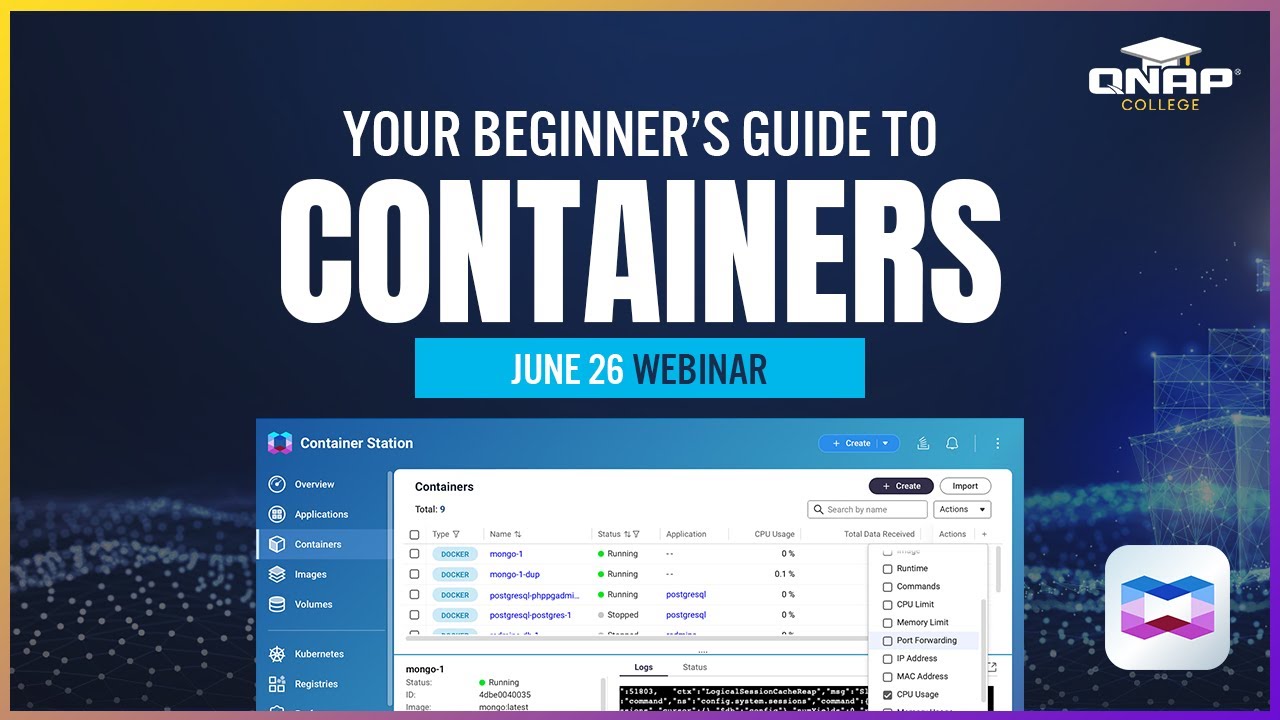
It’s a QNAP TS-264 and installed container station. I Followed the instructions found on youtube (and github) and was able to deploy Vaultwarden.
But after the installation I was not able to see the login page. There was a circle rolling around in the middle of the loginpage. The real loginpage never appeared.
I’m looking for a detailed instruction to install Vaultwarden (or even Bitwarden) and migrate my Bitwarden clients to this instance.
For me (as a qnap and docker newbie) the instructions were easy to folow but the result was not as expected.
Like I mentioned, the configuration went quite well, but I could nog login to vaultwarden. No boxes to fill in the username and password.
@dolbyman - Thank you for posting that video. I’m going to have to watch it. Not to hijack the thread but I run SimpleHelp Server in a DockerContainer and I have no way to update the files (for security reasons SimpleHelp is updated only by copying the update files from the OS - you can’t do it through the server).
So if this will allow me to put where the app and its data is stored outside of the default areas that is great! Now to find 58 minutes to watch it!