Operating System: QTS
Version: 5.2.6.3195
Model: TS233
Serial No. Q23xxxxxxx
Using Apple Mac
Tried to log into QNAP this morning but couldn’t gain access, after considerable time, and trying a number of things, I did a 3 second reset but again, I could not gain access using admin and either 1. the MAC address, or 2. admin (as the password).
There is nowhere I can find to reset the password, although I have tried using the cloud access. Nothing seems to work.
I downloaded QfinderPro, but I can’t log into my TS233.
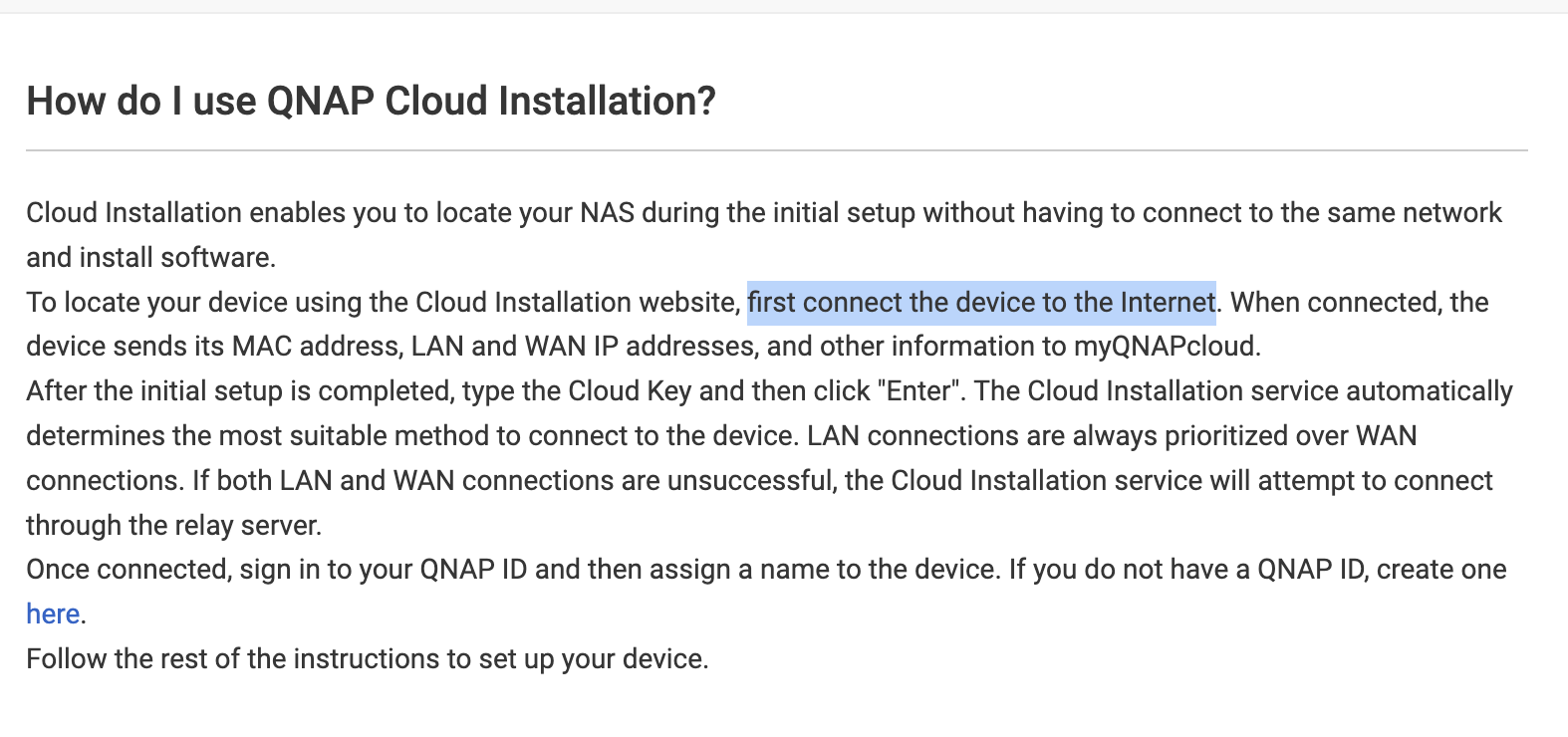
In the Help section ‘How do I use QNAP Cloud Installation?’ is ‘first connect the device to the Internet’. How? The TS233 is connected with the ethernet cable.
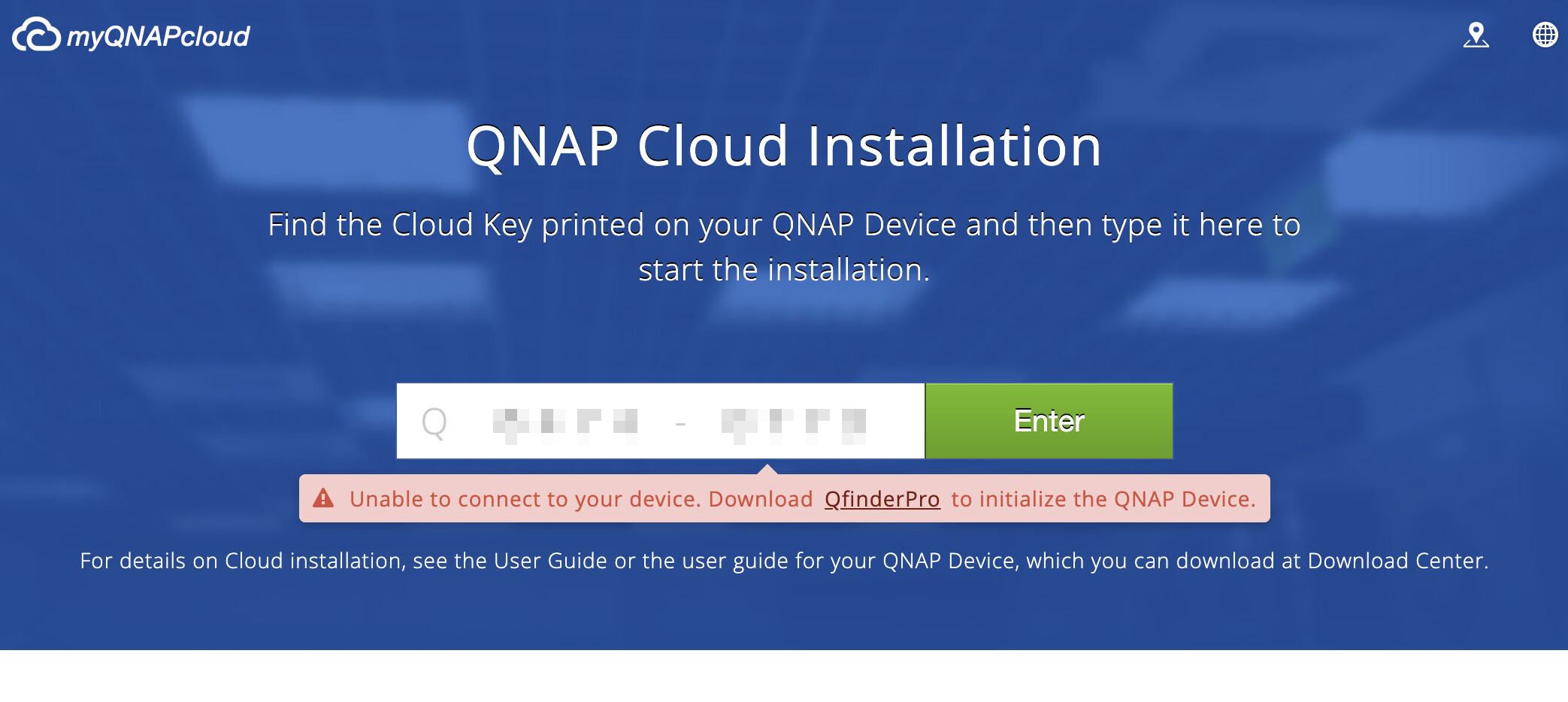
The CloudKey is printed on a sticker. But when I fill that in the screen above (QNAP Cloud Installation), I get the message ‘Unable to connect to your device’. The device is connected to my Ethernet. (My previous NAS was connected to the exact same Ethernetcable.)
I’ve downloaded QfinderPro (as the screen suggests), but I can’t log in. admin admin does not work.