Hi all,
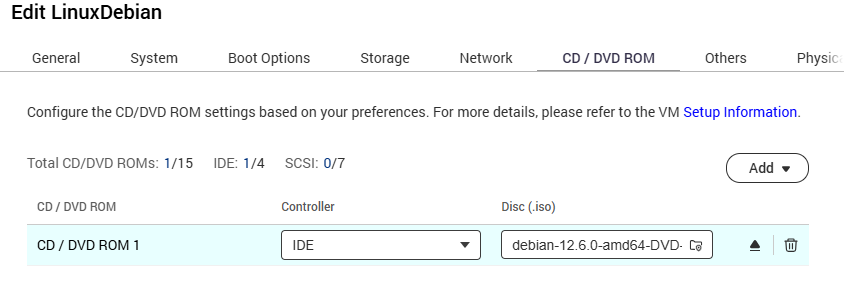
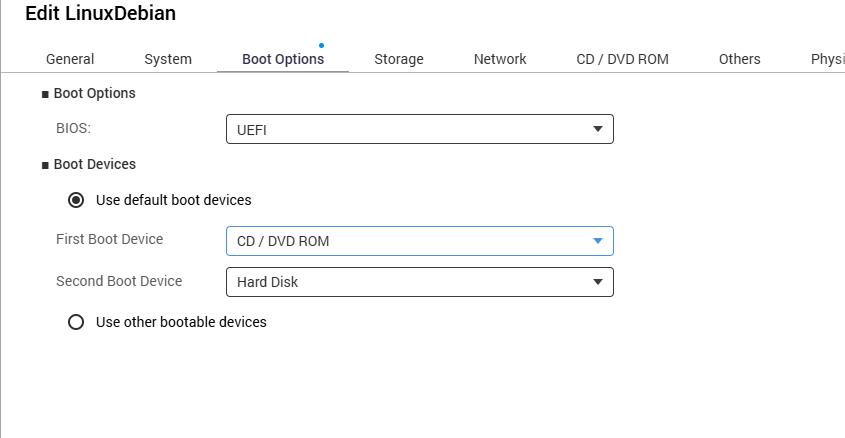
I’m trying to use Virtualizazion Station to install a simple linux vm on my TS-451D2 (QTS 5.2.8.3359, 8 GB ram) but I don’t seem to find how to even start the installation program.
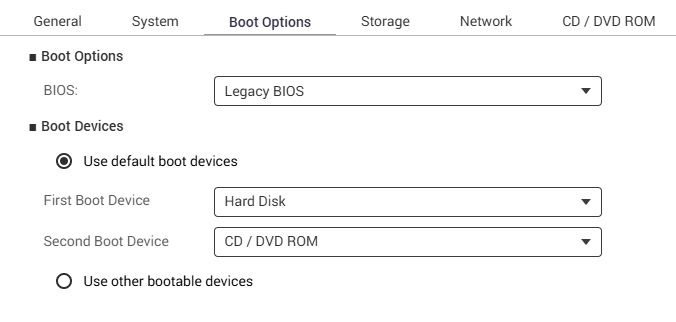
Every time I boot the vm from the iso image the procedure starts with “GRUB version…”, select “Install”, “Test media and install” or “Troubleshoot” it always get stuck immediately after with flashing cursor in the upper left corner. Then a few seconds later the vm reboots.
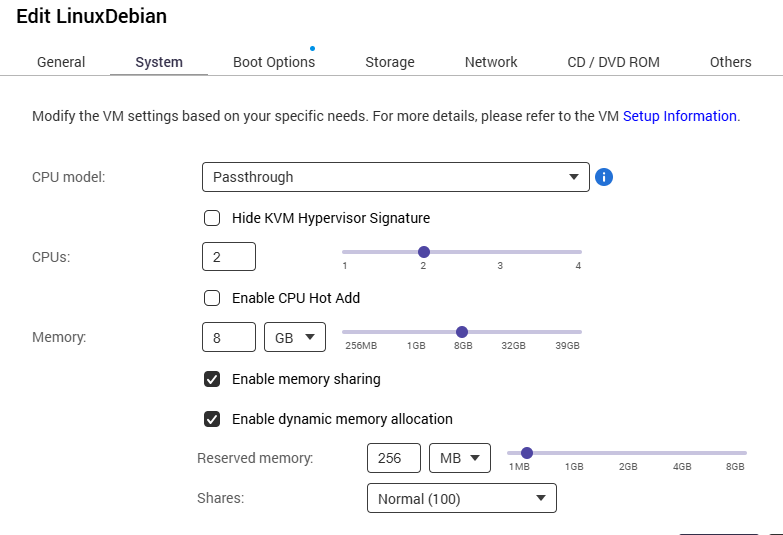
I have enough free disk space, I see I have enough free memory. I tried Alma, Rocky, Fedora and different iso media; I also tried to change the vm with some different value for cpu, memory, etc.
The only distro I was able to install was Ubuntu, which I dislike.
Any ideas?
Thank you