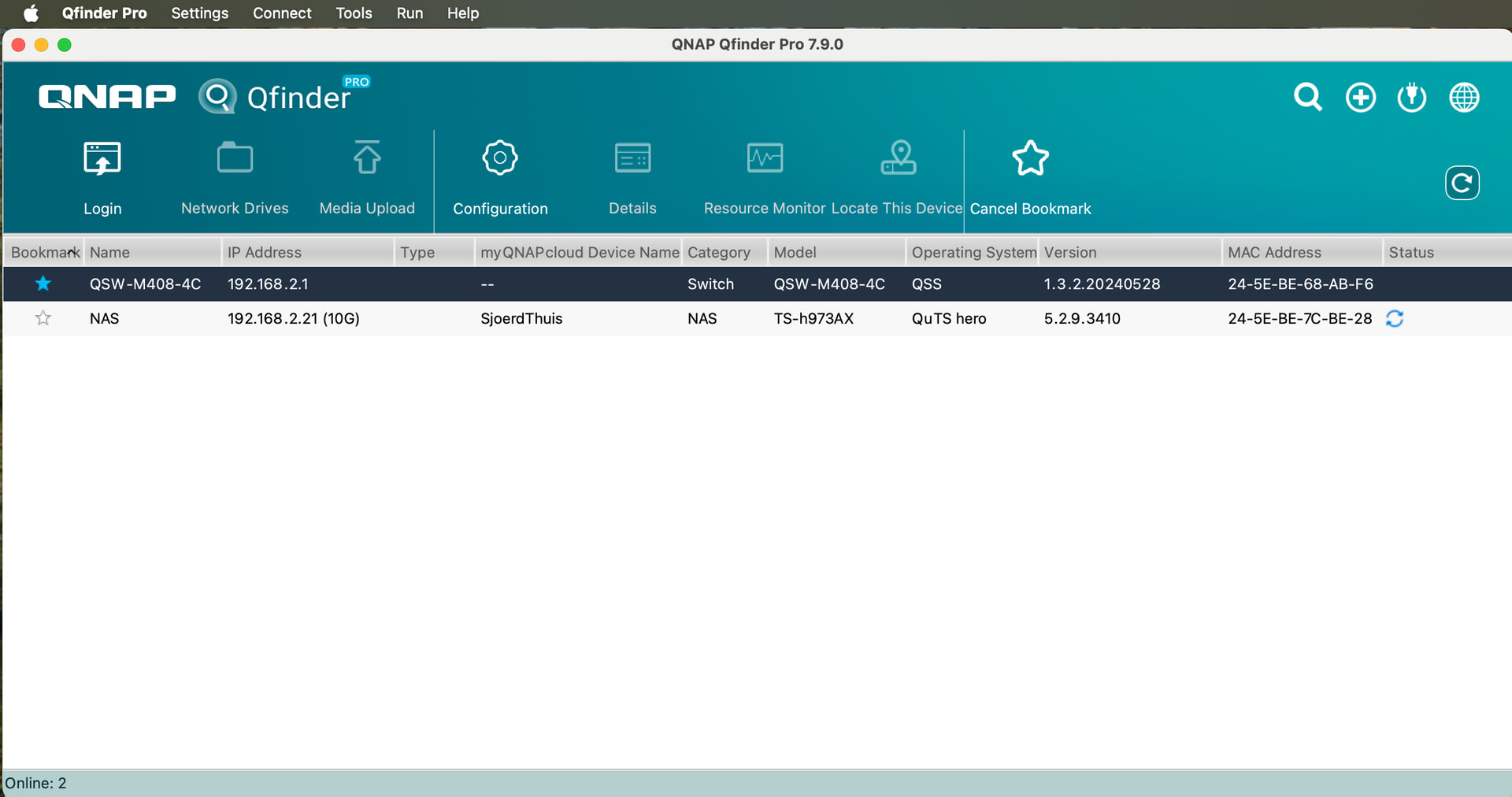
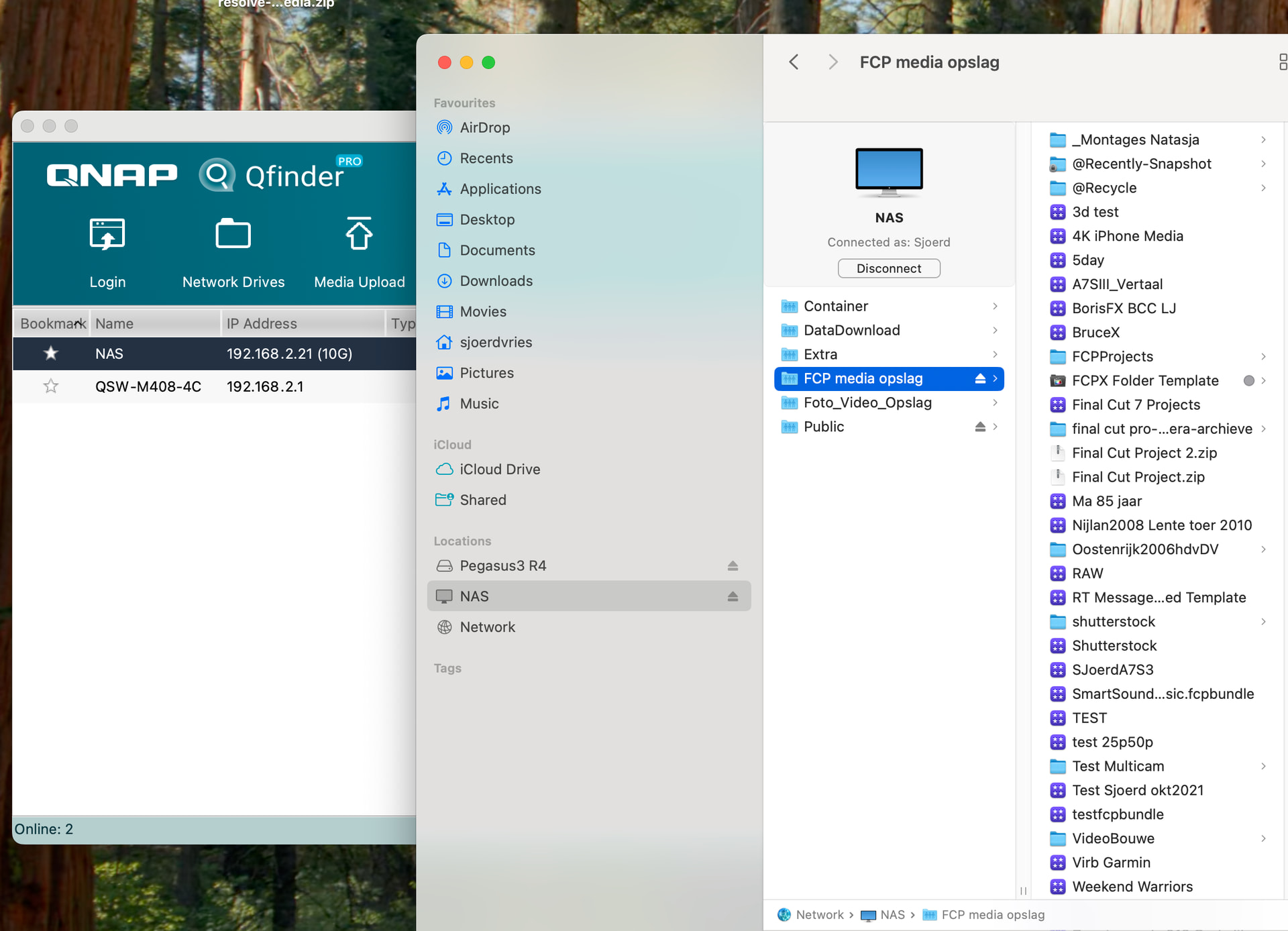
Hello I am new here but I have a big problem. I can’t log in any more in the webpage (home screen) of my Q-Nap TS-h973AX Now with firmware 5.2.9.3410. I have 3 Mac’s and I can look in the Finder to all the files copy remove add them no problem. But when I want to login on the homepage on my Q-NAP there is a connection problem. I tried several things but no go. I did borrow a windows laptop and connected the webpage and I could log in? I directly updated the firmware I think it was 5.2.9.3410 but after that my nas did not come online in the web (home) page of the the qnap. I can see the nas in Qfinder Pro there is also my Qnap Switch (QSW-M408-4C)
I can login in the switch but not on my nas. I see several thing rot change in the Nas about settings But I can not login my Nas. I als tried to connect the nas with 1 10 Gbit cable directly to my Mac.
Either that the NAS is using http or https without a valid cert (self signed). I think apple is pretty naggy about these things and also pretty stupid (when it comes to LAN https requirements)
QNAP update. When I could login in the webpage on the windows 11 computer I saw that there was a update for my NAS so I updated and after the update I could not login in my NAS the same as on mac computers . Although the files are visible and I can copy ad and remove just as normal but not the webpage of my NAS
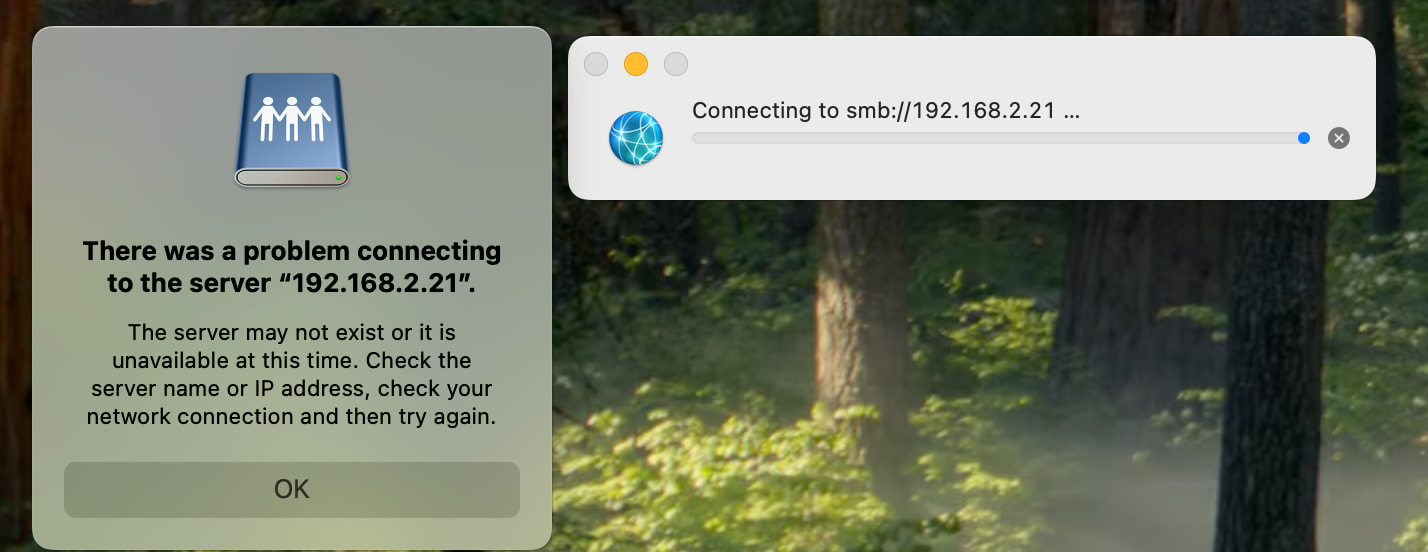
192.168.2.21:8080/cgi-bin with this it just say’s can’t login no connection to server. Q finder Pro I can see the NAS and the switch When I double click on the nas I get the same error . Also when I want to use ‘Connect to server’ with smb://192.168.2.21/ I get ‘There is a problem with connection to server 192.168.2.21 I does not exist or IP ardres is wrong check again. But the ip adres is ok As it is shooing in Qfinder pro
I still can’t acces the webpage of my Qnap server. But I did notice there is a red light which can mean several things. If I could only acces Nas than I can look in the problem but I can’t acces it. Spit the whole Qnap site trough for looking solution tried several things like if the setting in system preference/networking are wrong but it is ok just as stated on Qnap website.
I stil can acces my data and read write and delete it.
The firmware seems not to have a update to h5.3.3.3424 it is still on h5.2.9.3410 So the must be something wrong with the update .
How can I solve this whit out the internal webpage of my Qnap TS-h973AX
Could you please provide a screenshot of Qfinder and confirm whether your NAS is accessible via SMB? Please also open a support ticket and our Support Team will be happy to assist you!
Uh, you are accessing it via SMB if you have it in the Finder on the Mac unless you have AFP turned on which I doubt since Apple is rapidly deprecating that.
When you say you can’t access via the Web what does that mean? It doesn’t come up in your browser? Have you tried a different browser?
Qnap support asked me to remove all the drives (number them) and several things (cloud key ect which is on the top of my NAS) Then reinsert disk and the do a 3 second restart.
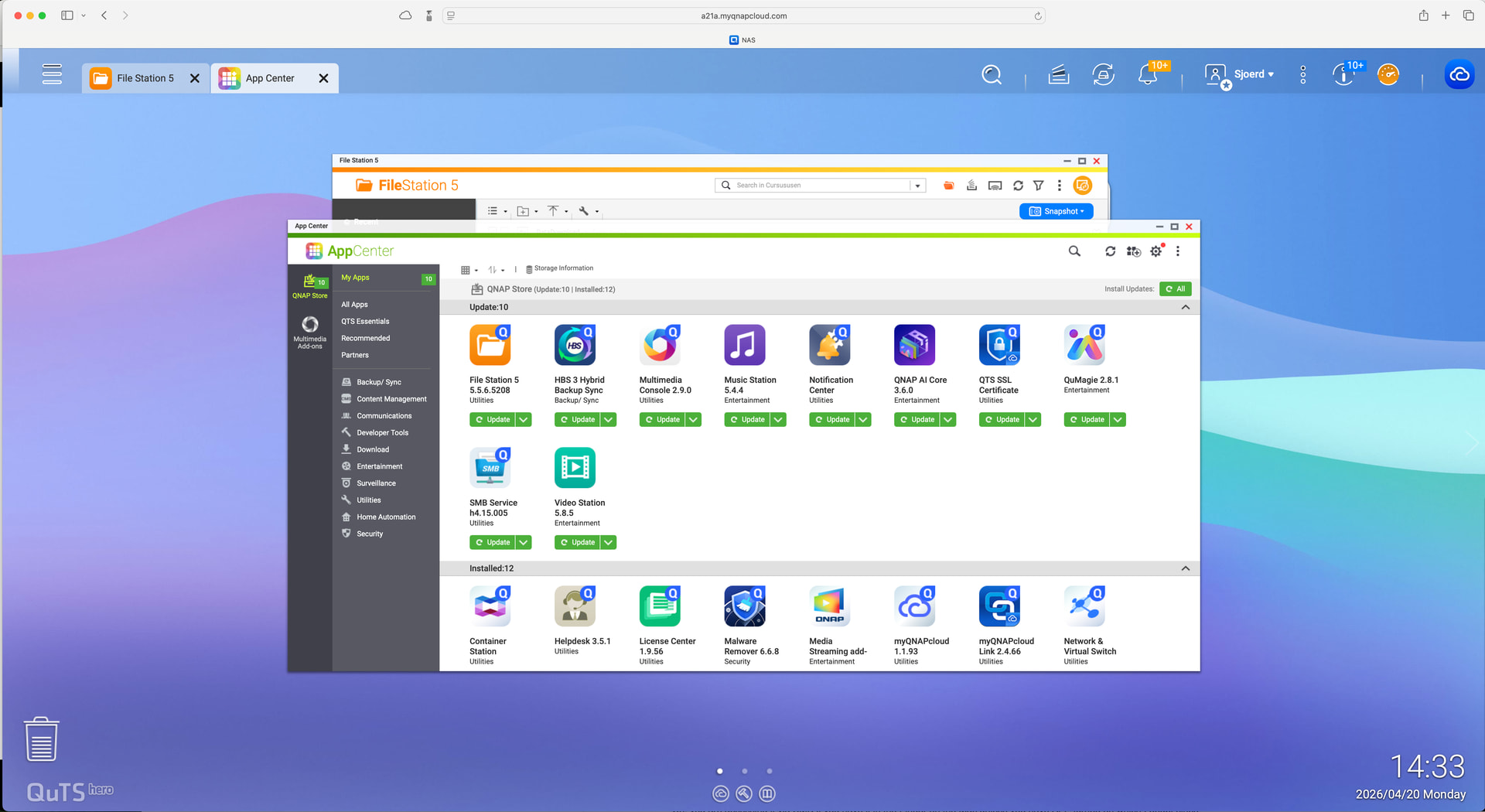
But here is the screen I am now getting from myqnapcloud