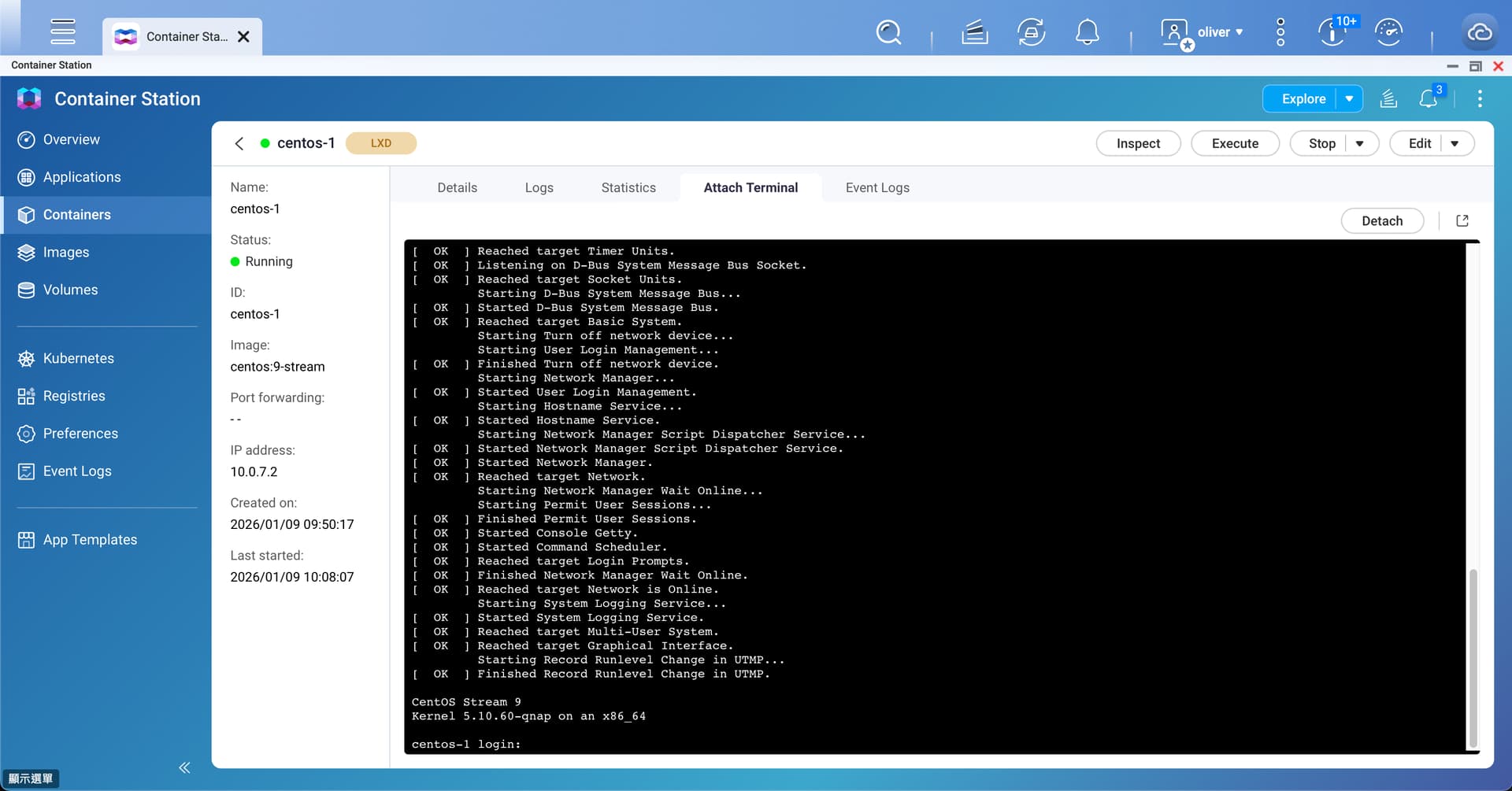
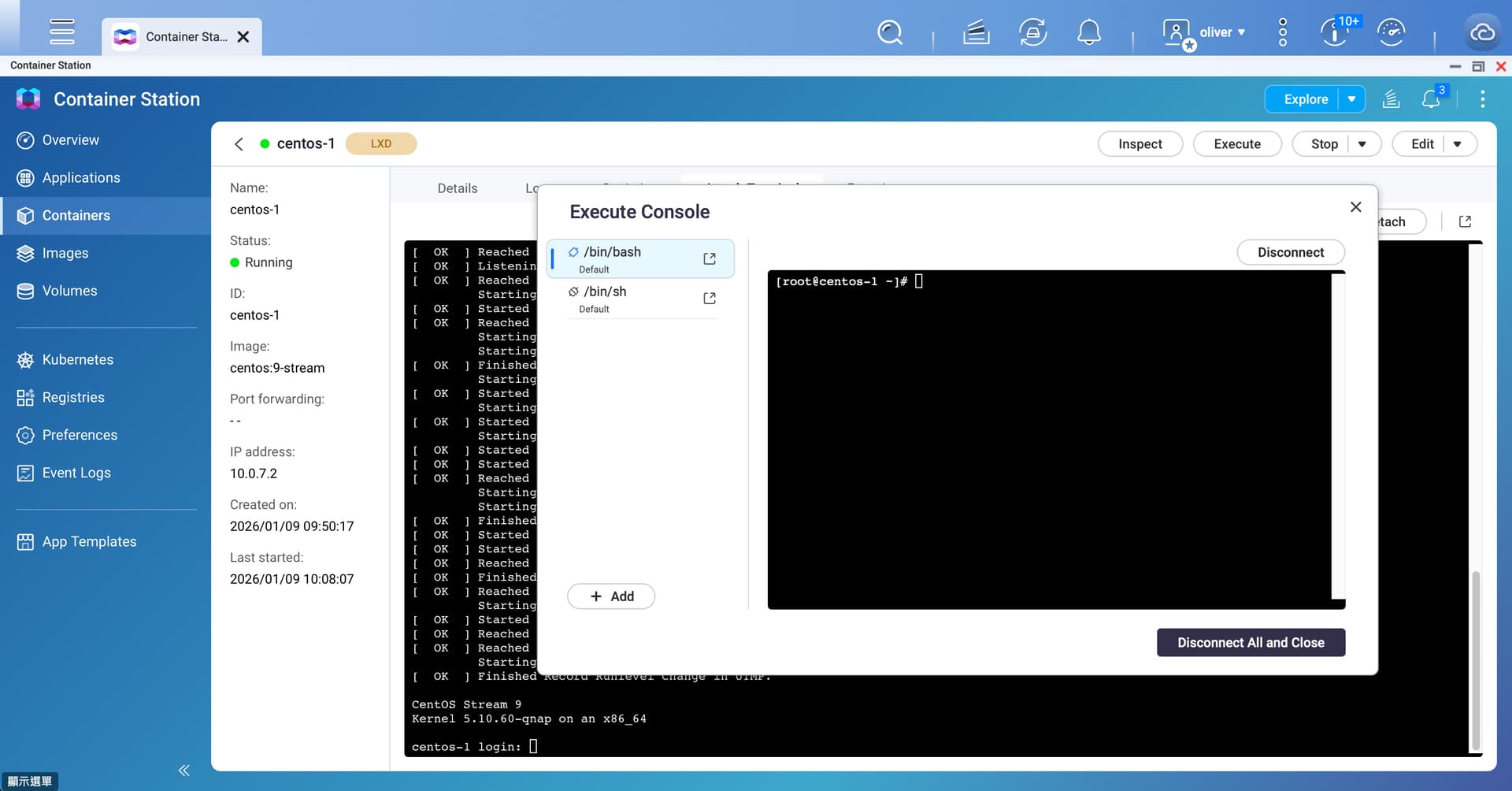
I am doing an experiment with a CentOS container. I selected an LXD container as opposed to Docker because for one I had never used an LXD Container and second because I didn’t see an “official” Docker image for CentOS (there’s one but it was deprecated). The LXD Container was in the default application templates in Container Station.
But what is the default username and password for CentOS? Nowhere are there any settings for this. So now I have this Linux shell available but can’t log in.
I am trying to find the mount point device for the Linux system install. Why? Because I actually want to overwrite this with another piece of software that will run in the container. But I can’t find where the OS is actually stored.
The command lsblk shows all volumes and their mount points. But, when I run this, the entire NAS volumes are exposed (which is not what I want) and there is now root “/” mount point:
[root@centos-1 ~]# lsblk
NAME        MAJ:MIN RM   SIZE RO TYPE  MOUNTPOINTS
loop0         7:0    0    64M  1 loop
sda           8:0    0   1.8T  0 disk
├─sda1        8:1    0 517.7M  0 part
│ └─md9       9:9    0 517.6M  0 raid1
├─sda2        8:2    0 517.7M  0 part
├─sda3        8:3    0   1.8T  0 part
├─sda4        8:4    0 526.6M  0 part
│ └─md13      9:13   0 448.1M  0 raid1
└─sda5        8:5    0  31.5G  0 part
  └─md322     9:322  0  30.4G  0 raid1 [SWAP]
sdb           8:16   0   1.8T  0 disk
├─sdb1        8:17   0 517.7M  0 part
│ └─md9       9:9    0 517.6M  0 raid1
├─sdb2        8:18   0 517.7M  0 part
├─sdb3        8:19   0   1.8T  0 part
├─sdb4        8:20   0 526.6M  0 part
│ └─md13      9:13   0 448.1M  0 raid1
└─sdb5        8:21   0  31.5G  0 part
  └─md322     9:322  0  30.4G  0 raid1 [SWAP]
sdc           8:32   0   9.1T  0 disk
├─sdc1        8:33   0 517.7M  0 part
│ └─md9       9:9    0 517.6M  0 raid1
├─sdc2        8:34   0 517.7M  0 part
├─sdc3        8:35   0   9.1T  0 part
├─sdc4        8:36   0 526.8M  0 part
│ └─md13      9:13   0 448.1M  0 raid1
└─sdc5        8:37   0  31.5G  0 part
  └─md322     9:322  0  30.4G  0 raid1 [SWAP]
sdd           8:48   0   9.1T  0 disk
├─sdd1        8:49   0 517.7M  0 part
│ └─md9       9:9    0 517.6M  0 raid1
├─sdd2        8:50   0 517.7M  0 part
├─sdd3        8:51   0   9.1T  0 part
├─sdd4        8:52   0 526.8M  0 part
│ └─md13      9:13   0 448.1M  0 raid1
└─sdd5        8:53   0  31.5G  0 part
  └─md322     9:322  0  30.4G  0 raid1 [SWAP]
sde           8:64   0   9.1T  0 disk
├─sde1        8:65   0 517.7M  0 part
│ └─md9       9:9    0 517.6M  0 raid1
├─sde2        8:66   0 517.7M  0 part
├─sde3        8:67   0   9.1T  0 part
├─sde4        8:68   0 526.8M  0 part
│ └─md13      9:13   0 448.1M  0 raid1
└─sde5        8:69   0  31.5G  0 part
  └─md322     9:322  0  30.4G  0 raid1 [SWAP]
sdf           8:80   0   9.1T  0 disk
├─sdf1        8:81   0 517.7M  0 part
│ └─md9       9:9    0 517.6M  0 raid1
├─sdf2        8:82   0 517.7M  0 part
├─sdf3        8:83   0   9.1T  0 part
├─sdf4        8:84   0 526.8M  0 part
│ └─md13      9:13   0 448.1M  0 raid1
└─sdf5        8:85   0  31.5G  0 part
  └─md322     9:322  0  30.4G  0 raid1 [SWAP]
sdg           8:96   1   1.8T  0 disk
├─sdg1        8:97   1 517.7M  0 part
│ └─md9       9:9    0 517.6M  0 raid1
├─sdg2        8:98   1 517.7M  0 part
├─sdg3        8:99   1   1.8T  0 part
├─sdg4        8:100  1 526.6M  0 part
│ └─md13      9:13   0 448.1M  0 raid1
└─sdg5        8:101  1  31.5G  0 part
  └─md322     9:322  0  30.4G  0 raid1 [SWAP]
sdh           8:112  1 931.5G  0 disk
├─sdh1        8:113  1 517.7M  0 part
│ └─md9       9:9    0 517.6M  0 raid1
├─sdh2        8:114  1 517.7M  0 part
├─sdh3        8:115  1   898G  0 part
├─sdh4        8:116  1 526.2M  0 part
│ └─md13      9:13   0 448.1M  0 raid1
└─sdh5        8:117  1  31.5G  0 part
  └─md322     9:322  0  30.4G  0 raid1 [SWAP]
sdi           8:128  0 372.6G  0 disk
├─sdi1        8:129  0   200M  0 part
└─sdi2        8:130  0 372.3G  0 part
sdj           8:144  1   4.6G  0 disk
├─sdj1        8:145  1   5.1M  0 part
├─sdj2        8:146  1 488.4M  0 part
├─sdj3        8:147  1 488.4M  0 part
├─sdj4        8:148  1     1K  0 part
├─sdj5        8:149  1   8.1M  0 part
├─sdj6        8:150  1   8.5M  0 part
└─sdj7        8:151  1   2.7G  0 part
sdk           8:160  0  10.9T  0 disk
└─sdk1        8:161  0  10.9T  0 part
sdl           8:176  0   1.8T  0 disk
└─sdl1        8:177  0   1.8T  0 part
nbd0         43:0    0     0B  0 disk
nbd1         43:32   0     0B  0 disk
nbd2         43:64   0     0B  0 disk
nbd3         43:96   0     0B  0 disk
nbd4         43:128  0     0B  0 disk
nbd5         43:160  0     0B  0 disk
nbd6         43:192  0     0B  0 disk
nbd7         43:224  0     0B  0 disk
fbsnap0     250:0    0     0B  0 disk
fbsnap1     250:1    0     0B  0 disk
fbsnap2     250:2    0     0B  0 disk
fbsnap3     250:3    0     0B  0 disk
fbsnap4     250:4    0     0B  0 disk
fbsnap5     250:5    0     0B  0 disk
fbsnap6     250:6    0     0B  0 disk
fbsnap7     250:7    0     0B  0 disk
fbdisk0     251:0    0     0B  0 disk
fbdisk1     251:1    0     0B  0 disk
fbdisk2     251:2    0     0B  0 disk
fbdisk3     251:3    0     0B  0 disk
fbdisk4     251:4    0     0B  0 disk
fbdisk5     251:5    0     0B  0 disk
fbdisk6     251:6    0     0B  0 disk
fbdisk7     251:7    0     0B  0 disk
nvme1n1     259:0    0   1.8T  0 disk
├─nvme1n1p1 259:1    0 517.7M  0 part
│ └─md9       9:9    0 517.6M  0 raid1
├─nvme1n1p2 259:2    0 517.7M  0 part
├─nvme1n1p3 259:3    0   1.8T  0 part
├─nvme1n1p4 259:4    0 526.6M  0 part
│ └─md13      9:13   0 448.1M  0 raid1
└─nvme1n1p5 259:5    0  31.5G  0 part
  └─md321     9:321  0  30.4G  0 raid1 [SWAP]
nvme0n1     259:6    0   1.8T  0 disk  [root@centos-1 ~]#
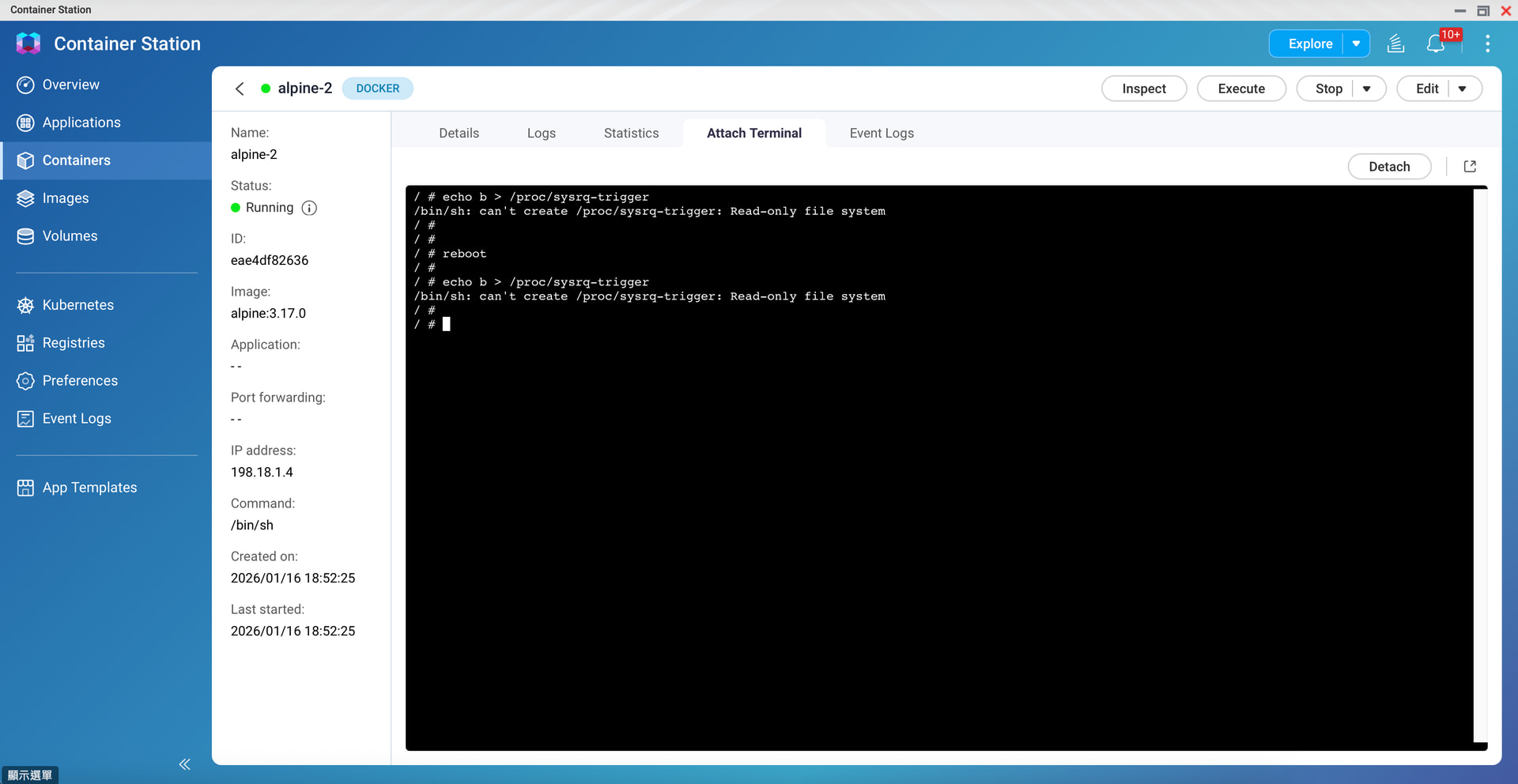
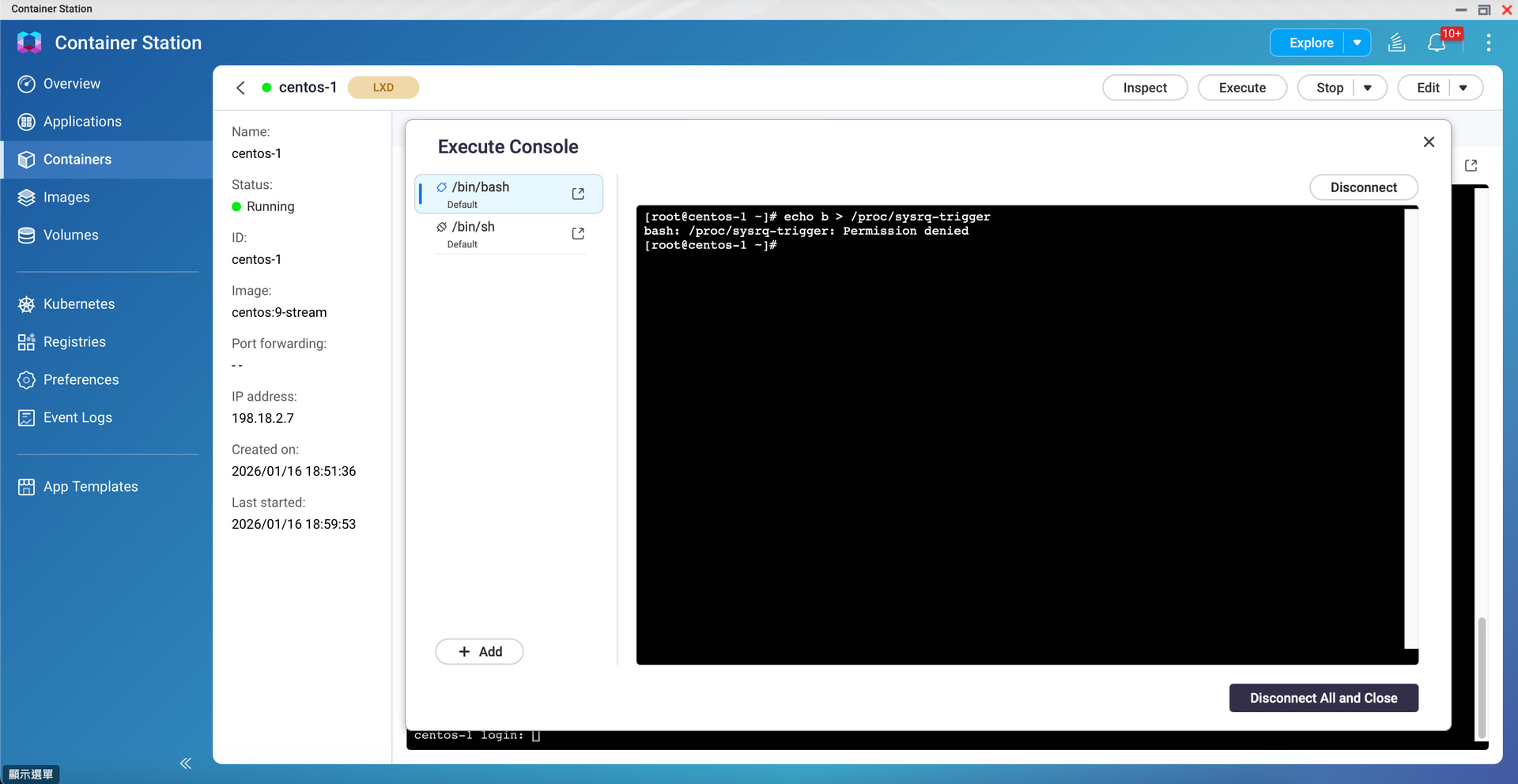
Furthermore, I was able in an Alpine container to find the mount point. I copied the new software over and executed the command, echo "b" > /proc/sysrq-trigger expecting this would reboot the linux instance in the container. No, it rebooted the whole NAS. This is exceptionally bad as it’s apparent that the containers aren’t quite as isolated as one would expect. Finally, the effort I did didn’t work as the Alpine install came back up like nothing ever happened…
I am concerned that these Linux shells expose the entire NAS.
And no matter - an attempt to reboot the container should NEVER reboot the NAS regardless.
Also privileged mode should enable the root user in the container but I question the ability then of giving root access to the NAS from the container. Access to the NAS file systems should only come with mapped storage that is specified. That’s the whole purpose of containers.
If you haven’t enabled privileged mode, running Docker and other similar programs within a Container Station and executing commands there won’t cause the QNAP QTS system to restart; this is confirmed by my own testing.
The situation you mentioned earlier is likely caused by enabling privileged mode. These are all part of Docker’s technology and design; you can also compare the behavior with that of deployments on a regular server.