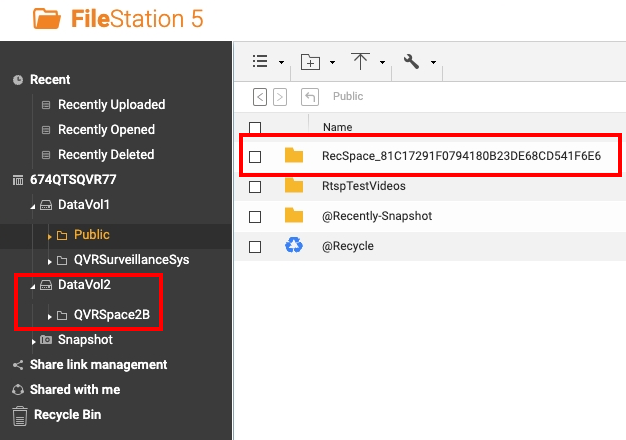
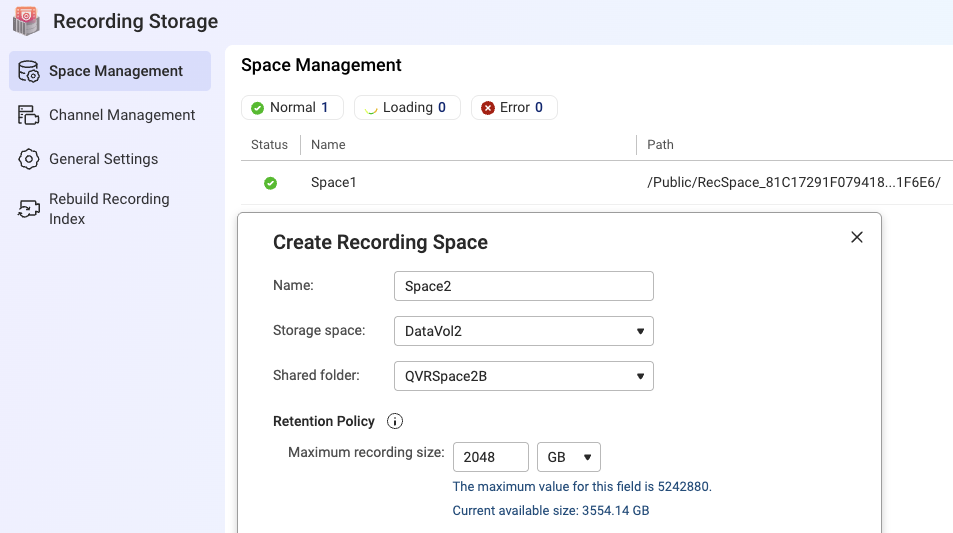
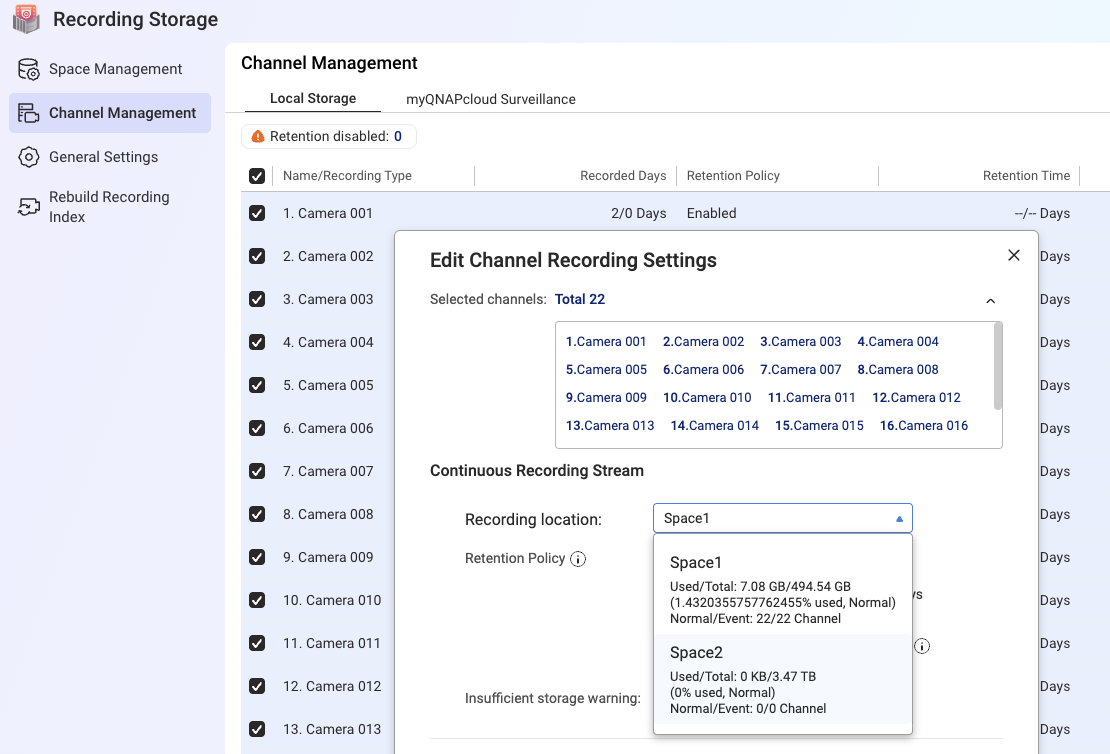
QVR Surveillance seems to handle storage spaces a little differently than QVR Pro. QVR Pro created individual shared volumes for recordings. In QVR Surveillance, the recordings are stored inside other folders on the NAS. In my case, somehow the recording folder ended up in /Public and with big hexadecimal file name. I would like to move/change that.
I see I could create another recording space, but I would like to basically move the current recording space somewhere else. I’m afraid just creating another recording space would not retain my current recordings when I remove the current space. So looking for the best way to do this.
I should be able to back up the recordings, but I don’t know what happens if I move them to a different location. Will the software still recognize them? Since this is security related, QNAP may not allow you to simply move files to a new location…
One would hope that putting the data in the new location would make it accessible to the app.
However, such is not always the case as you point out
Short of getting a proper reply from QNAP (you could enter a ticket with the query), you could try a regular backup of the data, add the new location, copy the data to the new location and see if it appears twice or is otherwise accessible. Then delete the original location…..
Thank you! I was hoping it was this easy but wasn’t sure if there was some funky security ACL that was being enforced that prevented you from moving recordings. Appreciate the info!