13 posts were split to a new topic: New Topic Title
Hi,
@Weedy Thank you for such an elaborate guide. I have a few questions, as I’m honestly just getting started with this and have very little knowledge. Computers are just a hobby and a storage device for the films I make.
So to begin with, you suggest we create an external edge network through ssh. I do know how to ssh when command are there to be copied. Like I used this to install Portainer:
sudo docker run -d -p 8000:8000 -p 9443:9443 --name portainer --restart=always -v /var/run/docker.sock:/var/run/docker.sock -v /share/Container/Portainer:/data portainer/portainer-ee:latest
I would like to know what the command is to create this network>
Regards
When I feed this compose file, after installation it keeps restarting again and again. Obviousl,y there’s something wrong with it. I used the compose generator on Arcane website.
# Arcane Docker Compose Configuration
# Generated at 23/09/2025, 18:21:36

services:
  arcane:
    image: ghcr.io/ofkm/arcane:latest
    container_name: arcane
    restart: unless-stopped
    ports:
      - 3552:3552
    volumes:
      - /var/run/docker.sock:/var/run/docker.sock
      - arcane-data:/app/data
    environment:
      - PUID=0
      - PGID=0
      - APP_URL=http://192.168.29.117:3552
      - ENCRYPTION_KEY=c1ab5af69be7074ced8cad45acbe628539c17188fdfbe232d2b6aff9bc0e24d5
      - JWT_SECRET=b2b8034523b4a410e37d52f5bb6c9592ebe847e016a7a75a862c7b639472ae35
      - DATABASE_URL=file:data/arcane.db?_pragma=journal_mode(WAL)&_pragma=busy_timeout(2500)&_txlock=immediate

volumes:
  arcane-data:
    driver: local
That’s just the containers filesystem. Like you need to find the correct path, but CS isn’t setting up a truecrypt image and hiding all of your stuff.
Your SimpleHelp containers filesystem contents are just raw sitting on (by the sounds of it) container-station/docker/volumes/.
Attach to the container, ls -l /, look for that file structure in the CS qpkg install directory.
I told you mine here:
Since you are new don’t setup IPV6.
docker network rm external_edge

docker network create \
  --driver "bridge" \
  --opt "encrypted" \
  --scope "local" \
  --subnet "172.27.1.0/24" \
  --attachable \
  "external_edge"
You can name it whatever you want, it doesn’t need to be external_edge
I also already showed you mine. But try this.
Arcane compose.yaml
networks:
  # create the below network before running this template
  external_edge:
    enable_ipv6: false
    external: true

services:
  arcane:
    networks:
      external_edge:
        ipv4_address: 172.27.1.250
    container_name: arcane
    image: ghcr.io/ofkm/arcane:latest
    environment:
      # Server Configuration
      - APP_ENV=production
      - APP_URL=http://192.168.29.117:3552
      - ENVIRONMENT=production
      - OIDC_ENABLED=false
      - PORT=3552
      # Encryption key for sensitive data (must be exactly 32 characters)
      - ENCRYPTION_KEY=c1ab5af69be7074ced8cad45acbe6285
      - JWT_SECRET=b2b8034523b4a410e37d52f5bb6c9592ebe847e016a7a75a862c7b639472ae35
      # Optional: Set if Docker access fails
      - DOCKER_GID=0
      # Optional: Match your host user for permissions
      - PUID=1000
      - PGID=1000
      - TZ=America/Toronto
    ports:
      - '3552:3552'
    volumes:
      - /var/run/docker.sock:/var/run/docker.sock:rw
      - /share/docker/appdata/arcane/config:/app/data
      - /share/docker/compose:/app/data/templates
      - /share/docker/stacks:/app/data/projects
    labels:
      - com.ofkm.arcane.updater=false
    restart: always
I thought your tutorial had you make directories?
The entire point of all this extra work is keeping ourselves out of CS.
Did you make a home for all your docker stuff? As I have repeatedly said in my case (and because of QuTS) I made /share/docker/<all of my things>
At least for your serious containers you don’t want automatic or anonymous mounts.
- You are going to want to use text editors for your docker stacks, so arcane needs to be bind mounted like mine.
- Looks like profilarr does something with git, probably want that manually mounted
- Prowlarr, maybe named mount is fine
- Radarr is going to need access to the final reseting place of your media and the temp directory of your download program
- etc etc etc
You need to start off with your filesystem sorted or don’t start anything at all.
(Sorry for the delay, work killed me this week and I didn’t open a browser after getting home)
Hi,
I am sorry, I just disappeared. But I am going through hell with my new QNAP NAS. If we had the 30-day return thingy in India, I would have done so by now. I will try what you mention on your last post soon @Weedy. Once I solve a larger issue here.
But here is my new crisis. I am unable to access my NAS out of the blue, and that has led me to do my 10-second, two-beep resets. I have tried to figure out which app installation might be causing the problem by isolating these installations. But this disconnection of the NAS can happen at any random instance.
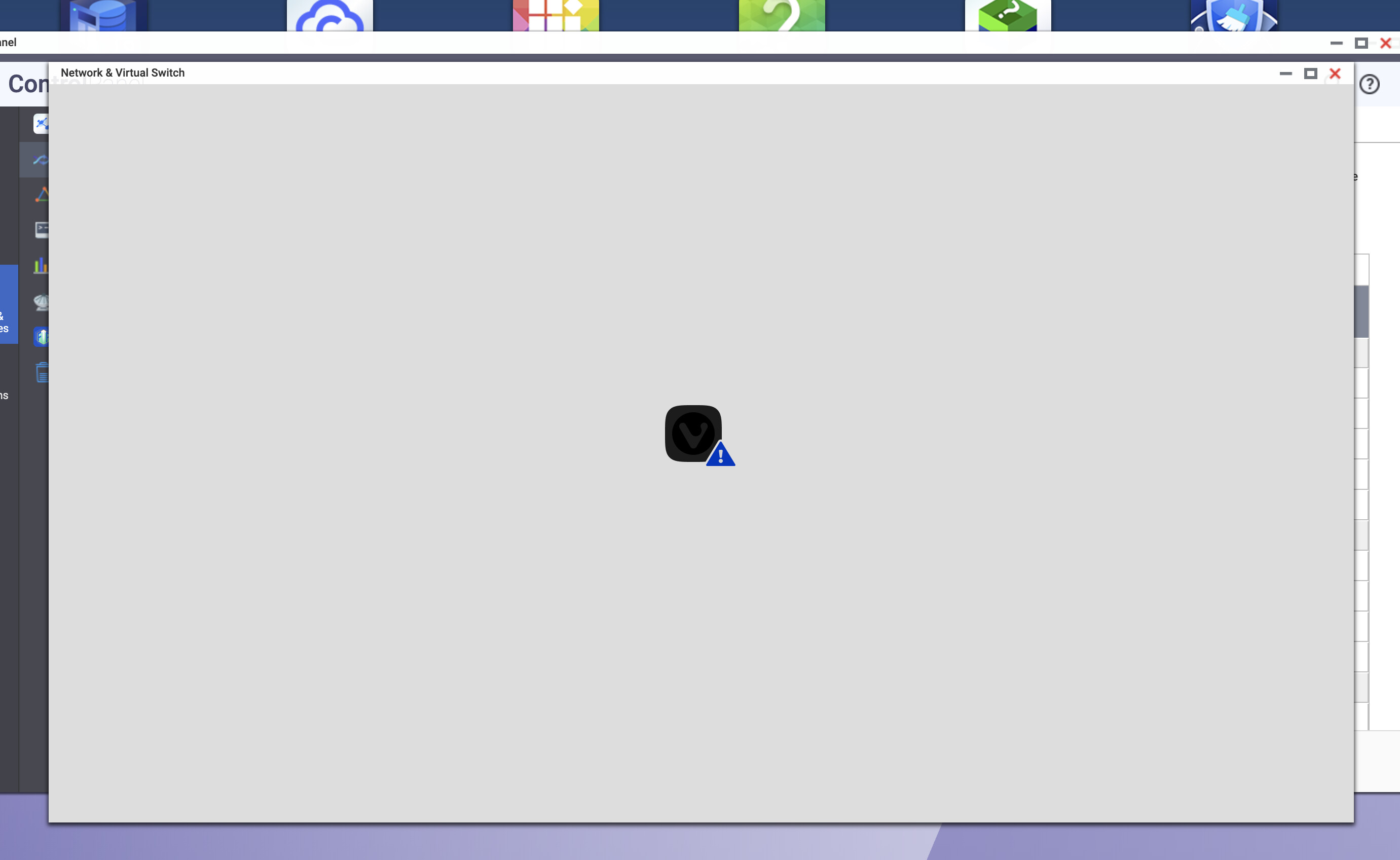
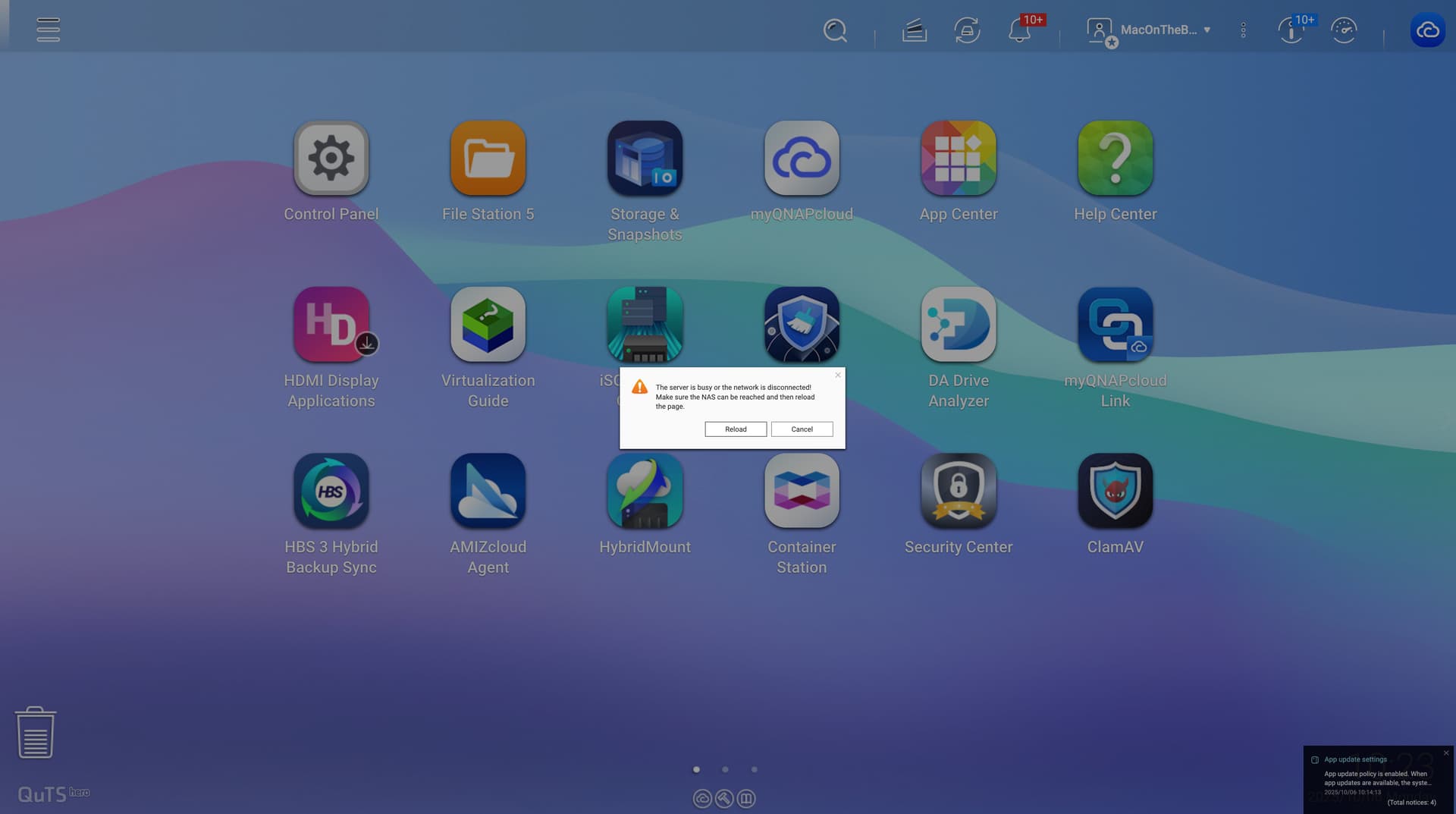
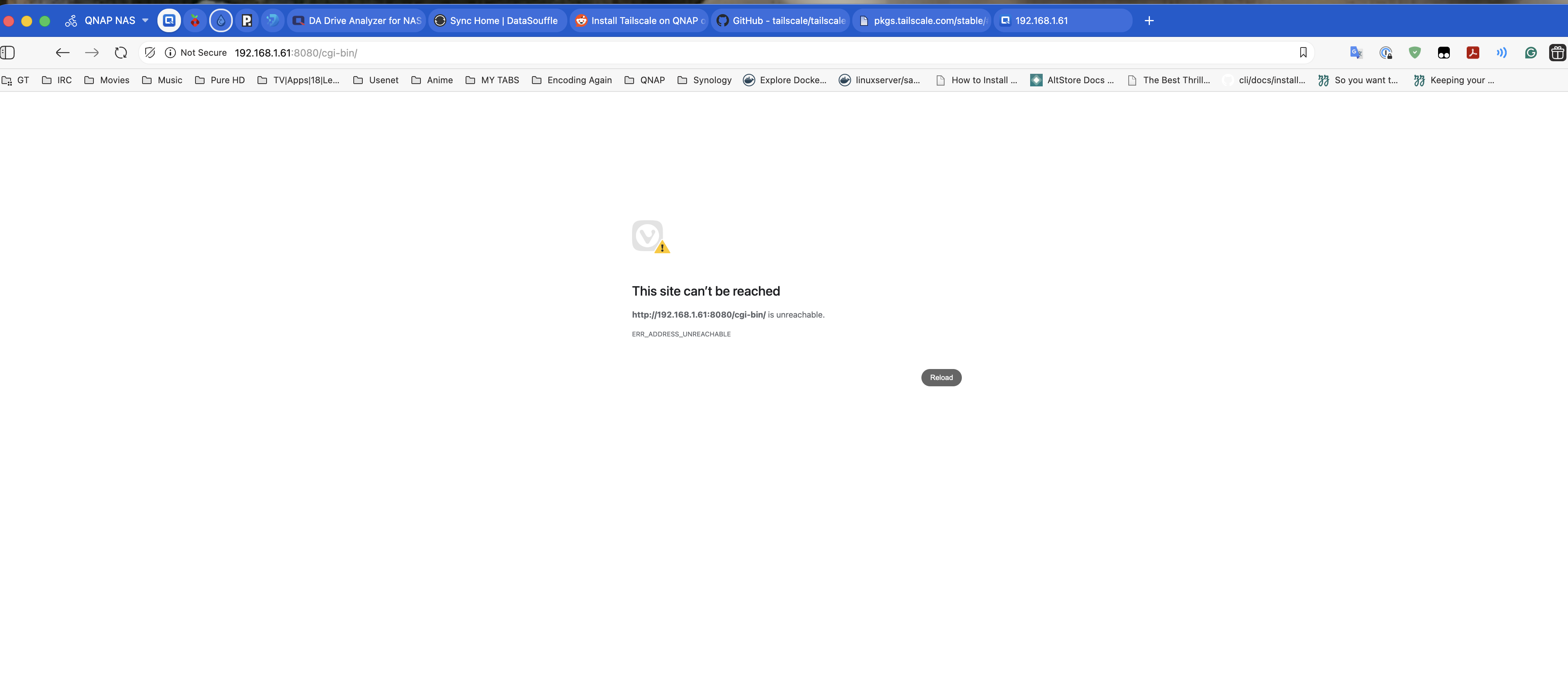
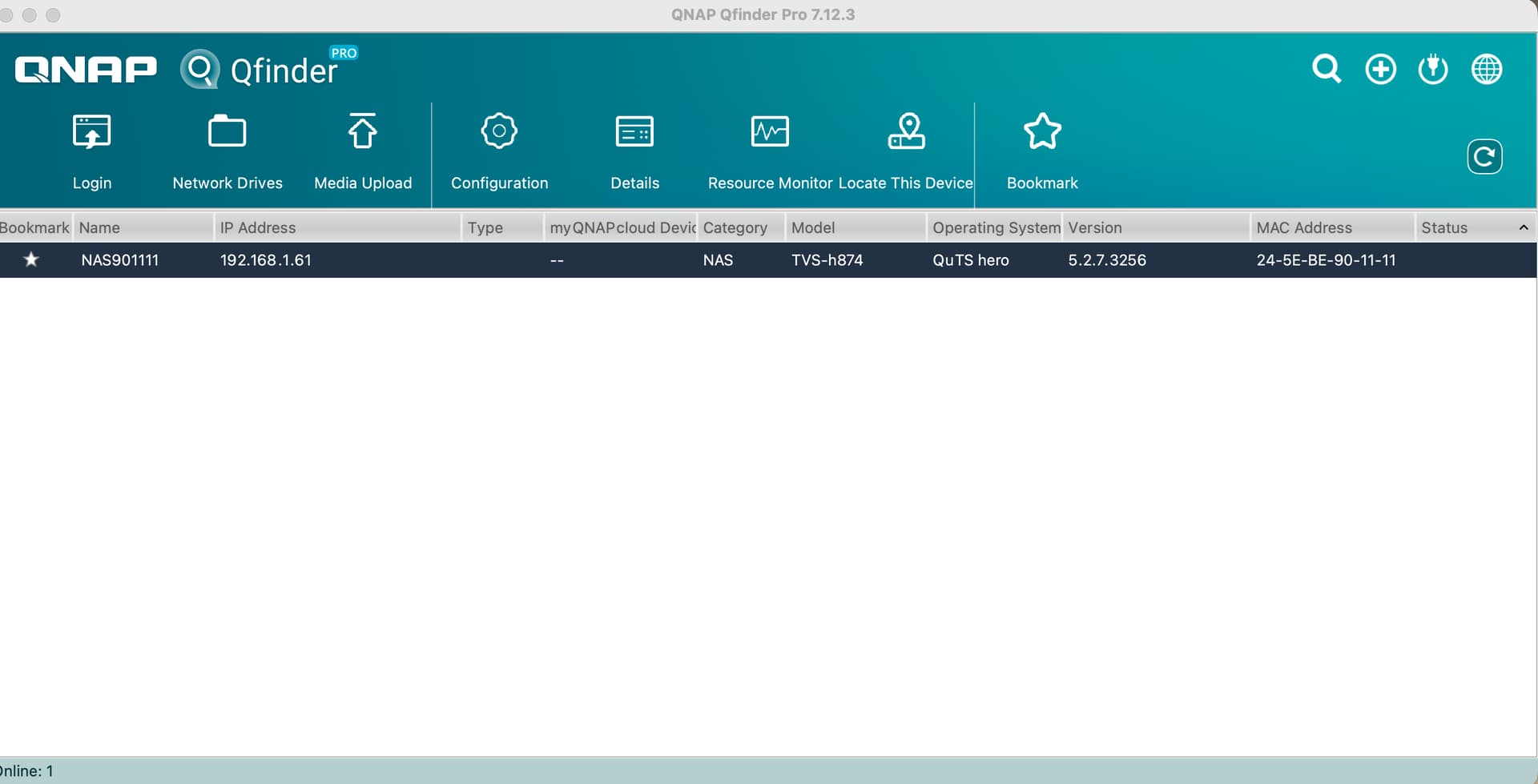
It does show up on my QFinder, but it does not open in the browser.
And sometimes I get the warning:
The system has detected that your DNS server cannot resolve hosts, and some applications might not work properly.
Please go to “Control Panel > Network > TCP/IP” and check if the DNS server and default gateway is correct. You may contact your ISP (Internet Service Provider) for the DNS server information.
But all I am doing is using the pihole dns on my router which also shows up on the QNAP, so I don’t know how this has to be corrected.
I have however contacted support and sent them the memtest as well as logs from the Helpdesk app.
Hoping for the best
Regards
It sounds to me like your NAS might be trying to do too much. You can get these sort of things when the processor is overloaded. I’ve had it happen many times.
What model NAS do you have an how much memory is installed?
Here’s what I would like you to do: Open an SSH connection to the NAS. Once logged in, run the command “top” - without the quotes of course.
In top, you will see numbers like this:
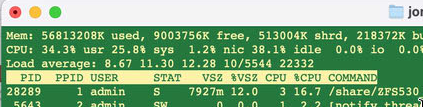
The Load Average is what you want to look at. If it’s above 10, the NAS will start to feel very sluggish. If it’s 40 or 50 or 60, you will barely be able to do anything at all. One of my units was taking massive amounts of I/O time a couple months ago. I could literally do nothing. I ended up having to force a reboot from an SSH shell and that reboot literally took like 3 hours. Since then I haven’t had the issue.
If you have a bunch of media files, Qsirch and similar stuff, there’s a whole heck of a lot of indexing and so forth going on when the NAS is first set up. Eventually it will all settle down when things get completed and you won’t have the issue. But right now depending on what you are running, I am betting that you are swamping the NAS.
Load Average and CPU percentage have really little correlation. I couldn’t understand why my CPU was showing 30% use or less but I could do nothing. QNAP support staff told me you need to look at the load average. From searching online, Load Average is related to the number of threads that are in queue waiting to be processed. So if you have a large number of threads sitting in queue, the processor may not be running hard with a particular thread, but there 's a ton more behind it.
So let’s take a look at what you load averages are and what you have running.
If your NAS is new (which I think it is), you are probably still building your RAID array as well which takes a long time depending on storage size and uses resources. Then you are indexing, etc, etc.
Hi,
I have the TVS-h874-i5. It has 32 GB RAM. 8 enclosures out of which 4 are occupied with 22 TB each HDD from WD.
With many things installed and running. Right now it is showing fine:

But I have no clue when this will all go head up. Right now, I have about 22 TB of media and every other file.
Regards
OK. i5 core which should be good. Keep an eye on it and when it gets weird and you can’t access it, see what top is saying.