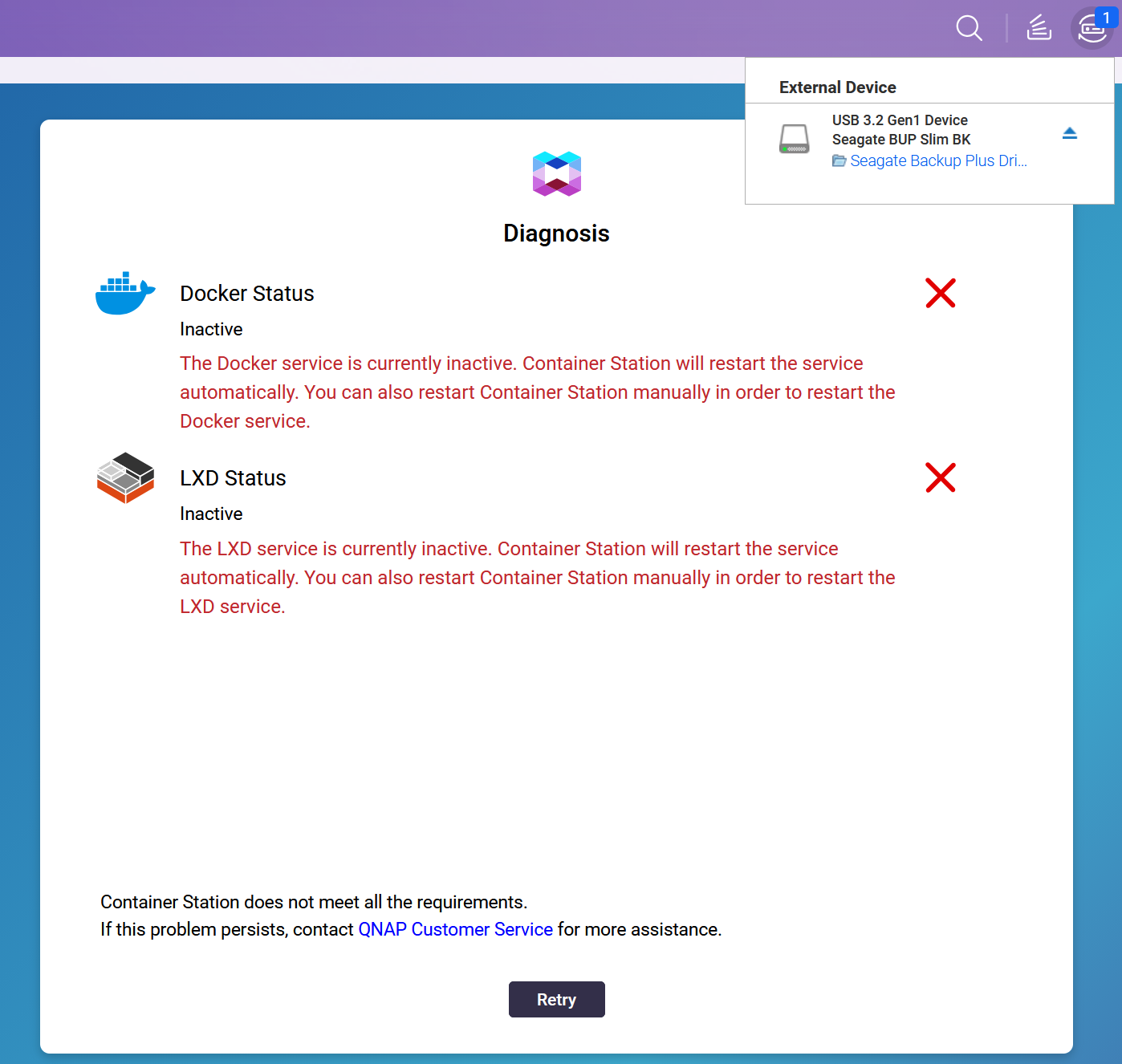
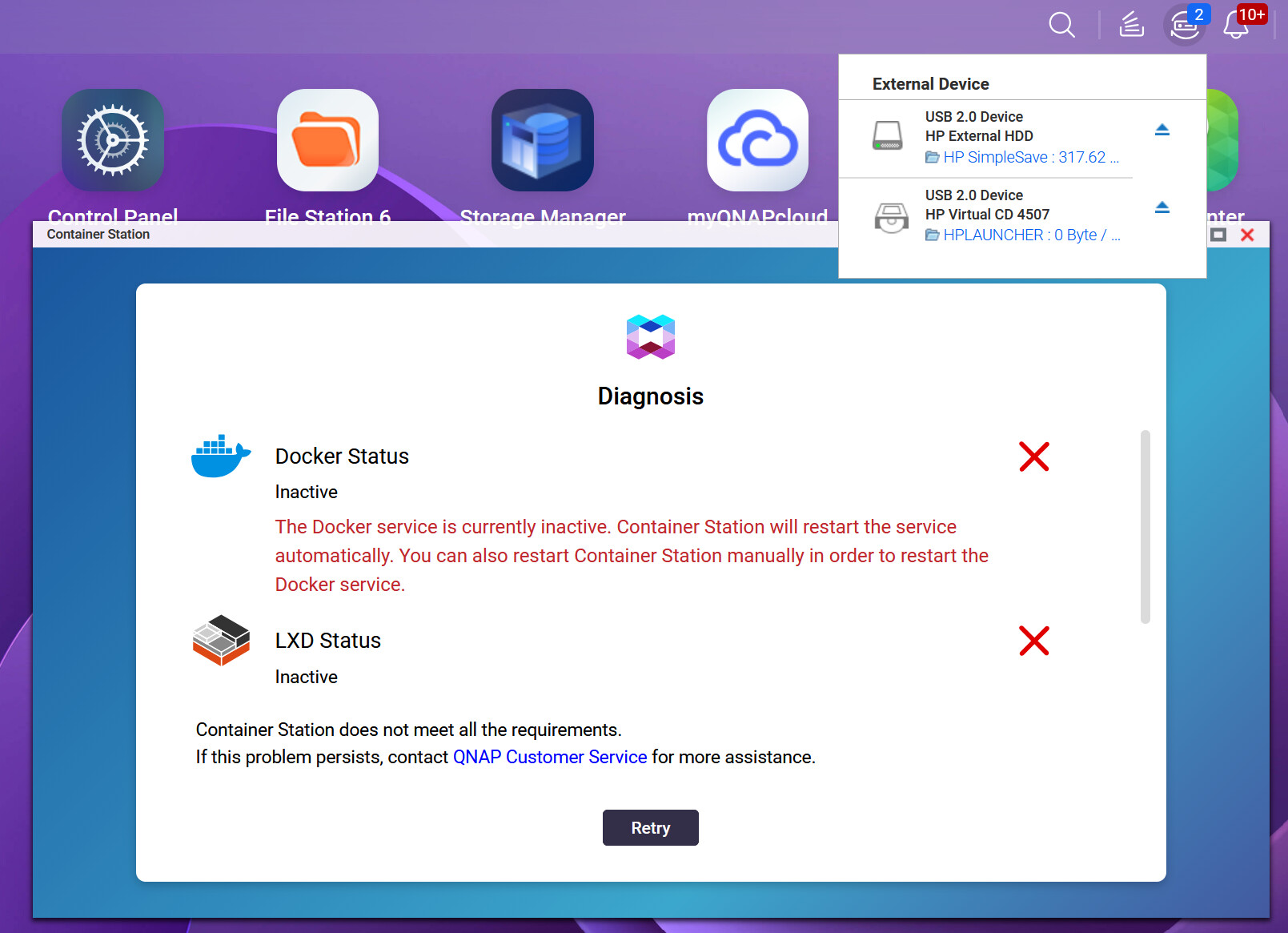
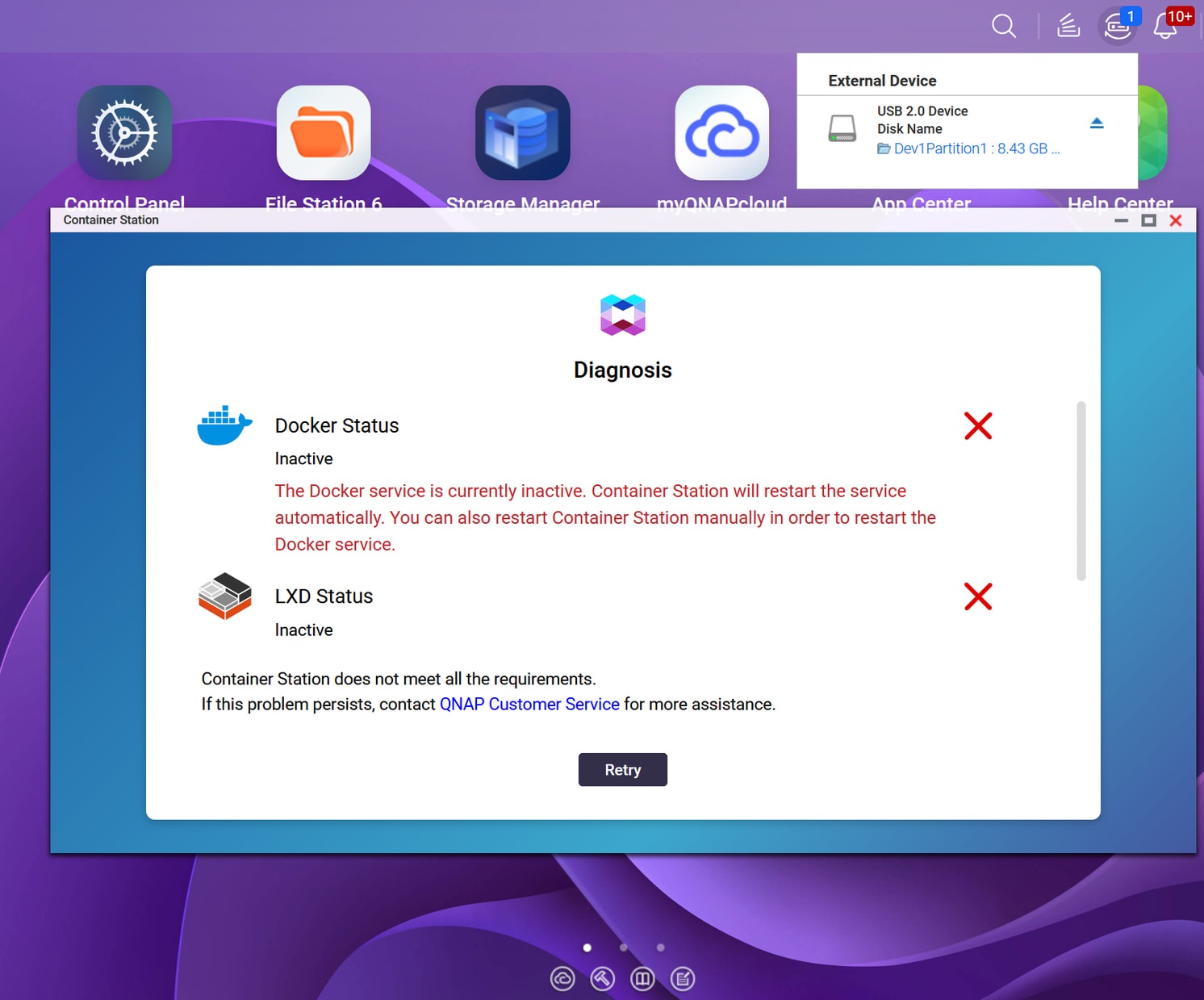
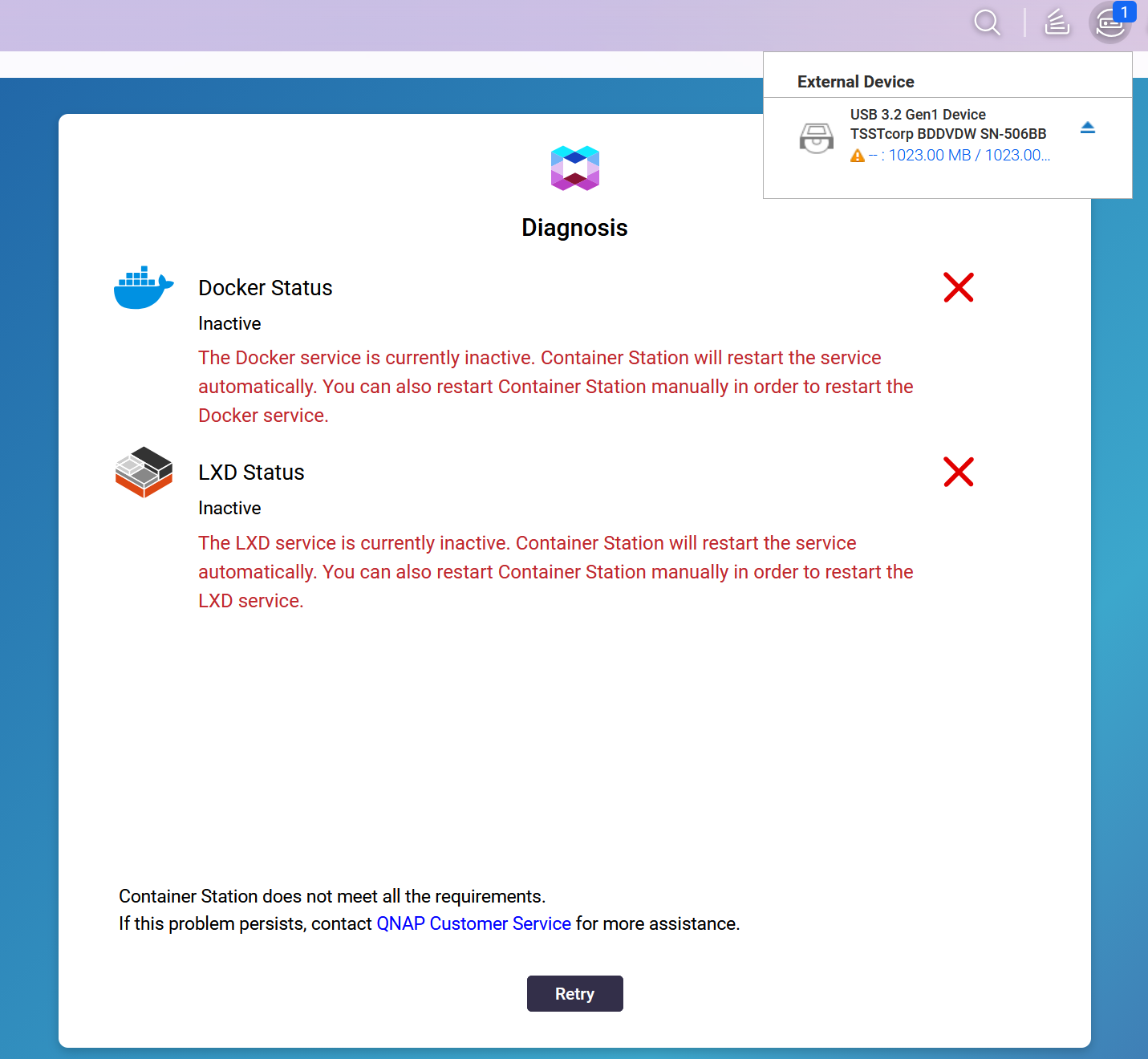
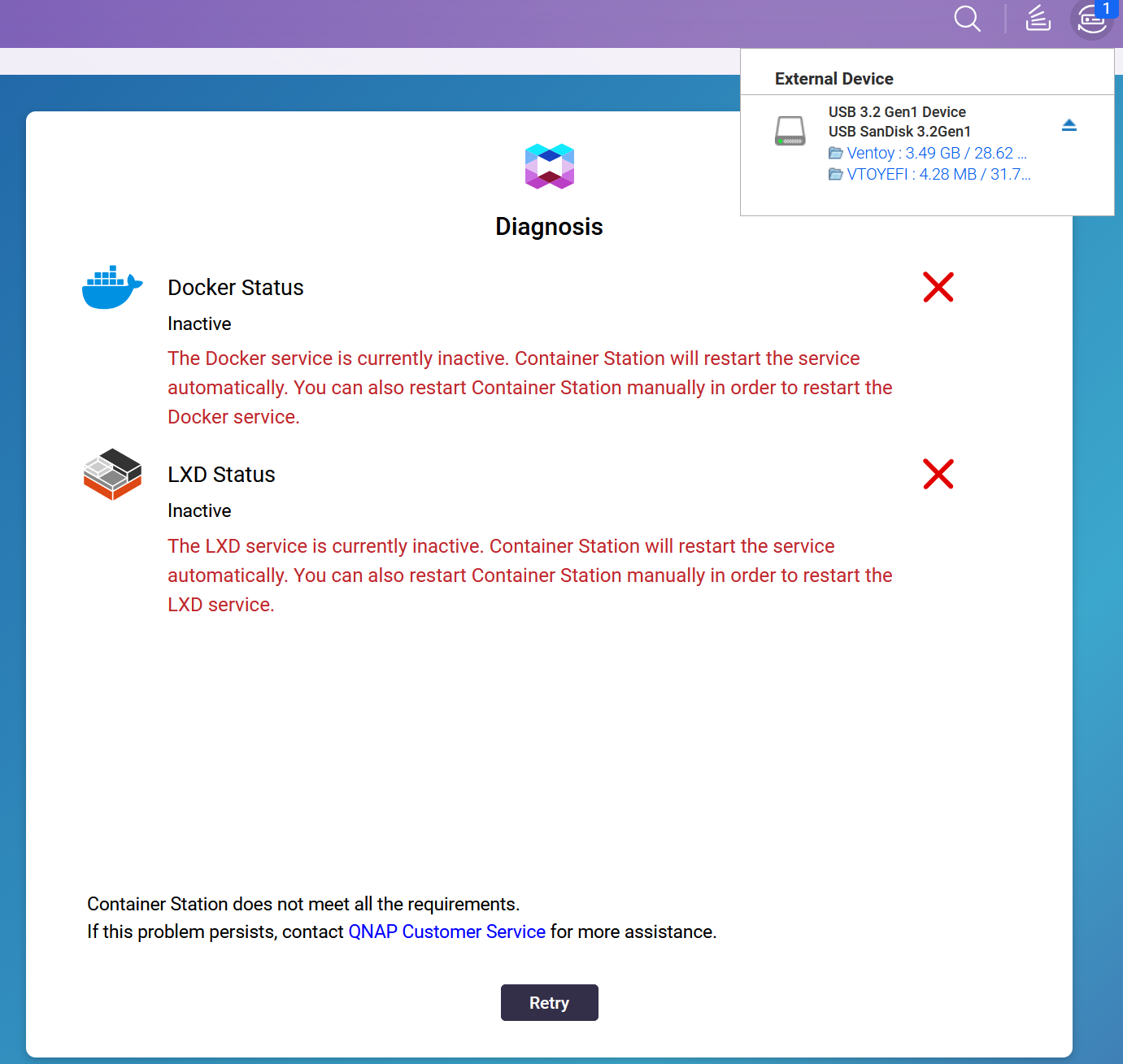
This weekend, while performing a backup on an external USB volume, I restarted my NAS (for tests related to this discussion: LLM Core uses 4.5 GB of VRAM - English / AI - QNAP Community). At that time, I noticed that Constainer Station does not start (impossible to access LXC/LXD).
I tried some manual checks, but nothing. I uninstalled and reinstalled Container Station (losing some containers along the way, I couldn’t back up before because it wasn’t working, and I also use docker compose, with configuration management saved elsewhere).
In the end, while searching, it was because of my connected external volume that Container Station was not accessible at boot.
In fact, I noticed (but I couldn’t reproduce it yesterday) that when I ejected the volume, Container Station would restart…
Would you have seen similar problems?
The volume is a Lian-Li EX-503 box, seen with the JMicron controller.
My config :
TVS-Aih1688ATX
QuTS hero: h6.0.3656
Container Station: 3.1.4.2673
If needed, I can open a ticket, and eventually too, test with the new 6.1 firmware.
Thanks for opening the ticket! We’ll take a closer look at the logs from your ticket. Has this only happened once, or does Container Station still fail to start when you reboot with the EX-503 connected again? Thanks!
If I eject the Lian-Li and restart the services or the Container Station app, it doesn’t work. I need to turn off or disconnect the external unit and restart the NAS.
This morning, by connecting the box to the USB on the front panel, it set the “virtual switch 4” to a fault; adapter 1 was disconnected.
Indeed, the problem mainly appears when the Lian-Li is connected and turned on during NAS startup.
Note: I will specify another observation later.
Before answering the questions, I would like to clarify that last night I updated the ticket created with support with various tests and findings, which I will summarize here.
I tested on 2 USB ports on the back and on the one on the front. The problem is the same.
I confirm that when the Lian-Li box is turned off, Container Station starts properly.
When connecting and/or powering on the EX-503 box, Container works as usual.
If I restart with the Lian-Li turned on, the problem is present. (startup of Container Station disrupted)
I don’t have any other cases like the EX-503, even less with a JMicron controller. I can possibly test a “classic” external hard drive.
Only a “duplicati” docker to back up the NAS on the EX-503 box is configured. I had just noticed that when I ejected the box, Container Station and the containers restarted.
And that’s why I started my investigation and created the post here and the ticket with support.
Currently, and during the last few days, the “Duplicati” container is stopped and will only be restarted for my backups. The problem is therefore not related to the docker.
In my current support ticket, I mention an issue already noted in August (already listed in a ticket in the month of August) regarding a problem with the execution of Container Station, without having investigated any further at that time. And I wasn’t using “Duplicati” at that time but “HBS” for my backups.
Other findings, which I can summarize since yesterday (described, and with attached images in the ticket with support): - In the morning, the LXC/LXD services were crashed. When I logged in later, I found that the containers were functional. Thinking that remote handling of the support had brought resolution to the problem. Even though no, it hadn’t yet taken place.
After many restarts of the NAS with the EX-503 connected and powered up, I found that the LXC/LXD services do not start (even when pressing the “Retry” button). Except that 35 minutes after startup (uptime in the NAS information), the services automatically restart and everything is functional.
By disconnecting the EX-503 box after ejecting it from one of the USB ports on the back, the network interface turned off and turned on again. Causing a restart of the Container Station and the containers. The following error appeared in the alerts: “Default Gateway “Virtual Switch 4” disconnected”.
Here are the additional tests carried out tonight and here are the results (also indicated in the support ticket):
Starting with a “Seagate Backup Plus Portable (SRD00F1) 1TB” external hard drive, on the front panel USB (No. 8 in the manual): Container Station KO
Starting with the Seagate on the USB at the back (No. 18 in the manual): full ventilation during the “booting” and until the drivers are loaded, Container Station KO (dmesg recovered)
Reboot on the other USB at the back (No. 19 in the manual): Container Station KO
Reboot on the other USB at the back where the ventilation had gone full (No. 18 of the manual): Container Station KO
Reboot with an “HP sd500a” hard drive on the USB at the back (No. 18 in the manual): Container Station KO
Starting with a Connectland box, “Fujitsu MHZ2160BH G2” hard drive on the rear USB (No. 18 in the manual): Container Station KO
Restart without a hard disk: Container Station OK
Restart with “Corsair CSSD-F120GB3-BK” SSD via Samsung SATA/USB adapter on the front panel USB (No. 8 in the manual): Container Station KO
Restart without a hard drive: Container Station OK, shutdown of all containers
Reboot with the SSD, on the front USB (No. 8 in the manual): Container Station KO
Restarting the NAS without the SSD: Container Station OK, restarting all manually stopped containers
Note: the volume on the Lian-Li EX-503 is formatted as EXT4, the other external hard drives are formatted as NTFS.