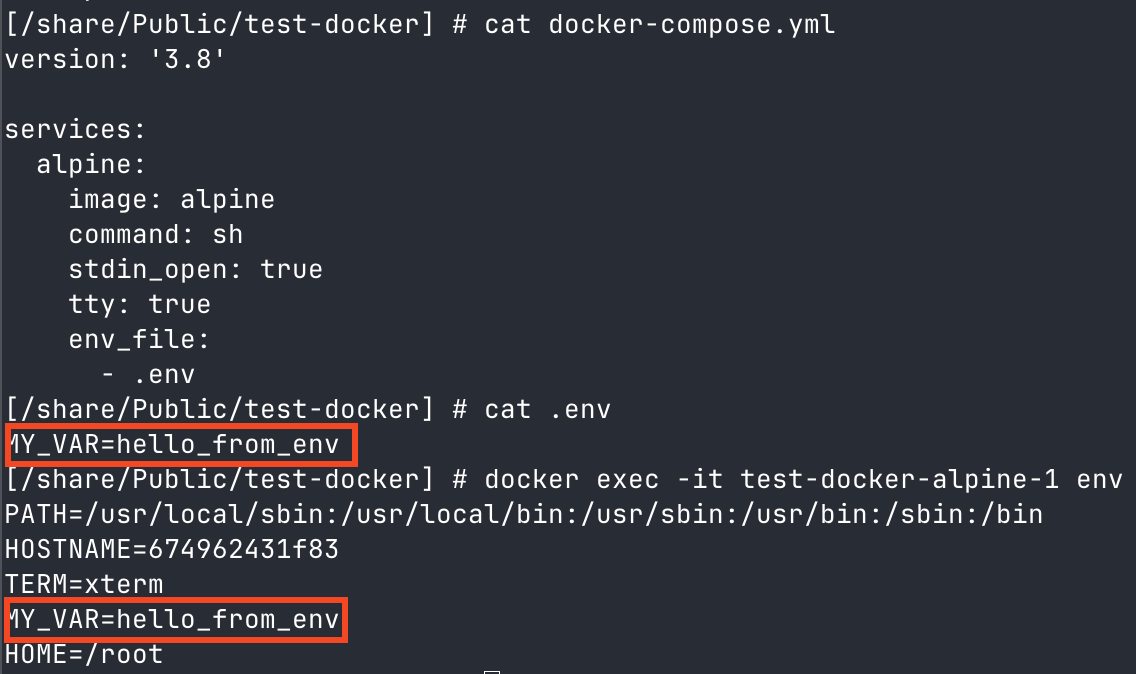
From what I gather, QNAP simply does not and has no plan to support .env files as part of a yaml for docker, natively in container station. I did see that if I can create a docker via SSH, and it does show in container station - but none of the GUI really works (no commands, you have to SSH in again to manage the container). I’m not opposed to this, but when I use docker compose with an identical yaml via SSH, it never works quite right - I assume something to do with virtual switch/networking, or possibly storage references that don’t take. I can use the same yaml in container station and it works without issue.
Has anyone else experienced this? I don’t really mind moving the variables into the yaml, but I don’t understand why it doesn’t work successfully. Unfortunately I’m not quite sharp enough w/ docker and linux to figure out where it’s going wrong.
If you can share your docker-compose.yml and .env file (you can remove any sensitive data), I’d be happy to test it for you and see what might be going wrong.
I found a typo in the YAML, root of all issues here, soooo it works fine just like you said!
I think I’ll try Portainer though - if people like it better than CS. Will it allow me to do the basics without SSHing in, even if I created it via command line (unlike CS)?
As I posted, you can get Portainer up and running just fine from CS. You can even do it completely without SSH. Just make a new Application in CS and past in YAML.
I suggest a little bit of SSH to get setup with another share and storage pool.
I use /share/docker/. So nothing CS does can ever touch my stuff I’ve made with Portainer.
Using .env files from command line (SSH in) works just fine, as other hace said. I am running Dockhand in a priviledged container, then I manage everything from there. E.g. with a docker-compose.yaml file like this: