I am trying to use container station, and I created a new repo. It spins, then stops, and nothing happens. I closed out of the app, opened it again, and I click Start again. The loading spins again, then it asks me if I want to keep or add new. I’ve tried both options, and that doesn’t seem to do anything either. My app is up to date. I have a TS-453D, and am running QTS 5.2.8.3350 in Firefox.
Help me understand…
Is Container Station starting and your container not loading? Or is Container Station not starting at all?
I’m not sure what you mean by keep or add new? It sounds like you are talking about a Container app that is not running correctly. Can you give us more information please? There are a lot of reasons why a Container app might not run.
Hi, our team has tried to reproduce the issue you described, but unfortunately, we haven’t been able to replicate it in our environment.
If possible, please open a support ticket so we can look into your specific case and provide further assistance. Thanks!
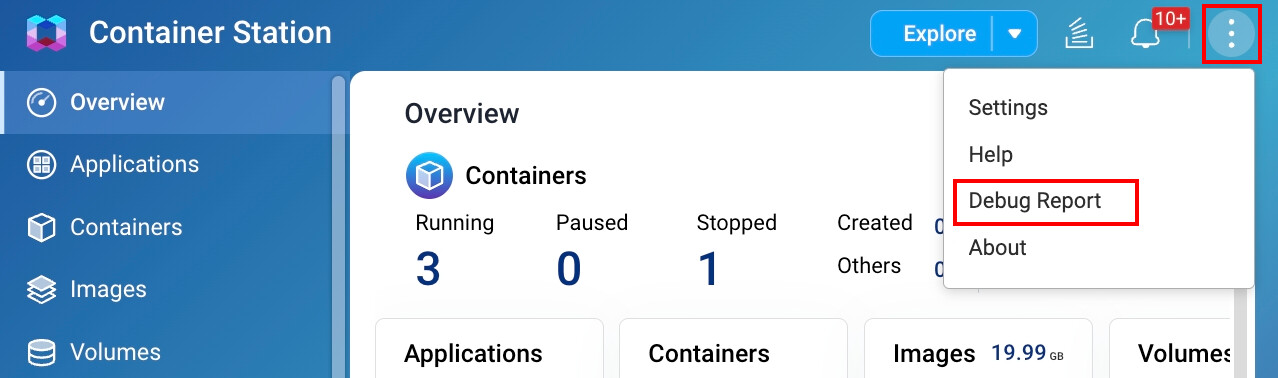
Hi, To resolve the issue you are experiencing, we have sent you a private message. We would appreciate your assistance in confirming some details regarding the problem. Thank you for your cooperation!
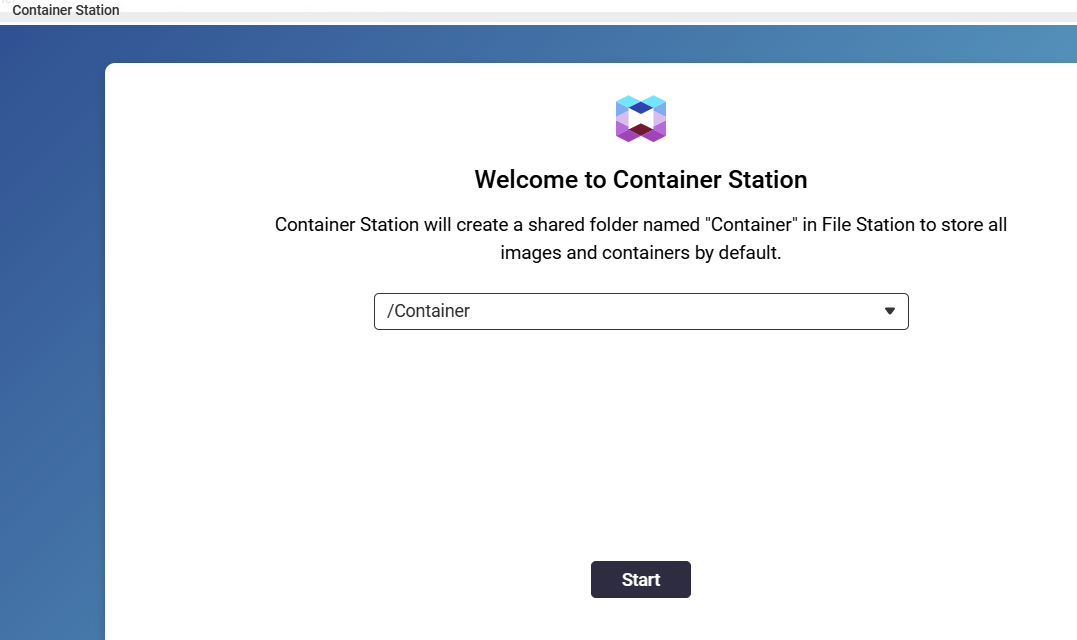
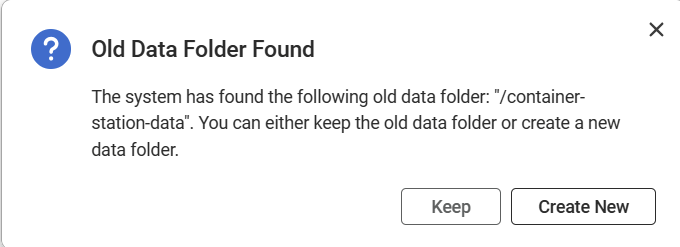
same issue as post above mine- have vreated multiple folders but nothing else happens.
I seem to be having the same issue. Anyone get this resolved???
To the #me2 posters, please open tickets with details like NAS model and used firmware, a “+1” does not help the issue.
Ok, its a TS-453A, firmware QTS 5.2.9.3451.
Sorry I’ve had this NAS for a while, but am really new on how to use it. Any help is apprecieated.
You still need to escalate this to a ticket, so QNAP can find out why some units/firmwares/configs have this issue.
Hi SteveKo
was there a solution to this issue as I’m having the same problem. Container station will not allow me past the folder creation step.
thanks
Has there been a solution to this? Same issue here. TS-677.
Pressing Start does nothing.
Same issue here, sadly, TS-251.
Pressing start does create some folders, but the screen stays the same…
Got it to work by uninstalling Container Station then reinstalling it.
uninstalling and reinstalling the container station fixed the problem for me… 