Firmware Version/Build numbers - not just “The latest”
5.2.9.3410
Network Setup (ie Single Port or Port Trunking)
Single Port?
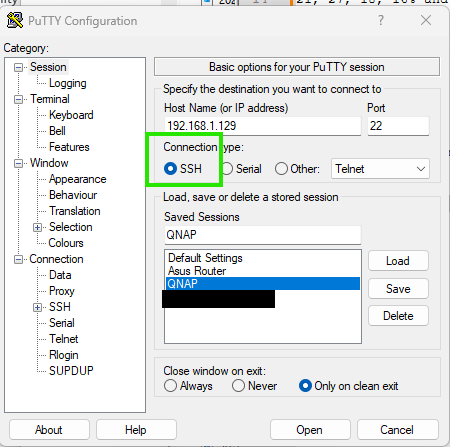
Problem: Even with sudo, when I try to edit the Crontab file in PuTTY using VI, I get an error that it is read-only and there seems to be no way to set it as read-write. The Google searches I did suggested that there could be a problem with the RAID-Array of my drives but I’m not having any RW issues with files in general on my NAS and the RAID structure seems fine.
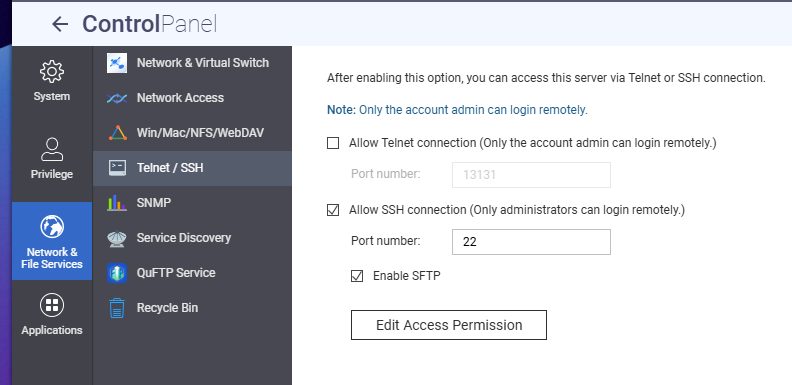
Sorry, I forgot to mention that I was using that guide and still having issues. Going to try NA9D’s suggestion, my account is set to admin but my guess is that it’s something only THE admin account can do?
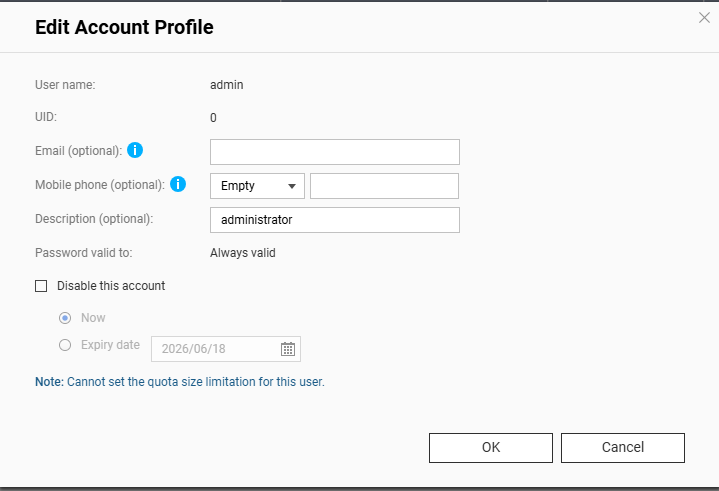
The admin account gets disabled by QNAP after you set up your own account. You will need to re-enable it and set a new password for it. You do that in the user control panel.
Yes, the admin account has additional features and permissions that secondary admin accounts do not have.
Would you mind sharing what your main use case is? What are you trying to achieve by modifying the Crontab? This will help us better assist you. Thanks!
I would think you are correct @dolbyman. Crontab is more for a scheduled task in Linux that runs every day at 3AM. Autorun.sh is better suited to startup tasks.
Hmm.. I don’t know what the .viminfo file is for. Must me something with VI. I think autorun.sh was written fine. I would do a cat autorun.sh to be sure…
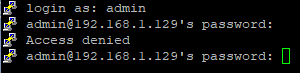 This is using the Cloud Key as the password