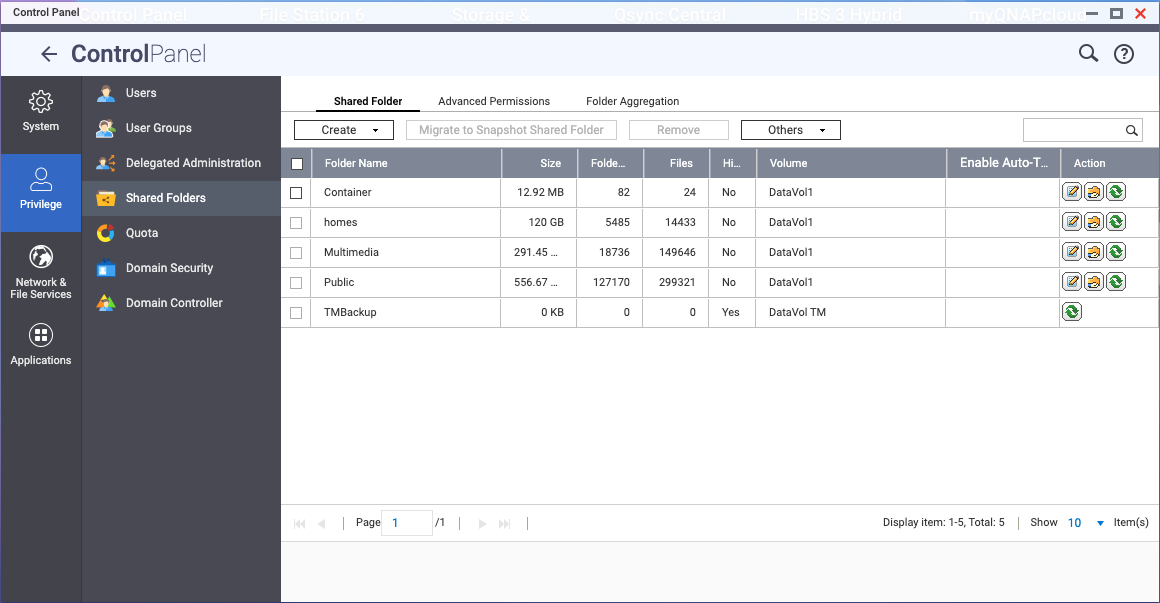
After having reformatted my Time Machine volume, the shared TMBackup folder is grayed out, only offers the “Refresh” button and cannot be removed from the list. No user can get access to this folder.
How can I delete this folder and setup Time Machine again?
TS-453D with QTS 5.2.9.3499
First of all, any folder on the NAS can get set to be a Time Machine backup folder.
That said, if you want to use that particular folder, do you have things set up in Hybrid Backup Sync for Time Machine?
Why did you feel the need to reformat the volume?
Thanks for your reaction.
TM has been running on HBS for several years now, but since I have moved part of my backups to the cloud, I decided to reorganize my NAS setup.
When I set up Time Machine again, I do not necessarily have to use that specific folder name but I was wondering why I cannot remove the folder from the shared folder list after deleting the share on the disk(s).
If it is not somewhere hidden in the UI, then is there another way to clean this up?
Could you provide us with a screenshot of the issue you mentioned? It would help us better understand your situation. Thanks!
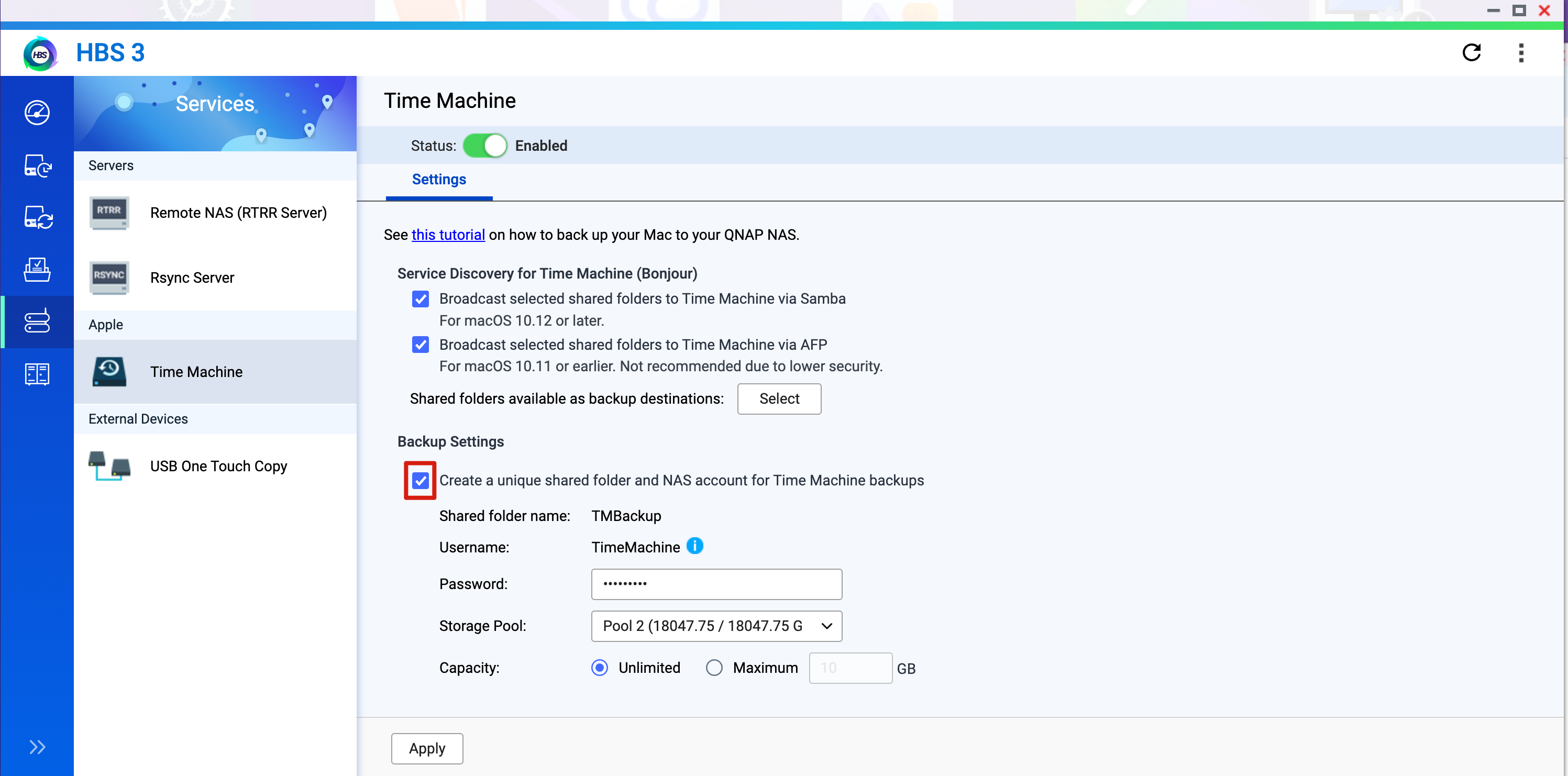
Could you try reconfiguring Time Machine by following this FAQ? If you run into any other issues, feel free to bring them up for discussion. Thanks!
How to back up your Mac to QNAP NAS using Time Machine | QNAP
Hi Jack,
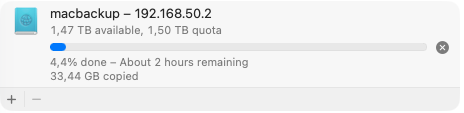
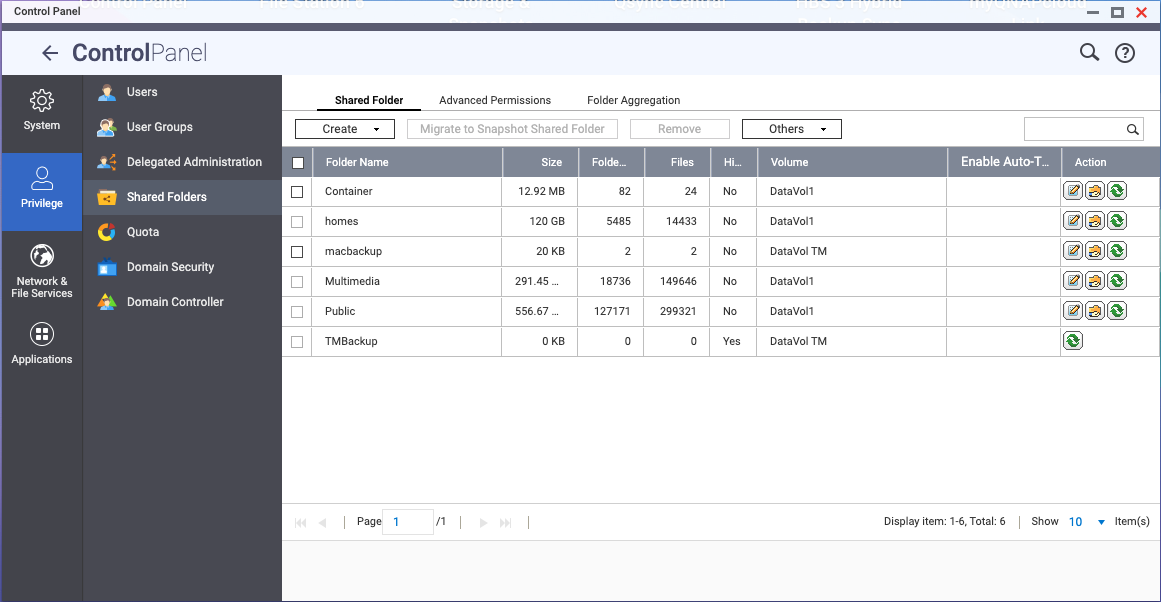
That makes sense… and did the job. Problem solved.
Thanks for your support.
Hans