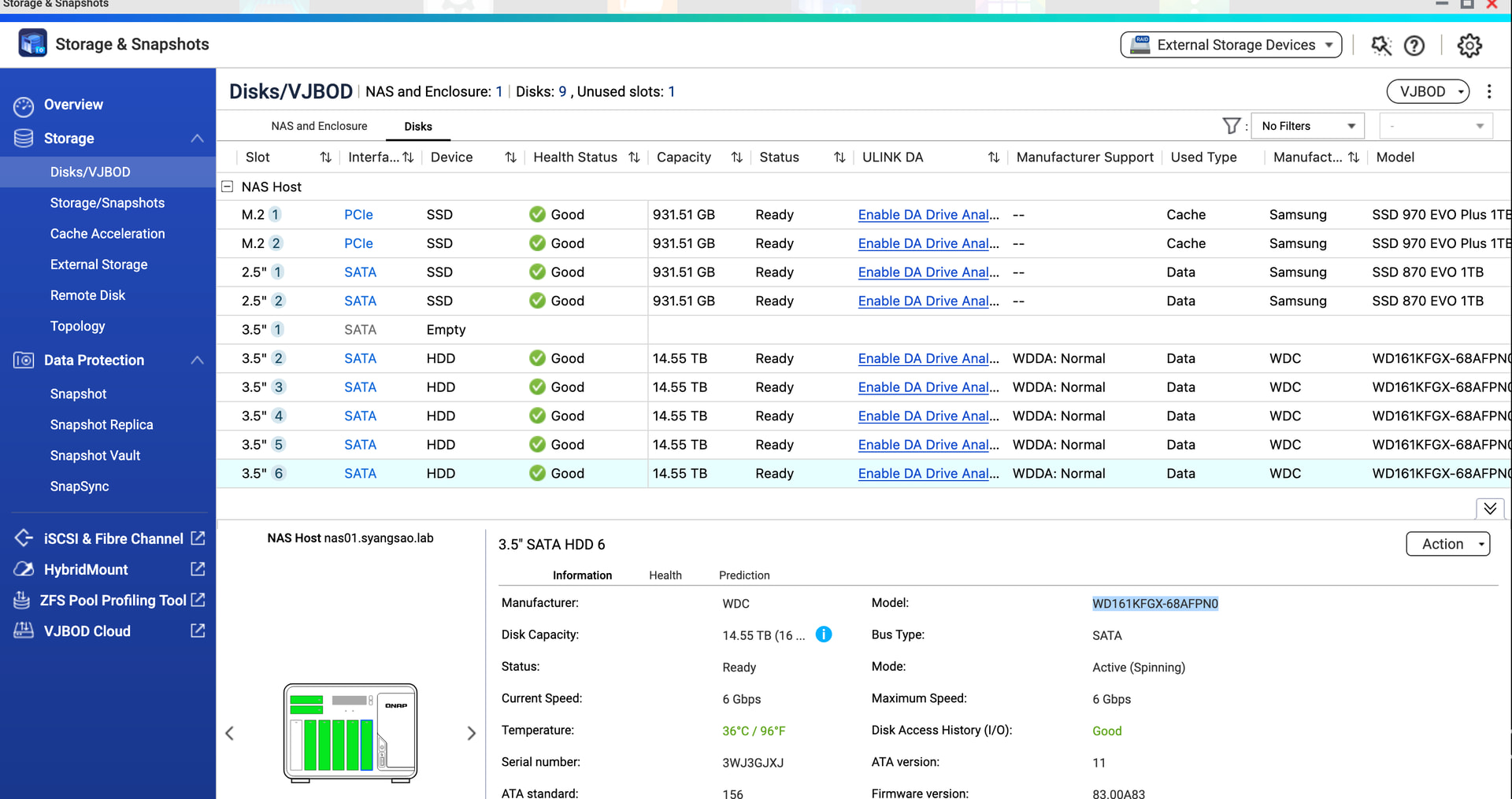
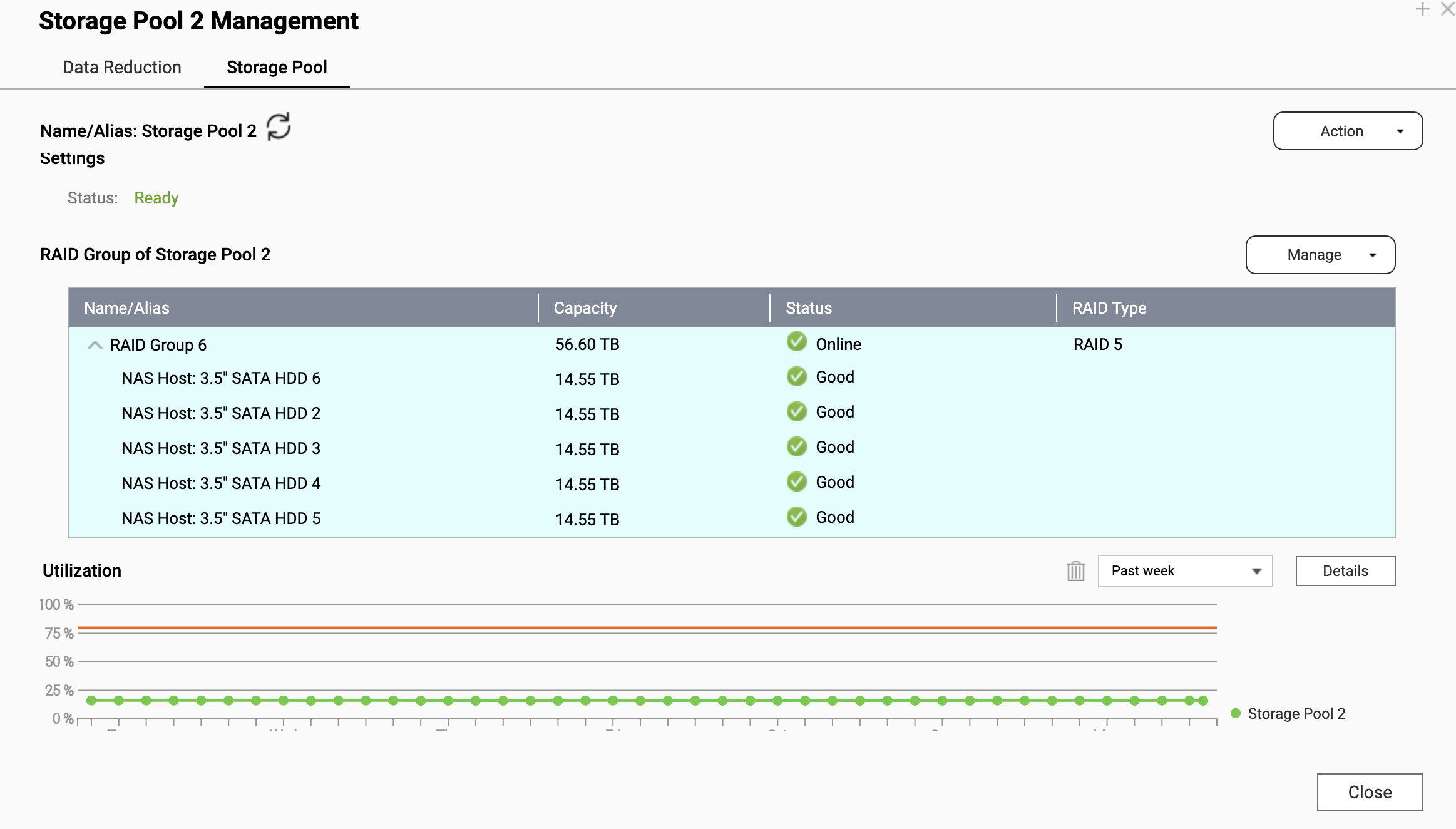
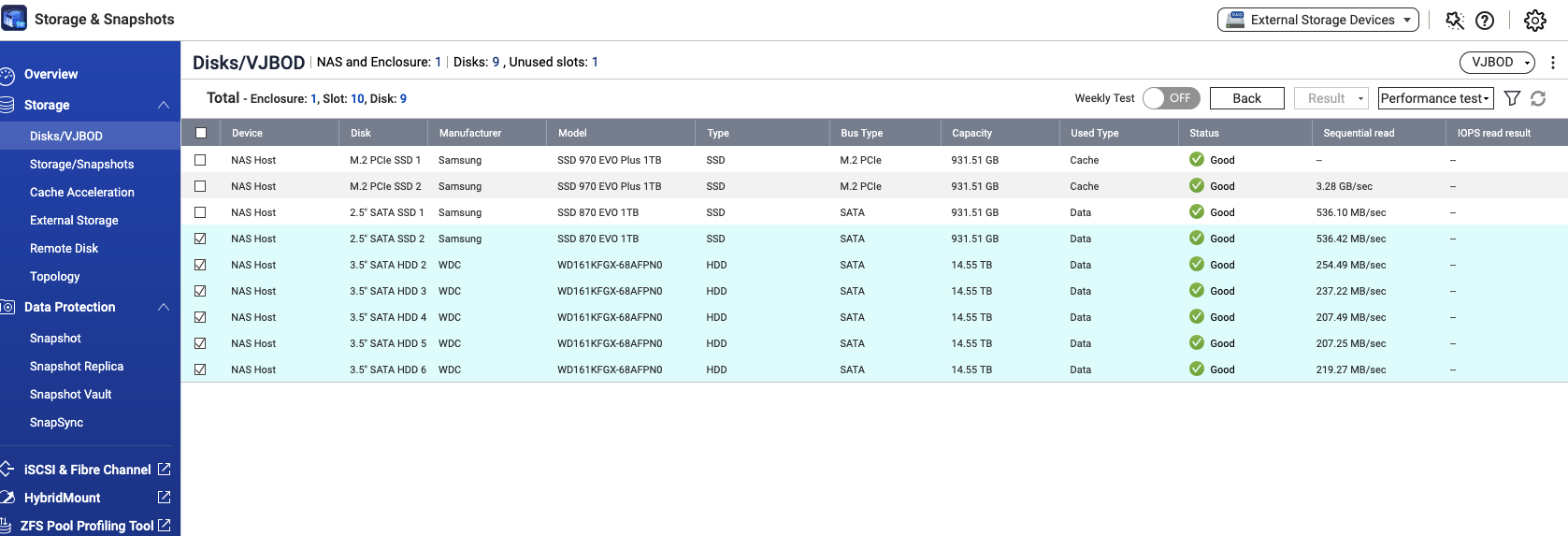
Originally - disk 1 to 5 were in a raid 5 set with WD 16 TB Red Pro NAS drives
Disk 1 recently failed, and my hot spare in disk 6 tookover - rebuild took about 10 days, everything shows green.
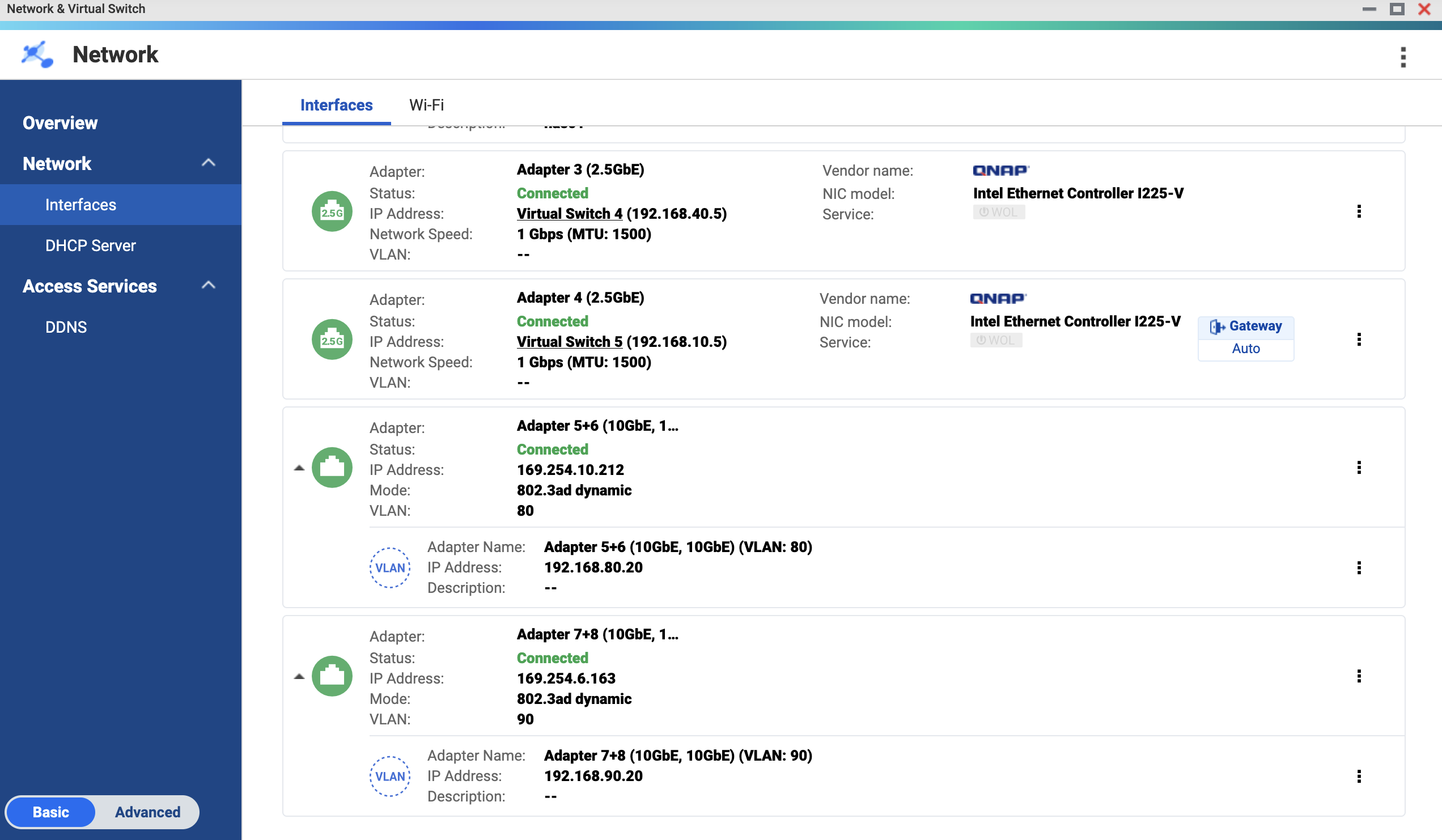
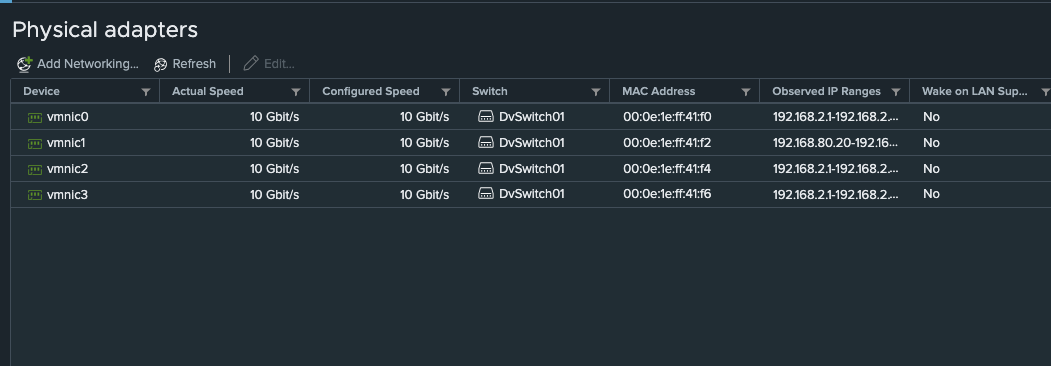
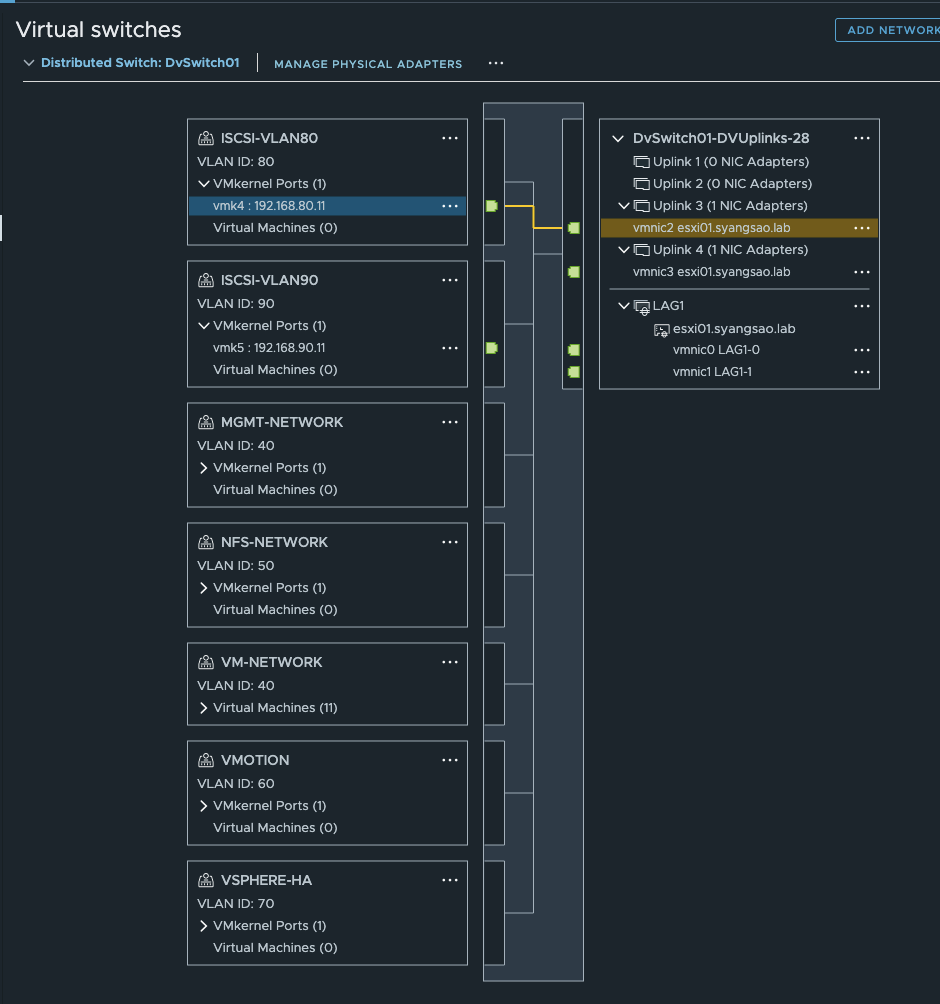
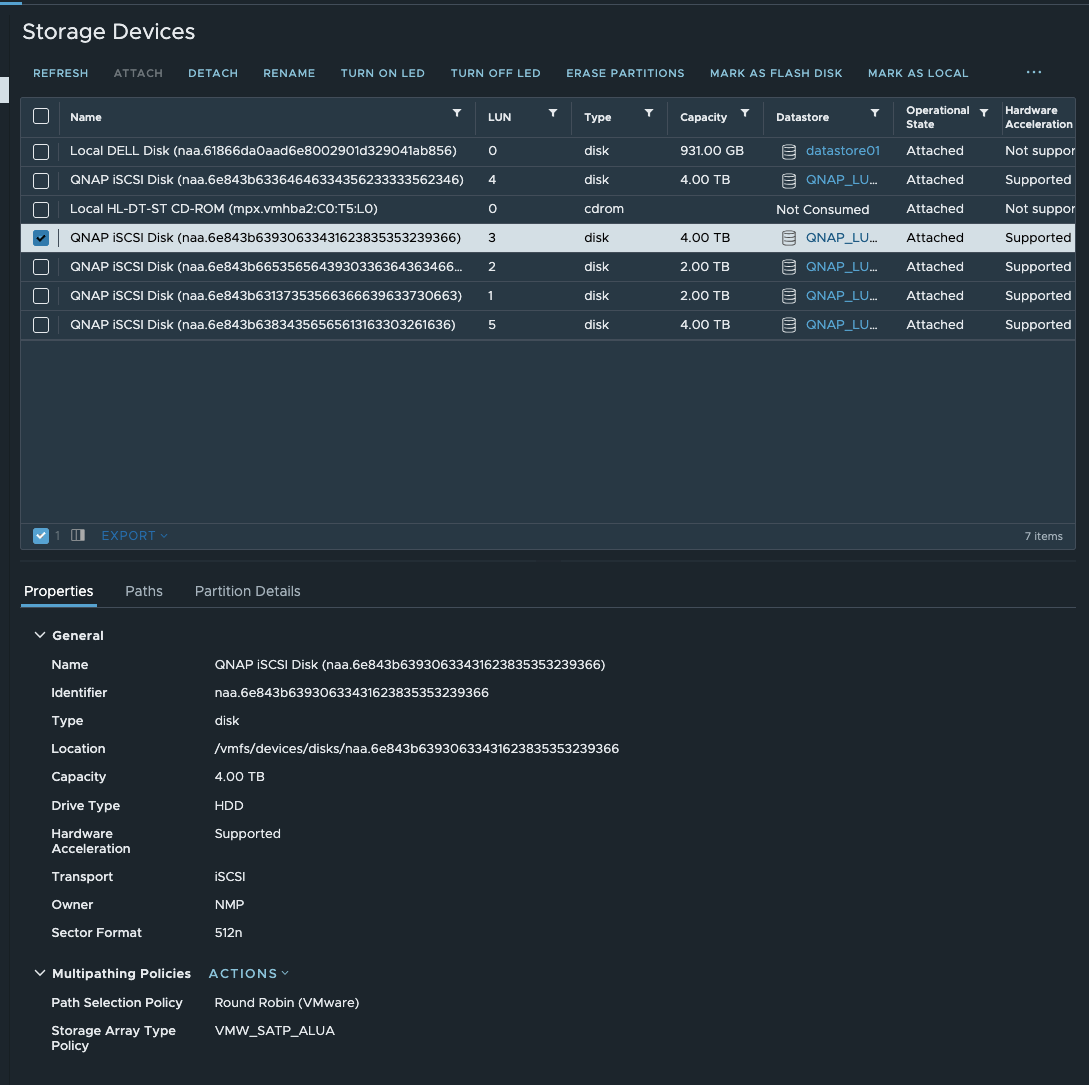
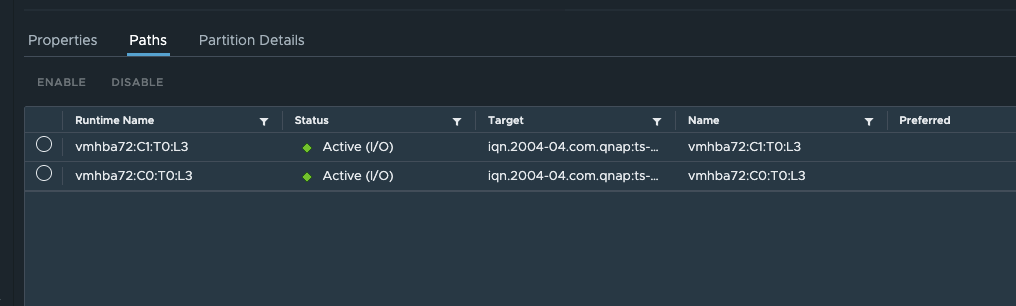
Didn’t notice anything until I started to shutdown my VMs in VMware and they were extremely slow in powering down (used to be instant). I went ahead and shutdown all my VMs, and rebooted the NAS. Everything comes up fine after reboot, ESXi hosts come back and see the disks. Everything is connected via 10GB and multi-honed into the NAS.
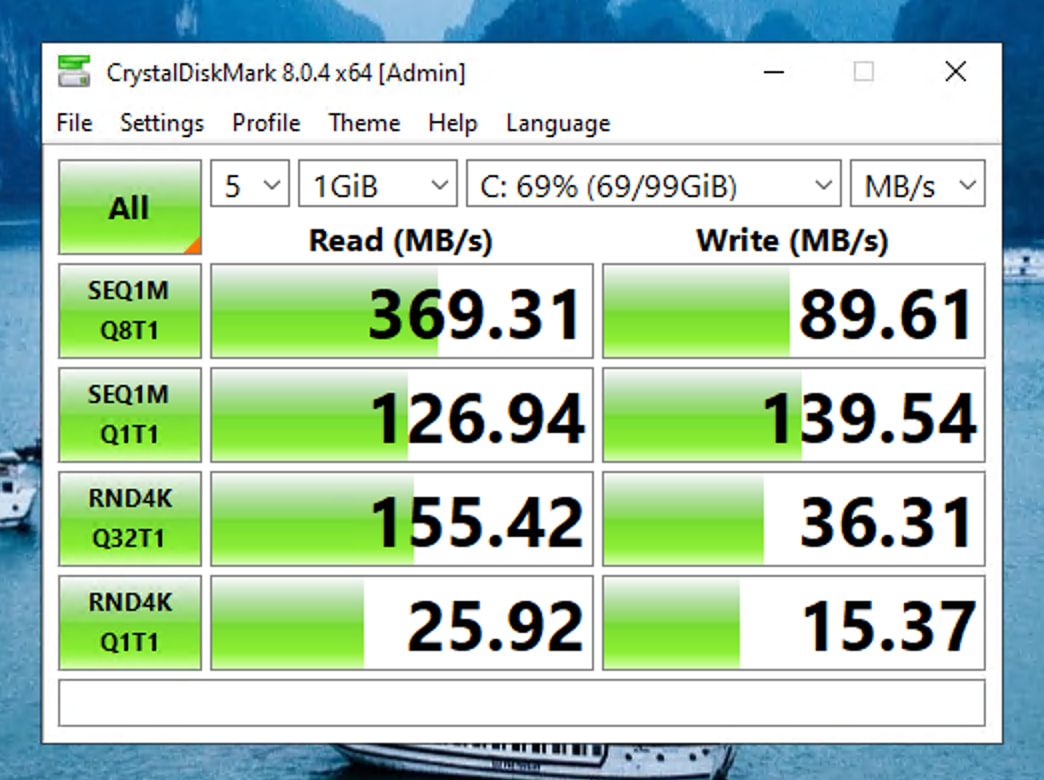
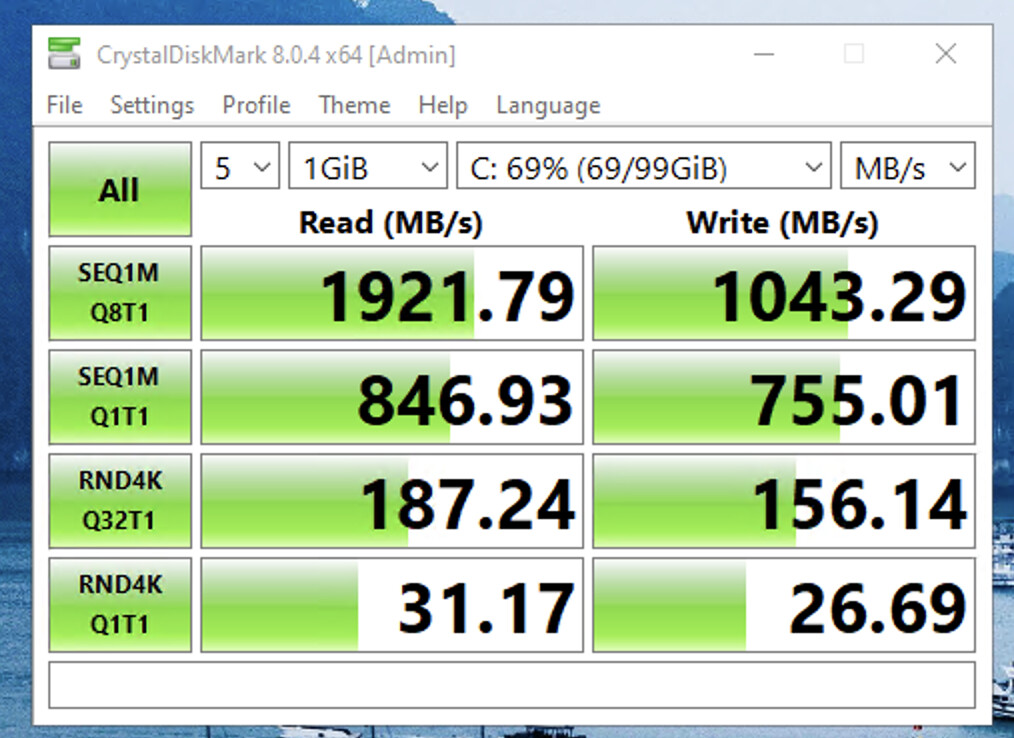
Ran a quick CrystalDiskMark test and I’m only seeing 369 MB/s reads (used to be over 1500 MB/s). All disk activity just seems slow. Already opened up a ticket but wanted to check here to see if anyone has experienced this and if they’ve addressed it. Thanks!
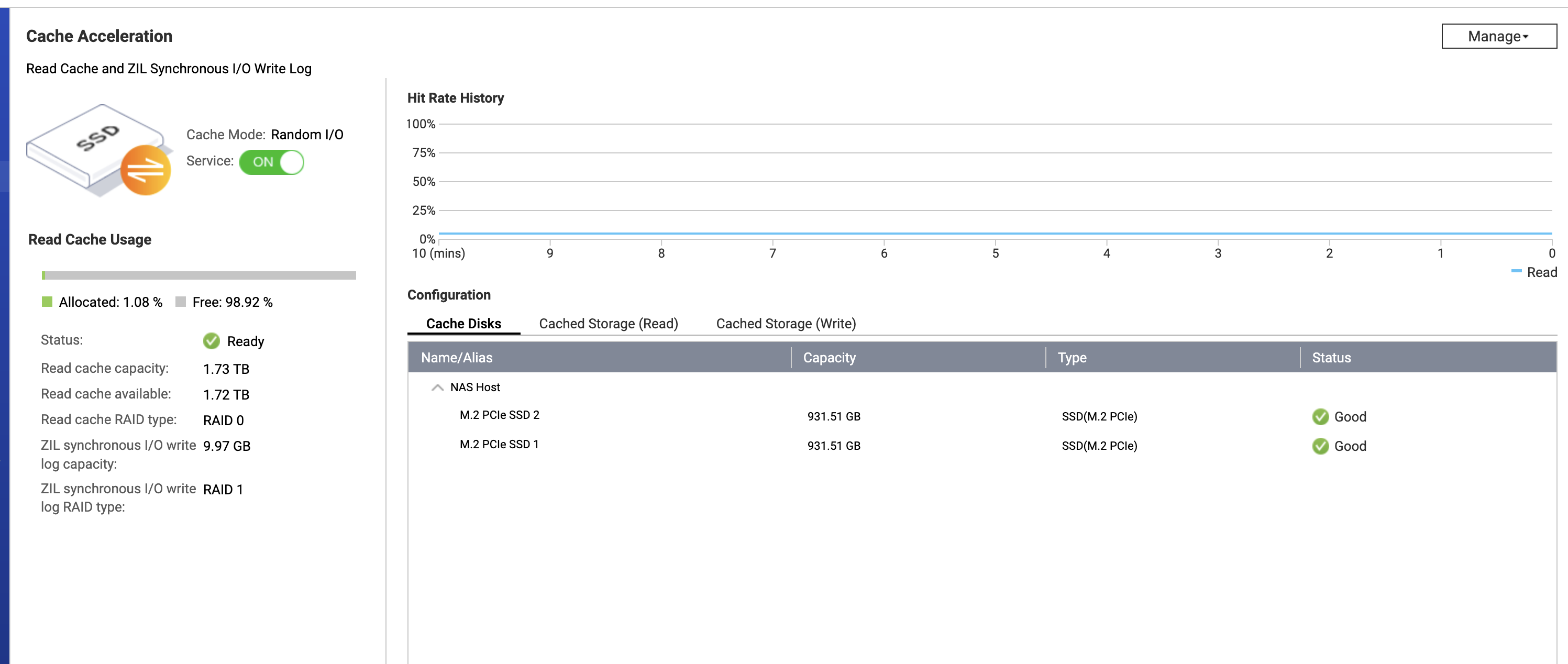
I’ve never had an issue with the cache enabled all these years … don’t want to make too many changes at the moment either, only culprit so far was the data being rebuilt to the spare on slot 6
I just did a google search if ZIL/L2ARC is slowing down re-silvering, but it was sort of inconclusive.
Maybe open a ticket, if this is indeed an issue, QNAP could change the OS routines to switch off ZIL during a rebuild and only rebuild ZIL/L2ARC, it once it’s completed.
I always had issues with cache on my NAS with quts. I finally gave up on using it. I also was using WD RED m.2 drives so wasnt like it was consumer hardware.
we had the same slow. long rebuild and Qnap support suggested to switch off the Cache as it would be involved in trying to still repair the old files. It did the trick
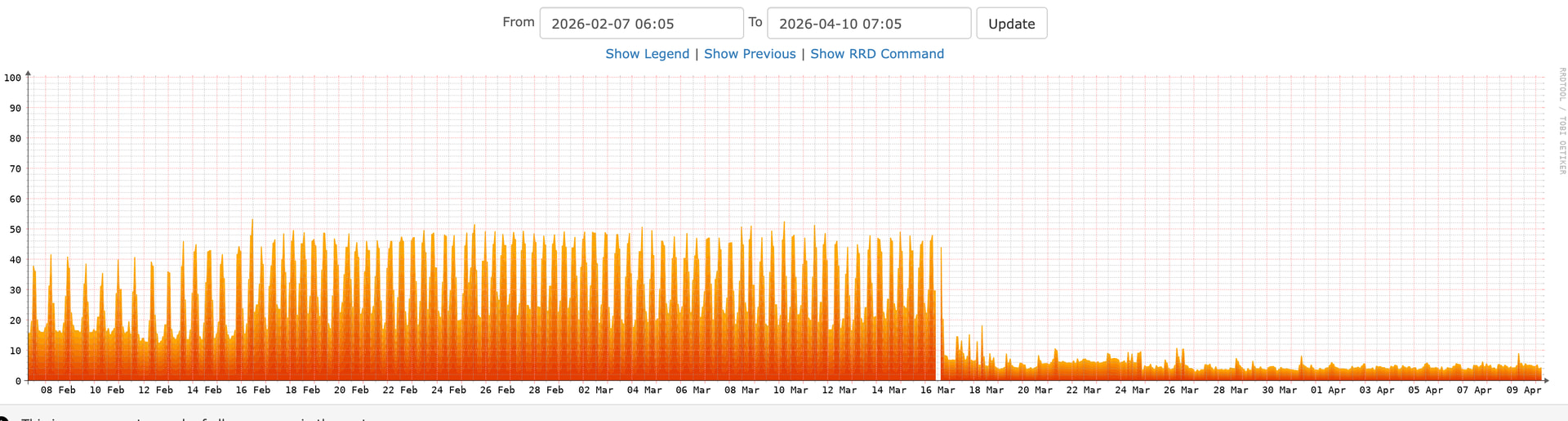
Yeah, I just keep it off now, my NAS array has been running great ever since. In fact, my CPU load has been running under 10% since I rebooted it to see if it addresses the issue… might be due to the firmware update I did at the same time.