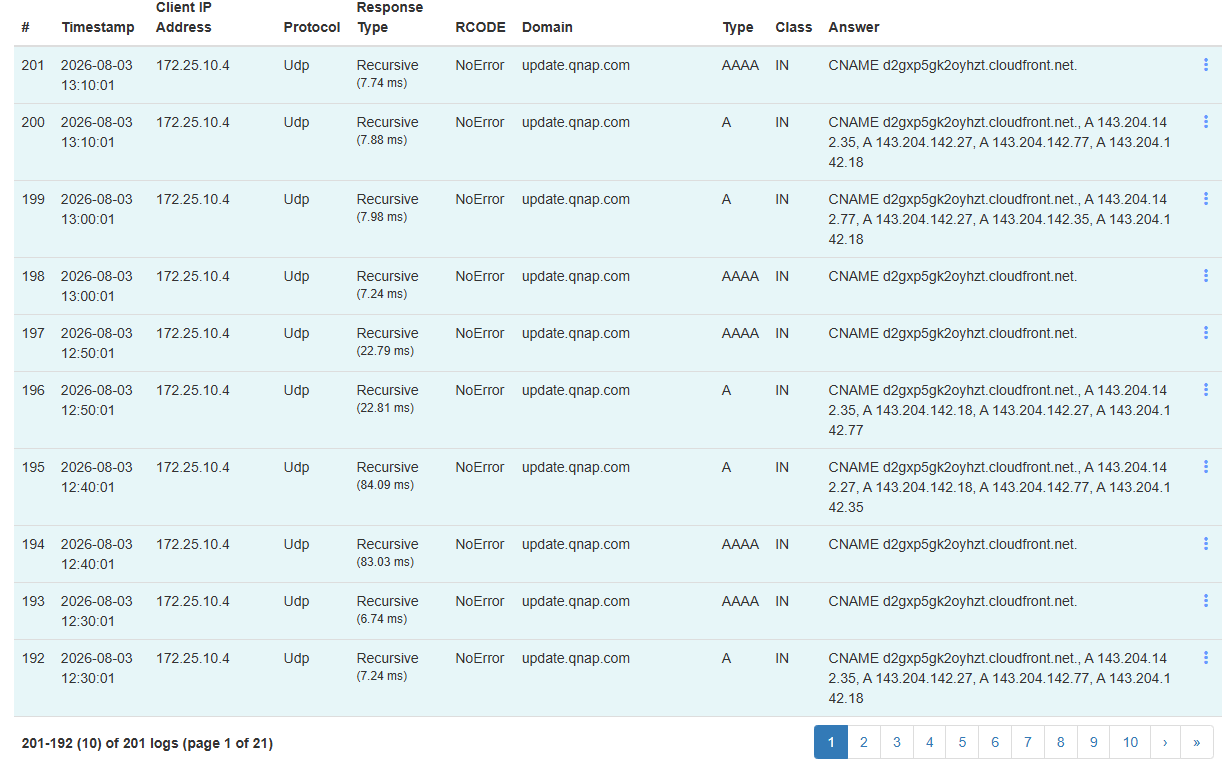
Running Technitium DNS and see request from update.qnap.com in log approximately every 10 minutes. The device is a TS-251 with both ethernet ports bonded. It is used for file storage and a repository for Macrium backups. I back the NAS up via HBS 3 to a USB drive on the last day of the month. Any explanations for this behavior and/or solutions/work arounds? Firmware is QTS 5.29.3499 Build 20260514. Thank you.
Could be all sorts of things, is NCSI (online check) enabled?
Interesting. How often do you check for updates?
I run Pi-Hole on my TS-873A and other than requests for some QCenter addresses at MyQnapCloud.com (I run QCenter on the NAS), I see nothing to Qnap itself…
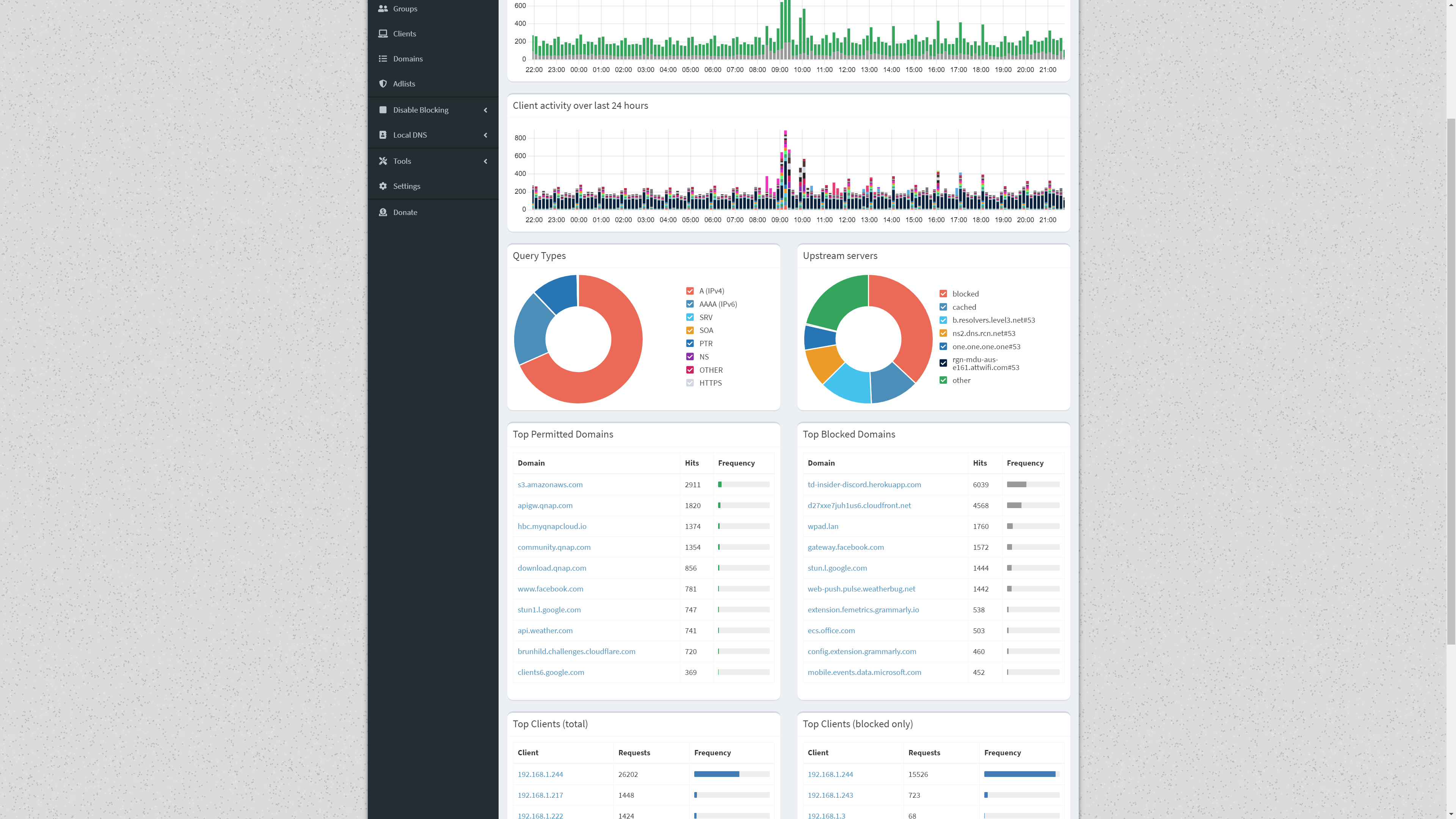
The S3 Amazon is Amazon cloud services. You likely are using an S3 backup of some sort to some service that utilizes Amazon infrastructure. I think QNAP may use it for some of theirs and lots of other services use it too.
I don’t use Amazon anything and all the requests link back to local ip’s of my QNAP’s. I know what S3 is.
Firmware updates are set to check daily and automatically install
I do not see anyplace in Control panel to check NCSI
see here
Thanks for your help with this. I made the change per the instructions, but still get the ping to update.qnap.com every 10 minutes
And update checks are disabled?
Yes. I used the instructions you sent and verified the feature was off.
No I mean firmware update checks
I have them set to notify me, do not automatically update.
But even to notify it has to externally check if they exist.
I get that, but if it is set to check once daily at 4:00 AM, why would it need to ping DNS every 10 minutes 24/7?
That would be a question for a ticket, maybe
Agreed. I think it is time to open one for this. Thanks for your help.