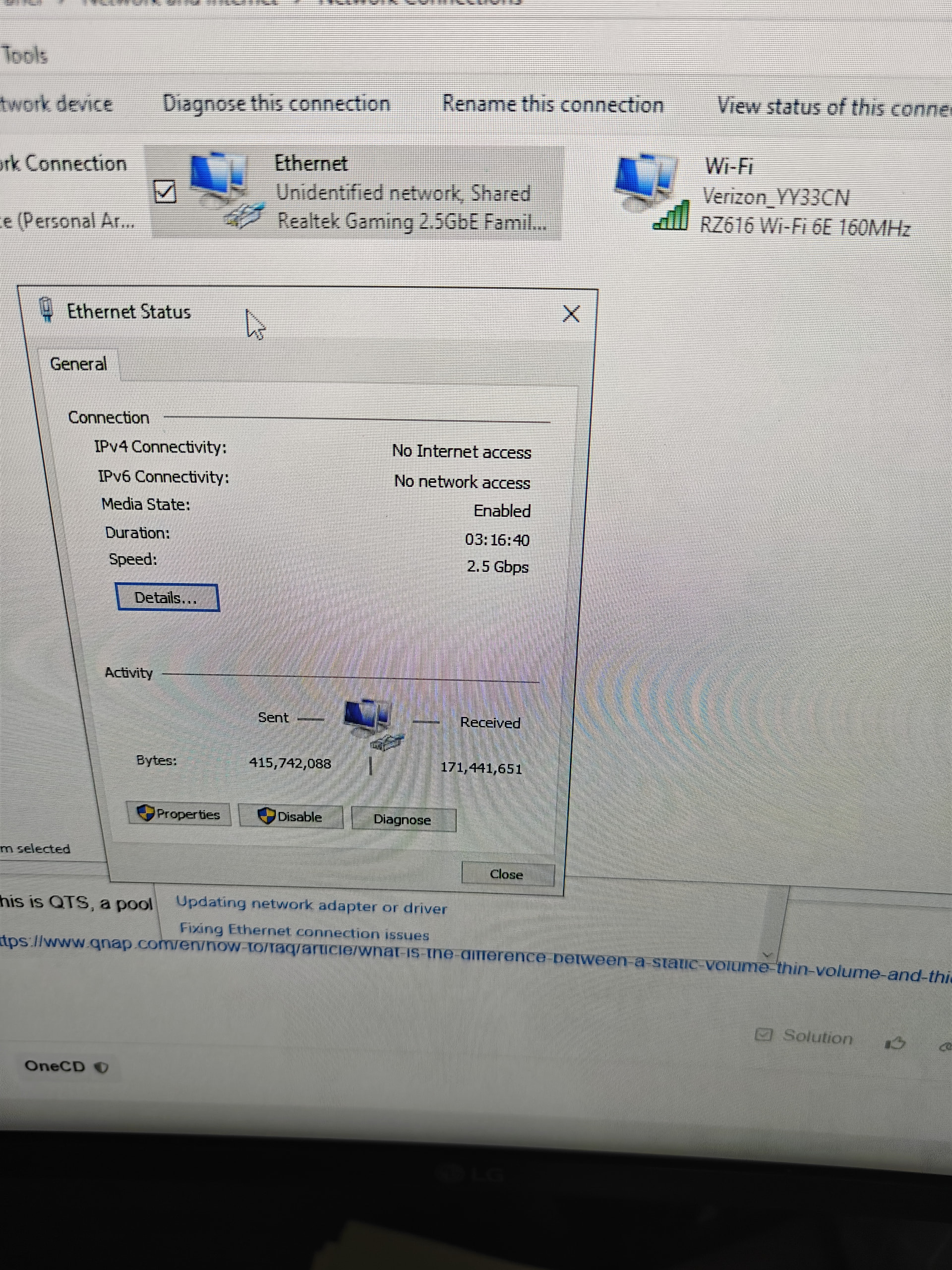
I bought a network switch. emailed support with pictures about the connection issue. Still have it with the network switch. can’t install any new apps can’t connect
Where did you connect it? This setup is VERY basic. It has been mentioned a few times already, a direct connection between your PC and NAS will not work without a lot of things that sound beyond your skill level (no offence). Putting a switch in the middle would not make anything easier or work without all the missing configuration.
Why can’t you just connect your NAS to a spare port on your router? If you don’t have one, connect your switch to the router, then connect that to your NAS (and whatever device you disconnected to free up a port on the router).
thank you for your help. Still have a couple other things to sort. out of storage can’t install apps. also can login to the help desk it tries but can’t connect
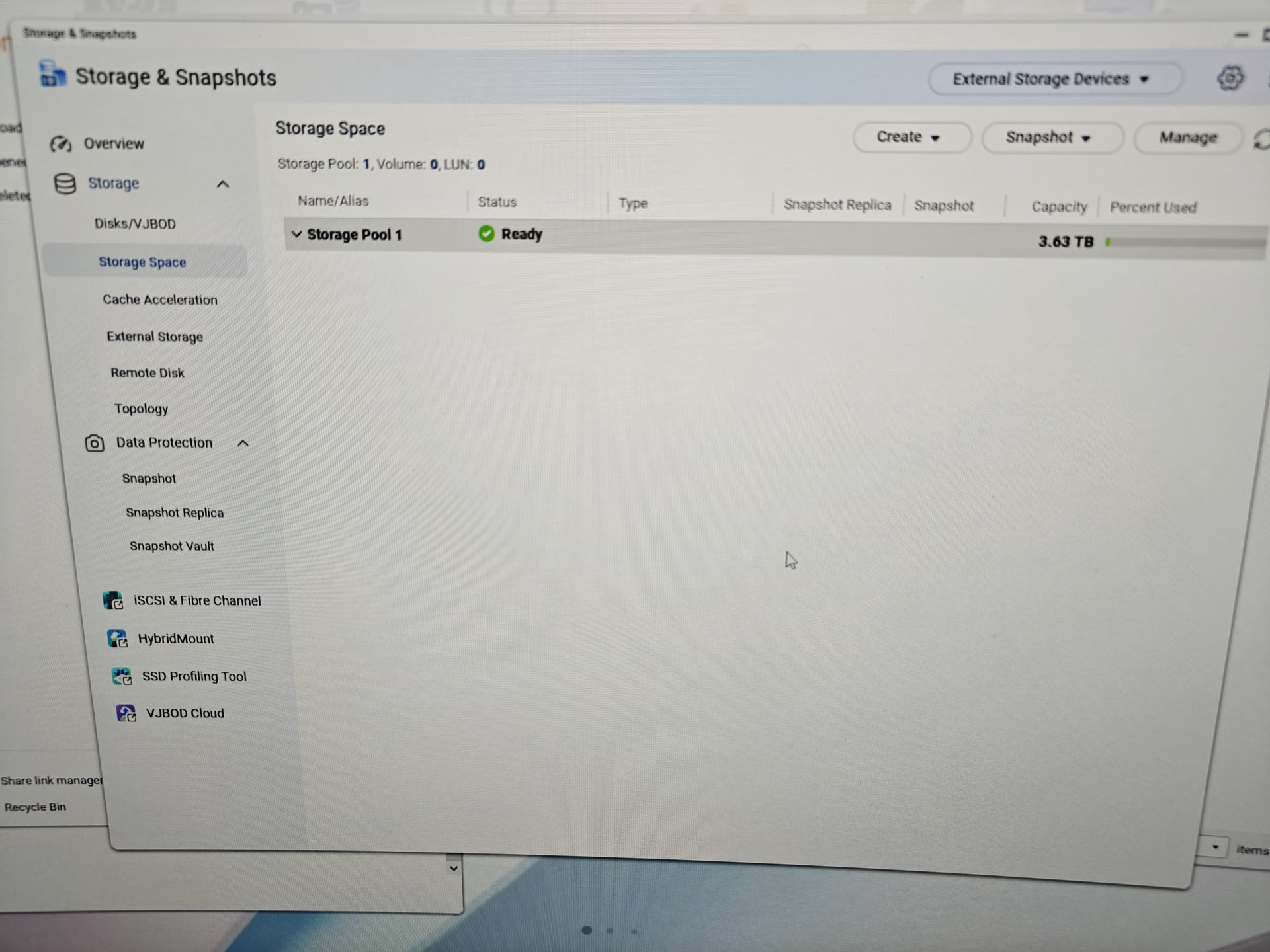
Some screenshots of the storage layout (no, you do not use a camera for those) would help explain what’s going on, currently it’s very unclear how that NAS is setup
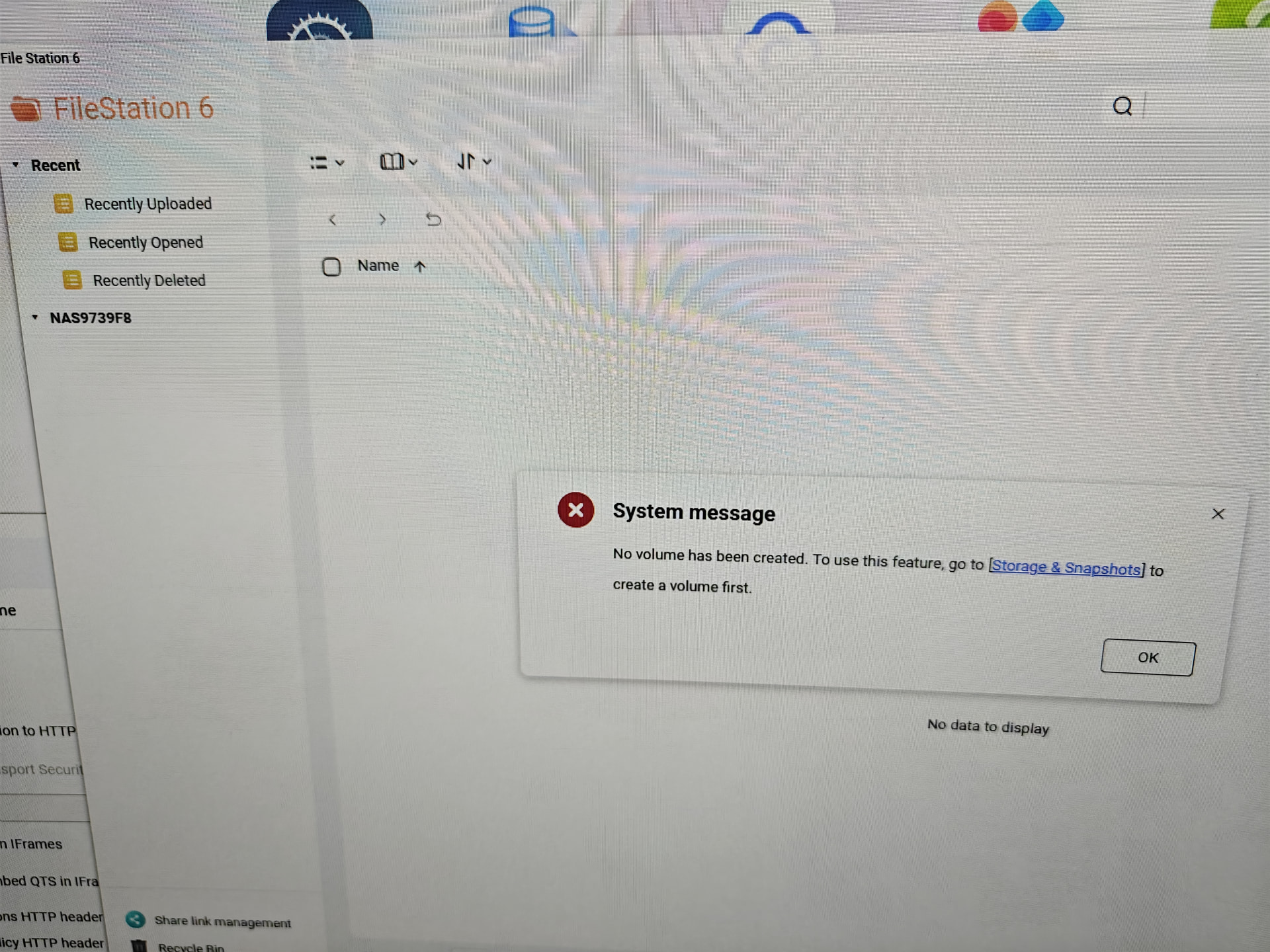
also it’s telling me my on device storage is full can’t install any apps. trying to figure out how to make space. In app center it won’t let me delete any apps.
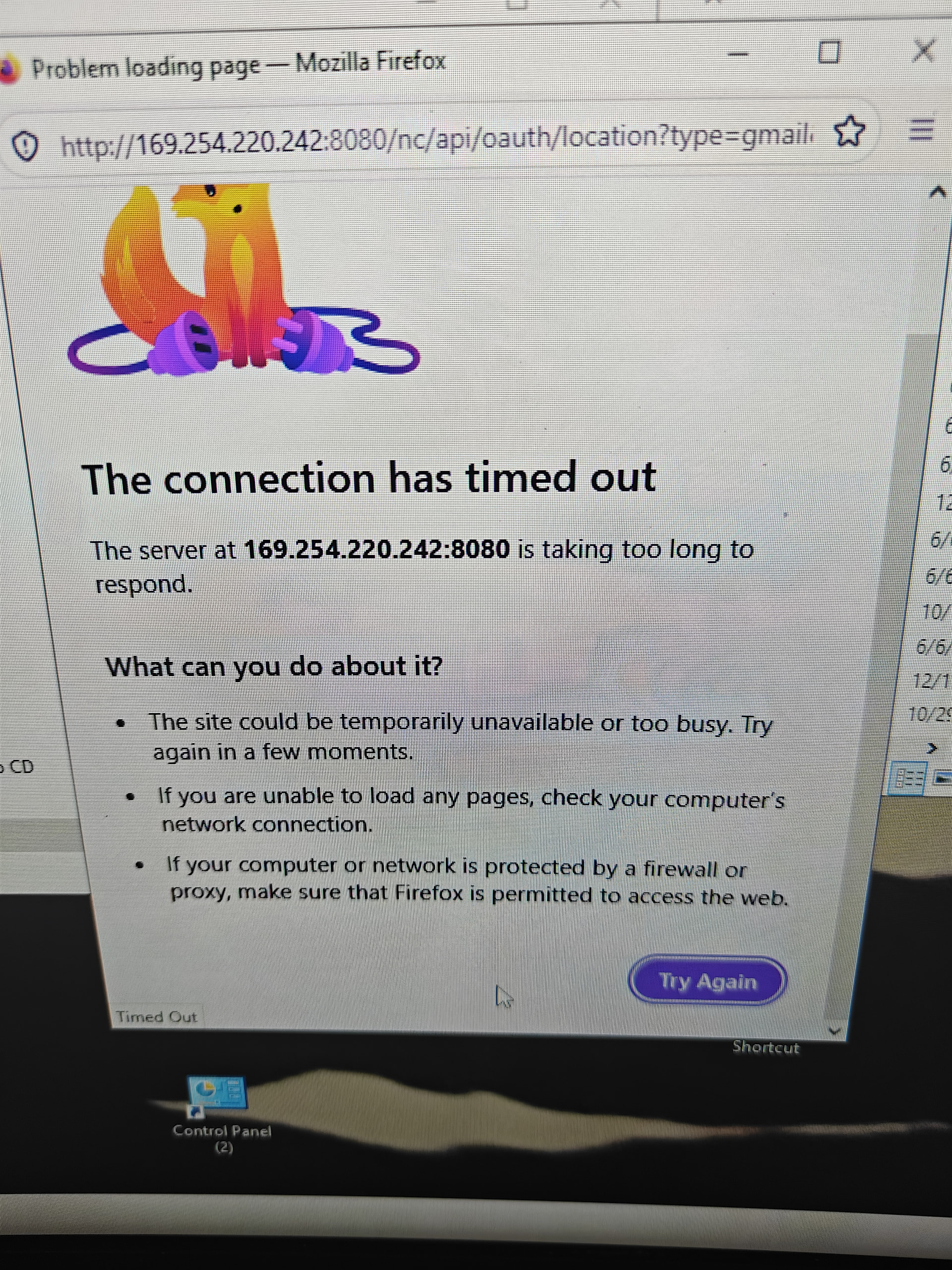
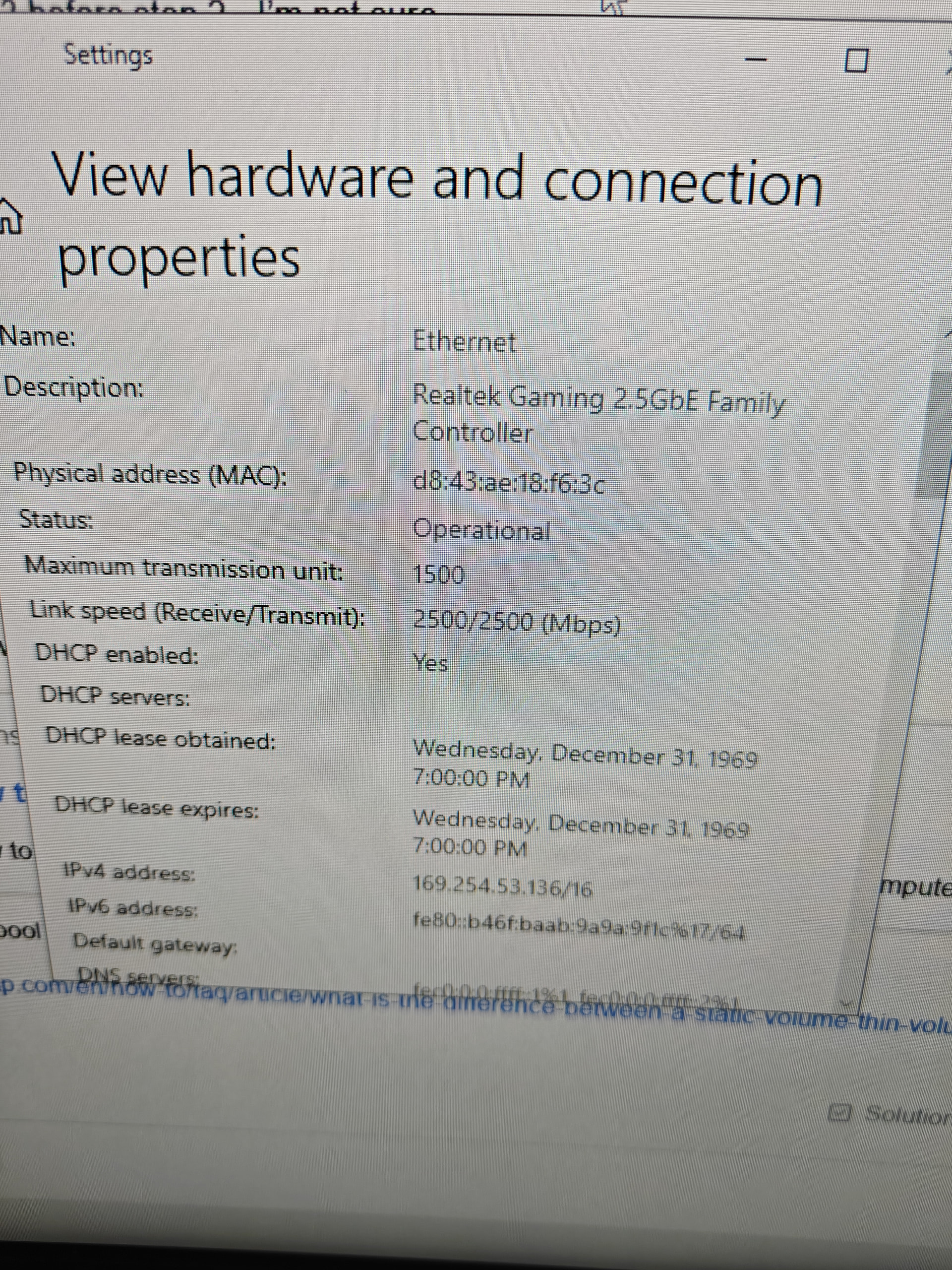
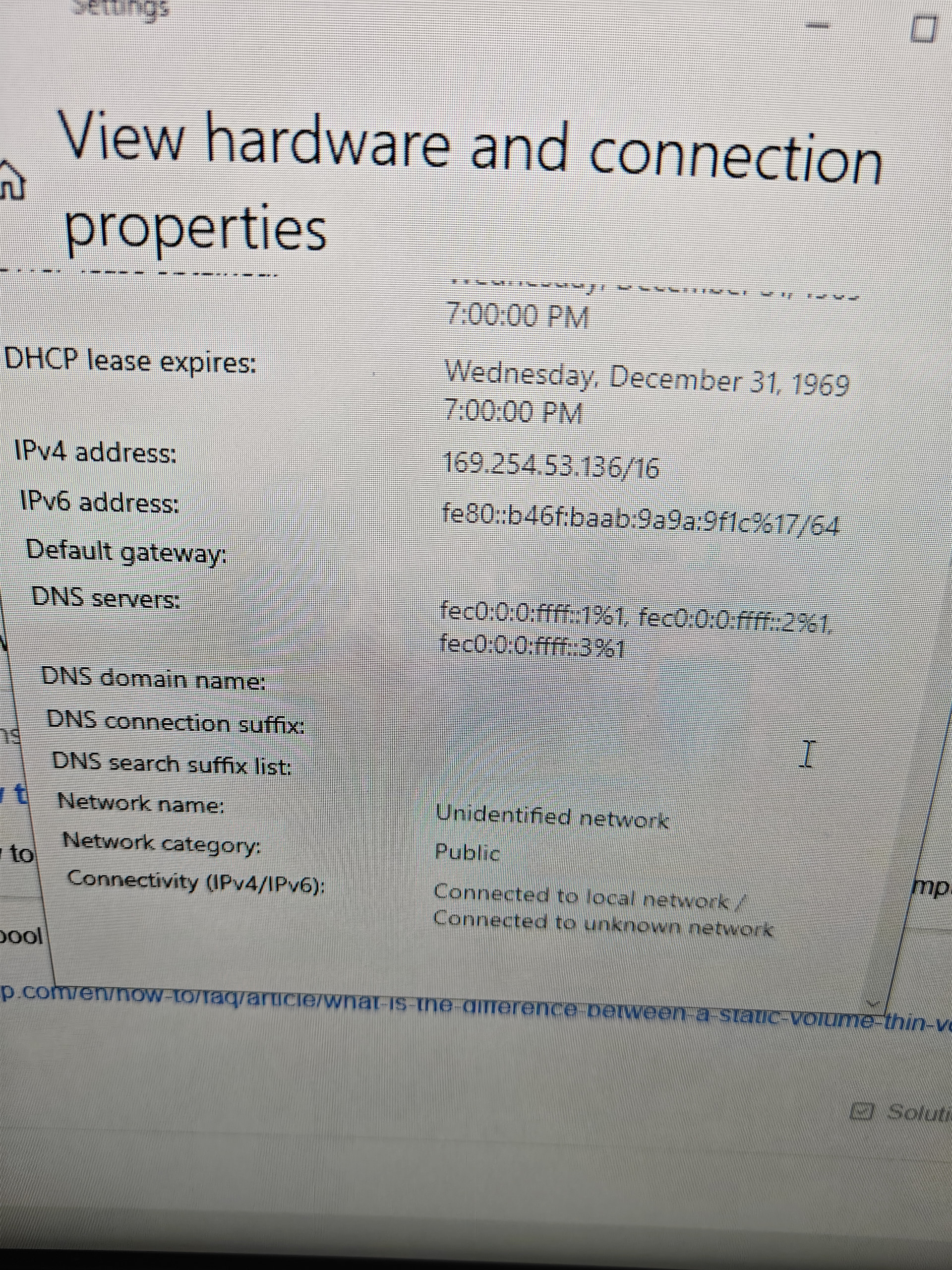
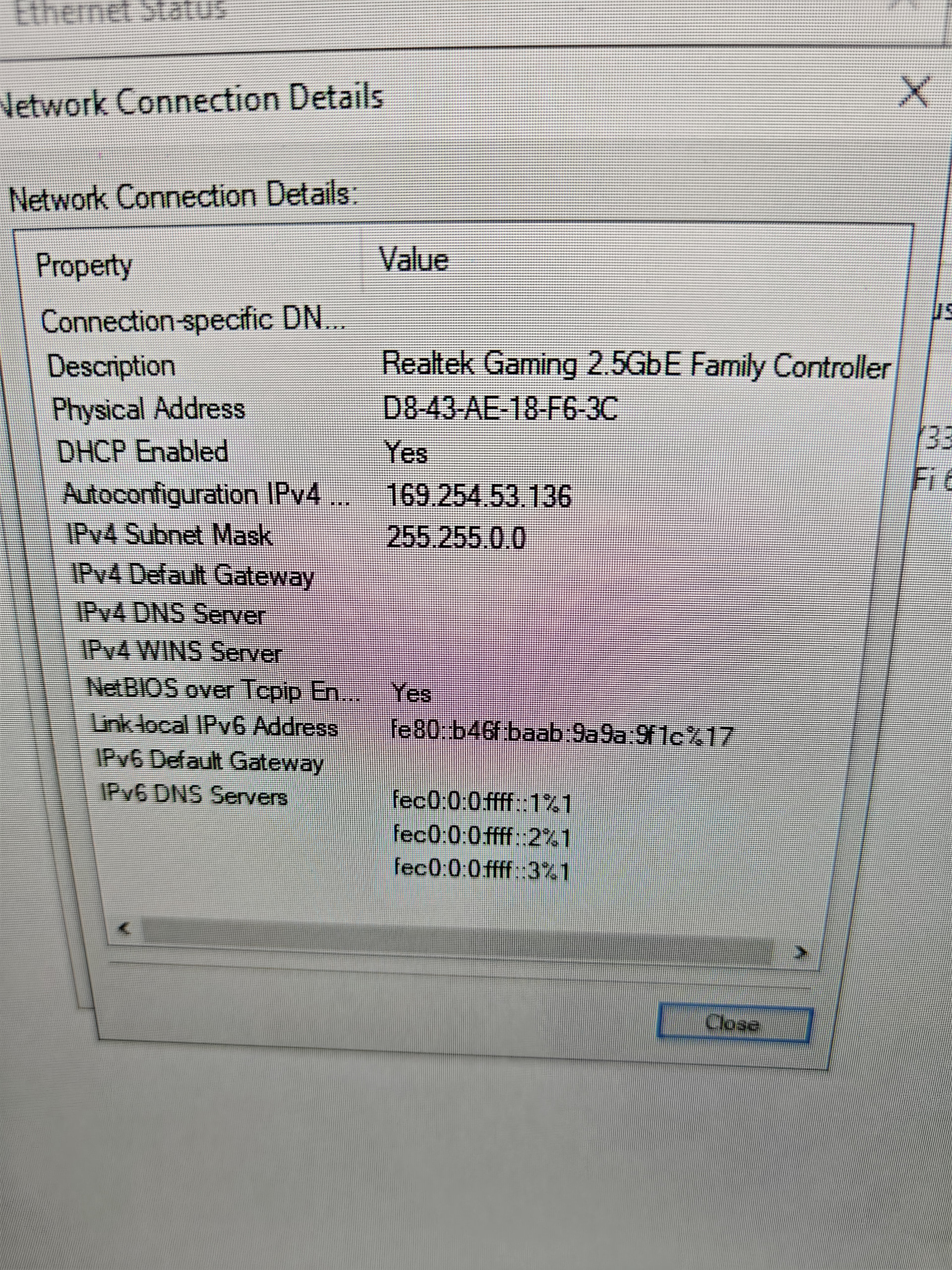
1.) It looks like you are using a 169.254 IP address to connect to the NAS? That’s generally not a good thing as your PC is likely on a different address. Go to the network settings on your PC, please tell me if you are set up with a fixed IP address or using DHCP on your PC. You are likely using DHCP and getting an address from the router.
2.) On the NAS, please try to go to the Network and Virtual Switch app. Make sure the NAS is set to DHCP for its settings (we will want to change this later but for now it is what we need).
3.) On the NAS, all you have done is create a storage pool. Now you need to create a storage volume. That option will be under the “create” button there at the top. There will be multiple options - thin or thick volume. For your situation, I would create a thick volume that would use the entire storage pool space. Once you do this you will be able to install apps, etc.
You may need to do step 3 before step 2 - I’m not sure.