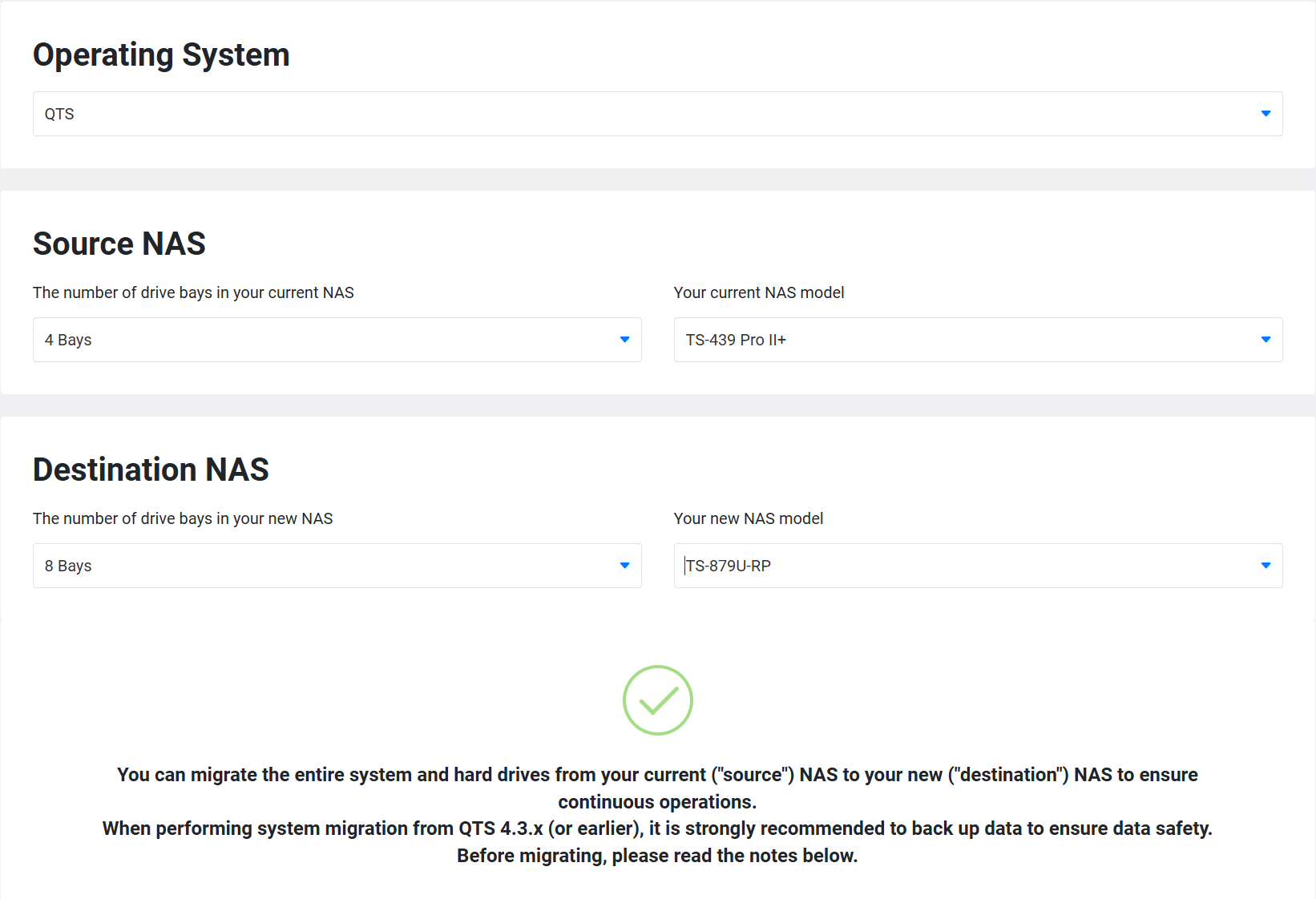
This may seem a silly question, but currently I have a TS-439 pro II+ but have acquired a TVS-871u-rp.
I understand that to migrate the disks from the TS-439 to the TVS-871, I just need to remove them from the ts-439 and insert them in the same order in the TVS-871.
Now, heres the silly question bit, but, how are the drive bays laid out on the tvs-871 bearing in mind I need to insert the drives into bays 1-4. Honestly, I’ve spent an hour looking online at this with no success, hence me ending up here (which I should have probably done in the first place).
Oh, I thought I could follow the instructions to do a Direct Storage Migration as per the instructions on the Qnap website which gives me the instructions to move the drives between the two qnap’s. According the the online checker, this is possible between the two?
The migration IS possible. BUT you will get outdated volumes that comes with some limitations. So it’s best to create new storage on the TVS-871 and copy data to there.
To answer your question: the disks 1 to 4 should be at the bottom, starting from the left