Thanks for the tips and I will look closer. This is for home use only and I’m the only one using QNAP. That may change in the future if family members want to store and share files.
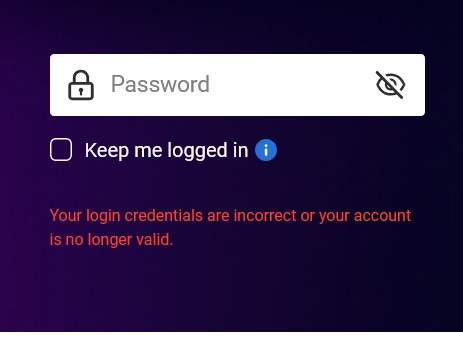
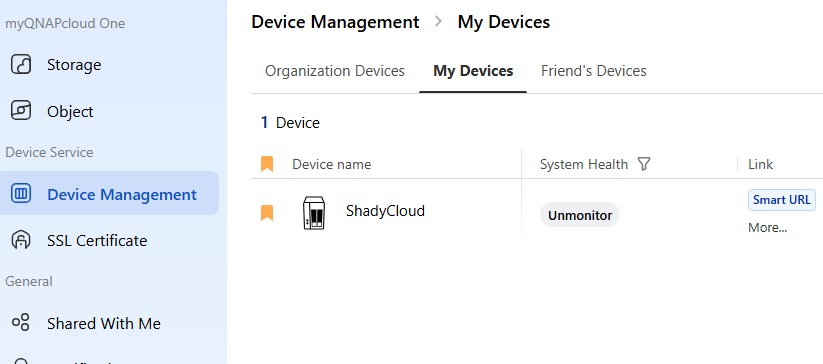
I have another issue with logging into “myQNAPcloud” using smarturl and following the reset password process, but all it does is reset my QNAP account password. I do that and still can’t get into the cloud… I’m confused!
Also, when logging in on a smartphone/iPad, does it use the same passwords as on PC? The attached photo is from PC.
You have 2 “different” passwords and logins. I say “different” because they could be the same.
One is for your physical NAS. The other is your QNAP ID which is your login to everything on QNAP. If you want to log into your NAS via MyQNAPCloud, you need to use your NAS login as you are logging into your NAS.
So for me, my login to my NAS is jono along with a password. For my login to anything to do with my QNAP ID, it’s my email jogden@xxxxxx.com along with a password.
When you first log in to MyQNAPCloud, you have to gain access to the QNAP system with your QNAP ID. Then when you log into your NAS, you use the login/account info for your NAS.
Yep. NA9D explained it. The passwords for a user account on your NAS and QNAP Cloud are (should be) different (best practice).
If you are unable to log in your NAS and don’t have a back up admin account, you can depress the reset button <3 Sec to reset the admin password on the NAS. If your NAS is newer it’s admin/cloud key, if its older it will be admin/admin. Note it will also reset your network adapter(s) to DHCP. To find its IP you can use Qfinder or log into your router and look at the list of attached devices.