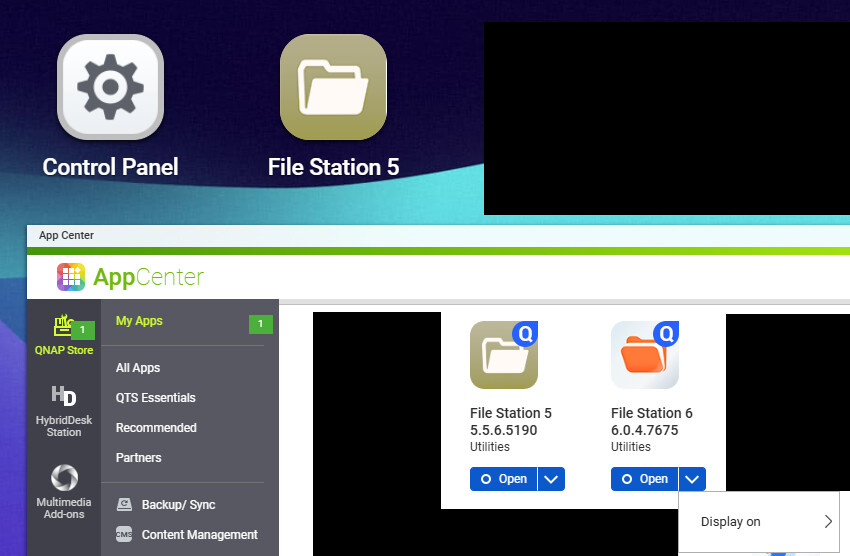
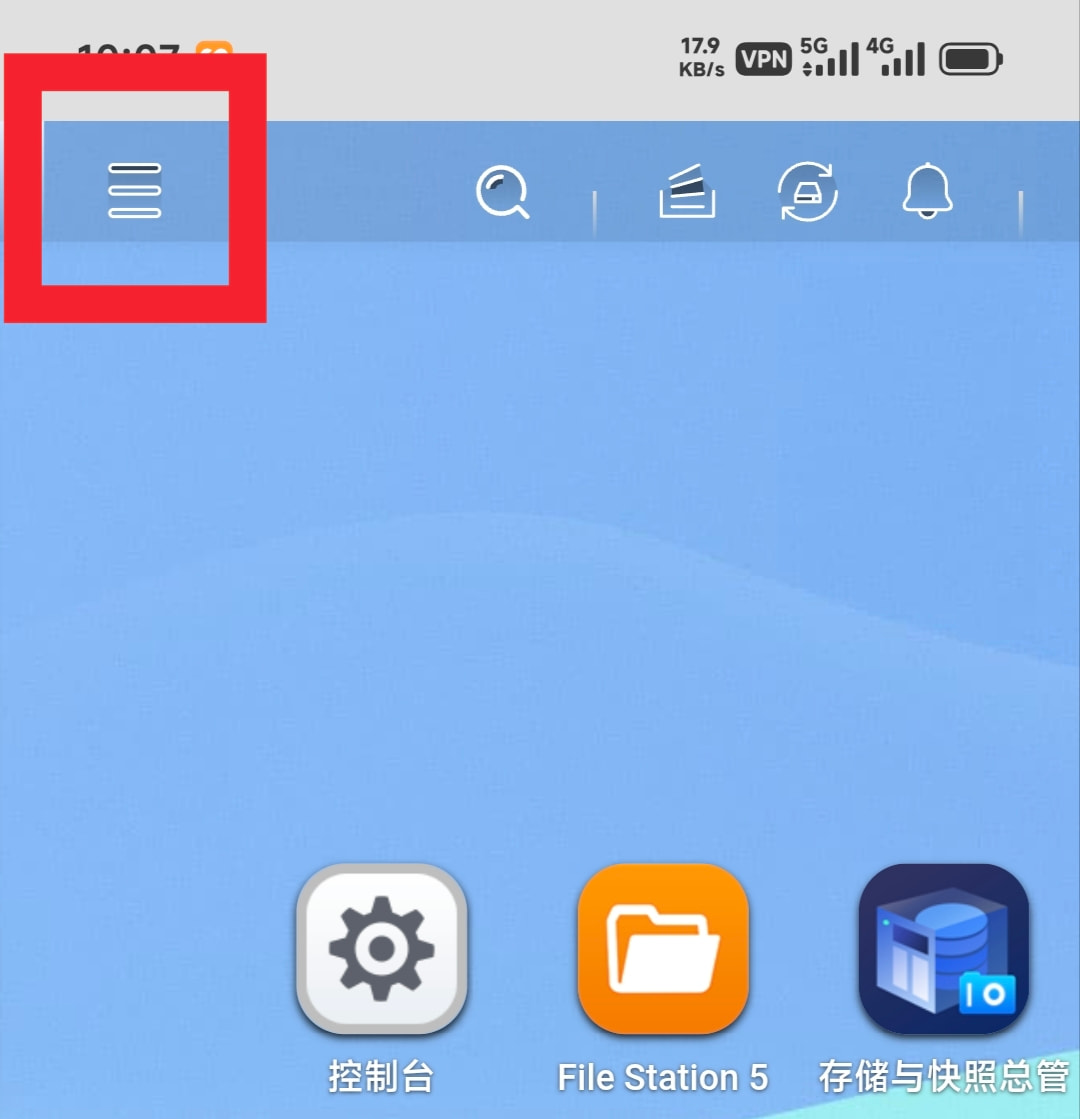
Hi I have on my QNAP TS-453A (QTS 5.2.8.3359) File Station 5 (inactive) and File Station 6 (6.0.4.7675 20260126). It somehow got stuck. Now, after rebooting the system I cannot see FS6 icon on my desktop, in spite of having it visible in AppCenter. I can also run it from AppCenter. However, I do not see “Uninstall” option in the menu of FS6.
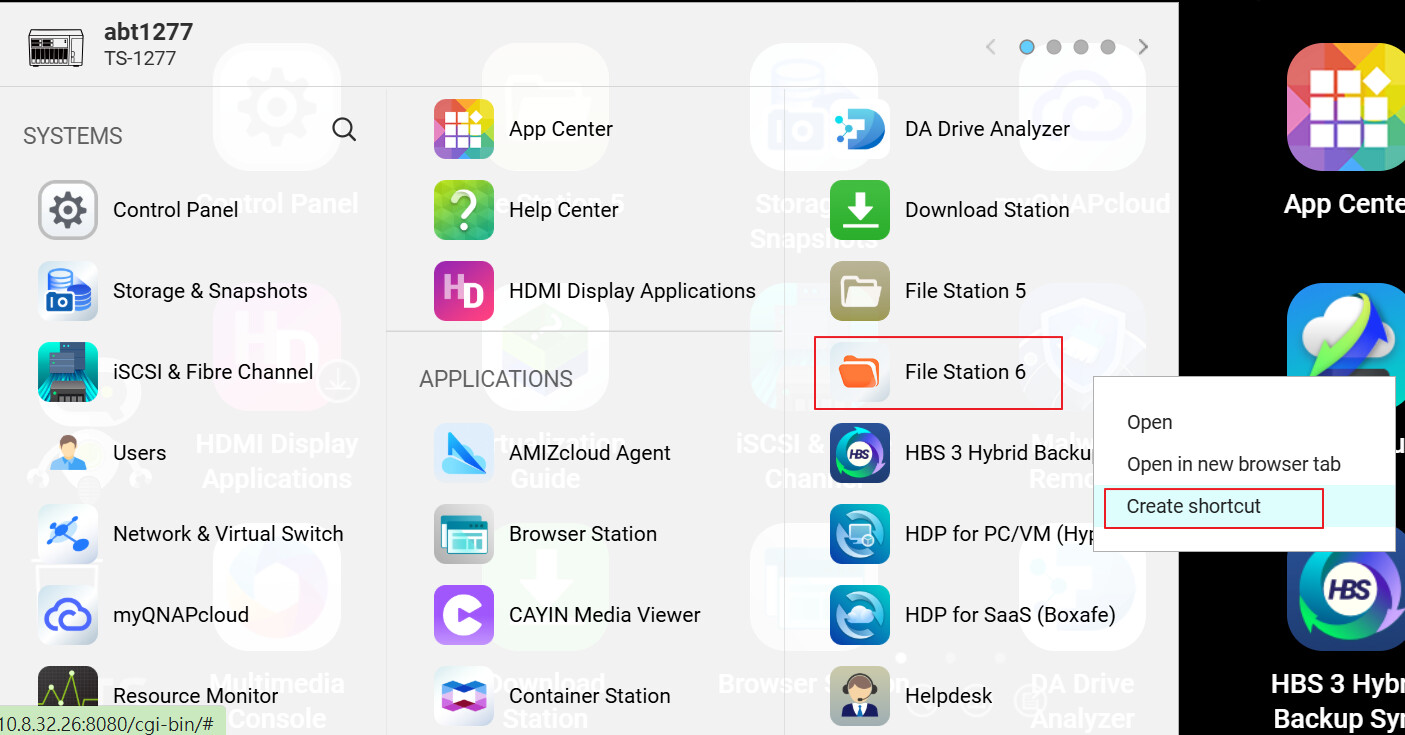
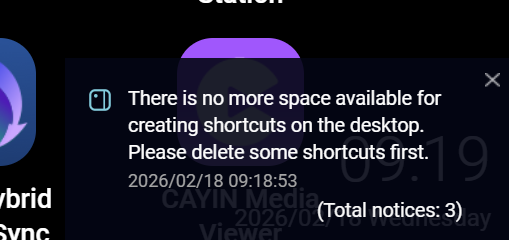
To show “File Station 6” icon on QTS desktop, you may try to right-click on “File Station 6” and select “Create shortcut” to create a shortcut on QTS desktop.
I also just tried FileStation 6 and immediately went back to version 5. I really don’t understand why they are making everything worse? Both functionally and visually.
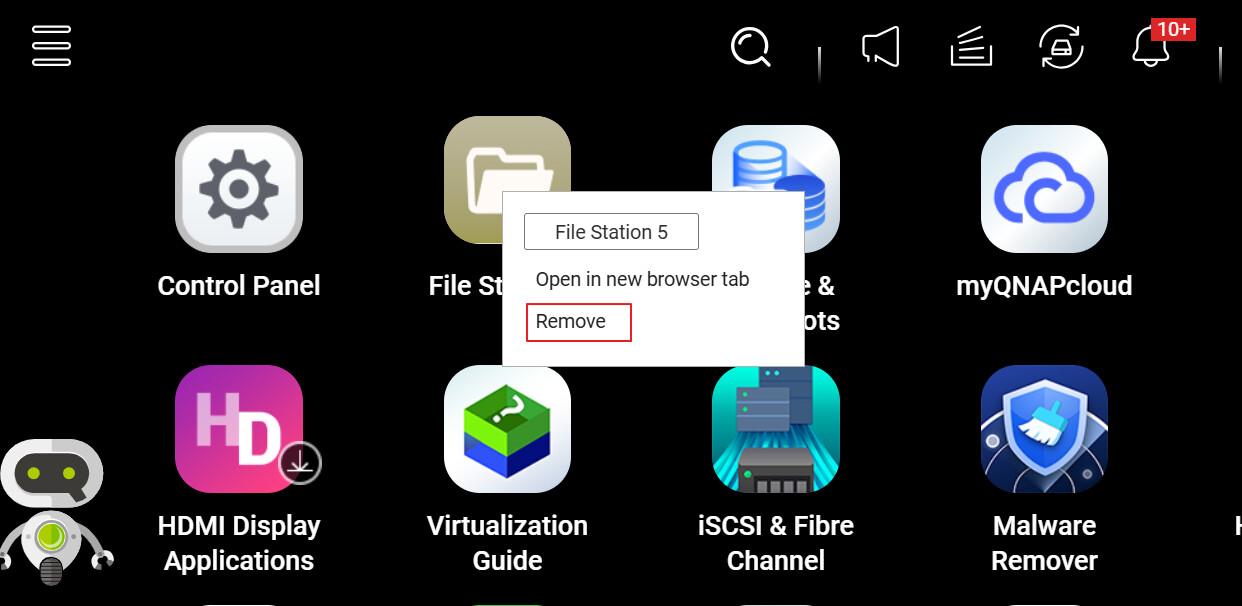
Yes, if you try to run the grayed-out inactive version 5, you will then be able to uninstall version 6 in the AppCenter.
Yeah, I am not particularly enamored with the “new” look of FileStation 6. QuTS Hero 5.3 furthers that look and I am afraid that version 6 will complete the look through all apps…
Why app designers think these bright white backgrounds with minimal graphics is cool is beyond me. It’s just like years ago when Microsoft introduced “flat” apps and the whole world went that way. I hated it then and I still hate it.