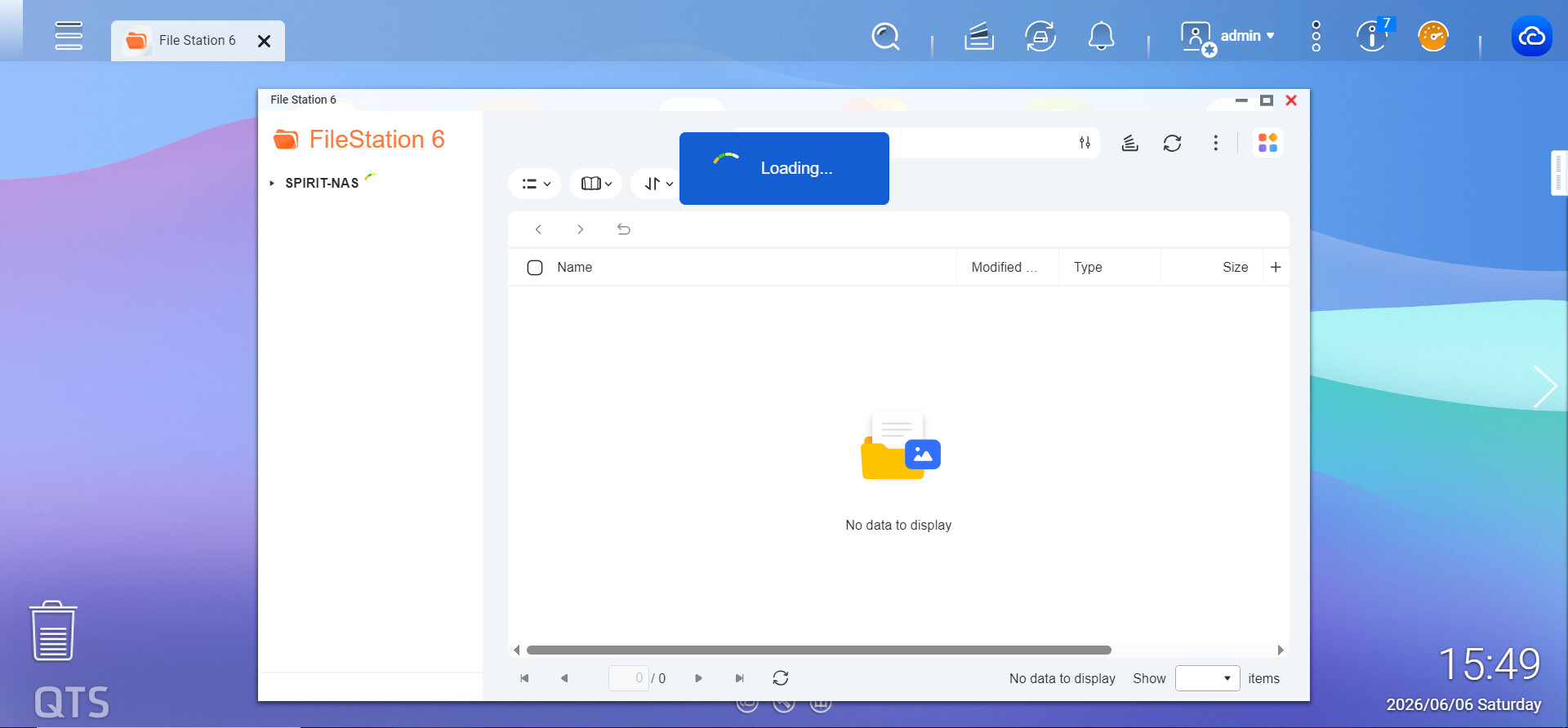
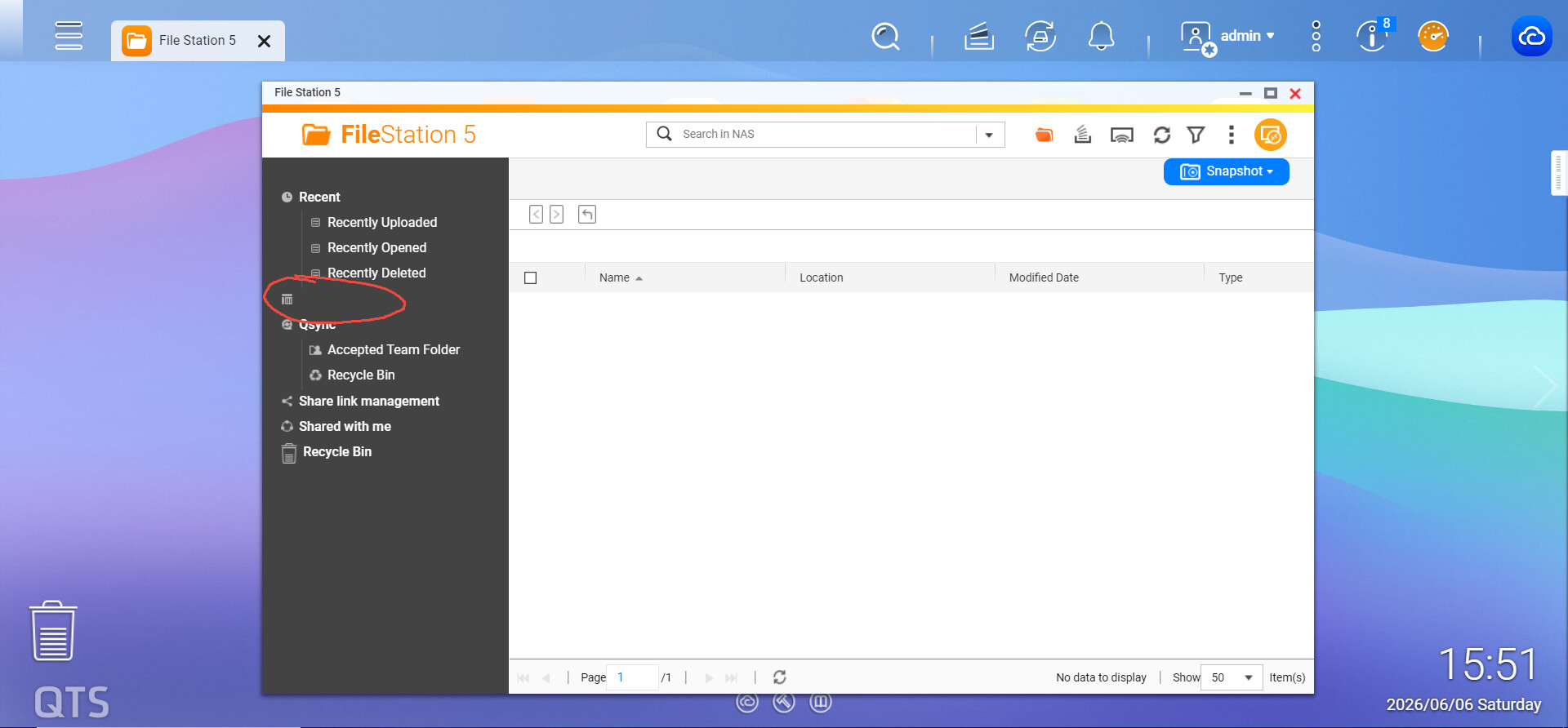
Hi, I can not found share folders in file station 5, and when I open file station 6, it’s always keep loading, anything wrong? What can I do to fix it?
So please tell us what NAS model you have. How much memory. How large is your storage space. Please provide all details you can.
My NAS detail
Model: TS-464C
CPU: Intel N5095
Firmware: QTS 5.2.9.3499
Memory: 8GB onboard
Storage:
    SSD1: 1TB total
    SSD2: 256GB total
    HDD1: 4TB total
    HDD2: 16TB total
    all disks have enough free space
All single disks (sigh)
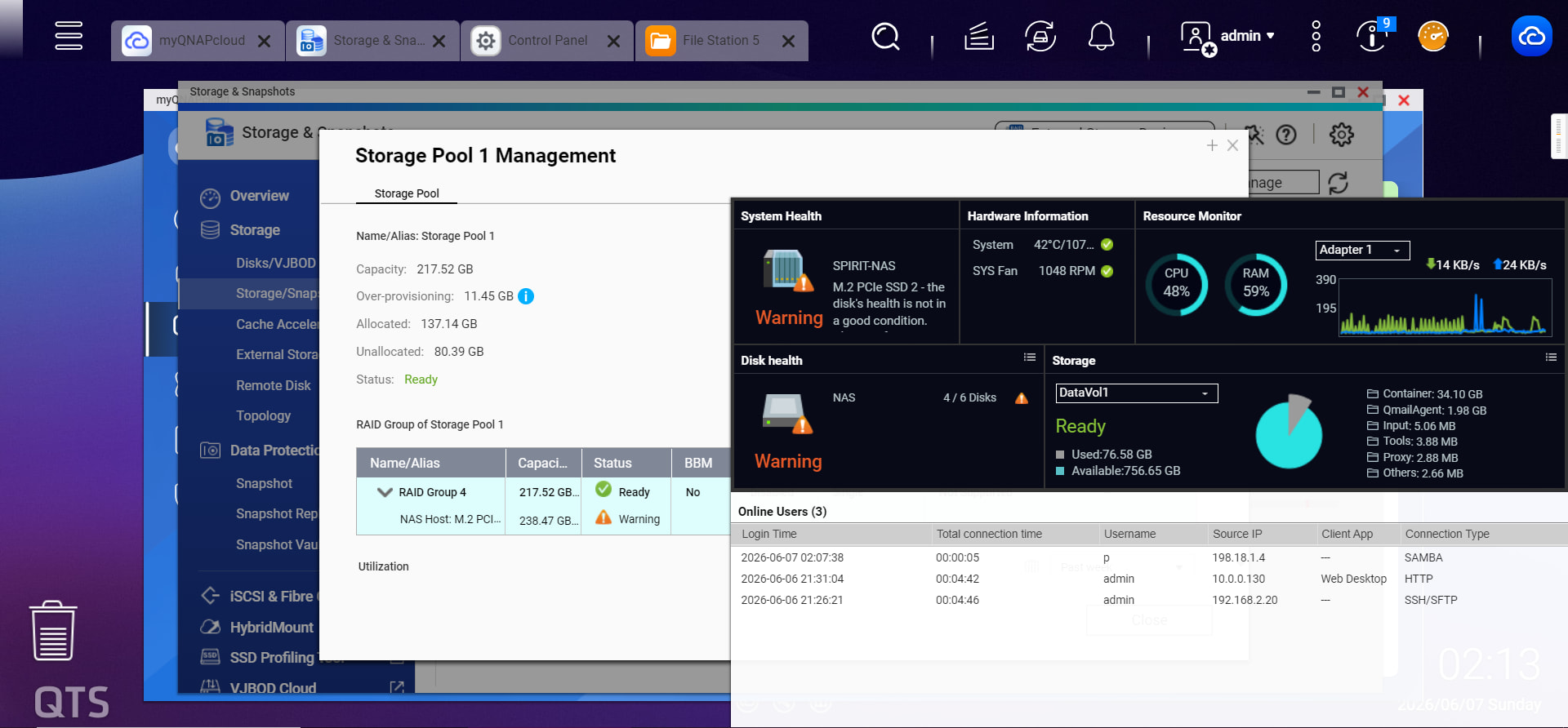
What is the warning state your NAS currently is in? (orange speedometer top right)
Are your shares shown via SMB?
1 Like
A SSD smart is not good. This disk is not being used for most time.
Yes, I have SMB/NFS, all shares works good except QTS UI
Could be just a bug in the new file station 6
Best to open a ticket
He’s not getting any shared folders in either FileStation 5 or 6. Yeah, I would open a ticket.
Please open a support ticket and we’ll have our Support Team look into it and assist you accordingly. Thanks!