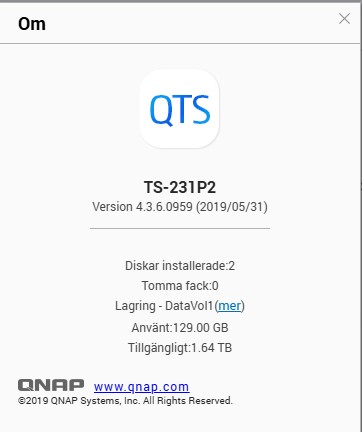
Firmware update problem TS-231P2

Hi, I have problem updating the firmware. I have got an error code as shown below. Pls advise how to solve. The system is a QNAP TS-231P2 with two Sata 2TB WD Harddisks. // Anders N

Allvarlighetsgrad Datum Tid Användare Ursprungligt IP Applikation Kategori Innehåll
Fel 2025/12/07 09:02:14 System 127.0.0.1 Firmware Update Firmware Update [Firmware Update] Failed to update system. A flash read/write error occurred. Error code: FW004

Please check the NAS model, there in no such NAS

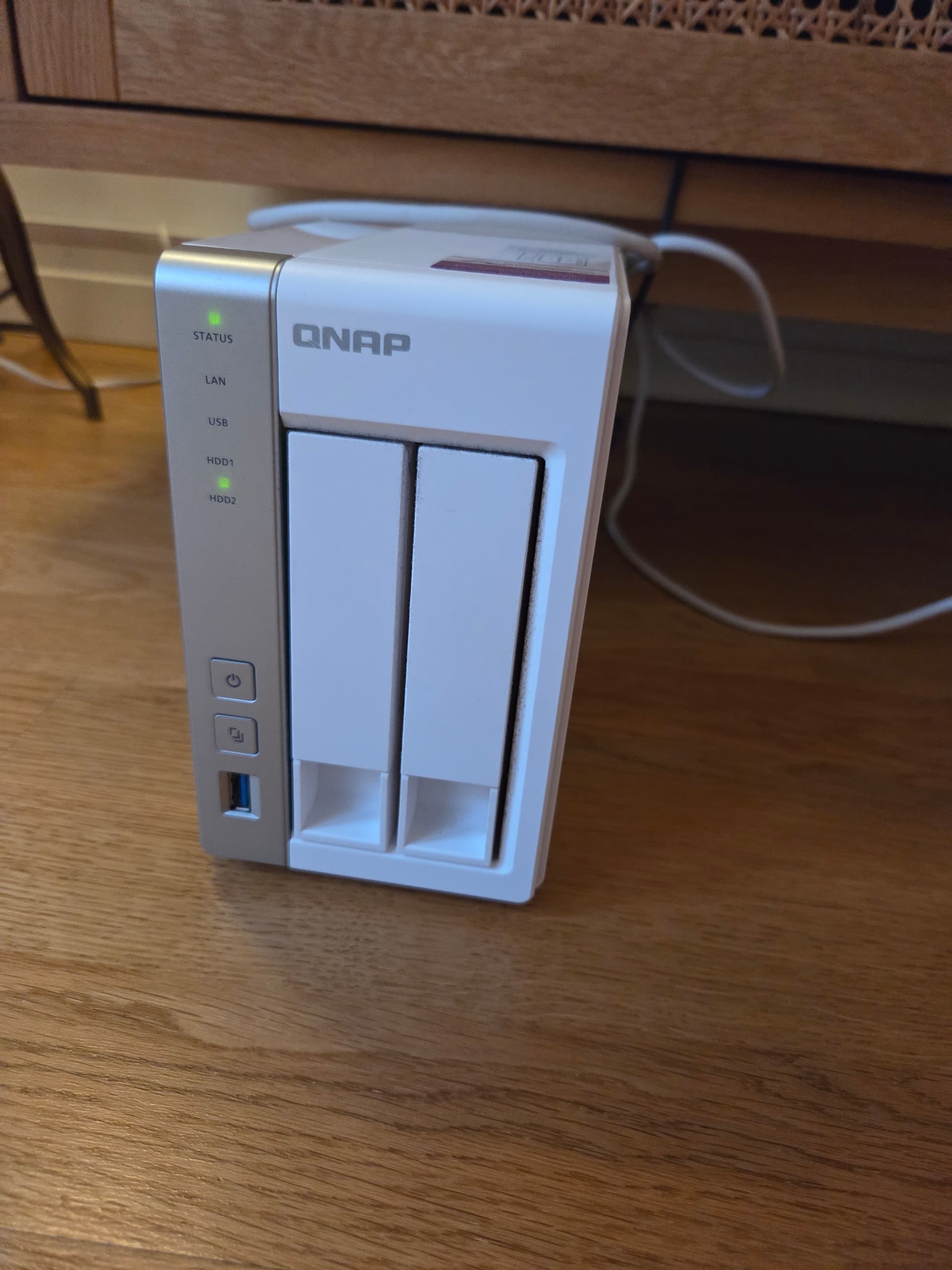
Please see enclosed photos.

Please open the web page of the NAS. Click the Hamburger menu and tell us the model that shows up:

Looks like a TS-251 ( I deleted the picture with the serial number on it)

See here for a FW004 issue FAQ

That was my guess too. Looks just like my 451 but two bays.

I fixed the title and OP text as well.

The serial number in the photo comes-back to a TS-231P2. :nerd_face:

1 Like

Had no idea we ‘mere mortals’ could check the model via SN

Thanks for the fix @OneCD :rightwards_pushing_hand: :leftwards_pushing_hand:

Anyone can. :wink:

In your QID account, in the same section you create support tickets, there’s also a facility to add your devices and link them to your QNAP account. This is done by entering the NAS serial number. QNAP then lookup this number and convert it to a model number.

Most of my NAS are in-there except for a couple of NAS models too-old to register.

I’ve been using this method for a while to confirm model numbers.

:nerd_face:

So you have been covertly adding a bunch of units into your account, the secret QNAP unit overlord (according to account statistics)

Other people’s NAS don’t stay in my account. I remove them as-soon as I’ve confirmed the model number. :smiling_face_with_sunglasses:

The only ones left are my own NAS.

We recommend that you shut down the NAS, remove all hard drives, then power it on again and attempt the Firmware update.

Please see if this allows you to update successfully. If not, please open a support ticket for us, and our Support Team will assist you!

Hi Steve,

Thanks for Your answer. I did as You suggested, but no success. No update and it wanted to wipe my hard drives, so I stoped the process. How do I open a support ticket.
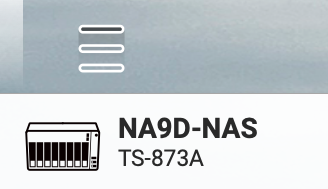
Below is a screen dump of the “about my NAS”.

// Anders N

For other users experiencing similar issues, please refer to the following FAQ:

What can I do if the firmware update fails with FW004 error? | QNAP