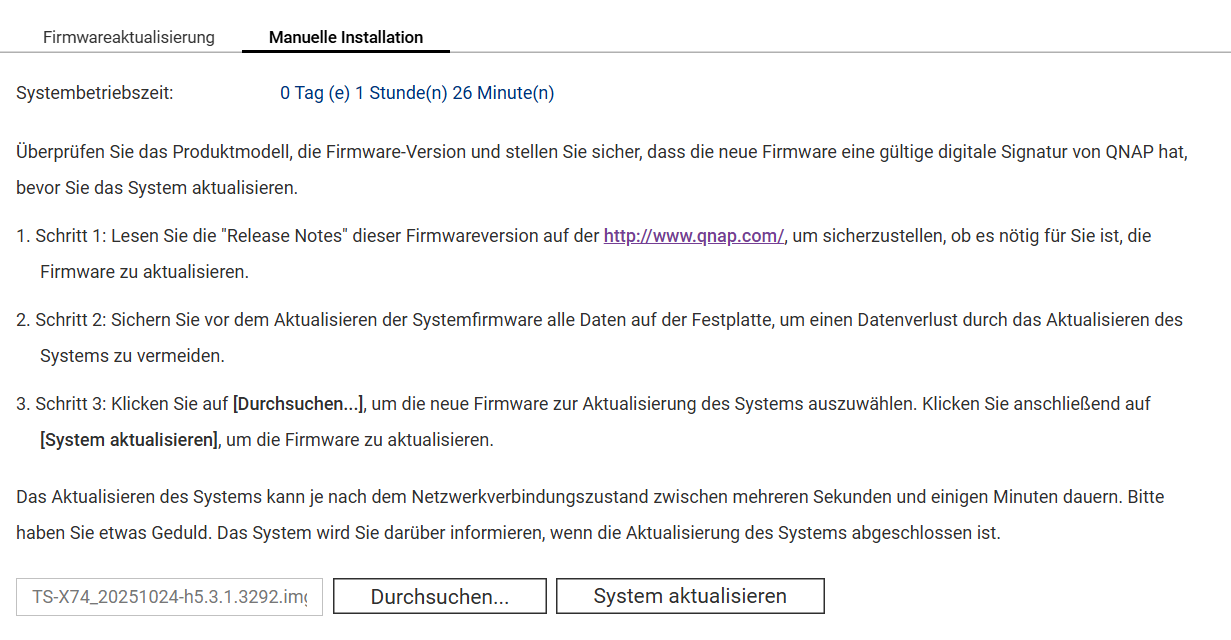
In the download center, I can only find the wrong version for my TVS-h674T. I need QuTS hero h5.3.1.x, but I always get this one, which is not compatible with my device: TS-X74_20251024-h5.3.1.3292. I need this one: TS-h674/TS-h674_20240924-5.3.1.3292.
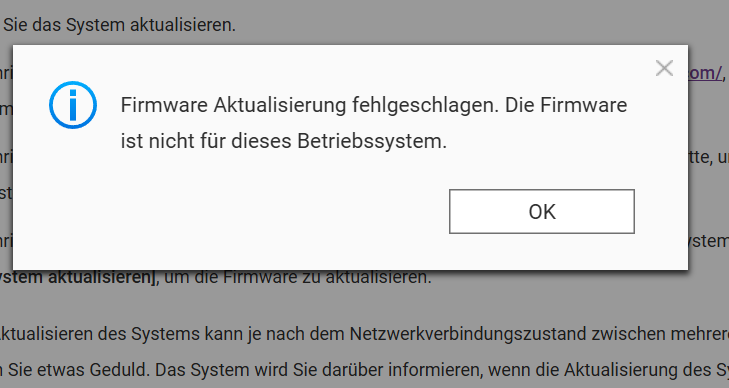
What is the error message when the firmware is being installed? (As mentioned in the other topic, the NAS is an x74)
Which firmware is currently installed?
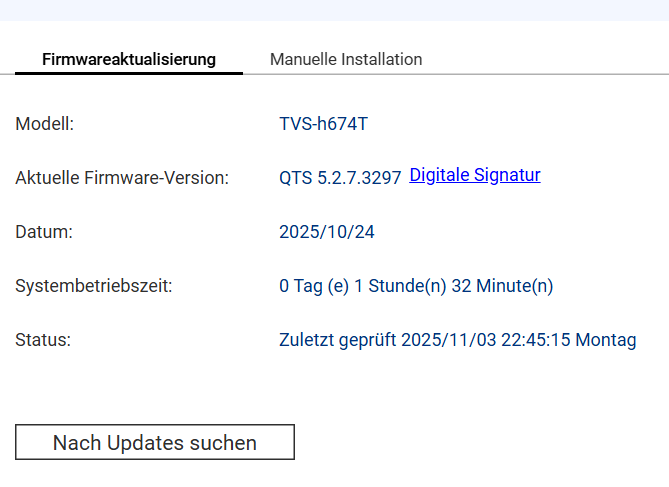
You have QTS installed, so you can’t install QuTS.
how do I downgrade or change the firmware
You need to erase all drives/SSDs and then you can switch to QuTS in the setup
So you have to start completely from scratch
https://www.qnap.com/de-de/how-to/faq/article/can-i-migrate-the-firmware-from-qts-to-quts-hero
Yes, exactly, the NAS is brand new with everything included and I want to put it into operation.
Yes, so completely erase the NAS and then choose QuTS as the operating system (it will be offered then).
Hello,
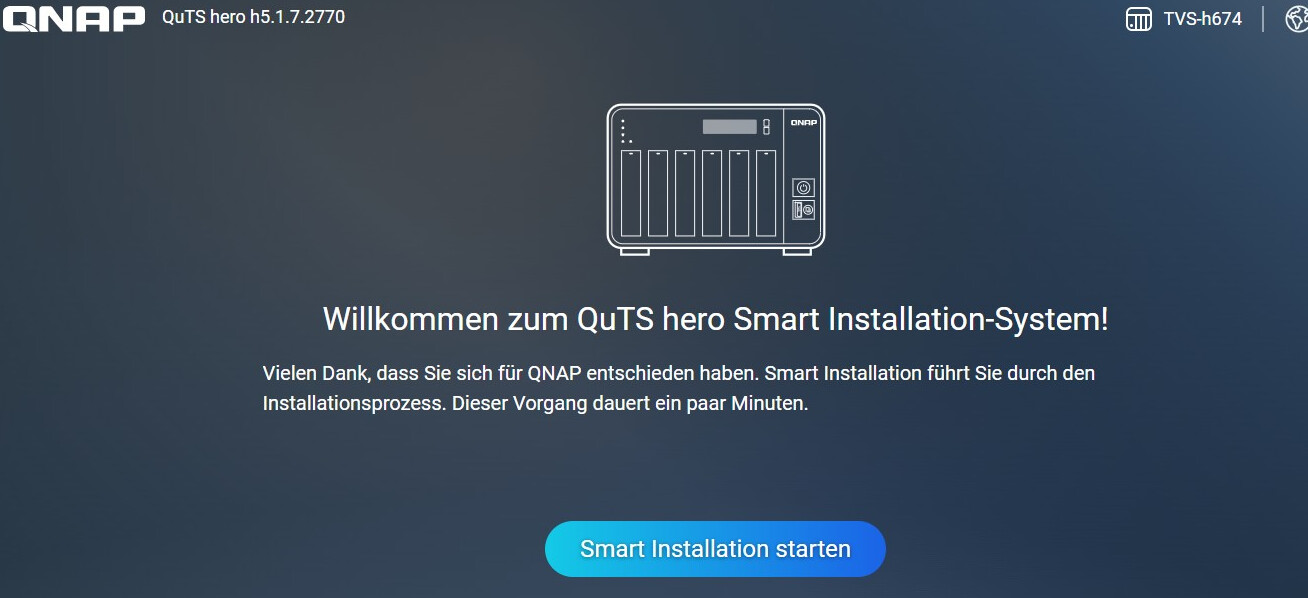
so my TVS-h674 was delivered with QuTShero h5.1.7.x.
It looked like this
There is also another guide for switching from QTS to hero
Thanks for the help, I have now removed all SSDs and HDDs and performed a 15-second reset. A new IP was then assigned (displayed in QfinderPro) and I was able to log in normally again (set a new username and password). QuTS hero was immediately available right after login. Then I continued with the installation assistant and inserted the HDDs, completed the setup. Then turned the device off again, disconnected the power, inserted the M.2 SSDs, and restarted. After that, I checked if everything was recognized and if the HDDs and SSDs were displayed. That’s how it worked now.