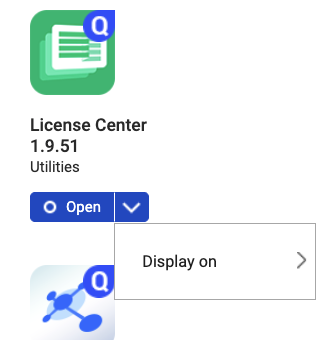
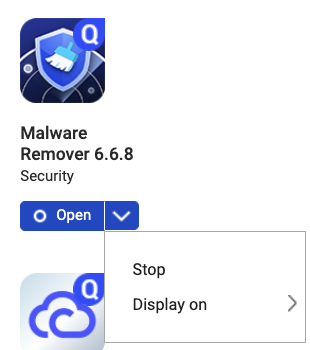
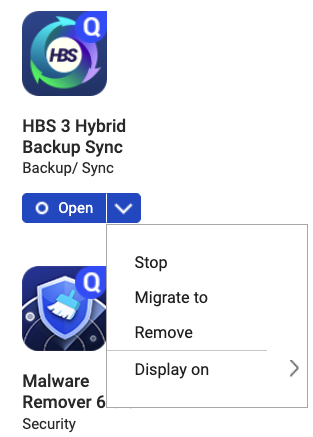
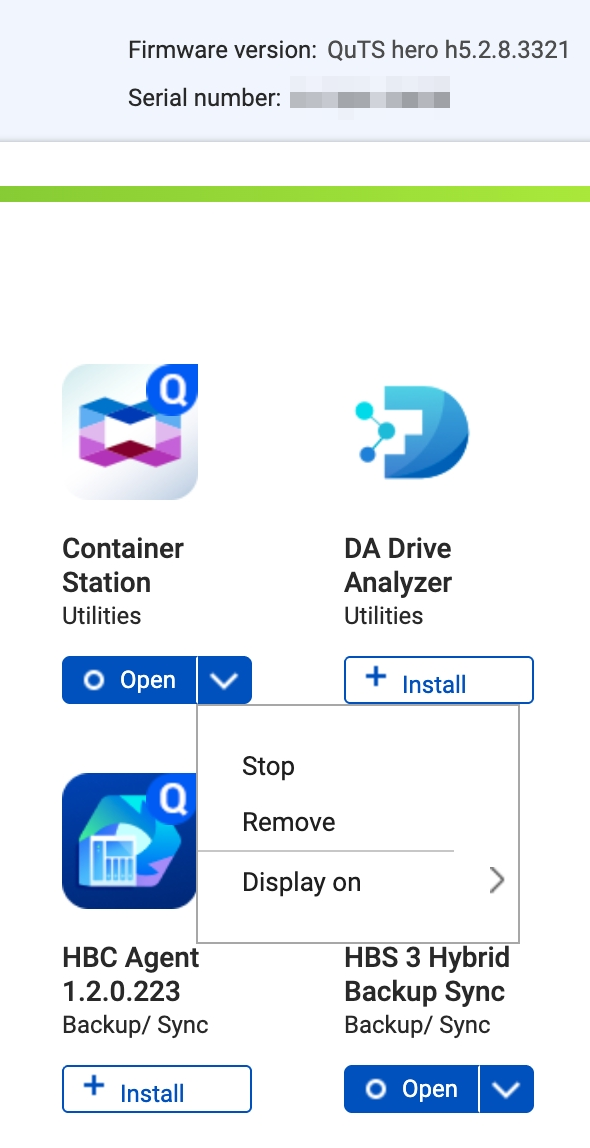
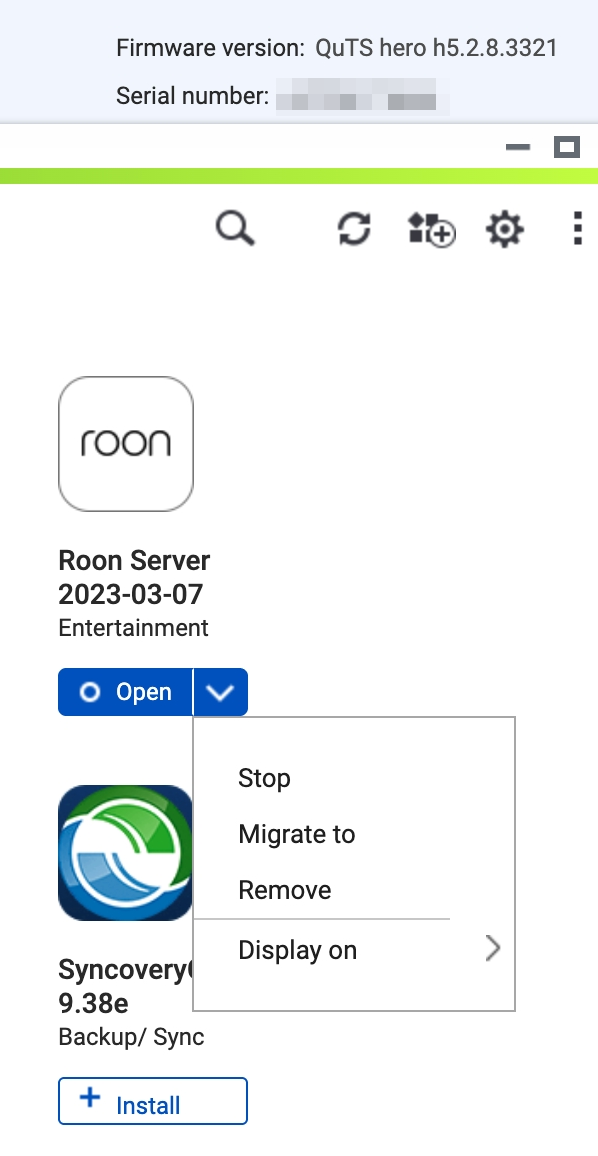
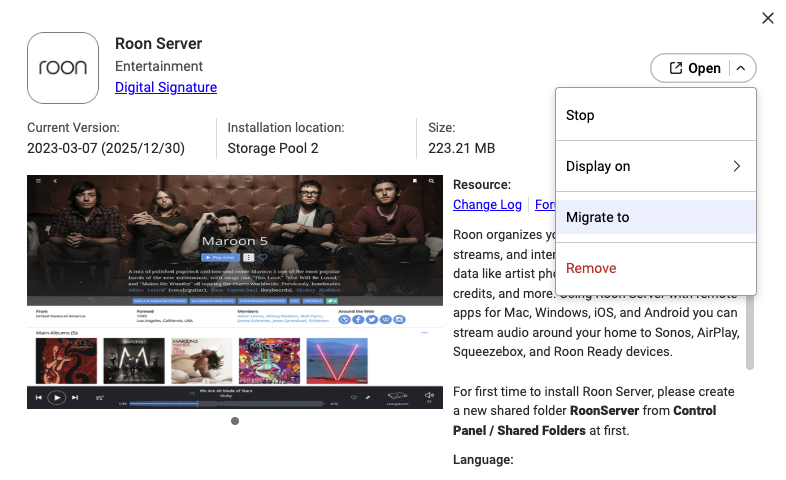
As @NA9D said, the Container Station cannot be migrated even in QuTS hero h5.2.
We will let the Container Station team know this feature request and ask them to evaluate allow migrate in the new version or not…maybe there are some technical limitations let it can not be migrated.
The Roon Server can be migrated on QuTS hero h5.2 so this is a bug on QuTS hero h6.0, and the team will fix this later.
Thank you for letting us know this issue.
Could you make a request instead for migrating system partition?
When I first setup my 264 I was playing with HDDs, m.2 SSD were delivered a week later.
Thankfully I didn’t do a lot before I got my m.2 installed and I had found out from forums that you don’t get to change system partition. Factory reset and fresh install was no problem for me.
–
If I had to wait 6 months to buy m.2s and then figured out I need complete format to move things I would be CRYING. Performance of NAS with system on m.2 vs. HDD is completely different. m.2 is basically mandatory on my TS-264, and that means reset is mandatory currently.