ccardo
December 17, 2025, 3:16pm
1
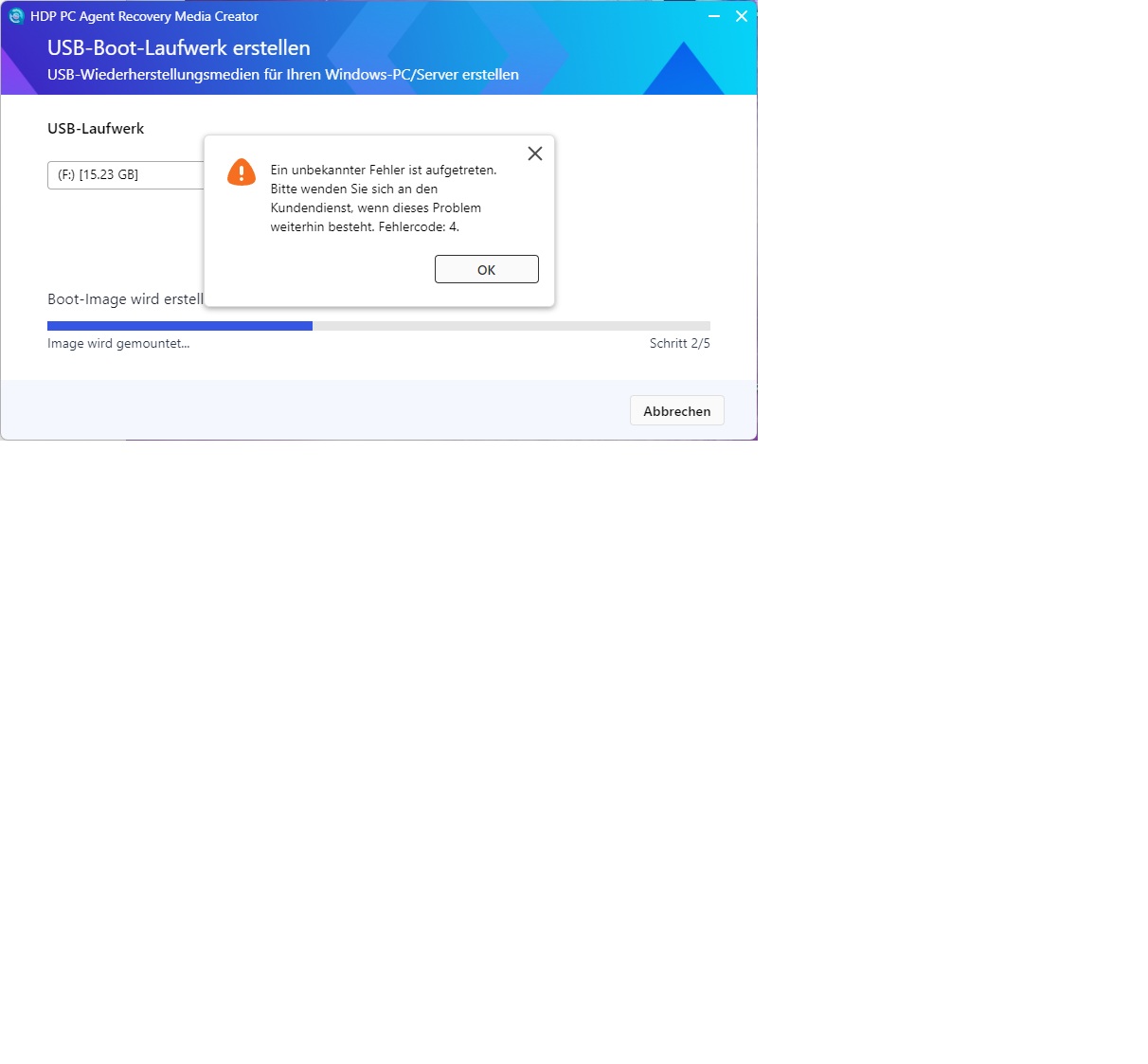
Hi, I set up a Qnap TS-855eU two days ago. Now I’ve installed the HDP for PC APP and created a backup from a PC using the HDP PC Agent. That all worked fine. After that, I wanted to create the USB drive, but it doesn’t work (tried several sticks, 4GB-16GB). It gets stuck at step 2/5 (Image is being mounted). No error message appears. According to Explorer, the stick is not formatted and no data is written. Unfortunately, I have no idea. Maybe someone else has had this problem before. OS: QuTS hero
After about 30 minutes, an error message appears (Error code: 4)
Windows Assessment and Deployment Kit 10.1.26100.2454
Windows Assessment and Deployment Kit Windows Preinstallation Environment ADD-Ons 10.1.26100.2454
Regards, Riccardo
NA9D
December 17, 2025, 3:44pm
2
Please post in English in the English forum.
User posted in the German section..so it’s OK
The user posted in the German section..everything’s OK
NA9D
December 17, 2025, 4:15pm
4
Did he post in English there?
Good. Hopefully he can get the help he needs!
ccardo
December 17, 2025, 6:38pm
5
ccardo:
Hi, I set up a Qnap TS-855eU two days ago. Now I’ve installed the HDP for PC APP and used the HDP PC Agent from a PC to create a backup. That worked fine. After that, I wanted to create the USB drive, but it doesn’t work (tried several sticks, 4GB-16GB); it gets stuck at step 2/5 (Image is being mounted). There’s no error message. According to Explorer, the stick isn’t formatted and no data is written. Unfortunately, I have no idea. Maybe someone else has had this problem before. OS: QuTS hero
After about 30 minutes, the error message appears (Error code: 4)
Windows Assessment and Deployment Kit 10.1.26100.2454
Windows Assessment and Deployment Kit Windows Preinstallation Environment ADD-Ons 10.1.26100.2454
Regards, Riccardo
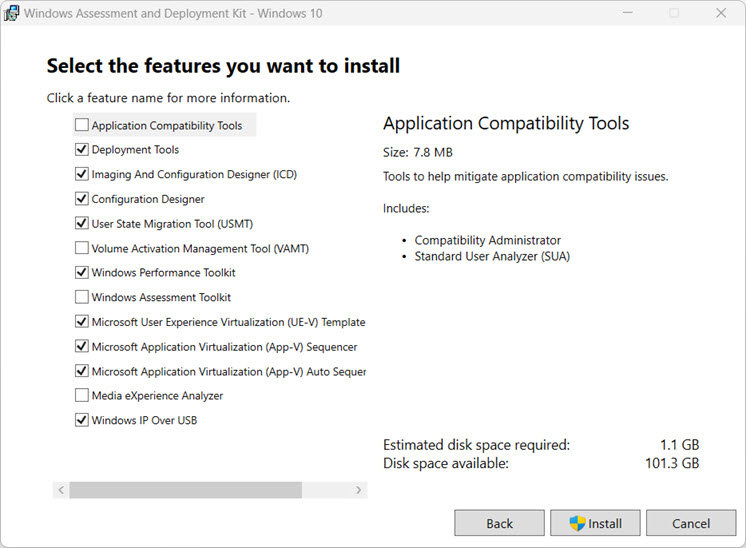
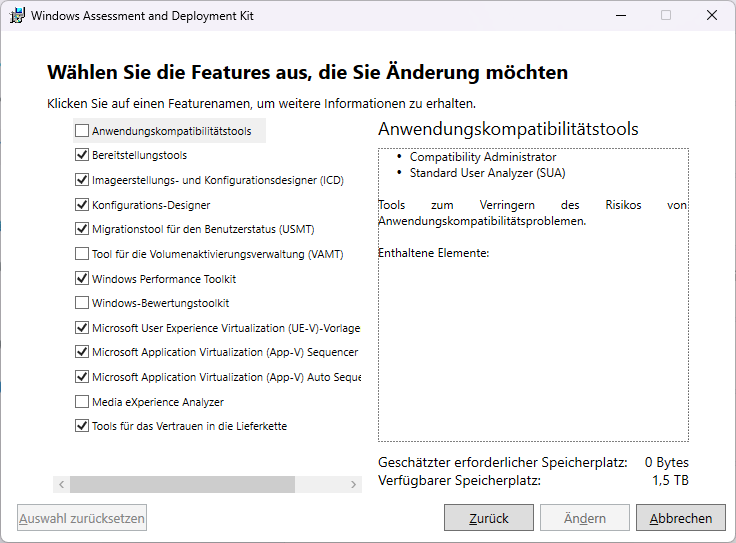
I’ve now seen that according to the instructions
a checkmark should be set at Windows IP over USB, but my version of the kit doesn’t have this option. Is that the reason?
Hello,
There is a newer version, ADK 10.1.28000.1 from November 2025 for Win 11.
Maybe try this version.
ccardo
December 17, 2025, 7:29pm
7
Hi, thanks. Unfortunately, that didn’t help either.
HDP PC version 1.3.0 on Windows 11
ccardo
December 17, 2025, 8:15pm
8
I’ve now tested the whole thing on a TS-453A and another PC as well—exactly the same problem
Which version of HDP for PC/VM (Hyper Data Protector) is installed?
With the new version HDP for PC/VM (Hyper Data Protector) 2.3.1.455 from 12.12.2025, this error should actually be fixed.
[Fixed Issues]
HDP for PC/VM will no longer fail to create a USB boot drive with the error code 4 when the USB drive was not properly formatted beforehand.
https://www.qnap.com/de-de/app-release-notes?app=HyperDataProtector&product-line=nas
If you are using the new version, it seems the error is still not fixed. In this case, you should open a ticket with QNAP support.
Or format the USB stick first and see if it works then.
1 Like
ccardo
December 17, 2025, 10:13pm
10
Hi, I have the latest version. Just tried with a freshly formatted stick. Exactly the same error.
I’ve now opened a ticket.
Thanks