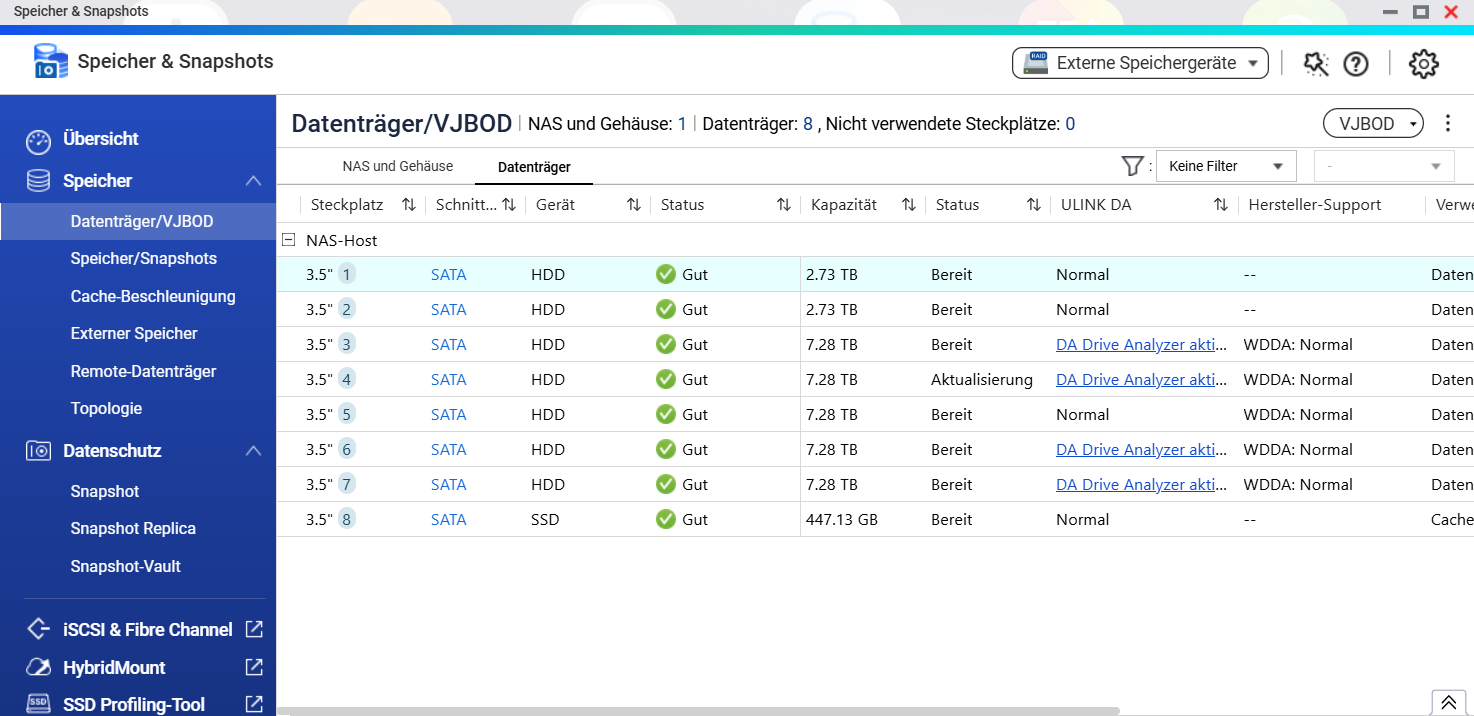
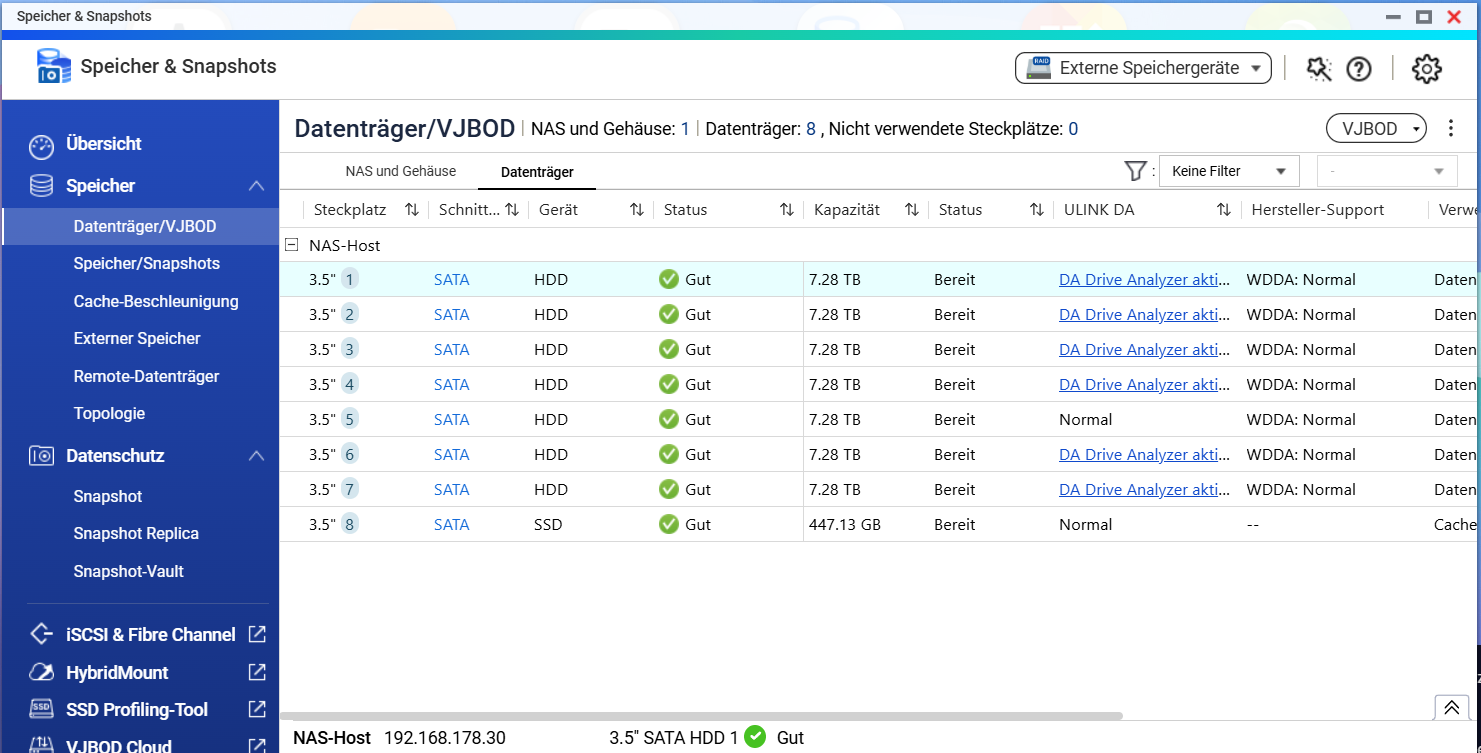
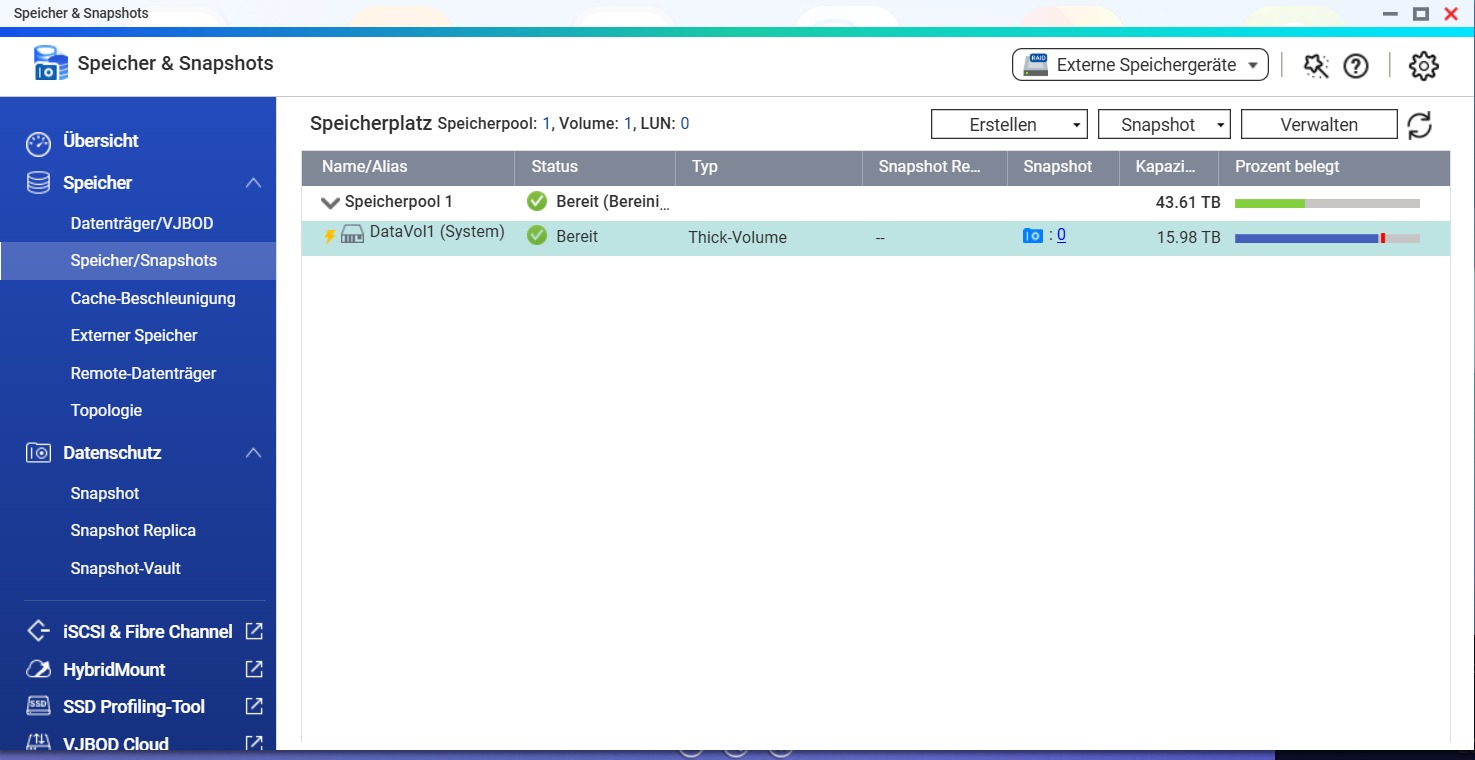
Hello. I have a TS-853 Pro with RAID 5. Originally, all drives were 2.73 TB. Gradually, I upgraded the drives to 7.28 TB. For the upgrade, I removed the 2.73 TB drive and inserted the new 7.28 TB one, then waited for the rebuild to finish. Currently, it looks like this:
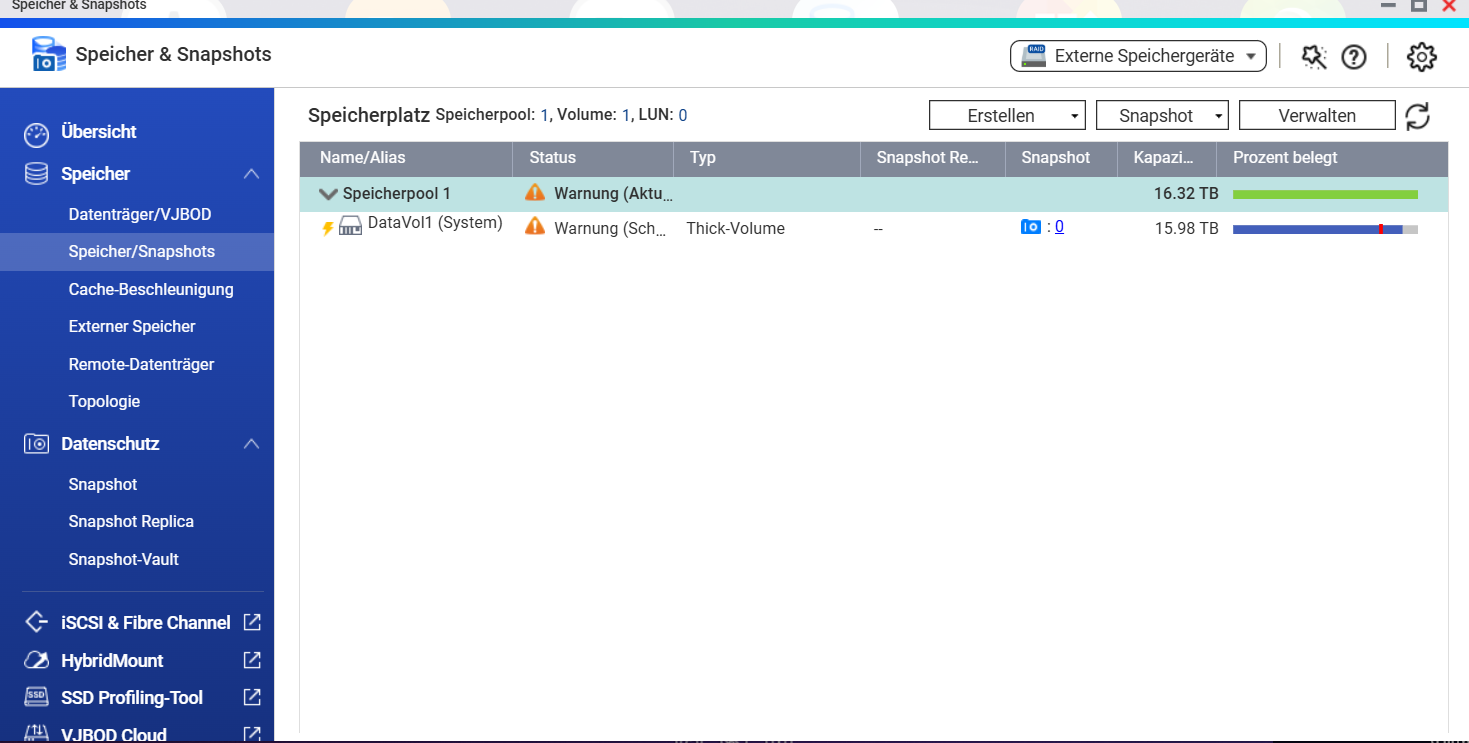
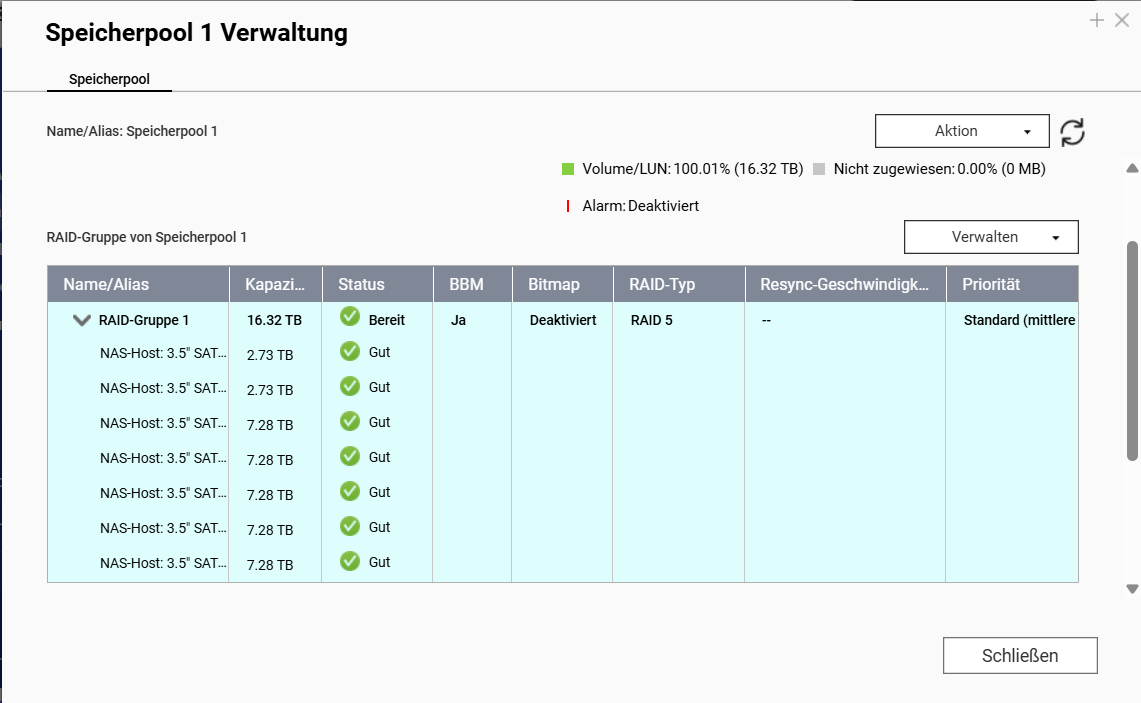
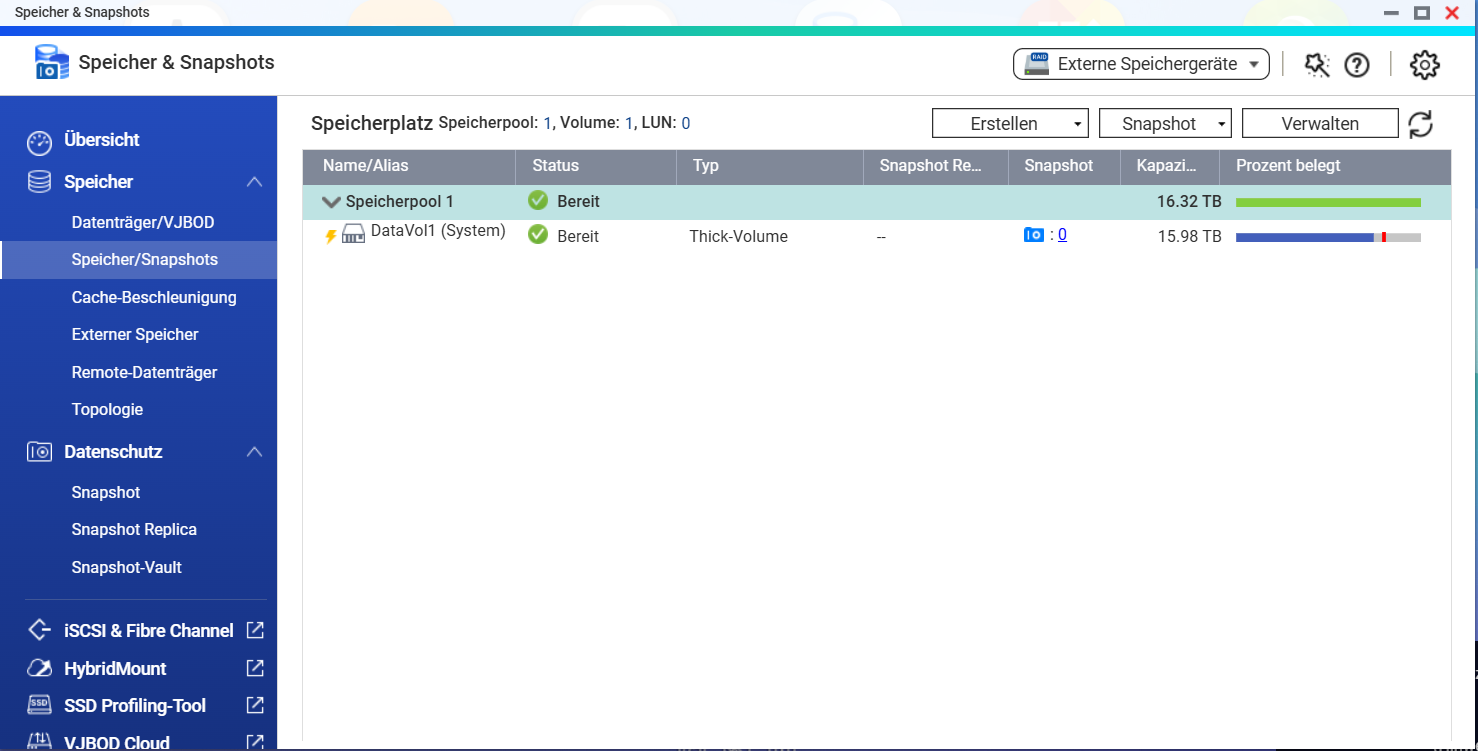
The pool looks like this:
RAID 5
The pool cannot be expanded. Does anyone know the best way to proceed to free up more storage space?
Hello,
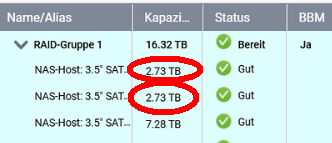
You should also replace the two 3 TB hard drives in slots 1+2.
The size of the storage pool is determined by the smallest HDD.
Note:
It seems you are also using an SSD (slot 8) for an SSD cache.
That’s a bad idea. If the SSD fails, all data will likely be lost.
If you use an SSD cache, always use it in RAID 1.
Thank you for the explanations and hints. Then I’ll also switch the last two. About the cache: It broke a few weeks ago. The result was that none of the drives were accessible anymore. After a replacement and about 24 hours of migration, everything worked again. The data itself was still there. Is that what you meant?
Yes.
It apparently is just a read cache (type: read-only).
https://docs.qnap.com/operating-system/qts/5.2.x/en-us/den-ssd-cache-erstellen-A292FE84.html
Hopefully, a backup is available.
@Becker2020 I have now replaced the last two hard drives as well.
Still, only 16TB are shown in the storage pool.
Do I maybe need to change something else?
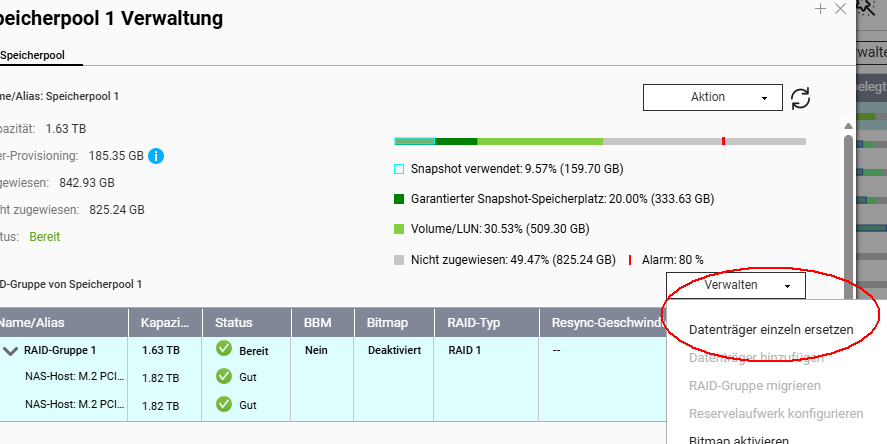
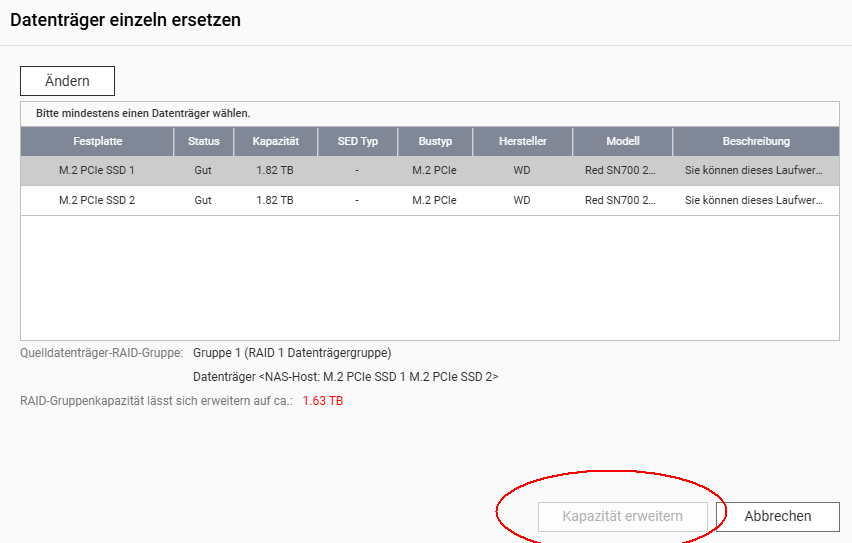
You can check if the “Expand Capacity” option is no longer grayed out.
Select pool → manage → replace disks individually → expand capacity (step 12)
A RAID Group Can Be Expanded by Replacing All Disks | QTS 5.2.x
Attention:
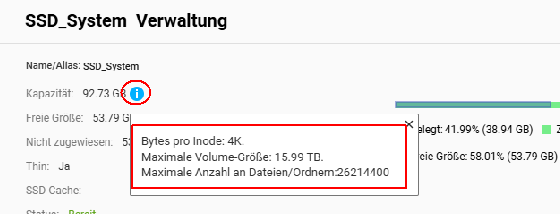
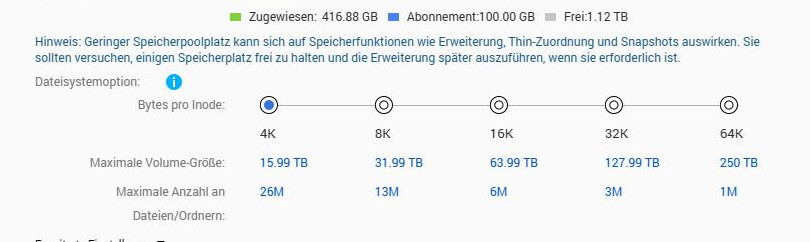
The volume may not be expandable depending on the “bytes per inode” setting.
@Becker2020 Thanks, that worked wonderfully. The pool has now been expanded.
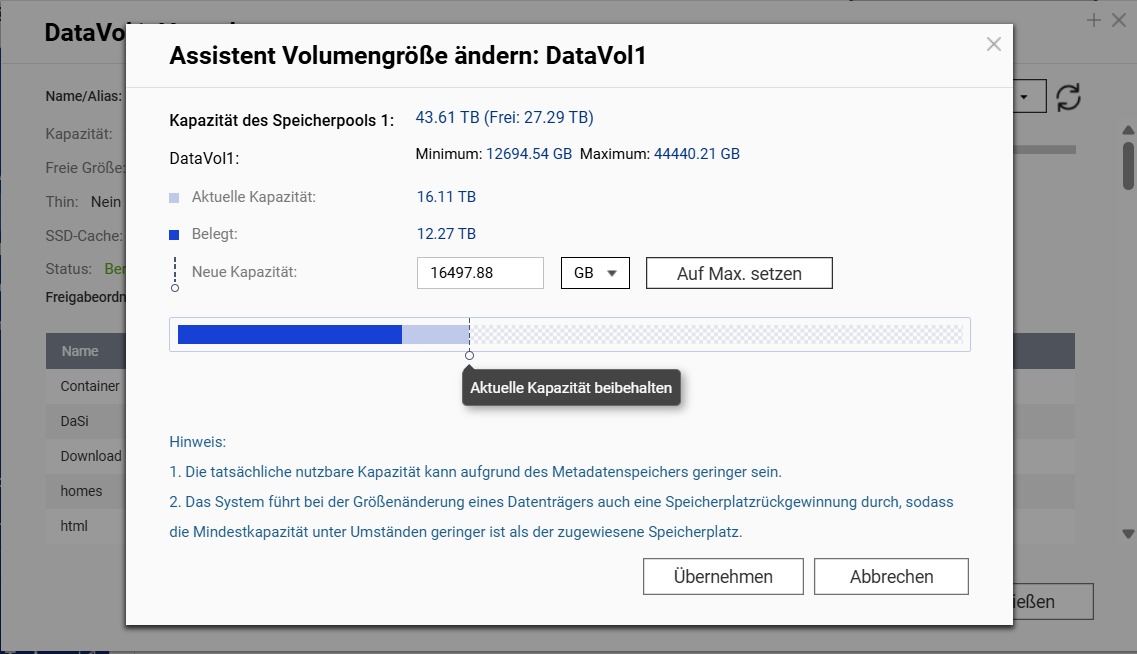
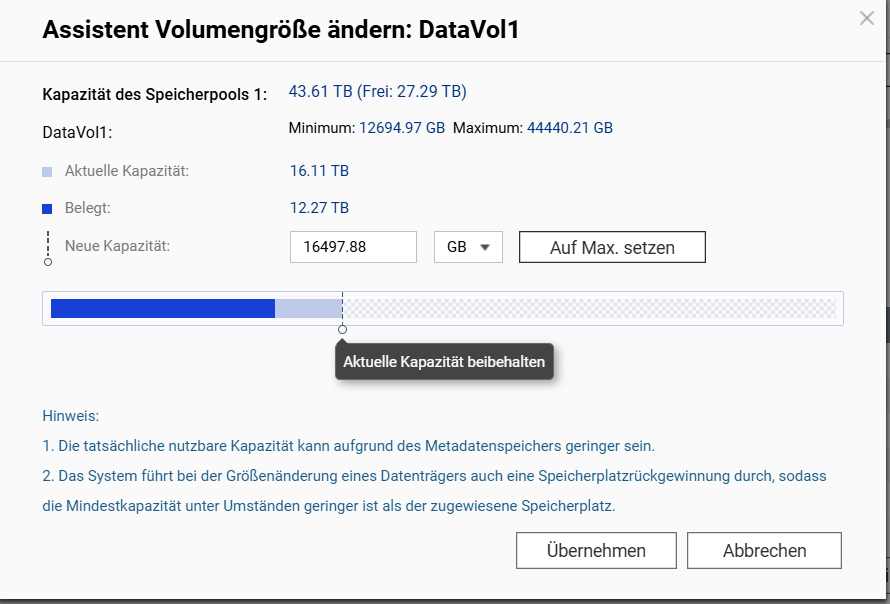
Next, I tried to expand DataVol1. It’s still at 16TB.
It is recognized that DataVol can accept up to 44TB. However, when I click on “Set to Max”, I get this message:
What would be the best way to proceed?
Change the unit from “GB” to “TB”.
I would fill the pool to a maximum of 90%.
So, increase the volume to 38 TB.