As a heavy user of Google Photos, I’ve always been searching for a stable and efficient backup method to save my photos and videos—ideally backing up my cloud photos to my own device every day.
Recently, I tried two methods: the QNAP MARS app and the Google Takeout export feature.
To start with the conclusion: Google Takeout’s backup feature is honestly as useless as garbage…
Below are my experiences, sharing my thoughts and feelings during the backup process.
My Experience Using QNAP MARS
Setup Process
The setup process for QNAP MARS felt very intuitive and convenient. I just needed to install the MARS app on my QNAP NAS, authorize my Google account, select the albums to back up, and then set up an automated backup schedule. I back up my Google Photos to my QNAP NAS every day.
Feature Experience
The backup feature of MARS is my favorite part—it only syncs newly added or modified photos and videos, avoiding duplicate storage, saving NAS space, and making daily backups extremely fast.
Additionally, all backup data is stored on my NAS, which gives me great peace of mind. Even if files in Google Photos are accidentally deleted, I can still restore all my photos and videos from the NAS. In other words, QNAP MARS serves as my offsite backup for Google Photos, so I don’t have to worry about Google raising prices, needing to migrate, or my account disappearing one day.
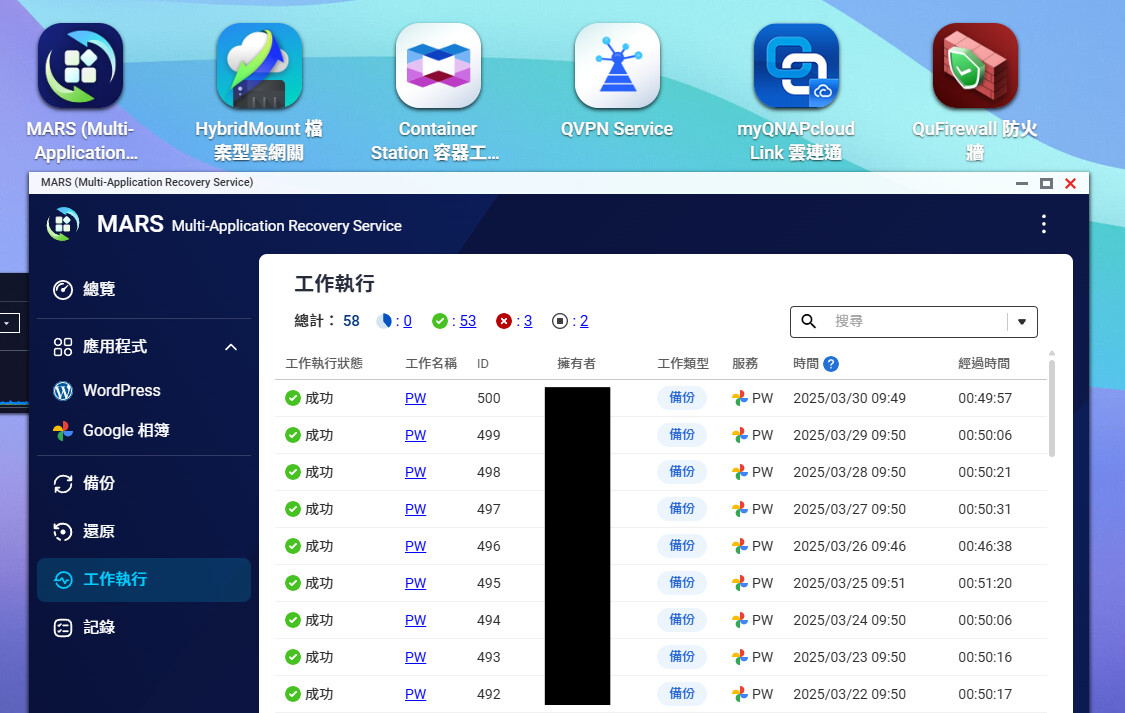
Limitations and Challenges
However, MARS does have some limitations. For example, due to Google API restrictions, when downloading videos to the NAS, the maximum supported resolution is 1080p/30fps.
Google Issue Tracker: Return high resolution video from base URL
My Experience Using Google Takeout
In contrast, Google Takeout requires you to log in to the Google Takeout webpage, select the export scope (all albums or specific albums), and then wait for the system to generate a download link. Although the operation is simple, because I have a large amount of data, each export takes several days to complete…
After exporting with Google Takeout, I’m faced with a pile of zip files that I have to download one by one and then extract to restore my photos—it’s just too much, OMG.
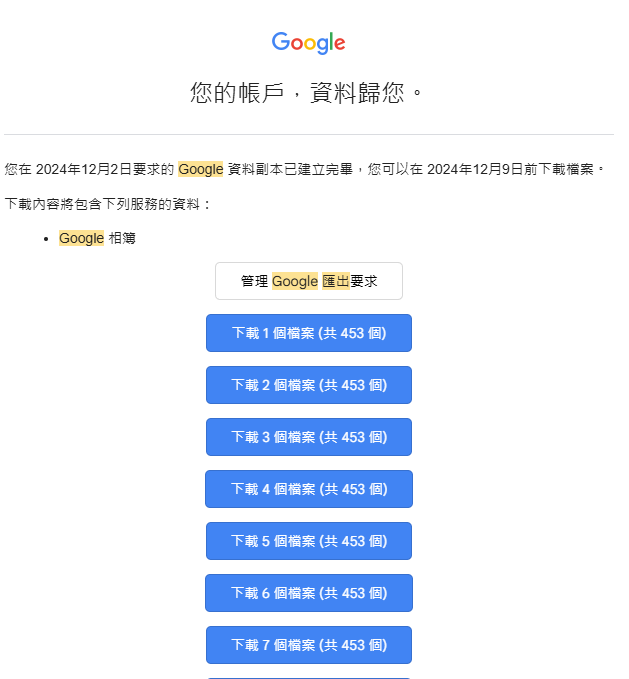
Every time Google Takeout exports, all images are compressed into individual ZIP files, resulting in duplicate storage and wasted space. Downloading all the ZIPs takes too long and requires a lot of manual organizing; I find the efficiency extremely low.
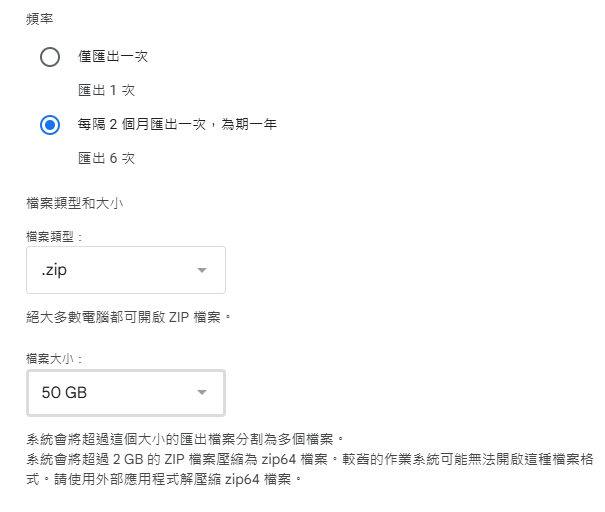
And the backup frequency can only be set to:
- Once
- Once every two months, for a total of six times
This is also a very poor experience. For someone anxious about their data like me, I expect to back up my photos every day, and in this regard, Google Takeout is really hard to use. In contrast, the QNAP MARS solution is absolutely perfect.
Conclusion
If I had to say which method suits me better, I would choose QNAP MARS without hesitation. Its automation and incremental backup features save me a lot of time and effort.
Although Google Takeout is free, its operation is cumbersome and takes too long, and after each export, you still have to manually organize each zip file. It’s not user-friendly for long-term users.
With MARS, I can back up my Google Photos daily to my NAS, and unlike Google Takeout, I don’t have to extract zip files one by one to see my backed-up photos—it’s truly moving.
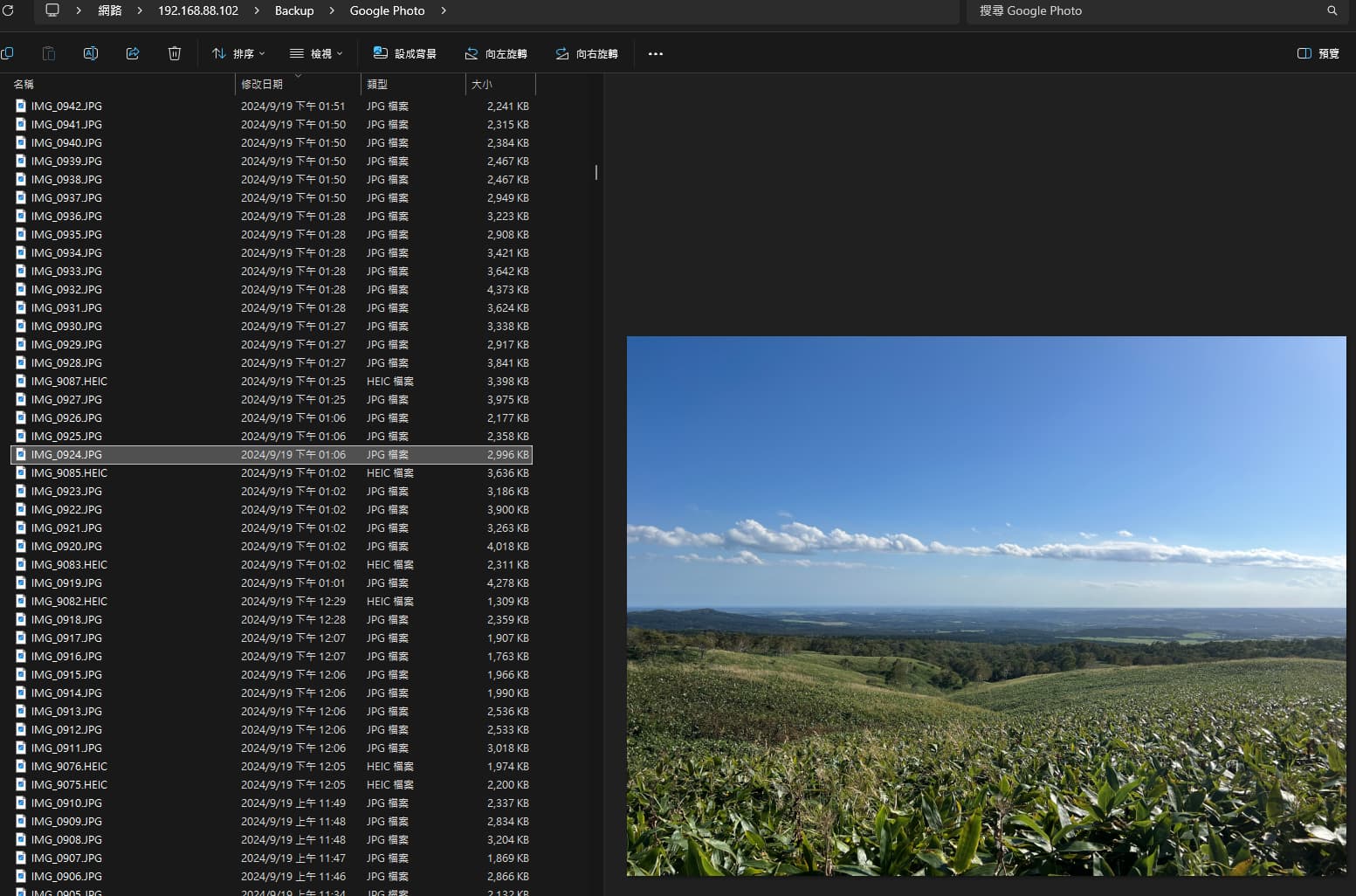
Overall, QNAP MARS is currently the most perfect Google Photos backup solution. Backing up cloud photos to your own device every day really gives you extra peace of mind.