I seem to have a problem getting a QNAP TS-464 to recognize a Hailo-8. The TS-464 is running QTS 5.2.X, which is > that the required version for Hailo-8 support. The TS-464 has 2 M.2 slots (each provides x1 PCIe lane) and it has a single Gen3 PCIe x4 slot with x2 PCIe lanes.
QNAP’s compatibility list shows the Hailo-8 B+M key (part # HM218B1C2LAE) - this version supports x2 PCIe lanes.
I instead picked up the M key version, product # is: HM218B1C2FAE. The M-key version supports 4 lanes, but I have confirmed it will down train to use x2 PCIe lanes, and one Hailo employee has confirmed it will down train to use only x1 PCIe lane.
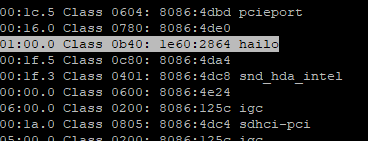
So, this seems to be a low-level problem – I’m not seeing the card show up in lspci.
I’ve gone through the following process:
- Insert the Hailo-8 (M key) into the first M.2 slot on the QNAP. Does NOT show up in lspci.
- Insert the Hailo-8 into the other M.2 slot on the QNAP. Does NOT show up in lspci.
- Insert the Hailo-8 into an M.2 slot on my laptop. It works on the laptop. Since the laptop’s M.2 supports x2 lanes, so I know the Hailo-8 will negotiate down to 2 lanes. This is also confirmed by the Hailo Integration Tool.
- Thinking I possibly have a problem with the M.2 slots on the QNAP, I test them by putting a 1TB Samsung NVMe in each slot. Both slots are working, although it is downgraded to x1 lane.
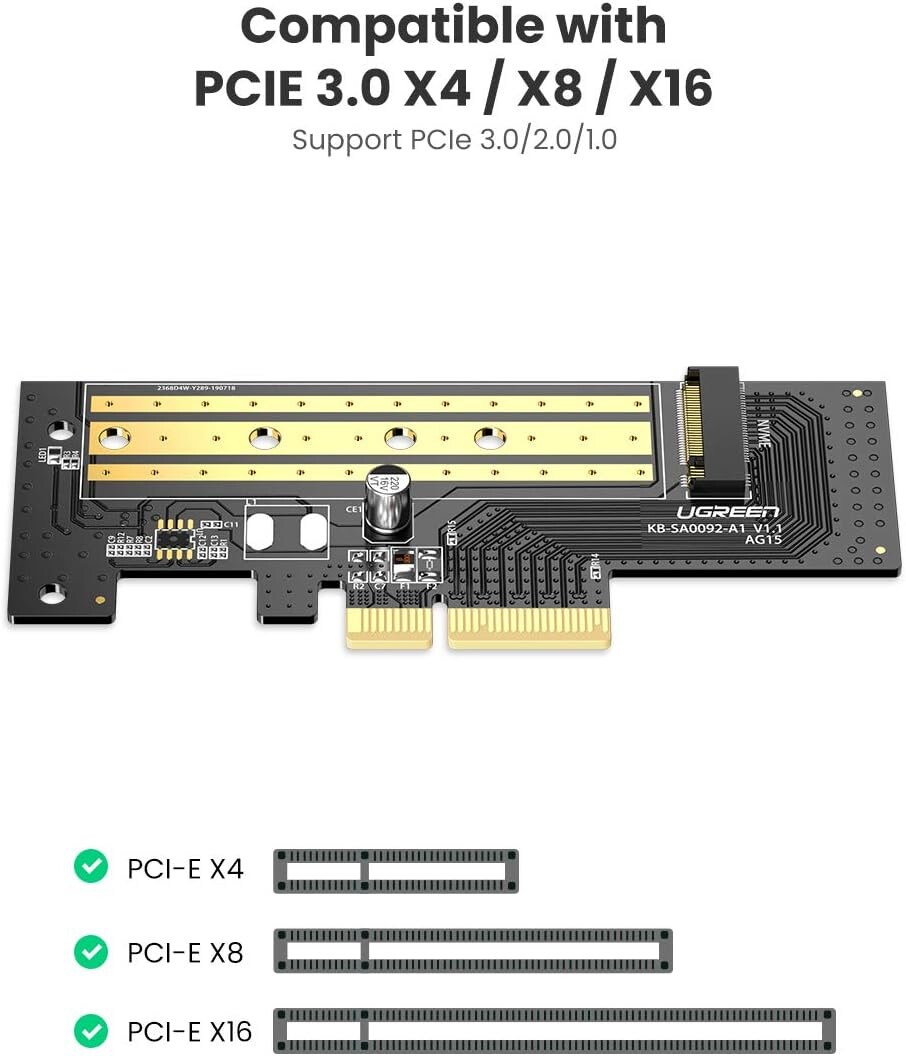
- Now I’m thinking possibly the Hailo-8 won’t down train to use the x1 lane of the QNAP’s M.2 slots. So, I put a PCIe to M.2 adapter (Startech PEX4M2E1 ) into the QNAP’s PCIe x4 slot. Still does NOT show up in lspci! The red light is on, so I know it’s getting power.
- Just to make sure the Startech adapter is working, I put a NVMe drive into it as well. Works fine in the QNAP (and shows x2 PCIe lanes in use). So it’s not the adapter!
- Finally, I move the Startech (with Hailo-8) over to a Windows PC. Works fine there!
dmesg doesn’t show anything relevant, but doesn’t confirm the kernel driver is loaded. Hailo tells me the chip and kernel driver are the same between the -LAE and -FAE versions.
And, EVEN IF something were different between the -LAE and -FAE versions, the device SHOULD still enumerate on the bus and be visible in lspci. (I’ve used both the busy box version, as well as the full lspci from pciutls after installing Entware)
I don’t believe there’s anything unique about the startup that would prevent it from being seen:
[~] # cat /proc/cmdline
consoleblank=0 console=ttyS0,115200n8 intel_iommu=on,igfx_off i915.enable_hd_vgaarb=1 iommu=pt i915.disable_power_well=0 i915.enable_rc6=0 i915.enable_guc=2 memmap=2M$0x8000000 ramoops.mem_address=0x8000000 ramoops.mem_size=0x200000 ramoops.console_size=0x100000 usbcore.autosuspend=-1 zswap.enabled=1 zswap.compressor=lz4 BOOT_IMAGE=/boot/bzImage root=/dev/ram0 rw
The iommu settings might matter for making it available to a VM, but nothing should prevent the card from enumerating…
Any suggestions, perhaps something worth toggling in the BIOS?
Has anyone been able to get either the B+M Key or the M-key Hailo-8 working ?