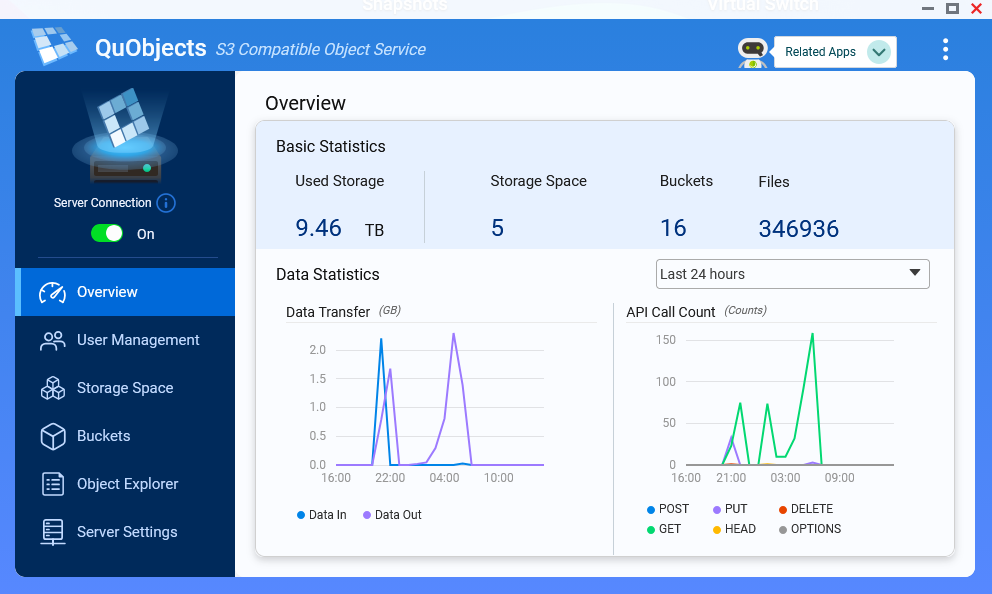
I’m trying to get a proper S3 storage going on my qnap Ts-853a.
I’ve used a lot of time trying to get qustorage to work, but it doesn’t give proper access key and secret key, it gives them with a : in them, and duplicati and kopia doesn’t accept those.
So I turned to the minio docker image, but I am only shown the api entry with only buckets, and no access key and secret key options, even though I see both services started.
For the part where you’re trying to back up to QuObjects using Duplicati,
you can try changing Objects:owPb8pCJjZengqTMugvS to Objects.owPb8pCJjZengqTMugvS instead.
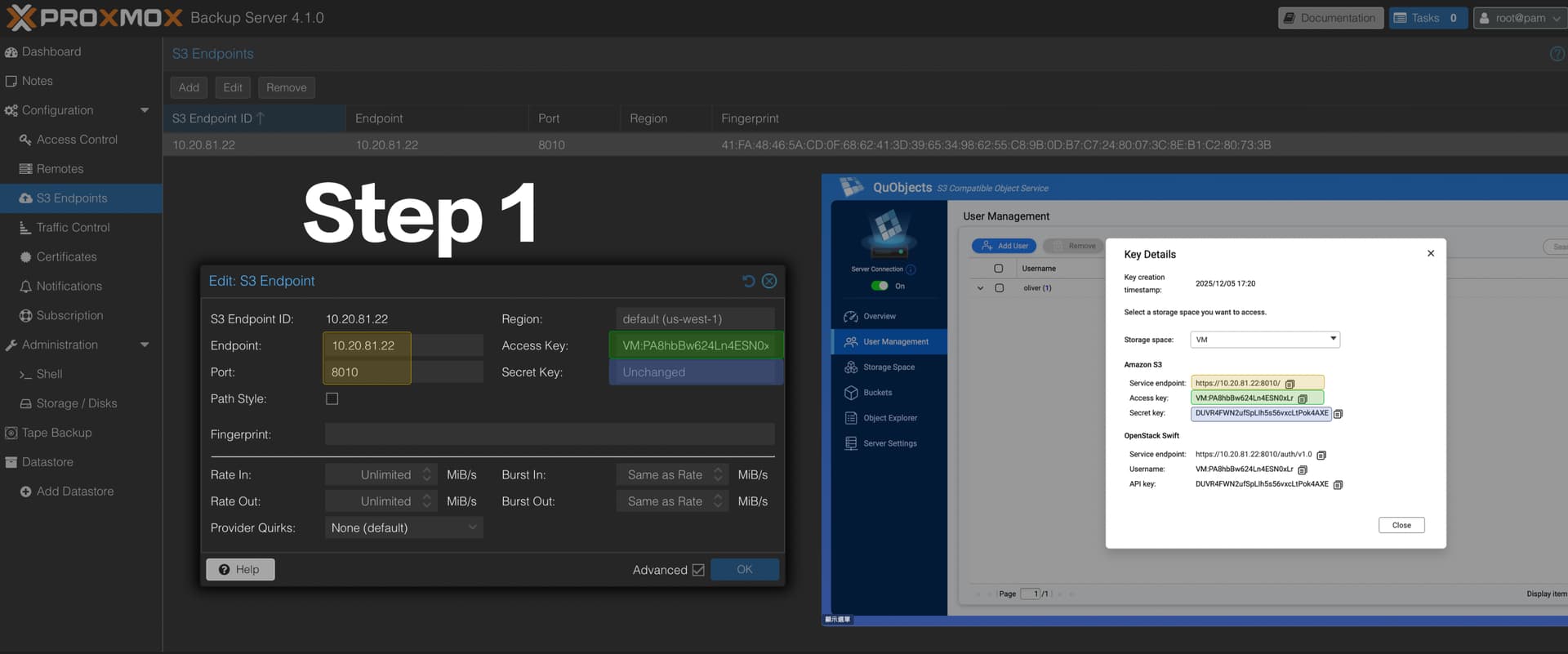
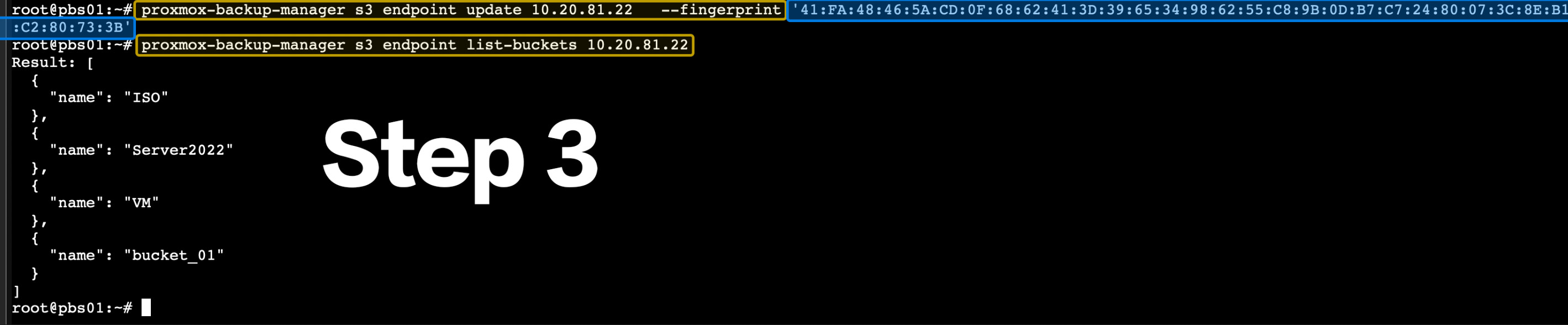
I tried it, but it seemed to fail at first. I found that there was a problem with the SSL certificates when PBS connected to QuObject. You can try the following steps and let me know if it works.
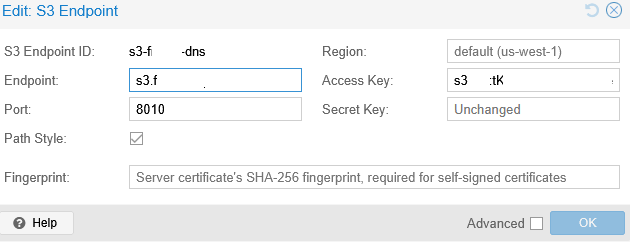
I have gotten it working, with DNS name, and certificate.
It has been running stable for a few days now, and I am certain it is stable, so I have now cancelled my iDrive E2 subscription
First off, I had to buy a certificate, so it’s a solution that will work for the next year at least.
I installed the certificate in QNAP as a normal certificate, and changed the QUObjects to use HTTPS, and then it apparently used the right certificate there as well.
I couldn’t make it work with a letsencrypt certificate made with acme.sh on the qnap, and the lego package doesn’t seem to work with cloudflare any longer.
So the QNAP needs a proper letsencrypt solution with a personalized domain, and not the silly qnapcloud thing it has now.
Apart from that proxmox has accepted the certificate from ssl2buy (ssl2buy intermediate, sectigo CA).
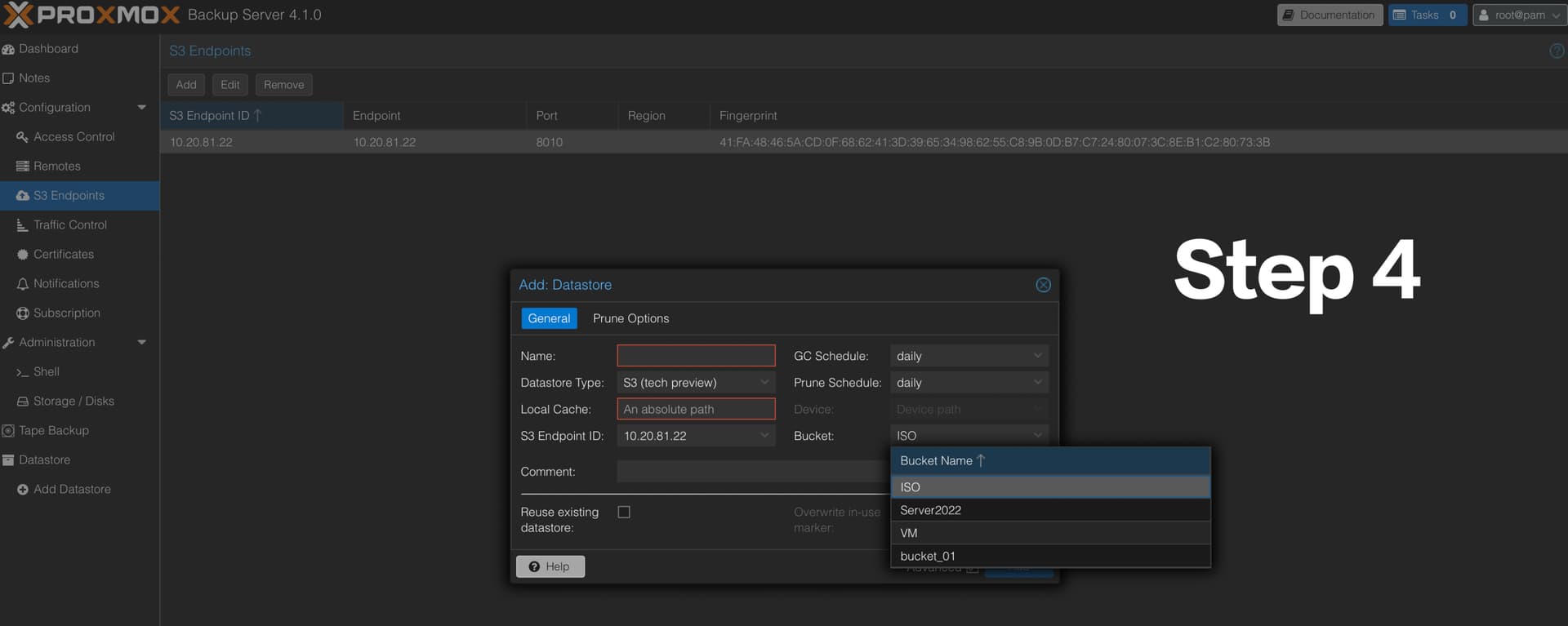
As soon as it did that, I could see the buckets, and it even accepted the username / password combination shown in QUObjects.
From there it was just a question of making a Datastore with a local cache folder
So now I have duplicati on linux, duplicati on windows and proxmox backing up to my trusty old qnap nas, located at a remote site, with a firewall opening only for my home IP, with proper ssl encryption, and on site encryption.
I’m very happy to see that your problem has been resolved.
Indeed, the problem you encountered initially was similar to what I tested; it was caused by authentication issues during HTTPS connections. Changing the domain and SSL certificate resolved the issue.
As for the Let’s Encrypt and other domain usage scenarios you mentioned, I will look into them later. If you encounter any problems using QuObjects, please let us know.