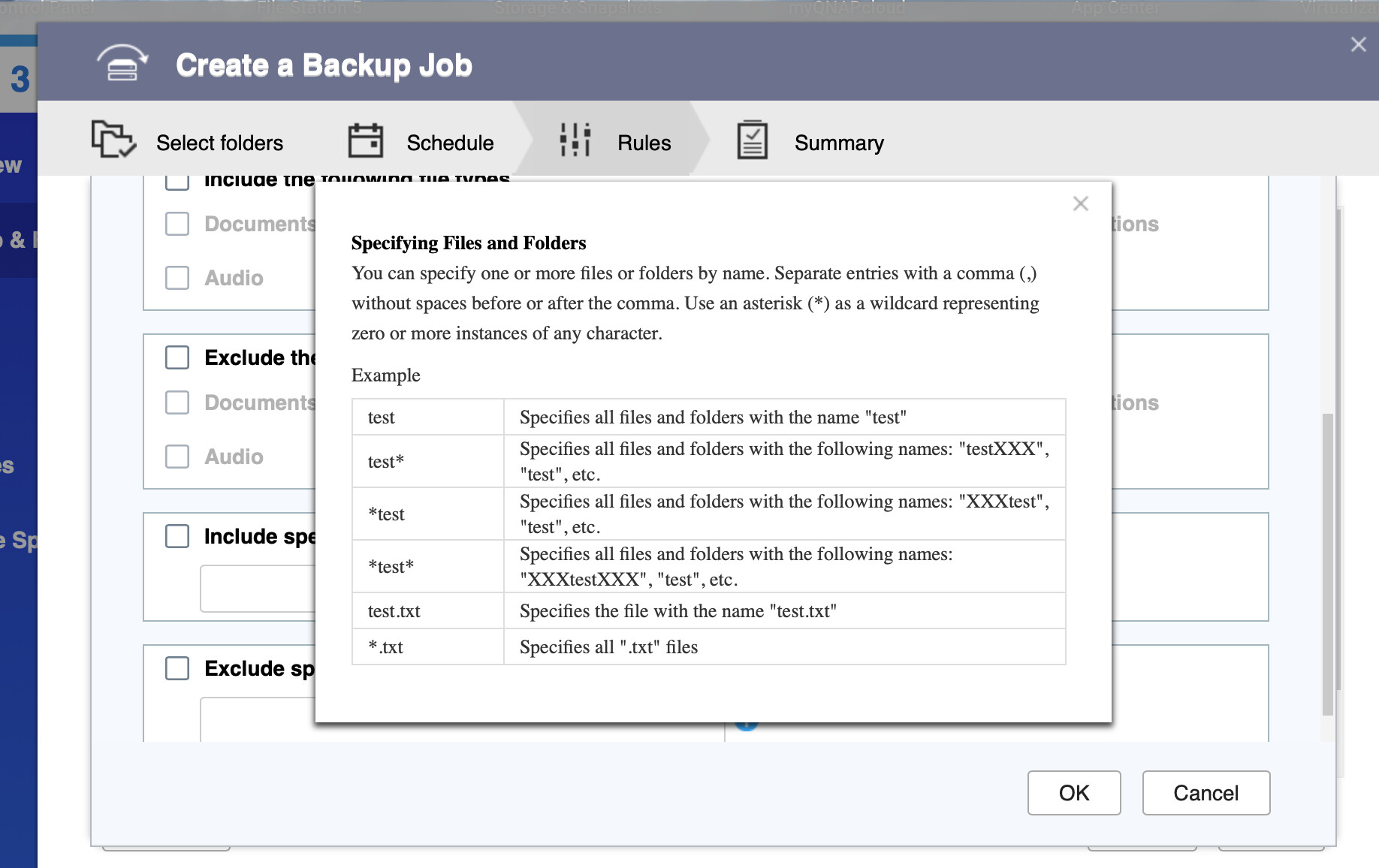
Has anyone worked out the correct (and safe!) pattern to exempt (what I assume are Windows) document lock files ? Are these already included in “system generated temp files’“ ?
letterhead.docx ← example user document
~$tterhead.docx ← some stale lock files are present
Do you instead run a cron on the source to purge lock files older than X date ?
Can you share what you typically exempt ? So far I have (not a lot, our smb.conf already prevents much nuisance files):
Personally, I have a couple of scripts that run through cron to cleanup the files on a daily basis. Various apps and utilities generate a bunch of stuff, plus temporary files not identified with the “system generated temp files”, plus log files etc.
I run it through the script because these just take up space in any case, not just as part of the backup. I can also move files, archive in tarballs, etc.
Yes. this is the area I am expecting about. I am asking specifically if someone has already figured out a safe and working pattern to exempt those beginning with ~$ … I imagine escape characters may be required.
First, I don’t think you’ll hurt anything just by putting the names in there. I don’t think you’ll need to add escape characters. QNAP will take care of that with anything “Linux” needed. If file names beginning with ~$ are not to be backed, then put that in the appropriate spot.
I have found the default exclude doesn’t really work. I have tried to exclude many things but it seems to fail at files and directories both. The examples they show do not explain enough for actual use IMO and no other forums/reddit posts have helped me get it working as it should.